







Aqara Studio Platform Explained: Spatial Intelligence for Buildings
Aqara Studio platform explained for integrators: the three deployment models, protocol support, space management, visual automation and what stays on site.

Answer up front — Plugins on Aqara Studio follow one ordered lifecycle, and the order is not optional: Cloud Connect must be set up first, then you acquire the plugin from the Aqara Builder Lab Marketplace, assign it to a region, space and Studio instance, install it from the Plugin Center, and only then do its capabilities become available. Both official Aqara plugins and user-developed plugins follow that same path. Alongside the plugin ecosystem there are two extension points: the Local API for Studio, which reaches data and control inside your own Studio environment and needs an accessible Studio instance, its service address, a token and the relevant project and device data; and the open API and MCP interface, which carry third-party apps and AI agents. Cloud Connect is a prerequisite for the plugin route, not an optional extra.
Aqara Studio is a platform, and platforms become useful when something that was not shipped with them can be added on top. Studio has three such routes: the plugin ecosystem, the Local API for Studio, and the open API together with the MCP interface. Each answers a different question. Plugins add a capability inside the space. The Local API reads and writes inside your own Studio environment. The open API and MCP interface let an external app or an AI agent reach the space at all.
This post covers the mechanics you need before you write any integration code.
Aqara documents the plugin flow as a sequence with dependencies. Getting the sequence wrong is the most common reason a plugin appears to install and then does nothing.
| Step | What actually happens | What it depends on | The usual failure |
|---|---|---|---|
| 1. Cloud Connect | Cloud link established for the Studio environment | Account, region and Studio environment | Skipped entirely, then steps 3–5 appear to hang |
| 2. Acquire | Plugin obtained from the Builder Lab Marketplace | A valid account and marketplace access | Plugin acquired against the wrong region |
| 3. Assign | Plugin scoped to a region, space and Studio | The space hierarchy already exists | Space structure not built yet, so there is nothing to scope to |
| 4. Install | Plugin installed from the Plugin Center | Steps 1–3 complete | Installed before assignment |
| 5. Capabilities available | Device capabilities and actions appear in Studio | A Studio restart or refresh in some cases | Assuming a failed install is a device fault |
Step 3 is the one that catches people out. Assignment requires the space hierarchy to exist. If you have not modelled the building yet, you cannot scope a plugin to a room, because there is no room object in the platform. Build the space structure first — see our post on the Aqara Studio platform for how that hierarchy is defined.
The marketplace carries both. Official Aqara plugins are the ones to reach for first on a project with a support obligation attached to it, because there is a vendor behind them. User-developed plugins are how a builder gets something the official catalogue does not cover — a specific BMS panel, a local protocol quirk, an internal reporting tool — and they are entirely legitimate on a project where you own the maintenance relationship.
The practical discipline is the same either way: record what the plugin does, what it reaches, and what happens if it stops. A plugin that silently fails at 2am is worse than one that raises an error, and it is your decision whether you accept that risk on a client's building.
The Local API is for integrating with data and control inside Aqara Studio. It is the route for a building management dashboard, a BMS bridge, or an internal tool that needs to read what the space knows and trigger what the space can do.
Before you write a line against it, you need four things. Aqara's documentation lists them directly:
| Requirement | What it means | Why you cannot skip it |
|---|---|---|
| An accessible Studio environment | A Studio instance you can actually reach, on the deployment model you have chosen | There is no API against an environment you cannot reach |
| Its service address | The endpoint of that Studio environment | It is the only address the call goes to |
| A token | The credential for that environment | Without it the environment rejects every request |
| Relevant project and device data | The project, spaces and devices the call is about | The API cannot return data for objects it has no record of |
That last row is where builder projects stall. A Local API call that returns nothing is frequently not an API problem — it is a space-modelling problem. If the device is not linked into the space hierarchy, there is no semantic object for the API to address. For background on why the hierarchy matters, start with Aqara Studio explained.
The open API and the MCP interface are what extend the platform beyond its own boundary, to third-party applications and to AI agents.
The open API is for your own application talking to the platform — a mobile app, a booking system, an operator dashboard, a reporting pipeline. If you need a native app rather than a browser-based tool, our post on embedding Aqara SDKs in your app covers the client-side side of that work.
The MCP interface is the one that matters for the direction Aqara is travelling. The platform's spatial ontology is described by Aqara as essential for integrating third-party AI agents. MCP gives an agent a structured, tool-shaped way to reach the space rather than a loose text interface. An agent that can query "which zones in the east wing are currently occupied" is doing something categorically different from an agent that can be told what to do.
The practical constraint is that the same modelling discipline applies. An agent can only reason over what has been described. Ontology-native modelling is what makes the agent's job tractable — it is not a theoretical nicety.
The cloud-side developer surface, including API and SDK detail, is covered separately in our post on the AqaraLink developer platform. We are deliberately not repeating specific API or module counts here — confirm current figures with us rather than relying on a published number that may have moved.
If you are starting an integration on a live project, this is the sequence that avoids rework:
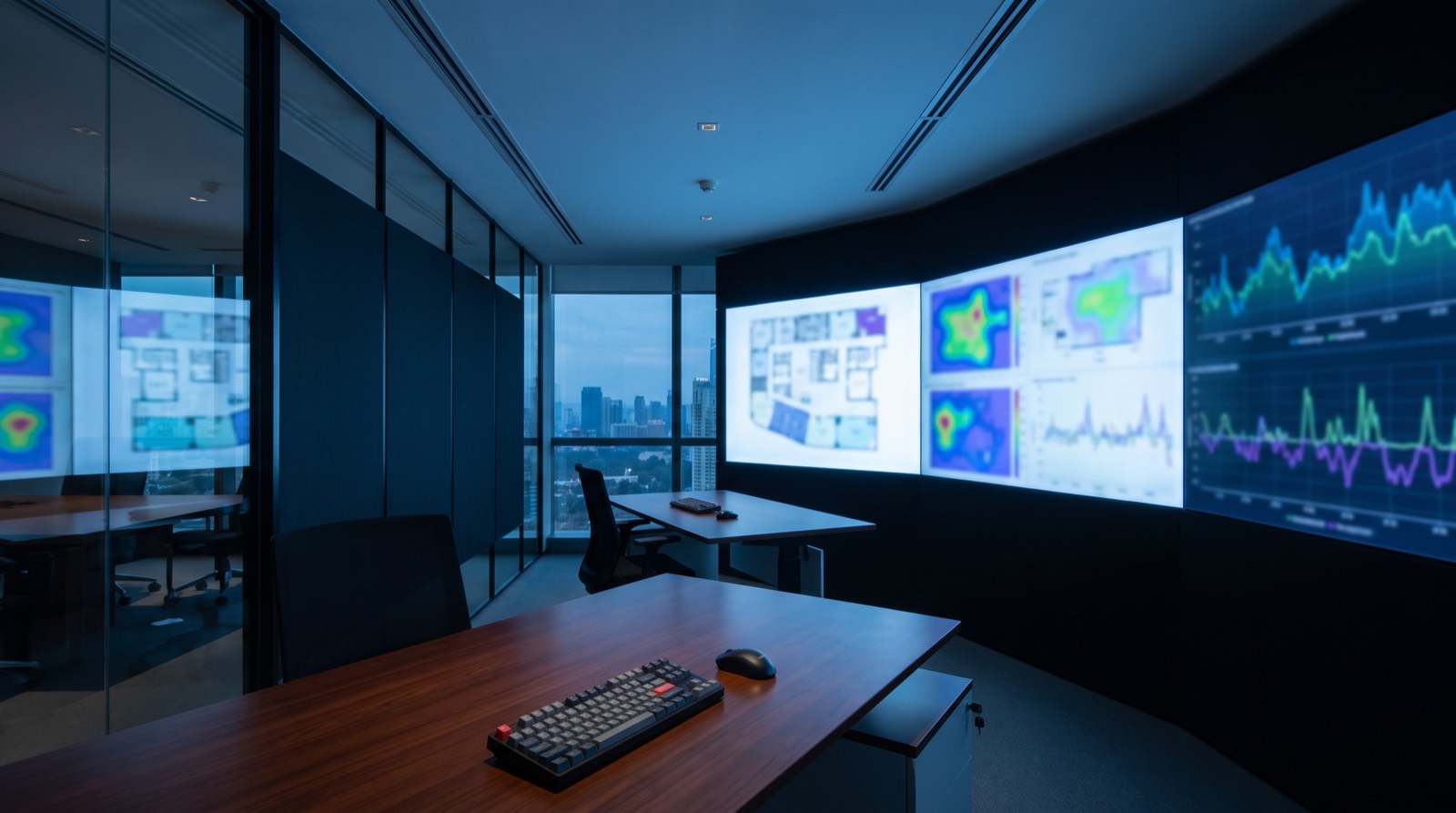
Aqara Studio platform explained for integrators: the three deployment models, protocol support, space management, visual automation and what stays on site.

AqaraLink developer platform API explained for integrators — cloud modules, message push, virtual accounts, App SDKs and the Matter path. Malaysia support.
Aqara SDK Android iOS integration developer guide: pairing versus control SDKs, camera and lock SDKs, documented build requirements and mobile permission UX.
Tell us about your space. Our B2B team will reply within one business day with a recommended setup and quotation.
WhatsApp us →
[email protected]
+603-5880 5486