







Matter controller smart home Malaysia: what you actually need
Matter controller smart home Malaysia explained — why Hub M3 is needed first, what Matter adds over Zigbee, and what still works when the ISP is down.

Answer up front — AqaraLink is the Aqara developer platform run by Lumi United Technology. It has two surfaces: a cloud HTTP API plus message push for server-to-server work, and an App SDK set (Android and iOS) for putting device pairing, control, camera, lock, curve and OTA functions inside your own app. The English docs at opendoc.aqara.com set out the API surface as 11 modules.
Aqara is Zigbee-first. Most of the range is a mesh of battery sub-devices reporting into a hub, and the hub talks to the cloud. That single fact shapes the whole developer story: your app does not talk to a sensor in Seri Kembangan. Your app talks to a hub in that unit, and the hub talks to the sensors. Anything you build has to account for that.
AqaraLink is described in the documentation as the open cooperation platform for IoT software and hardware products from Lumi United Technology, covering smart homes, hotels, offices and education. For a Malaysian integrator the useful part is narrower and concrete: the cloud API lets your server query device status, send remote control commands and configure linkage/automations. The message push service lets real-time device reports land on your server without you polling.
Docs live at opendoc.aqara.com. There is a Simplified Chinese version at the bare domain; the English tree is the one to build against.
Most integration mistakes happen because a team picks the wrong surface on day one.
| Surface | Use it when | Transport | Who holds the logic |
|---|---|---|---|
| Cloud API | Your backend runs the logic — property management system, tenant portal, monitoring dashboard | HTTPS request/response | Your server |
| Message push | You need device events in your server and do not want to poll | HTTP push or MQ push | Your server, event-driven |
| App SDK | The end user must use your app, not Aqara Home | Native SDK, Android and iOS | Your app |
If you are building a building-management overlay or a facility app, you are almost certainly in the first two rows. If you are building a consumer app that owns onboarding, you are in row three — and rows one and three can coexist, but that is extra work.
The English documentation's API List chapter is organised into 11 modules. This is the shape of the surface, and it is worth knowing before you write a single request:
| Module | What it covers |
|---|---|
| Position management | The home / room / area hierarchy you mirror into your own data model |
| Add device interface | Getting a hub or device onto a project under your authorisation |
| Device management | List, query, name, share and remove devices |
| Device resource management | Live state of each resource exposed by a device |
| Device function interface (trait) | Supported device types, supported function points, complex trait detail |
| IR device management | Infrared blasters and their code sets |
| Device firmware management | Firmware query and update |
| Linkage configuration interface | Reading back automation definitions |
| Automation management | Creating, editing, running and deleting automations |
| Scene management | Scenes |
| Multi-condition management | Condition sets used by automations |
Two design notes that will save you time. First, device function is trait-based, not a flat device model — you do not get one "switch" API, you get a trait layer with a supported device type list and a supported function point list. Write your integration against traits and a new device model costs you far less. Second, firmware management is a first-class module, which means remote firmware control is possible; decide early whether your project lets the platform do it, because for a managed condo block you will want a maintenance window policy, not a silent update.
The docs describe three authorisation modes, and the third one is the one that matters for anyone integrating with an existing account system.
For condo and hotel work, virtual account authorisation is almost always the right starting point. Plan for it in week one, because retrofitting a different authorisation model after you have provisioned units is painful.
Push is where a monitoring product either works or doesn't. Polling every device every 30 seconds across a 2,000-unit development does not scale and will get you rate-limited.
The message push service supports HTTP push and MQ push, and the docs set out the push mode, the push format, the push API and a trait-based push API. In plain terms: you choose the channel, you define the subscribe mode, and Aqara posts device-reported state to an endpoint you control. You need to decide where that endpoint lives — for Malaysian projects, an on-premise server inside the building or a Singapore-region cloud is usually the first question, and it is a question about data residency, not about MQTT versus HTTPS.
If your app has to do the onboarding, the SDK is split by task:
| SDK area | What it does |
|---|---|
| Device pairing / distribution network | With UI, without UI, Magic Pair, Wi-Fi, Ethernet, Bluetooth, and Zigbee sub-device distribution |
| Device control | Read and command devices from your own UI |
| Infrared remote control | Control IR devices from your app |
| Camera product line | Camera SDK integration, supported device list |
| Door lock product line | Lock SDK integration and usage, supported device list |
| Curve data | Time-series / trend data handling |
| OTA | Firmware update paths from the app side |
Zigbee sub-device pairing is the one to get right. A Zigbee sensor does not join your customer's Wi-Fi. It joins the hub. If your onboarding flow assumes a flat device list arriving over the network, it will not survive contact with a real Aqara installation.
The Matter SDK in the Android and iOS development guides is documented with its own integration, usage and supported-device pages, and the requirement is specific: the Matter SDK requires a Matter controller. Matter sub-devices must first be connected to an Aqara Matter hub using Aqara's Magic Pair protocol, and only then can device configuration and control happen on screen.
Read that as a deployment fact, not a technicality. Matter does not let a Malaysian condo skip the hub in the DB box. It means the hub is still the single most important thing you specify at handover — which is the argument in our condo smart home handover spec and the reason the developer platform here and the Matter explainer have to be read together.
Aqara hubs can control up to 128 related devices. That number is the one that shapes a floor plan: a 2,000-unit development with a shared lobby, gym, pool deck, carpark gate and a per-unit fit-out is not one mesh. Budget for hub placement, and for the network cable and power that goes with it.
Hub options in the Malaysian range include Hub M3, Hub M200 and Hub M100, and camera hubs such as Camera Hub G3 and Camera Hub G5 Pro. The Panel Hub S1 Plus is itself a Zigbee hub, and can control Matter accessories once they are added through a Matter controller such as Hub M3.
Ask these five questions and write the answers down:
That fifth question is the one most often skipped and the one that generates the most support calls three years later.
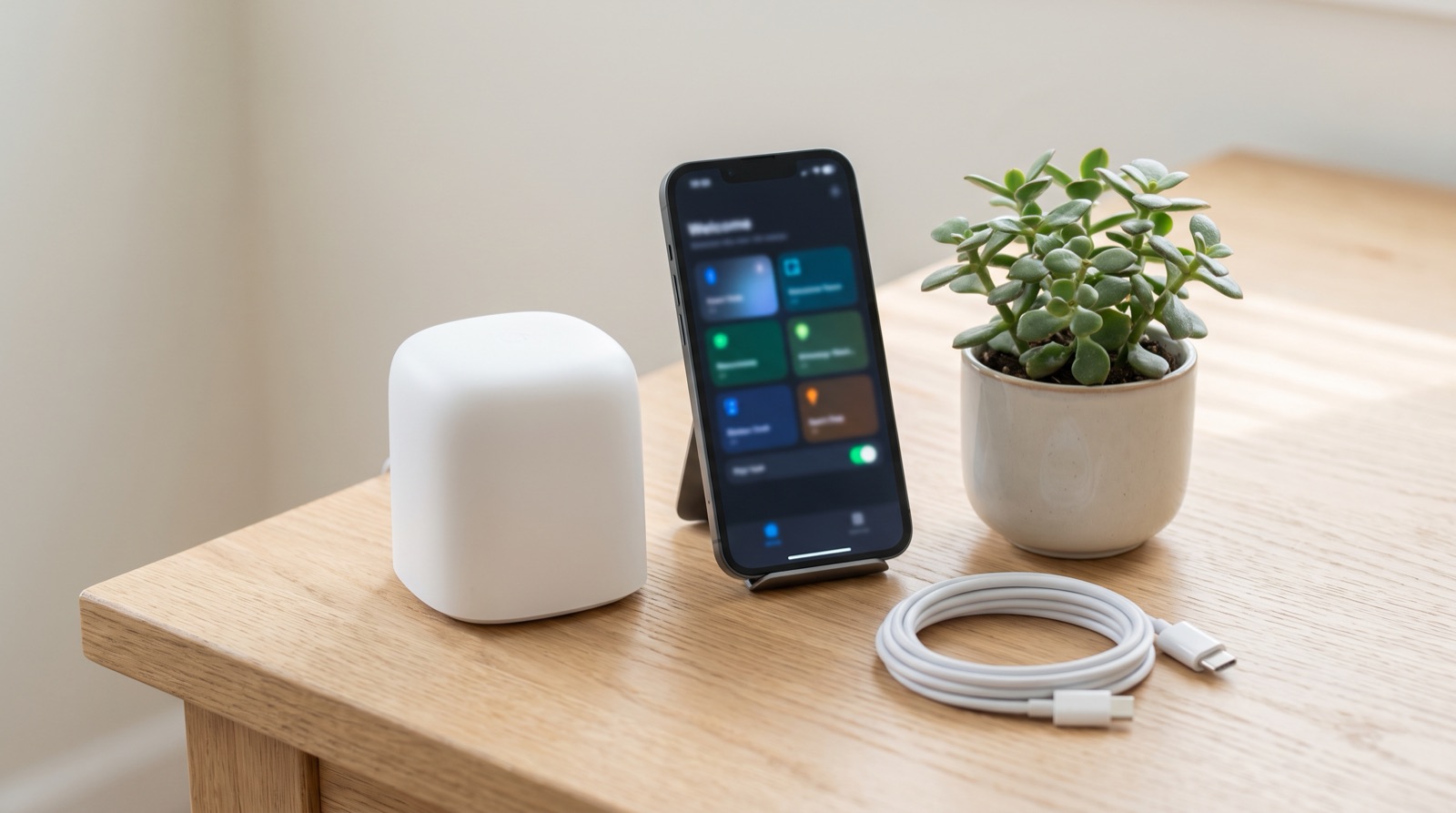
Matter controller smart home Malaysia explained — why Hub M3 is needed first, what Matter adds over Zigbee, and what still works when the ISP is down.
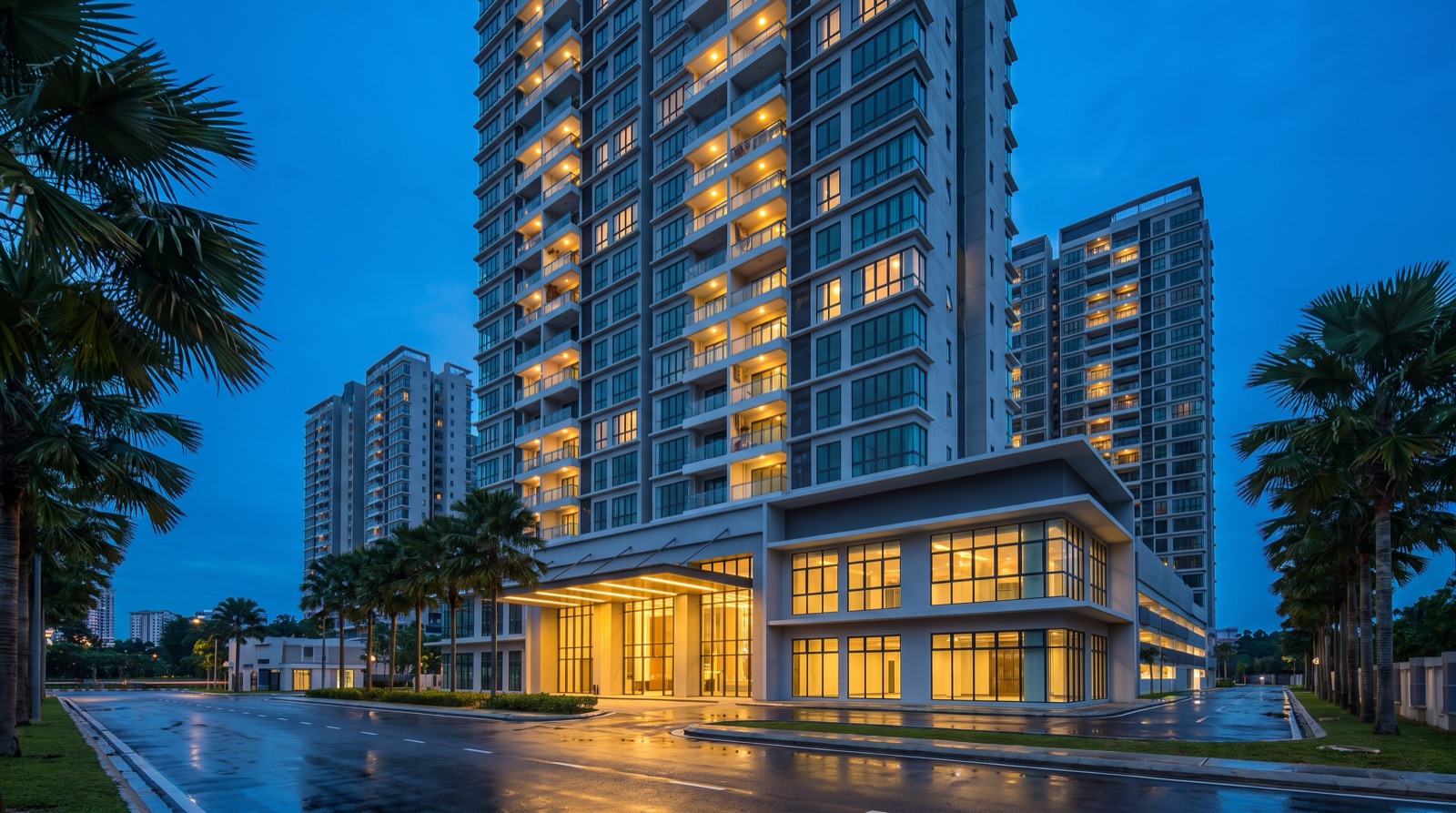
Smart home integration for condo property management in Malaysia — monitoring, remote control, account linking via the Aqara API, and the ST and PDPA realities.
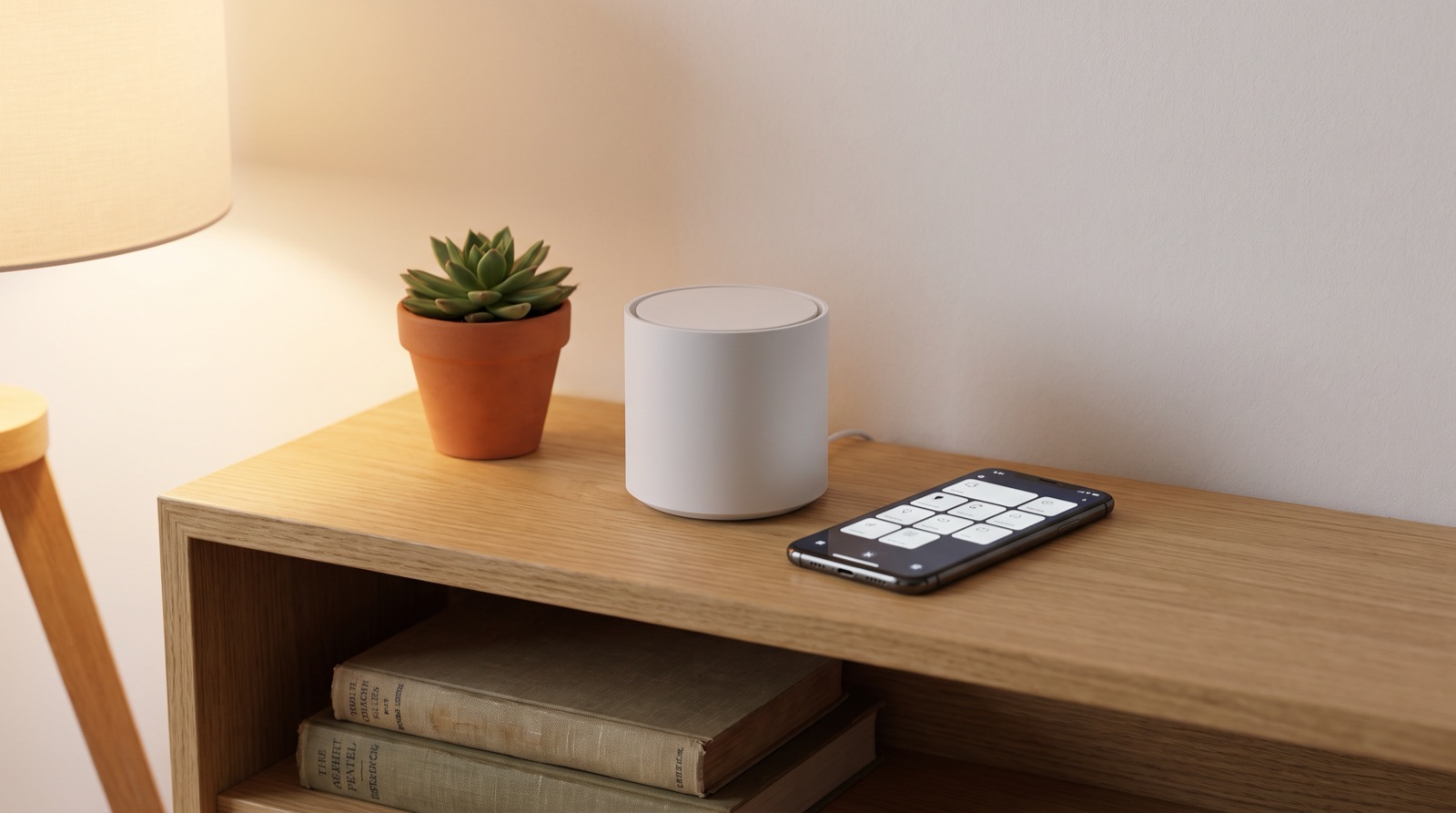
Zigbee vs Wi-Fi vs Matter smart home in Malaysia compared. Learn why local control matters, what a hub does, and what actually happens when the Wi-Fi drops.
Tell us about your space. Our B2B team will reply within one business day with a recommended setup and quotation.
WhatsApp us →
[email protected]
+603-5880 5486