







Aqara vs Sonoff vs Shelly vs Tuya in Malaysia: which wins?
Aqara vs Sonoff in Malaysia compared on price, hub needs, local control and after-sales support, plus where the cheap brands genuinely win. As at Sept 2026.
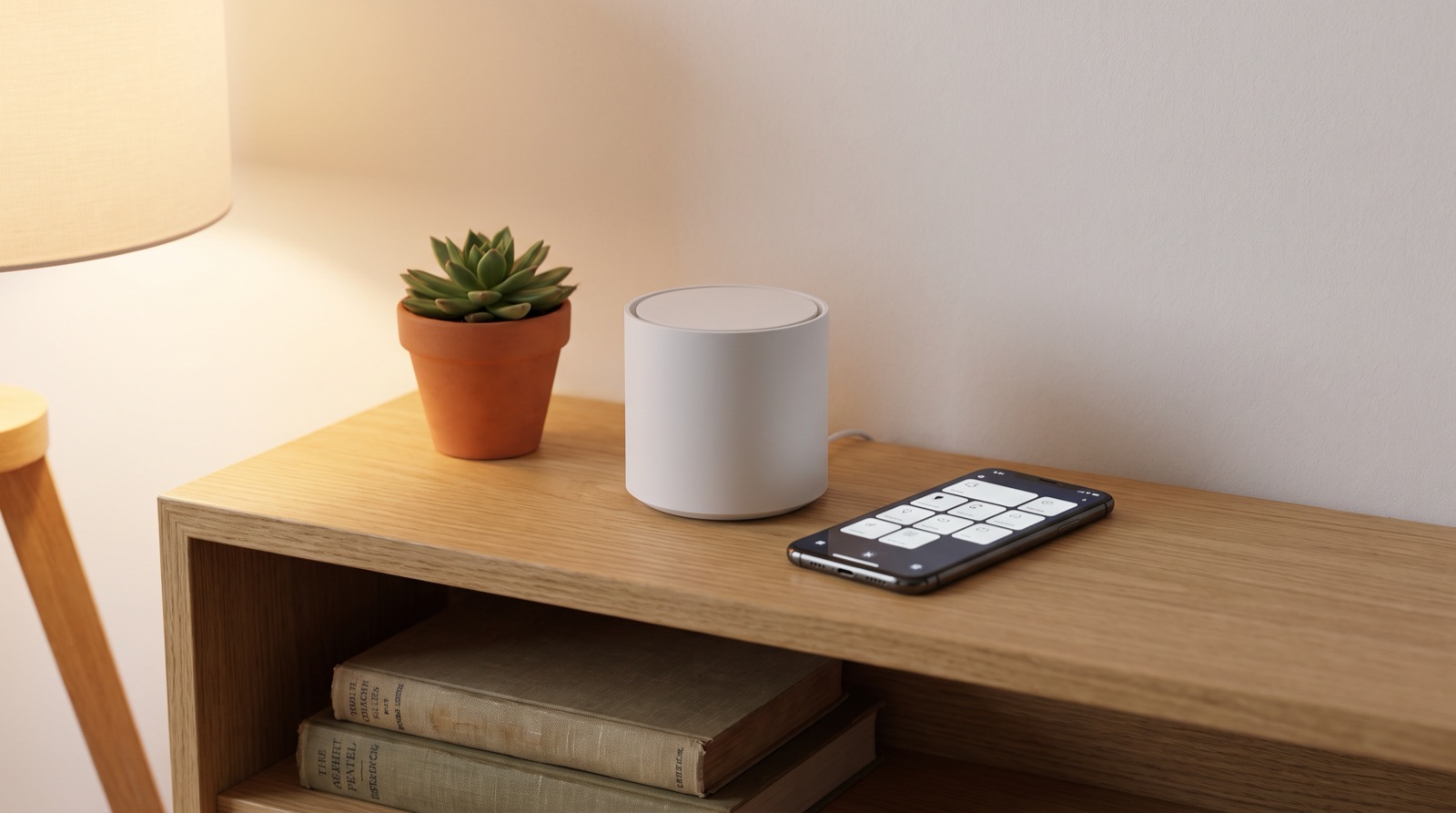
Answer up front — Zigbee devices talk to a hub, not to your router, and the hub runs your automations locally. That is why a Zigbee house keeps working when the Wi-Fi or the fibre drops, and why a pile of Wi-Fi devices does not. Aqara is Zigbee-first and one hub controls up to 128 related devices. Matter is the third option and it is an addition, not a replacement: adding Matter accessories needs a Matter controller such as the Hub M3, set up in Aqara Home first.
Most people search this because they have hit a wall: some devices work, some stop working, and nobody can say why. The reason is usually architectural, not a fault. Devices that talk straight to your router over Wi-Fi are only as reliable as that router is online. Devices that talk to a hub on a local network keep running on the hub.
Malaysia makes this concrete. Fibre drops. A router reboots after a power cut. The TMU box reboots. A 5GHz band is congested in a condo at 9pm. None of that is exotic, and none of it should switch off your hallway light at 2am.
| Zigbee | Wi-Fi | Matter | |
|---|---|---|---|
| What it is | Low-power radio standard, mesh-ish, short range | Same radio as your laptop | New application standard sitting on top of Zigbee, Thread or Wi-Fi |
| Talks to | A hub | Your router, directly | A Matter controller hub |
| Works when the internet is down | Yes, via the hub | Usually no — many cloud-dependent devices stop | Yes, via a Matter controller |
| Number of devices on one hub | Up to 128 related devices on an Aqara hub | Bounded by your router and your patience | Bounded by the controller |
| Extra hardware needed | Yes, a hub | No | Yes, a Matter controller |
| Power draw of each device | Low, some run for years on a battery | Higher, mains powered | Varies |
Take one rule: when the front door opens after sunset, the hallway and porch lights come on at 40%.
The same logic applies during a power cut. A hub on the mains obviously goes down in a power cut. The point is not to survive a blackout — it is that when power comes back, the system returns to a known state quickly and does not need the internet, an app login or a cloud round trip to get there.
Aqara is Zigbee-first for exactly this reason. One hub, up to 128 related devices, one automation engine, and the rules live on your hardware rather than someone else's server.
A hub is a small box that does three jobs:
That third point is why the hub is a physical object worth spending money on, and why buying a hub from a seller with no local stock is a bad trade. The hub is the thing that has to keep working.
Matter is where most online guides go wrong, so here it is plainly.
Adding Matter accessories, including Matter over Thread, requires a Matter controller such as the Aqara Hub M3, set up in Aqara Home first. You cannot add a Matter device to a system that has no Matter controller. Set the hub up, get it in Aqara Home, then pair.
Zigbee devices can be added via the Hub M3 or the S1 Plus, because the S1 Plus is itself a Zigbee hub. This is the part that confuses people who assume a touchscreen wall panel cannot act as a hub. It can. If your Zigbee devices are joining through a hub panel, that is not a workaround — it is a supported path.
The two rules together, one last time:
| You are adding | You need |
|---|---|
| A Matter accessory, including Matter over Thread | A Matter controller such as Hub M3, set up in Aqara Home first |
| A Zigbee device | Hub M3, or the S1 Plus, since the S1 Plus is a Zigbee hub |
Matter is worth doing because it is the direction the industry is consolidating towards, and because it takes work out of pairing. It is not free, and it is not a reason to throw away a working Zigbee house. Adding Matter to an existing Zigbee system is a planned project, not a Sunday afternoon.
We sell Zigbee-first, so this section is the other side of the ledger.
Wi-Fi devices have real advantages. No hub to buy. No hub to lose. Setup in about a minute. For one smart plug behind the TV, Wi-Fi is the correct answer and adding a hub to manage it would be silly.
The trade is capacity and reliability. Every Wi-Fi device is a client on your router, on the same band as your video calls, and many cheap devices depend on a vendor cloud. When you want fifteen devices, rules that span them, and a house that behaves the same at midnight as at noon, Wi-Fi-only gets thin fast.
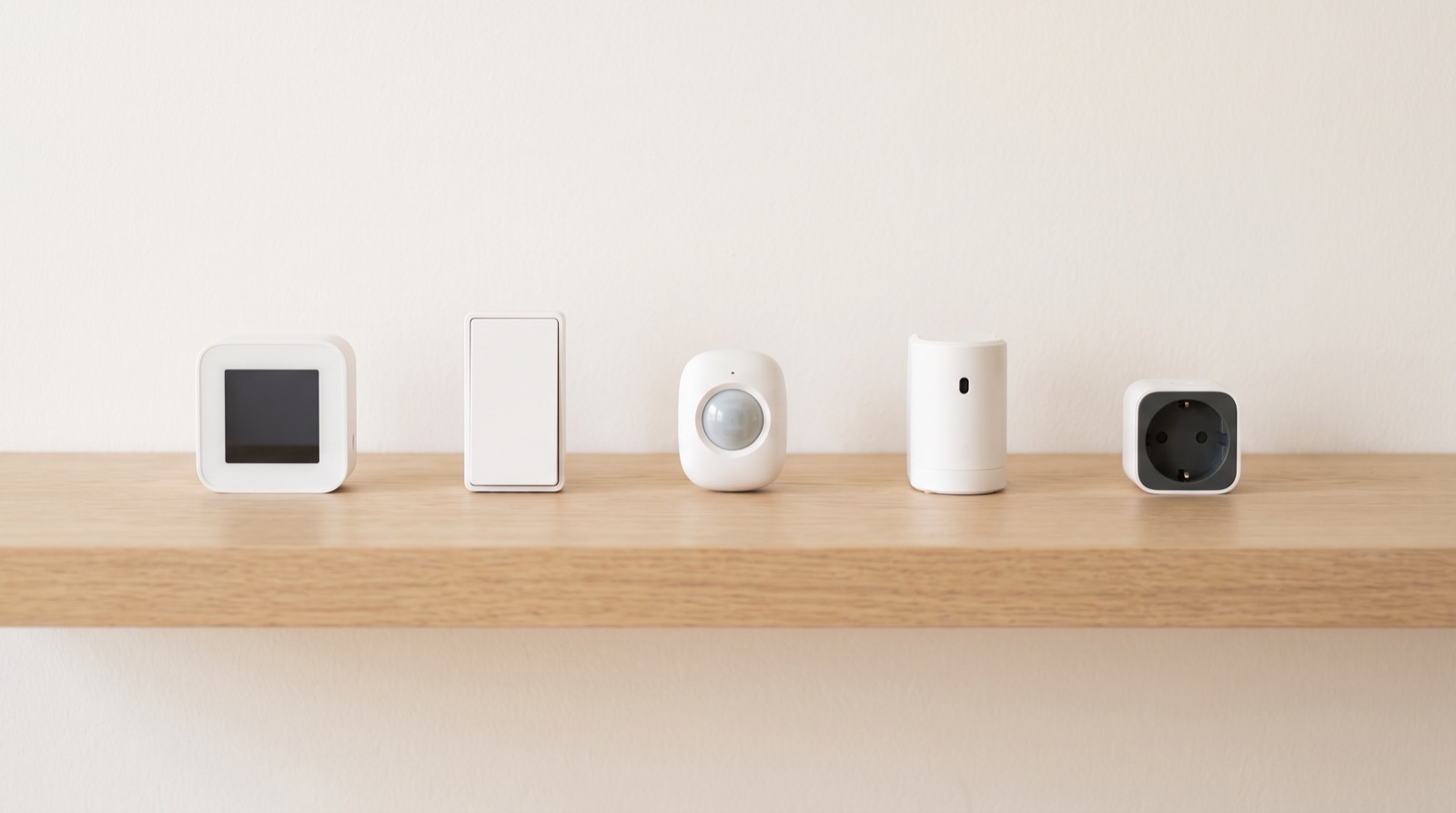
Aqara vs Sonoff in Malaysia compared on price, hub needs, local control and after-sales support, plus where the cheap brands genuinely win. As at Sept 2026.
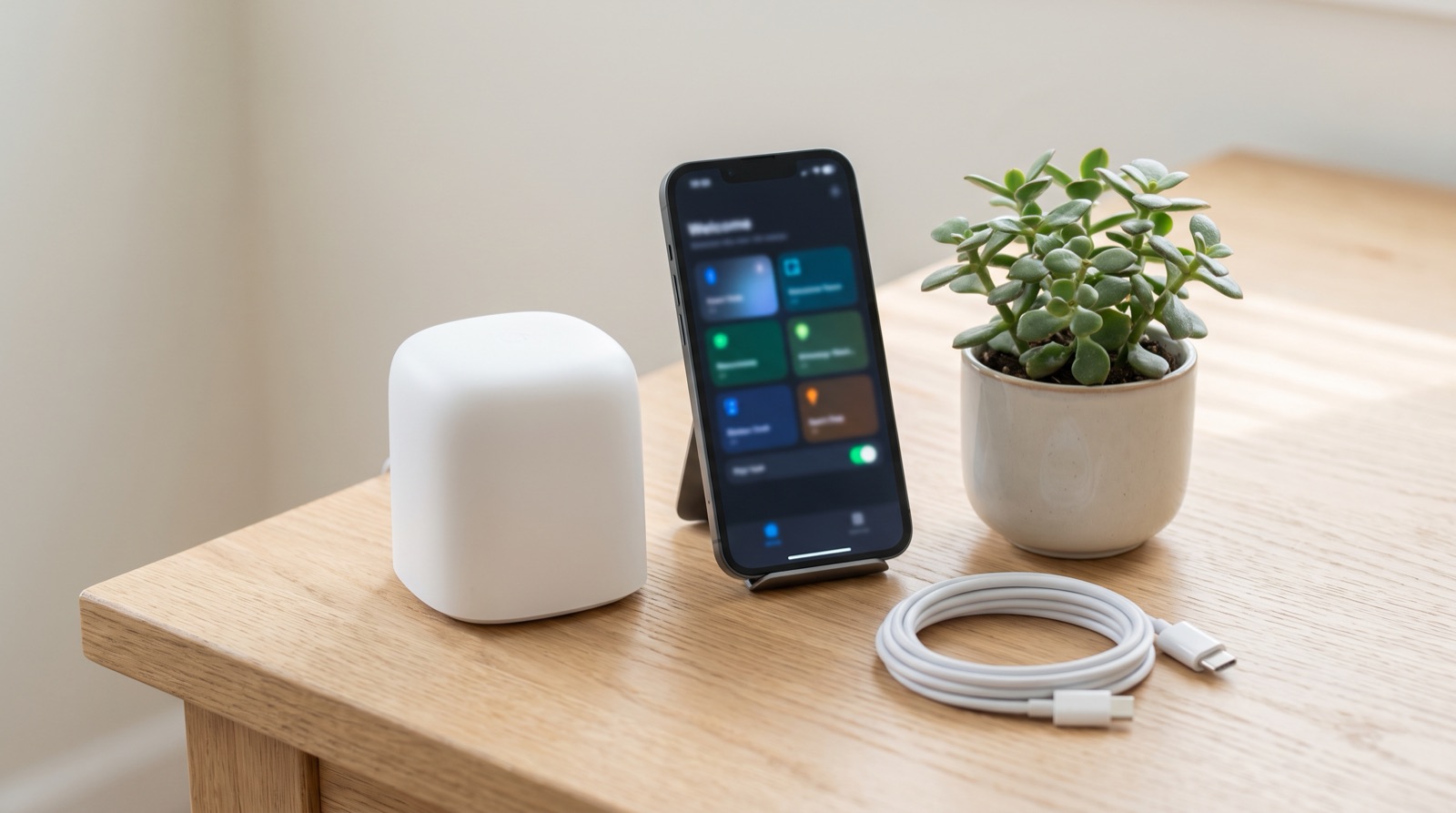
Matter controller smart home Malaysia explained — why Hub M3 is needed first, what Matter adds over Zigbee, and what still works when the ISP is down.
Smart home cost in Malaysia: rough RM500, RM2,000 and RM10,000 budget bands, what each one typically covers, and why installation labour is a separate line.
Tell us about your space. Our B2B team will reply within one business day with a recommended setup and quotation.
WhatsApp us →
[email protected]
+603-5880 5486