







AqaraLink developer platform API: what it gives developers
AqaraLink developer platform API explained for integrators — cloud modules, message push, virtual accounts, App SDKs and the Matter path. Malaysia support.
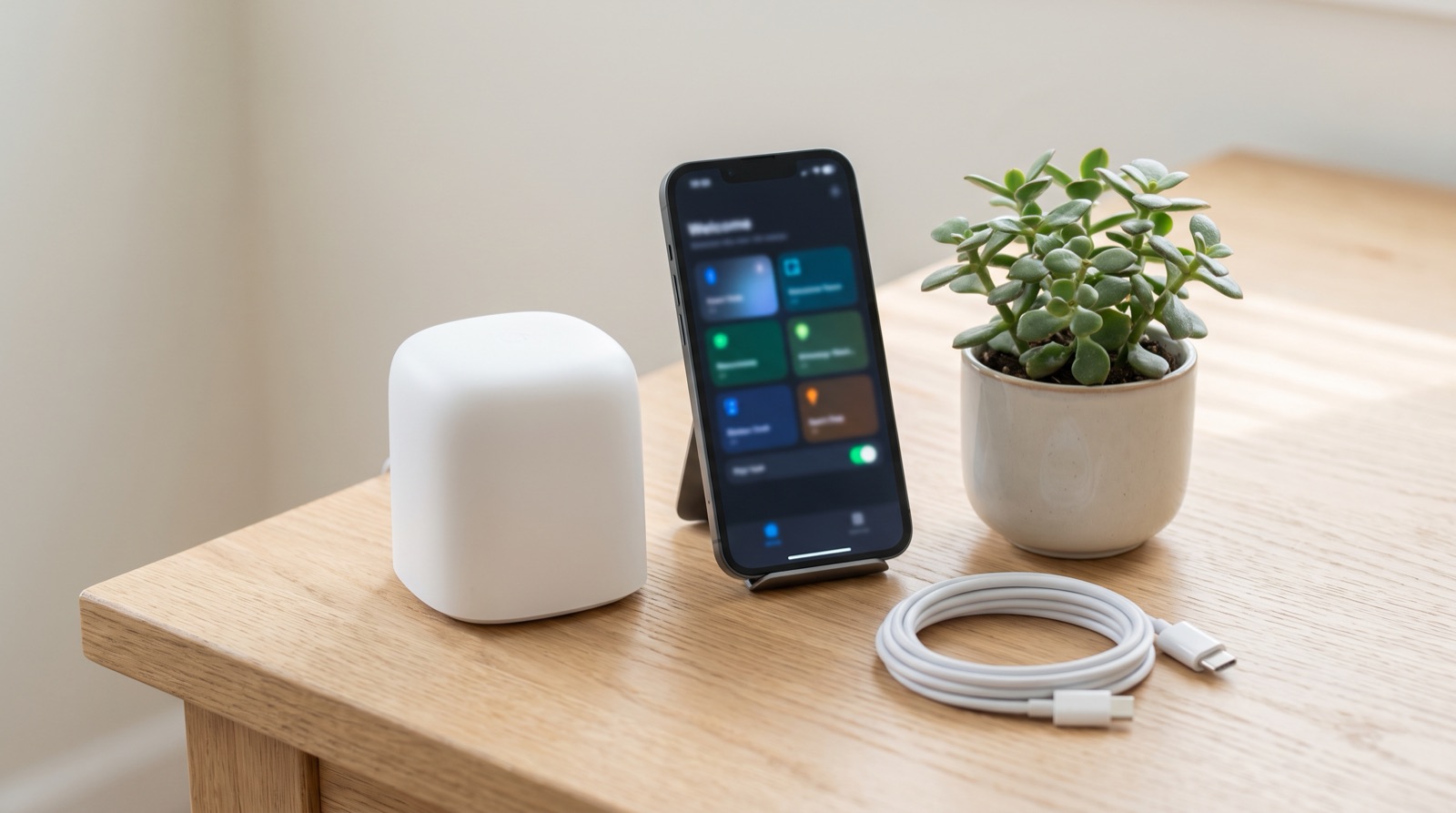
Answer up front — To add Matter accessories, including Matter over Thread devices, you need a Matter controller such as the Aqara Hub M3, set up in Aqara Home before you pair anything. Once the controller is running, the Matter devices are configured on screen like any other. Zigbee devices are different — they can also go onto the Panel Hub S1 Plus, because the S1 Plus is itself a Zigbee hub.
Almost every "my Matter device won't pair" post online skips the same first step. The sequence is:
Do step 3 first and you will spend an evening with a Thread device that simply will not appear. This is not a Malaysia problem and it is not a firmware problem. It is a sequence problem.
This is where most online comparison tables go wrong, because they score Matter and Zigbee against each other on the same axes. They are not the same kind of thing, and in a Malaysian home the difference shows up in the one place that matters: a Tuesday night when the fibre is down.
| Matter | Zigbee | |
|---|---|---|
| What it is | An application-layer standard for smart home devices, running over Wi-Fi, Thread or Ethernet | A low-power mesh radio protocol (Zigbee 3.0 in the Aqara range) |
| What it buys you | Interoperability — a device can join ecosystems without a bespoke bridge | Mesh reliability, low power draw, long battery life on sensors |
| Typical power source | Mains-powered accessories | Coin cells and batteries for months to years |
| How it reaches your phone | Through a Matter controller, set up in Aqara Home first | Through a Zigbee hub, which could be Hub M3 or the S1 Plus |
| Typical failure when ISP drops | Cloud-dependent features may pause; local behaviour depends on the device | Local mesh automations keep running |
Matter is not a better radio protocol. It is a shared language. It matters when you want a device to work in more than one ecosystem, or when you are buying equipment from a vendor whose product you have never tested. Zigbee is the more mature, more boring answer for a house full of sensors that need to run for two years on a battery.
For a landed house in Shah Alam or a condo unit in Cyberjaya, most of your device count is sensors and switches, not exotic accessories. Zigbee carries that load well.
In the Malaysian Aqara range, the practical decision is between two boxes:
Other hubs in the range: Hub M200, Hub M100, and camera hubs such as Camera Hub G3 and Camera Hub G5 Pro.
The practical guidance: if your project has any Matter accessory in the plan, budget a Hub M3 somewhere central and reliable. If the project is Zigbee-only, the S1 Plus does the job and gives the buyer a wall panel they will actually use.
This is the question we get asked most by people in landed houses, and it deserves a straight answer.
Zigbee mesh automations — the kind that do not need the cloud — keep running. If your hallway light comes on at 6pm because a motion sensor triggered a rule, that rule is executed by the hub and the mesh. The hub is on your LAN and on mains. It does not care that TM or Maxis is having an incident. Aqara is a Zigbee-first ecosystem, and a Zigbee hub can control up to 128 related devices locally, which is the number that matters for a double-storey house or a small condo unit with several rooms of automation.
What degrades without internet:
So the honest version of the pitch is not "it works offline." It is: the switches, the sensors, the scenes and the locks keep working; your phone becomes a remote control for a house that is already running.
If you are wiring a new build, this is also an argument for not chasing the thinnest possible Wi-Fi coverage. A hub on a wired point in a central location beats a hub on somebody's 5GHz mesh extender upstairs.
Matter over Thread is the part worth understanding rather than memorising. Thread is a low-power mesh radio, so it behaves more like Zigbee than like Wi-Fi — it needs a border router to reach the wider network, and in the Aqara setup the Matter controller does that job. You do not separately commission a Thread border router for your home; the controller handles it.
If you are specifying a building, the practical consequence is the same as Zigbee: plan hub placement and power during construction. See our condo smart home handover spec.
Aqara's ecosystem works with Apple HomeKit, Amazon Alexa and Google Assistant, and the developer-side story of controllers and Magic Pair pairing is covered in the AqaraLink developer platform article. For how Zigbee, Wi-Fi and Matter compare when you are choosing a hub, see Zigbee vs Wi-Fi vs Matter: choosing a hub.

AqaraLink developer platform API explained for integrators — cloud modules, message push, virtual accounts, App SDKs and the Matter path. Malaysia support.
Smart home retrofit Malaysia house type: what is easy, what is painful, and what it costs to start - terrace, shop lot, walk-up and new high-rise unit.
Aqara vs Sonoff in Malaysia compared on price, hub needs, local control and after-sales support, plus where the cheap brands genuinely win. As at Sept 2026.
Tell us about your space. Our B2B team will reply within one business day with a recommended setup and quotation.
WhatsApp us →
[email protected]
+603-5880 5486