







Which Smart Home Retrofit Is Realistic in Malaysia? By House Type
Smart home retrofit Malaysia house type: what is easy, what is painful, and what it costs to start - terrace, shop lot, walk-up and new high-rise unit.
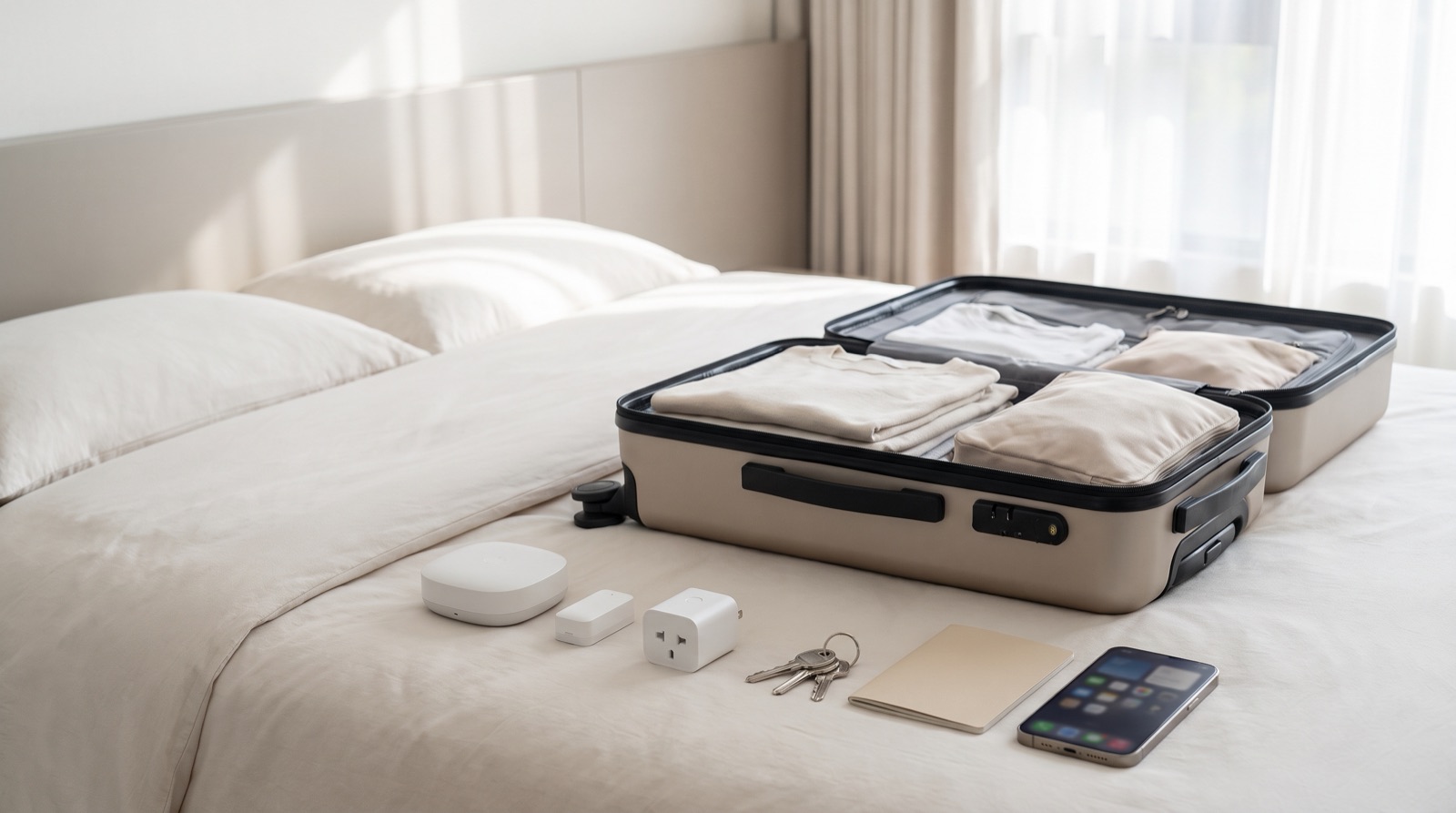
Answer up front — A door sensor and a motion sensor are a way of knowing something happened, not a way of stopping it. If you fly out for Hari Raya, CNY, year-end or a long weekend, the useful work happens in the two hours before you leave: set the automations, test the notifications on mobile data, and ask one specific neighbour one specific question. From another country, a camera notification is information, not a response.
Home security while travelling is not a year-round anxiety in Malaysia. It clusters:
If you are in the first group, read the whole article. If you are in the last, the section on testing notifications is the one that will save you.
Two lists. Write them down. Do them in order.
Before you leave:
Coming back:
| Device | What it tells you | What it does not do |
|---|---|---|
| Aqara Door and Window Sensor P2 | That a door or window opened, and when | That nobody came in, or that they stayed |
| Aqara Motion Sensor P1 | That movement was detected in that room, and when | What caused it, or who |
| Aqara Doorbell Camera Hub G410 | Who came to the door, on camera | Anything happening away from the door |
| Camera Hub G3 / G5 Pro | A view of a room or a second location | A response. It is not an alarm monitoring service |
A door sensor on the main door is the highest-value single device in this list. A motion sensor in a hall that nobody walks through at 3am is close to decoration.
This is the section that stops people buying the wrong thing.
A door contact firing at 2am means one of three things. Someone entered. A family member who forgot you were away came in. Or the magnet is not quite aligned and the sensor is reporting a state that is not real. All three are common. All three look identical in the app.
A motion sensor firing means something moved. It does not say what. A cat, a curtain in the breeze from an open window, a house mover, a bug near the lens. If you set the sensitivity so high that a curtain or a pet triggers it, you will get woken up every night and start ignoring the notifications within a fortnight.
A camera notification means the camera saw movement. On a good connection you can look. On a bad connection — weak hotel Wi-Fi, or roaming data in a crowded airport — you may get a ping and nothing else.
None of them contact anyone. No consumer camera, doorbell or sensor in this category calls the police, calls your insurer, or calls a monitoring centre. If you want a monitored alarm, that is a different product category from a different supplier, and it is not what these devices are.
Be honest with yourself about the list before you build it:
And then the honest ceiling: from another country, you are informed, not protected.
This is the part that sounds too simple to need saying, and it is the part that actually does the work.
Do not say "can you keep an eye on the house?" — nobody can keep an eye on a house.
Say something specific:
Then actually message them when you land and when you leave. The message is the thing that makes the arrangement real rather than a polite conversation at the gate.
A neighbour with a key and a phone is worth more than any sensor, because they are the only part of the system that can physically be at the house.
Almost everything in this article is quicker if it is done in advance. Two specific things catch people out:
Test on mobile data. Turn off Wi-Fi on your phone before you leave, trigger a contact, and confirm the notification arrives. Then trigger a motion event. Then try opening the camera feed. Do it in the house, not at the airport.
Check the hub will be there when you are not. The hub needs power and it needs to be online. If it is on the same power strip as the router and someone switches that strip off to cut the electricity bill while you are away, you come home to a house that has been silent for three weeks. This is the single most common way a good security setup turns out to have done nothing. Hub placement, Wi-Fi coverage and power backup covers it properly.
Smart home retrofit Malaysia house type: what is easy, what is painful, and what it costs to start - terrace, shop lot, walk-up and new high-rise unit.
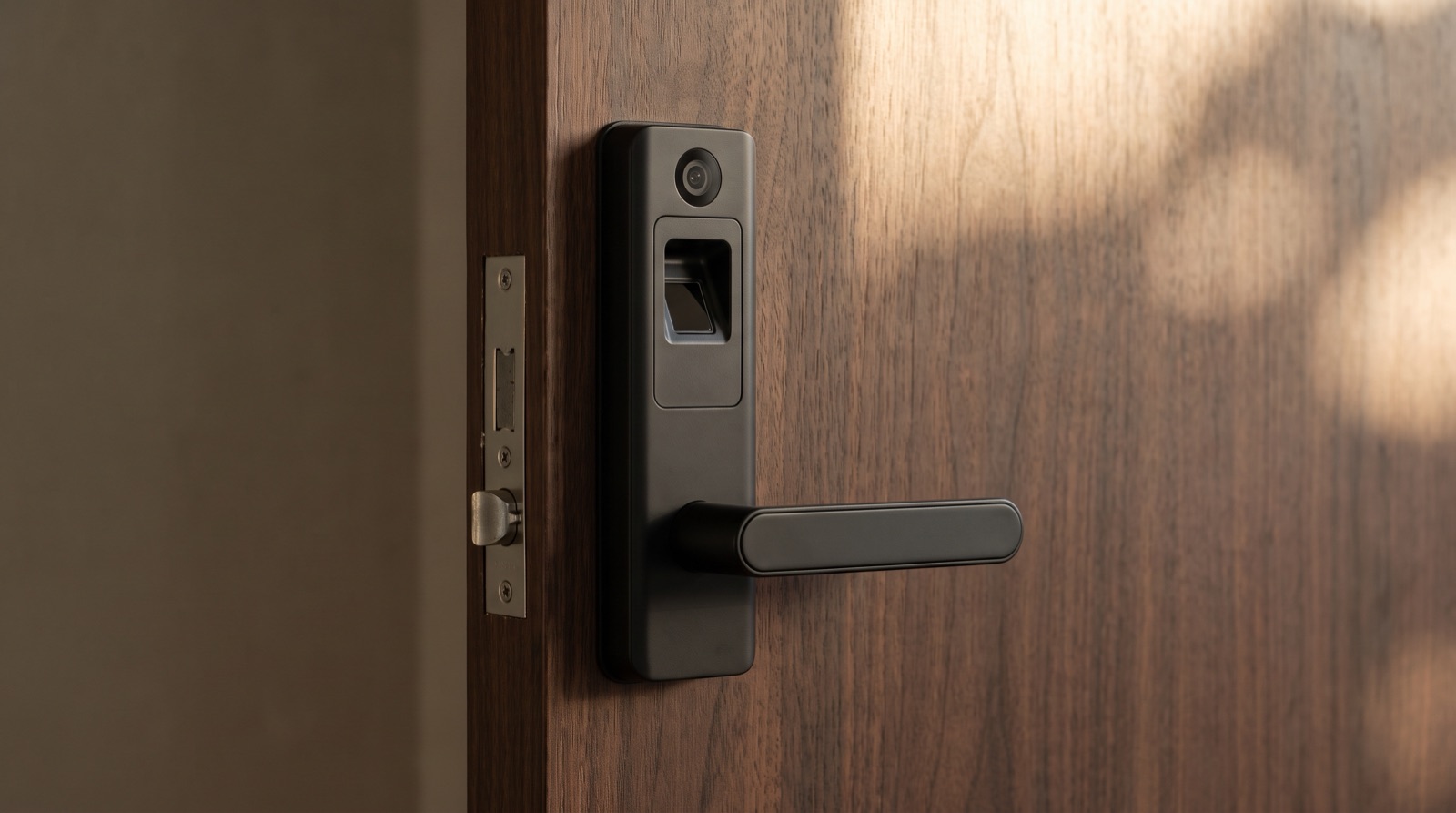
Smart lock Malaysia buying guide covering the Aqara D200i, U400 and U200 Lite, plus door thickness, battery failure and what your condo management allows.
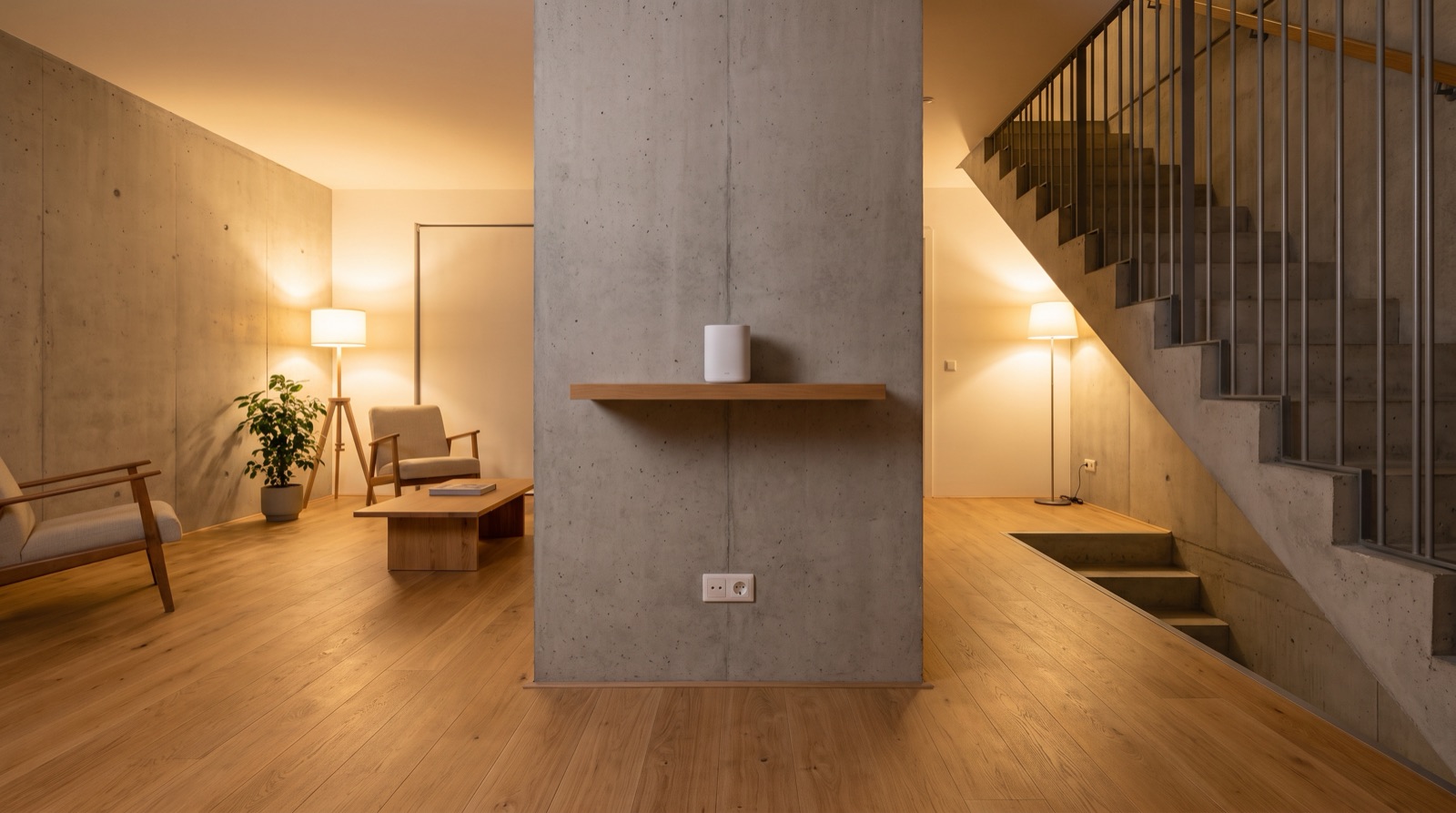
Smart home hub placement and Wi-Fi coverage in Malaysia: where the hub goes, telling a Wi-Fi fault from a Zigbee fault, and why power backup is part of the plan.
Tell us about your space. Our B2B team will reply within one business day with a recommended setup and quotation.
WhatsApp us →
[email protected]
+603-5880 5486