







Zigbee vs Wi-Fi vs Matter smart home in Malaysia: choosing a hub
Zigbee vs Wi-Fi vs Matter smart home in Malaysia compared. Learn why local control matters, what a hub does, and what actually happens when the Wi-Fi drops.
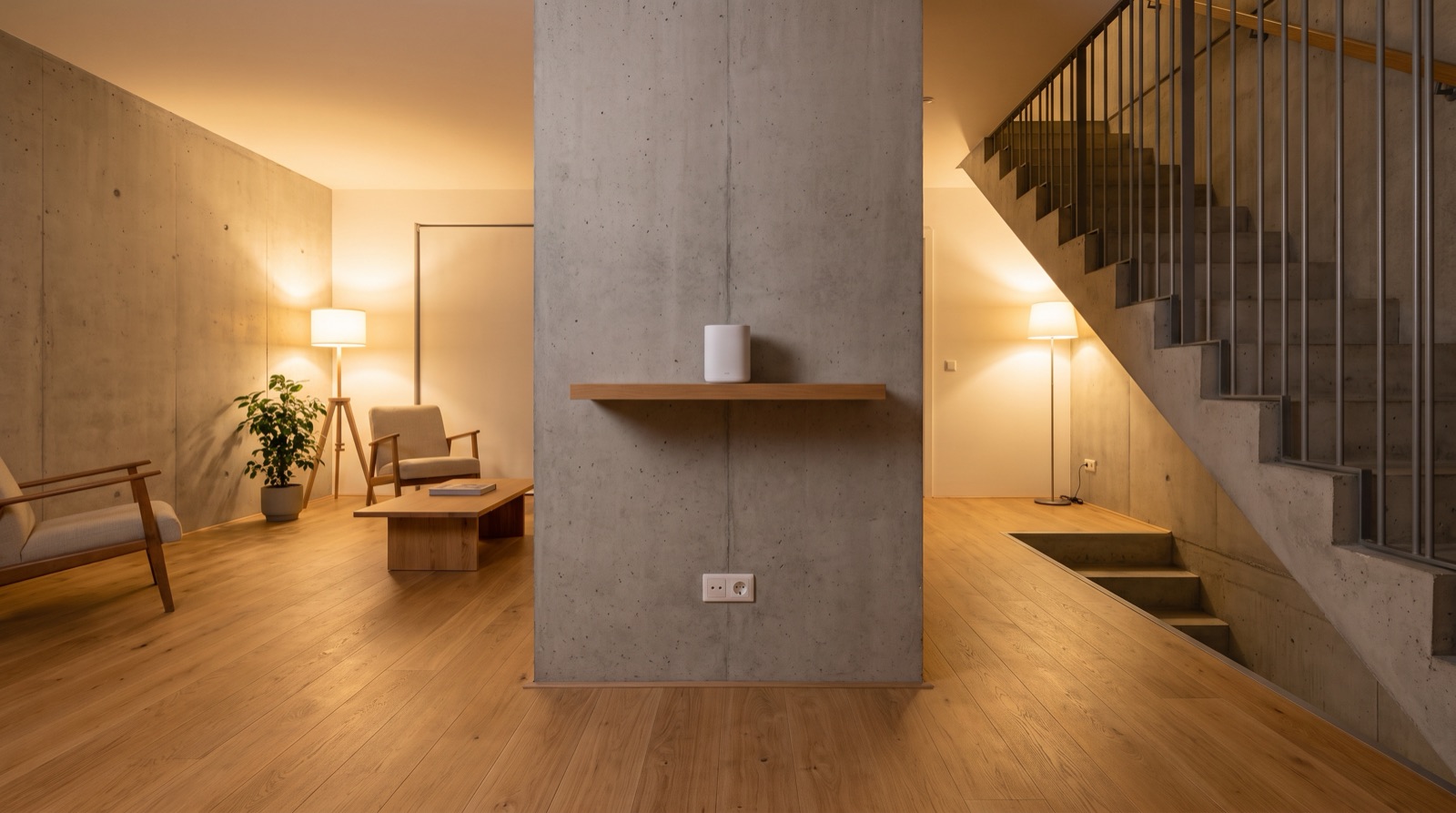
Answer up front — Most hub placement problems in Malaysian homes are not a bad hub, they are a bad room. A hub pushed into the utility room at the back of a two-storey landed house is on the wrong side of a reinforced concrete slab and behind two brick walls. Put it high, central, in open air, near a socket, and somewhere a human can still reach it — then treat power resilience as part of the same decision, because a hub on a dead socket takes the entire Zigbee network down with it.
It happens because the utility room is where the socket is, the router lives and nobody looks at it after install. It is also, in most Malaysian landed houses, the worst room in the building for radio.
Concrete and brick are absolute constraints. Reinforcement rebar is a mesh conductor, and a 2.4GHz signal does not pass a reinforced slab the way it passes a plasterboard partition — it is absorbed and reflected, and you get the weaker path. Add foil-backed plasterboard, tiled wet walls and a metal-clad kitchen ceiling and it compounds. 2.4GHz is the band Zigbee lives in, so this is a hard ceiling on how far the hub usefully reaches.
Three defaults to reject on sight: the utility room at the back of a two-storey landed, which is the wrong side of the slab; inside a metal cupboard or on top of the metal A/V rack, both Faraday cages with ventilation holes; and the roof void, because that is where the developer put the mains spur — hot, unventilated, thermally cycling, so devices down there drop off in the afternoon heat and come back overnight. Next worst is the switchboard cupboard: metal back, cable tray full of mains, often beside the aircon compressor circuit.
The method is not a distance. It is a path.
The instinct is to hide it — high in the hall ceiling, behind a mirror, inside a bulkhead. Resist it. A hub you cannot reach is one you cannot reset, cannot re-pair against, cannot read the LED on, and cannot swap when it fails at 9pm on a Sunday.
Two ways to get both: an access panel in a corridor or store-room ceiling at the position you want, with a blanking plate that pops from below — clean, invisible, reachable in thirty seconds; or a visible high shelf in a walk-in pantry, utility area or internal balcony that is genuinely walkable, which for most landed houses is the better answer and costs nothing. Inside a locked store is never acceptable.
There is a size of house where no hub position works, because the building is the problem. Past that point, fix the topology rather than optimising the position.
| House | Construction | Where the hub goes | Backhaul | The thing that will bite you |
|---|---|---|---|---|
| Single-storey landed or terrace | Brick infill, plasterboard partitions | High on an internal wall in the central hallway | None needed if genuinely central | The "central" spot often has no socket. Confirm power before you commit |
| Two-storey landed, family living downstairs | Full reinforced concrete floor slab | High, at or below the slab line, weighted to the lower floor's centre | Wireless mesh, or Cat6 to the upper landing | The slab. A single hub is wrong here from day one |
| Two-storey landed, upper floor is still a void or store | Same | Same | Same | Clients stash kit in the roof. It will not hold a pairing through the year |
| Three-storey townhouse | Slab at every level | Ground floor central, plus a node per upper level | Wired preferred; wireless backhaul is a compromise | Two hops of wireless backhaul will not carry camera streams |
| Condo unit, single level | Concrete and blockwork throughout | High on an internal partition near the riser, not the wet wall | Usually fine | Every surface is a wall. Move the router before you move the hub |
| New launch condo, bare unit | As handed over by the developer | At the incoming point, then cable out | Whatever the developer specified | Check the network spec before you promise a mesh in the quote |
| Bungalow across roof levels | Concrete, tile, large openings | More than one node, always | Wired wherever the site allows | One hub is never the right answer |
If the backhaul is going to be wireless, say so on the quote and say what it costs you: each hop is a shared radio medium, it adds latency, and it can cut available throughput substantially. If the run is Cat6 anyway — and it usually should be, while the wall is open — take the wired hop. The mechanics of pulling that cable are in structured cabling before the walls close.
Clients report one thing and mean another. This table is the fastest way to split it on site.
| What you observe | Where the fault actually is | First move |
|---|---|---|
| Every Wi-Fi device drops, but paired Zigbee devices keep firing their automations | Upstream — router, ISP line, or the hub's own Wi-Fi association | Reboot the router, not the hub. If local automations still run, Zigbee is healthy and you are chasing Wi-Fi |
| App reports the hub offline and nothing downstream responds | Power, or the hub's uplink | Check the socket and the switch first, then the hub's own link |
| One sensor shows offline, hub is online, everything else works | That device — flat battery, a bad pair, or it was never actually paired | Re-pair it. If it will not hold, it is a placement problem, not a hub problem |
| Automations fire, phone never gets a push | The notification path, not the radio | Check the automation's own notify condition. Local automations do not push unless they are told to |
| Everything works, then drops for a minute a few times a day | Mains disturbance — compressor starting, a motor, a shared circuit | Move the hub and router off that circuit before you blame any product |
One rule worth repeating: restarting the hub destroys the evidence. Note what is online, what is offline, and what the hub LED is doing before you touch anything. Zigbee devices rejoin in a different order and different timing after a hub restart, and half the "intermittent" jobs are actually a slow rejoin that was never diagnosed.
For how the hub fits into the ecosystem — Zigbee versus Wi-Fi versus Matter, and the 128-device ceiling — see choosing a hub that works when Wi-Fi drops. The Matter controller nuance is in Matter with Aqara.
When mains fails, the router goes, the hub follows, and the Zigbee mesh is a silent radio network with nobody listening. Battery sensors keep reporting into a dead hub. On restoration everything has to boot, re-associate and re-establish, and the client is standing in the dark.
What that changes about placement:
Placement is invisible to the client, so it will be the first thing forgotten and the first thing blamed. Six fields, and the full commissioning record belongs in commissioning and handover testing: the position described by room and height; which circuit and socket; the router channel and agreed SSID, so you can confirm the hub is on the intended uplink and not a neighbour's extender; the pairing order used, so a future re-pair is reproducible; confirmation that local automations still fire with the internet pulled, which proves the offline story and not just the happy path; and what the system does and does not do during an outage, which is what stops the "it was all broken" call at 1am.
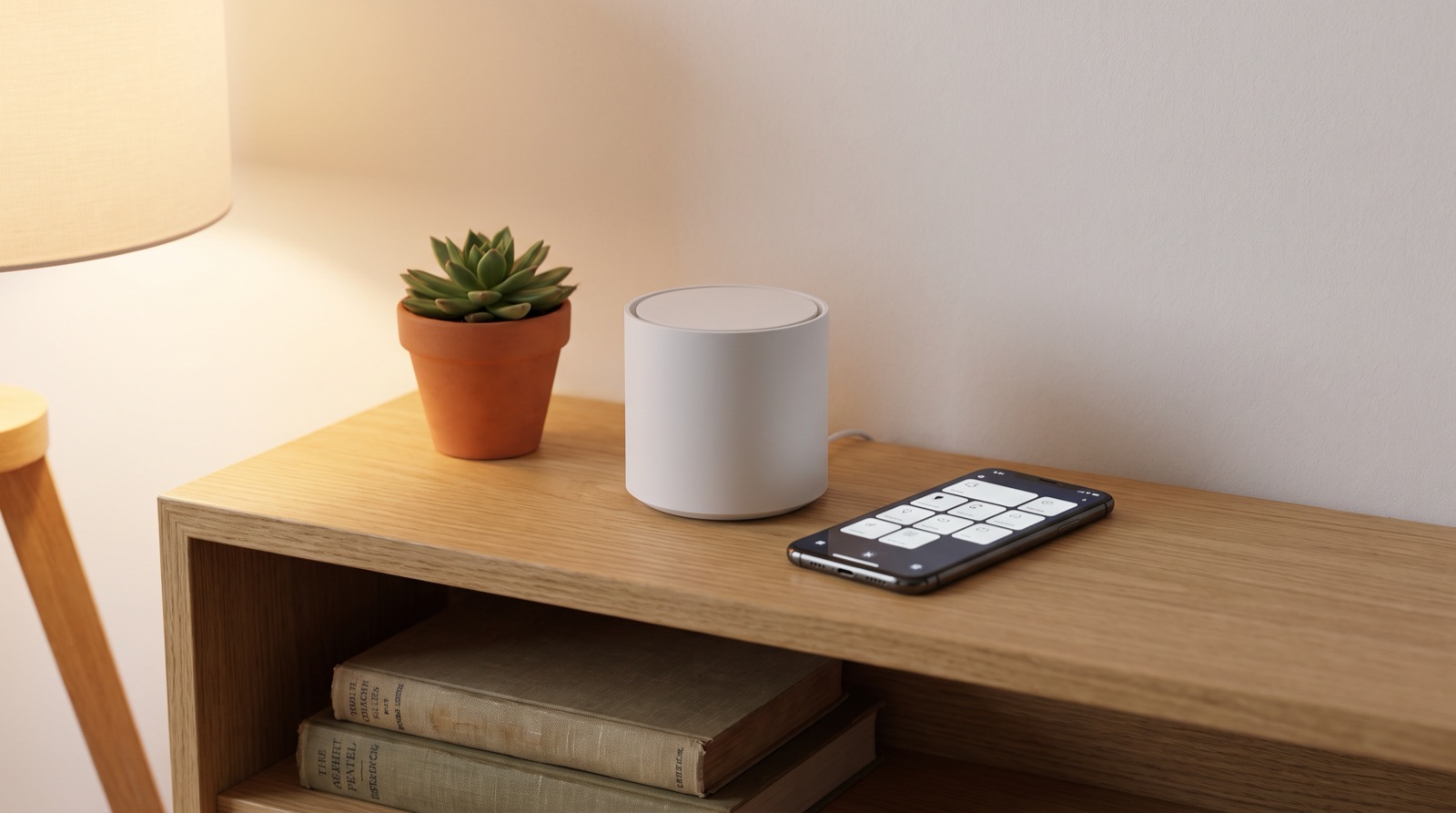
Zigbee vs Wi-Fi vs Matter smart home in Malaysia compared. Learn why local control matters, what a hub does, and what actually happens when the Wi-Fi drops.
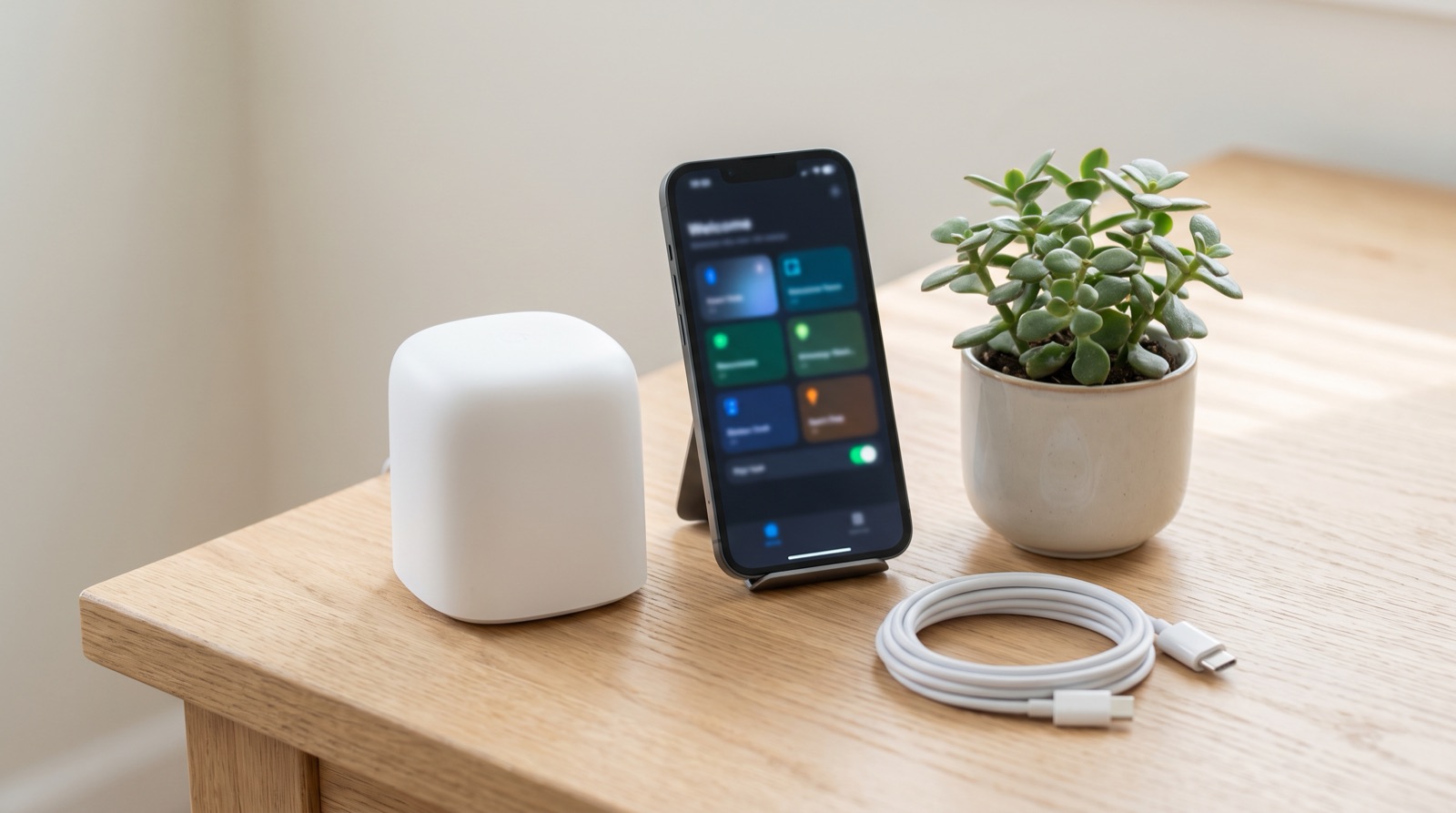
Matter controller smart home Malaysia explained — why Hub M3 is needed first, what Matter adds over Zigbee, and what still works when the ISP is down.
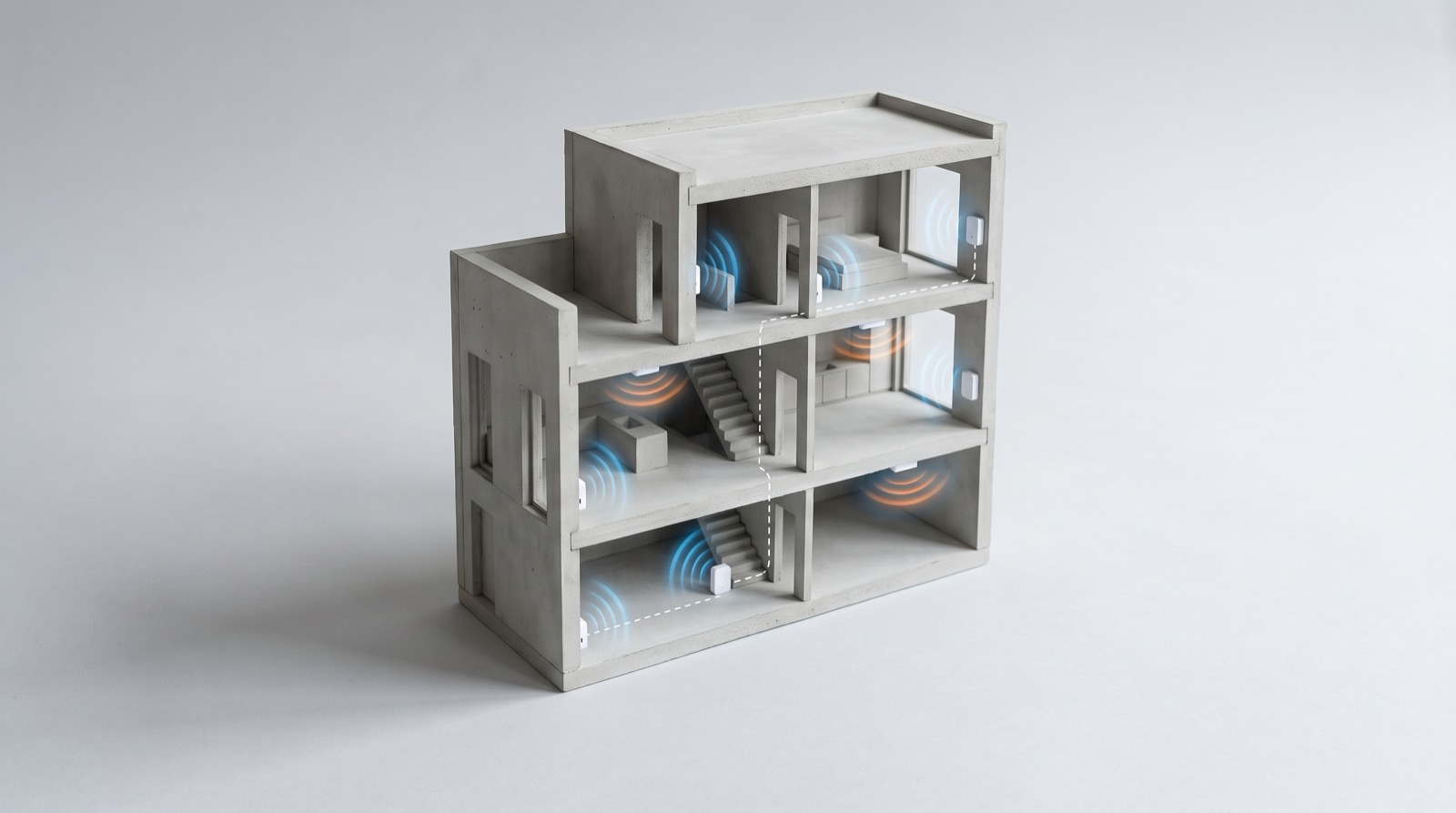
Zigbee mesh repeaters in a smart home Malaysia: why devices drop out in a landed house, how mains-powered devices extend the mesh, and how to survey RF.
Tell us about your space. Our B2B team will reply within one business day with a recommended setup and quotation.
WhatsApp us →
[email protected]
+603-5880 5486