







Chasing walls for a smart home in Malaysia: when to rewire
Chasing wall smart home guidance for Malaysian concrete and brick homes: when to chase, when to use surface conduit, and what to pull while the walls are open.
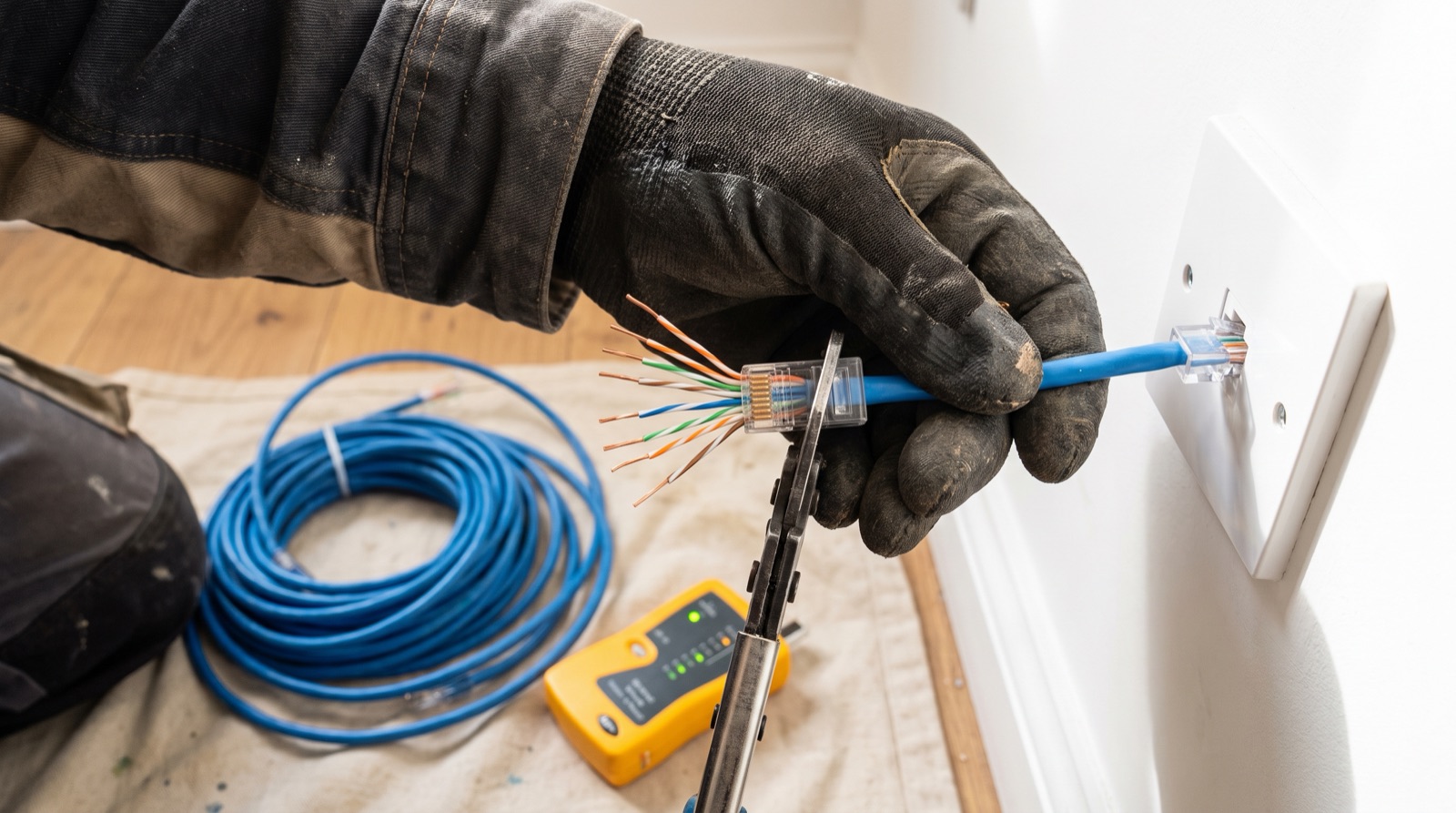
Answer up front — Count network points by function, not by room, and pull them while the wall is open, because that is the only time a run is cheap. Specify Cat6 over Cat5, terminate each outlet at the position the device will actually sit, and test every single run and record the result before the plaster goes on. The same logic as chasing for neutrals applies here — the cable decision is made at first fix, and the invoice for changing it arrives years later.
Both will carry a gigabit connection to a smart home. That is not the argument.
Cat6A exists and is the right answer for long runs, higher bandwidth headroom and future 10-gigabit service. It is heavier, stiffer and dearer to terminate. If the developer spec or the cabling designer has called for it, use it. Do not select a category by reputation — the correct choice is the one that matches the structured cabling standard your designer is working to, and the certificate the client receives should state which standard and who tested it. If you are not the person who owns the design, that conversation belongs before the first cable is pulled, not after.
Count by function. A three-bedroom landed with six points usually has four of them in the wrong rooms.
| Position | Why it earns its place | Guidance |
|---|---|---|
| Where the hub and router live | The centre of the whole system | One, at the actual equipment position — not the storage room |
| Living room TV position | TV, streaming box and the mesh node | Two, so a device and a point are not fighting for the same socket |
| Each bedroom or study desk position | The most-used fixed point in most homes | One each, plus a second where someone works from home |
| Front door | Doorbell, camera, the lock's proximity sensor | One, plus power at the same position |
| Gate or porch | Camera and a lighting or motor feed | One network, and power, in a weather-rated enclosure |
| Each camera position | Every one of them | One, plus power or a PoE decision per camera |
| Riser or store room | The junction the whole run is built around | One, even if nothing is plugged in today |
| Balcony, laundry, pantry | The wet zones people forget | One, and power at the same position |
| Each access point position, if you are going multi-AP | Wired APs need the cable | One per AP, do not assume wireless backhaul |
The point everybody misses: a wall outlet in the middle of a room is a dead outlet. A laptop cannot reach it, a camera cannot sit on it, a bed cannot be next to it. If the client will use a device there, the outlet goes where the device goes.
A cable run is a hole. Chasing and making good is the expensive part, not the copper. Once the plaster is on, the same run means re-chasing, re-plastering, re-painting, and re-booking the room — and the client has usually moved in and redecorated.
That is the entire commercial argument for specifying this at handover, and it is the same argument as running cable in concrete and brick walls on the mains side. The difference is that network cable is easier to get wrong, because nobody notices a failed run until the day somebody needs bandwidth at that desk. Mains gets tested by a sparky. Data gets installed and forgotten.
The rule that follows: nothing gets plastered until every run has been tested and recorded. A failed run found behind plaster is a failed run the client pays for. A failed run found before plaster is a re-pull.
The same applies to power at the positions you are already opening the wall for. A camera position with network but no socket, a gate position with network but no power, a future appliance position with nothing at all — each one of those becomes a second visit, a second charge, and a client who remembers it.
The sequence, in order, no shortcuts:
| Handover record field | Why it matters |
|---|---|
| Run identifier, matching the label at both ends | The first question in any fault |
| From and to, by room and position | Without this the certificate is decoration |
| Intended use — data, camera, AP, spare | So a future installer does not use a camera run for a desk |
| Test result against the stated standard | The proof, not the assertion |
| Tested by, and date | A certificate with no name on it is worth nothing |
| Photograph reference for the pre-close state | The only evidence of what was in the wall |
| Which runs are unused and why | Prevents a future "why is there an unused point" question |
Keep a copy in the client folder and a copy in your file. When the client calls in four years with a dead point, that record is the difference between a ten-minute diagnosis and a day of exploratory work.
On a new launch, this is a handover specification, not an install job. A developer can sell a neutral at every switch position and a network point in every room, and it costs them almost nothing at the point of build, because the wall is open anyway. That is a separate conversation and it is covered in the condo handover spec — but the principle is identical, and it is the strongest argument you have when you are sitting in a bare unit with a client who says the developer did not include it.
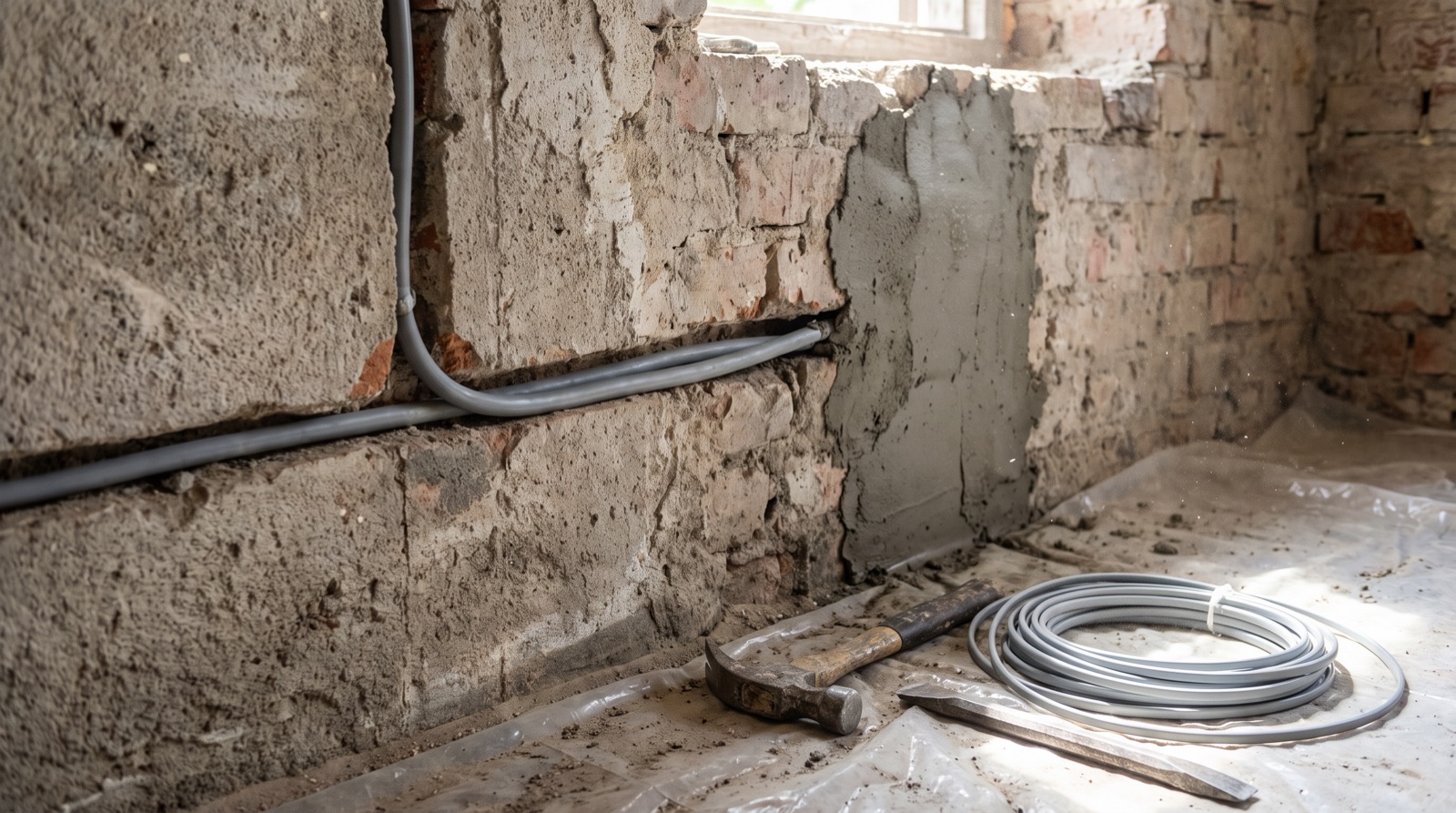
Chasing wall smart home guidance for Malaysian concrete and brick homes: when to chase, when to use surface conduit, and what to pull while the walls are open.
Condo smart home handover spec for Malaysian developers: the neutral, the network points, the back box depth and the panel position to write into the drawings.
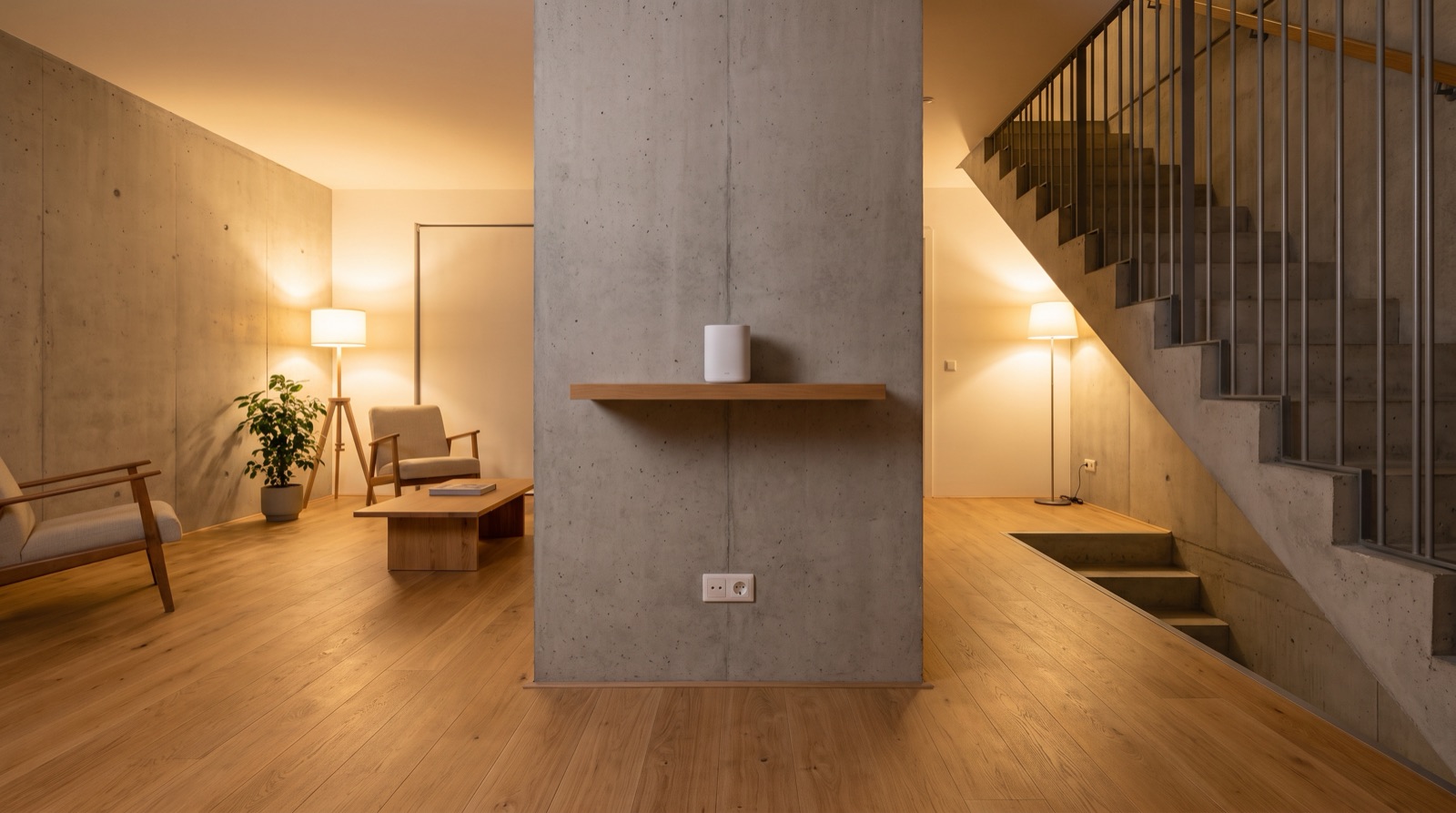
Smart home hub placement and Wi-Fi coverage in Malaysia: where the hub goes, telling a Wi-Fi fault from a Zigbee fault, and why power backup is part of the plan.
Tell us about your space. Our B2B team will reply within one business day with a recommended setup and quotation.
WhatsApp us →
[email protected]
+603-5880 5486