







Do you actually need a smart lock in Malaysia? Doors and gates
Smart lock Malaysia buying guide covering the Aqara D200i, U400 and U200 Lite, plus door thickness, battery failure and what your condo management allows.
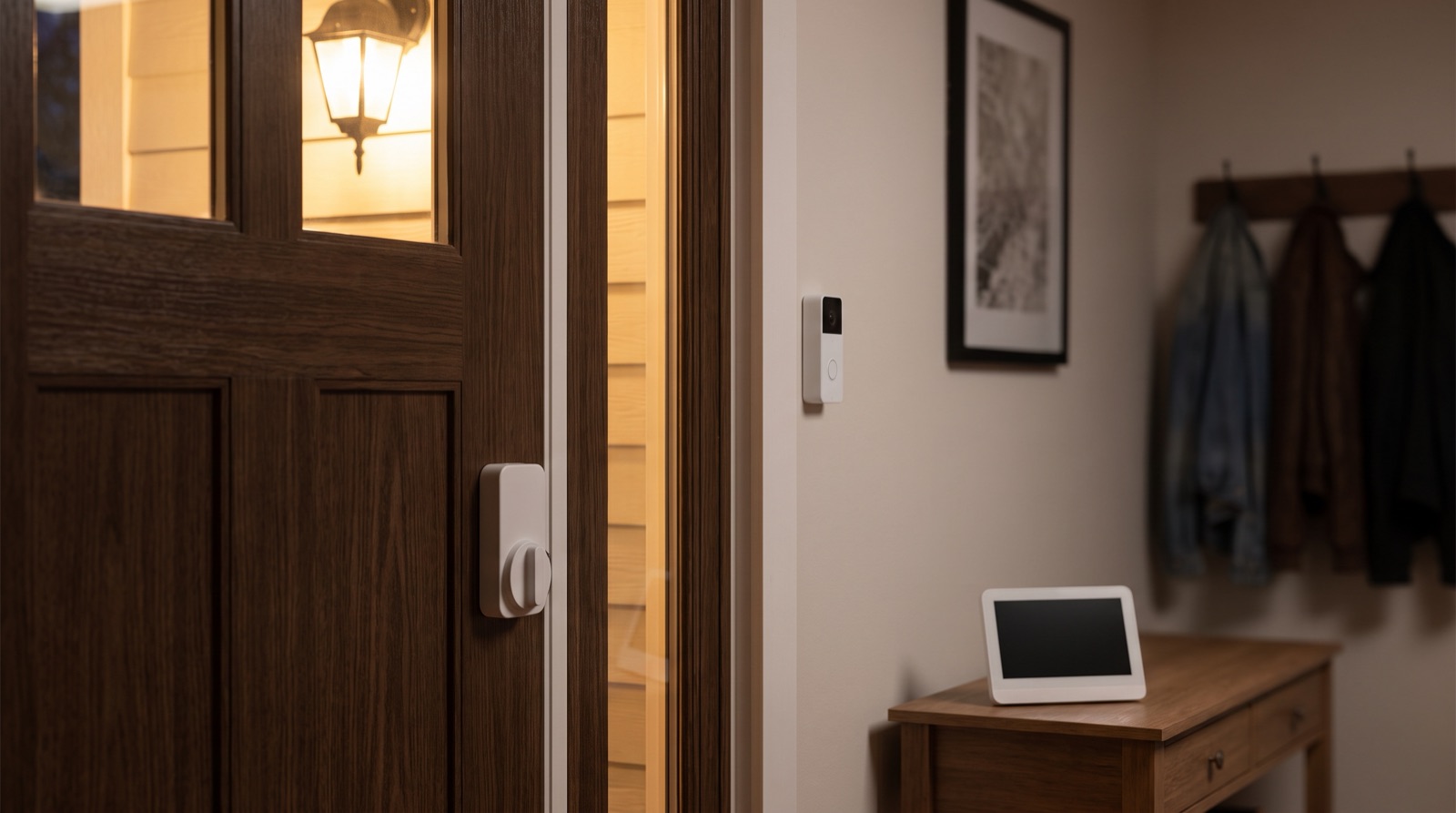
Answer up front — A doorbell camera belongs at your front door, roughly at face height, angled down, and it should frame your porch — not the neighbour's gate or the road. It records video in your home, so PDPA 2010 (Act 709) applies, and Act A1727 (the PDPA Amendment Act 2024) amends it on gazetted dates. Confirm the current position with a lawyer; do not take our word, or anyone else's online, for the details.
The expensive mistake is rarely the device. It is the mounting. A camera fitted at the wrong height, or aimed two degrees too far left, will record your neighbour's driveway for three years, and you will not know because you never look at the footage.
Decide the shot before you decide the product.
A doorbell camera and an indoor camera are different instruments, and buying one when you wanted the other is a common and expensive error.
| Doorbell camera | Indoor / general camera | |
|---|---|---|
| Position | At the door, on the wall or the door frame | On a shelf, in a corner, high up |
| Height | Around face height of a visitor | Above head height, angled down |
| What it is for | Seeing who is at the door while you are not there | Watching a room, a pet, a baby, a driveway |
| Typical field of view | Narrow, focused on the porch and the path | Wider, covers most of a room |
| Biggest privacy risk | Pointing across the boundary into a neighbour's property | Pointing into a bathroom, bedroom or a shared corridor |
| In the Aqara range | Doorbell Camera Hub G410, Doorbell Camera G400 (Wired), Smart Video Doorbell G4 | Camera Hub G3, Camera E1, Camera Hub G350 indoors; Camera Hub G5 Pro or Camera G100 where an outdoor-capable model is needed |
If your actual problem is "I want to know who is at the door while I am at work," a doorbell camera is the right tool. If your actual problem is "I want to see the whole living room," it is not — you want a hub camera, and a different mounting plan.
Height. Stand where a visitor stands. Not above your head, not at ankle height. Face height is the answer, and it is the one people get wrong because a door is a tall surface and a doorbell can go anywhere on it.
Angle. Tilt it down. You want the porch step, the gate lintel and the person standing on it. You do not want the sky, and you do not want the road.
Which wall. Put it on the wall you walk towards, not the wall you walk away from. Standing inside your house, look at the door and note which side of the frame is the boundary.
Before you drill, walk the shot. Stand outside, at the position of someone at your gate, and look back at the proposed camera position. If the camera would be looking at the neighbouring porch from that angle, it is wrong.
Power. Most of these need either existing doorbell wiring or a power supply at the point. If the doorbell transformer is not where you think it is, that is a job for someone who opens walls — see whether your home wiring will take a smart device for the general retrofit question.
Indoor cameras sit on a shelf or a wall. Outdoor ones are exposed to sun, rain and humidity, and Malaysia is hard on electronics. A camera that is not rated for exposure will not last, and we are not going to quote you an ingress rating from memory — check the specific model's rating on the datasheet before you mount anything outside.
The practical advice is simpler than the spec sheet: the fewer outdoor devices you own, the fewer you have to worry about. A doorbell camera at the front door covers the main event. Add cameras only where there is a real reason, not because a second camera feels safer.
This is the part most articles skip.
PDPA 2010 (Act 709) applies to devices recording video or performing face recognition in a home or common area. Act A1727 (the PDPA Amendment Act 2024) amends it, in force on gazetted dates.
That is as far as we will go. We are not going to tell you what the amendment phases are, what the penalties are, or exactly how the household and common-area scope works, because that is legal advice, and getting it wrong would be worse than saying nothing. Confirm the current position with a lawyer or with your building management before you rely on it.
What you can do without any legal question at all is reduce the problem at the design stage, which costs nothing:
| Do this | Why it matters |
|---|---|
| Point the camera away from the neighbour's door, windows or driveway | Most disputes start here, and it is free to avoid |
| Keep cameras out of the bathroom and the bedroom | Not a legal question. A privacy question, and a relationship question |
| Do not aim a camera across a condo corridor | Corridors are common areas, and your neighbours did not consent |
| Tell everyone in the house there is a camera | Visitors, domestic helpers, friends, the sitter. Everyone |
| Put a visible indicator where someone can see the camera is live | Many cameras show a status light, but check it does on the model you buy |
| Review recordings, then delete what you do not need | Footage you keep is data you are responsible for |
And one more that sounds obvious: if you would not be comfortable being filmed in that room, do not point the camera into it.
People ask us what recording costs. Storage plans, retention periods and tier pricing change, and a wrong number in an article is a wrong number that stays online forever, so we do not print them here. Many Aqara cameras also support local microSD storage — check the datasheet for the model.
Ask us for the current terms in writing before you buy: what is stored, where it is stored, for how long, what happens if you cancel, and what you can export.
A doorbell camera on its own is a notification. A doorbell camera inside an Aqara system becomes part of the house: the door contact can tell it nobody is at the door, the lights can come on when someone approaches, the motion sensor can trigger a light rather than an alert. That is the argument for deciding whether you actually need a lock and a hub before you buy a single camera — cameras are the easy purchase and the hub is the decision that makes them useful.
Aqara is Zigbee-first, and the hub is what ties the devices together. A camera hub such as the Camera Hub G3, G350 or G5 Pro — or the Doorbell Camera Hub G410 at the door — gives you the camera and a hub in one box rather than adding another line item. Check the datasheet for what each one's built-in hub supports.
If you already have CCTV — a condo scheme's system, or a camera the installer put in years ago — you do not necessarily need another camera. Read integrating with existing CCTV, alarm and intercom first; it may save you the purchase.
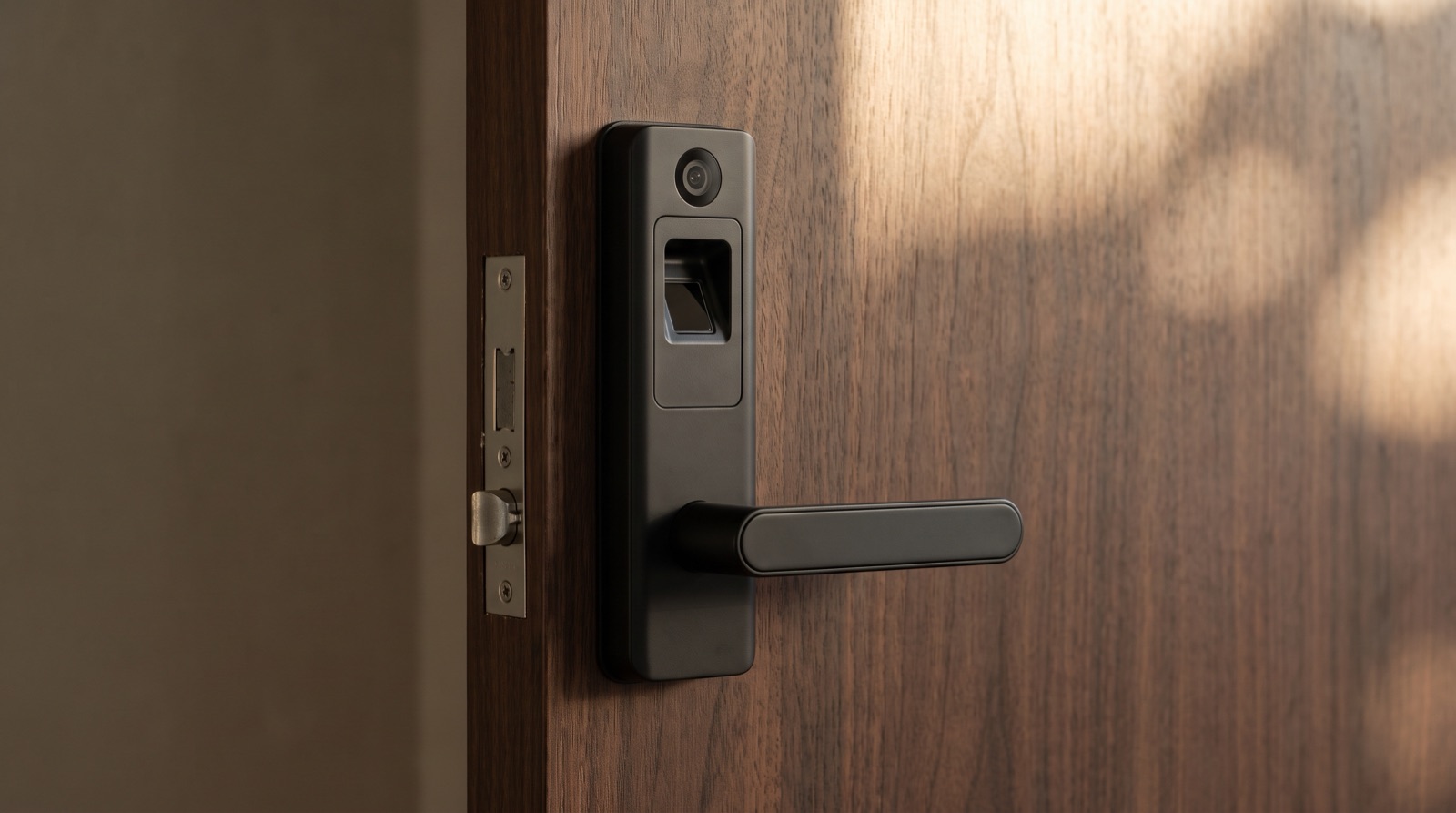
Smart lock Malaysia buying guide covering the Aqara D200i, U400 and U200 Lite, plus door thickness, battery failure and what your condo management allows.
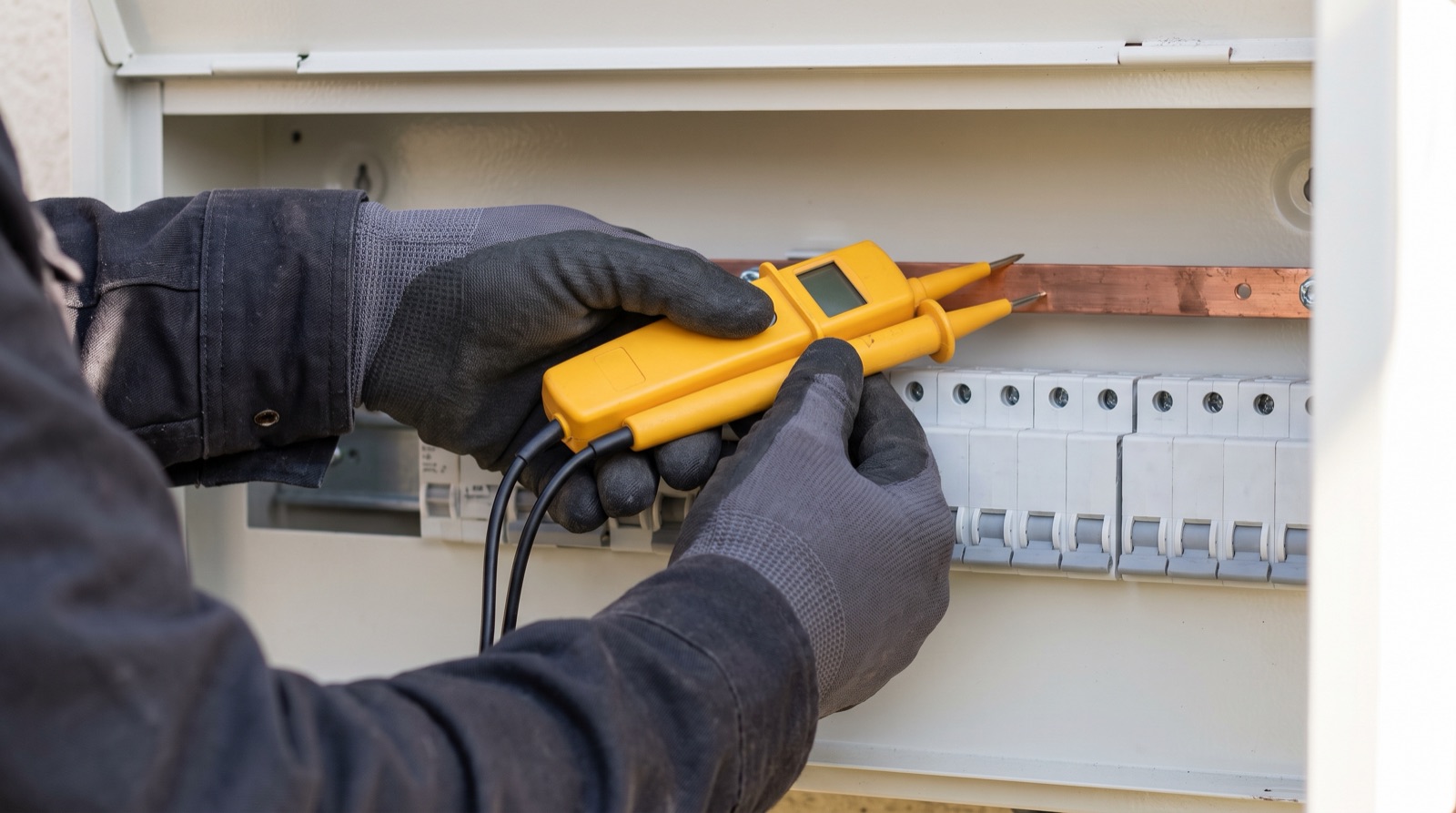
A sirim smart switch malaysia compliance guide — what to check before buying mains-powered gear, who may do the wiring under Act 447, and where PDPA applies.
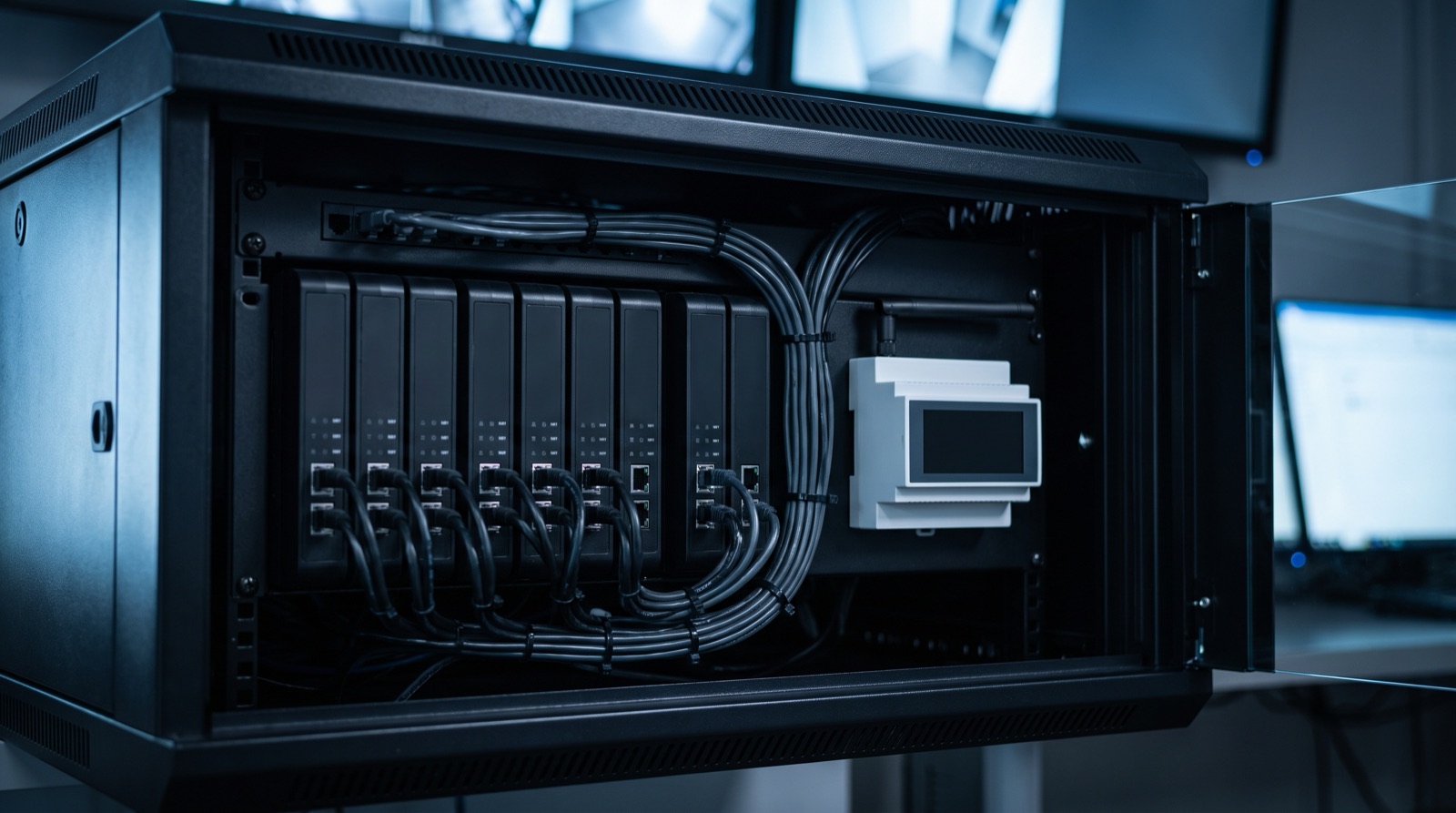
How to integrate a smart home with CCTV and alarm systems in Malaysia: relay interlocks that work, integrations that do not, and how to write the handoff your client signs off.
Tell us about your space. Our B2B team will reply within one business day with a recommended setup and quotation.
WhatsApp us →
[email protected]
+603-5880 5486