







Smart Home Site Survey Malaysia: A Room-by-Room Checklist
A smart home site survey Malaysia checklist: how to record neutral presence, back box depth and circuit ID at every switch position, before you quote.
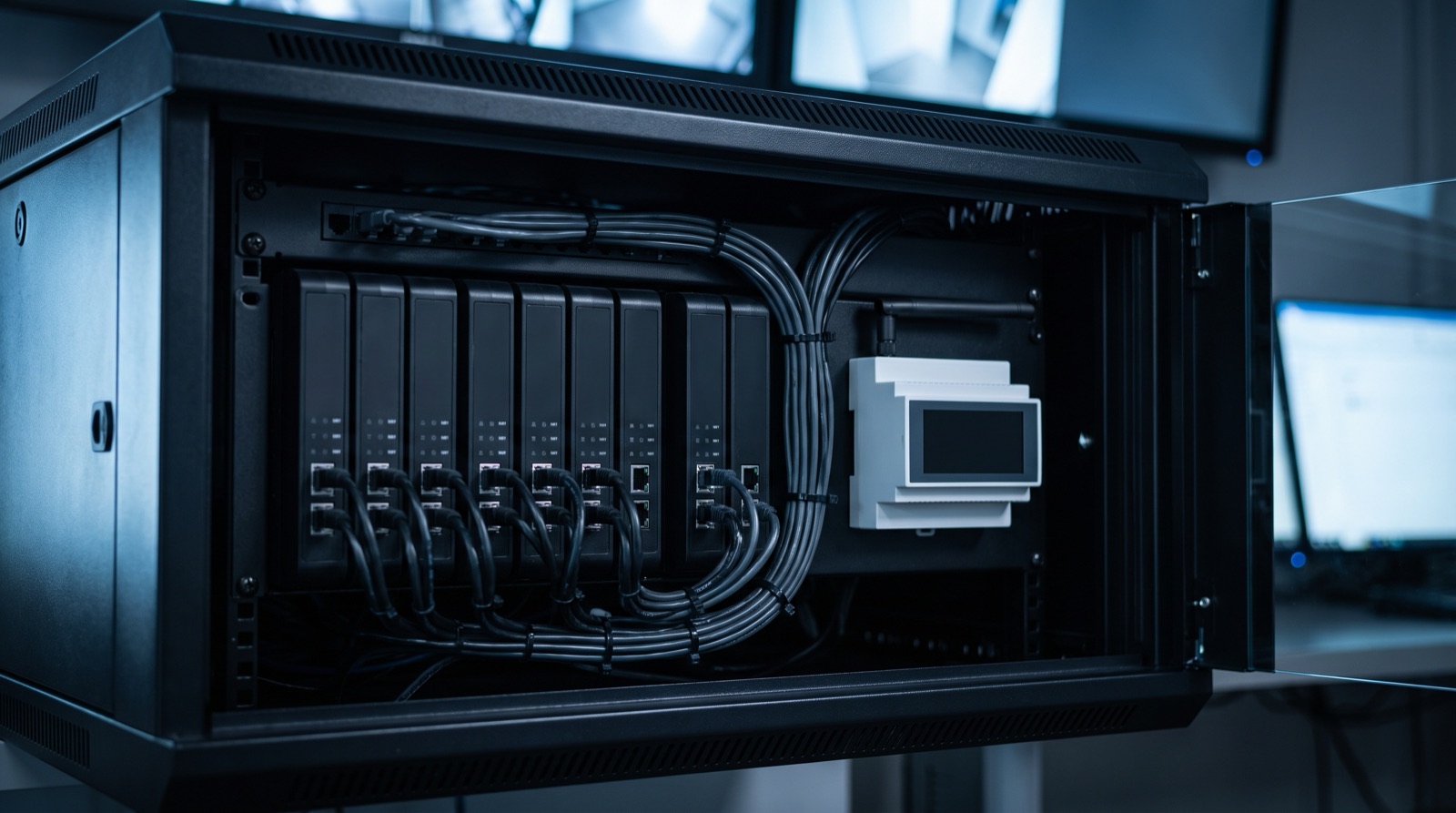
Answer up front — There is generally no supported public API on consumer CCTV, NVR or alarm gear, so treat API integration as unverified until the manufacturer confirms it in writing. What works reliably, and has for decades, is point-to-point: a dry contact from the alarm panel's relay output or the NVR's alarm output, into a relay on the smart side. No cloud, no subscription, no firmware dependency. Build on that, and be honest with the client about what is wired and what is not.
Walk the site and write down the make, model and firmware of everything, because "my alarm guy installed it" is not a specification. The integration surface you get depends on which of four things you are looking at.
| Technique | What it uses | What it needs | How reliable it is |
|---|---|---|---|
| Aqara automation fires a relay; the relay drives the NVR alarm input | One dry contact, one relay channel | Access to the NVR's alarm input terminals and a way to trigger the relay | Very. Point-to-point, no network in the path |
| Alarm relay output closes; that contact pulls a smart-side input or relay | Panel relay programming, one input | The panel's event-to-output assignment table | Very |
| Door station contact reports a press to a smart-side input | A single dry contact on the intercom | Knowing which terminal is the press contact and not the strike | Very, once you have identified the terminal |
| Relay cuts supply to a camera zone to force it to the next preset | Relay wired to the camera's power | A camera that actually boots to a preset and a zone it will not be missed in | Good, but it drops the feed for a moment |
| Relay controls the door strike directly | Strike wiring | A hold-open arrangement so a failed relay does not fail-closed | Workable. Needs thought on power loss |
| IP API or vendor cloud | Vendor-supported interface | Vendor confirmation, licence, and a stable network path | Unverified on consumer gear. Confirm with the manufacturer |
The first five are the same technique. A dry contact, a wire, a relay. That is the honest answer when a client asks "can you make them talk" — yes, and here is exactly how, and here is what it will not do.
The failure mode is not a bad install. It is a promise made on the strength of somebody else's forum post.
State plainly in the quotation which integrations are wired point-to-point and which, if any, depend on a vendor interface you have not verified. A client who is told that up front does not dispute the invoice later.
The classic failure is a curtain that opens every time a car passes, or a light that comes on at 6pm for the fifteenth unrelated event. Nobody switches it off, because the automation still looks like it works. Seven rules that prevent it:
Also confirm who is allowed to be notified. A relay that cuts a zone or unlocks something is an automation with a security consequence — it deserves the same treatment as a door, not the same treatment as a lamp.
This is where the job is won or lost, and it is the part installers skip. One page, signed, dated, kept by the client and a copy in your file.
| Field | Why it exists |
|---|---|
| Every automated behaviour, in plain language | The client's defence when someone asks what the system does |
| What is point-to-point and what depends on a vendor interface | Prevents the "it was meant to work with my camera" argument |
| What the system does when the alarm is disarmed | Almost all nuisance complaints resolve to this answer |
| What happens on power loss, per device | Relays, strikes and valves all have a fail position |
| Commissioning test results, per automation | Proves it was tested and shows what was tested |
| The location of the NVR and panel admin credentials, sealed, not on the sheet | A sheet with passwords on it ends up photographed and forwarded |
| The after-hours contact and the escalation path | The client's 2am problem is not solved by an app |
| A note on recording and faces where cameras are installed | PDPA 2010 (Act 709) applies to devices recording video or performing face recognition in a home or common area. In a home, the practical issue is usually domestic, not regulatory — but say it out loud, agree who is covered, and get sign-off. Flag anything commercial to your compliance contact |
Keep the page to one side. If it needs three pages, the scope is too big for a home and should have been quoted as a different job.
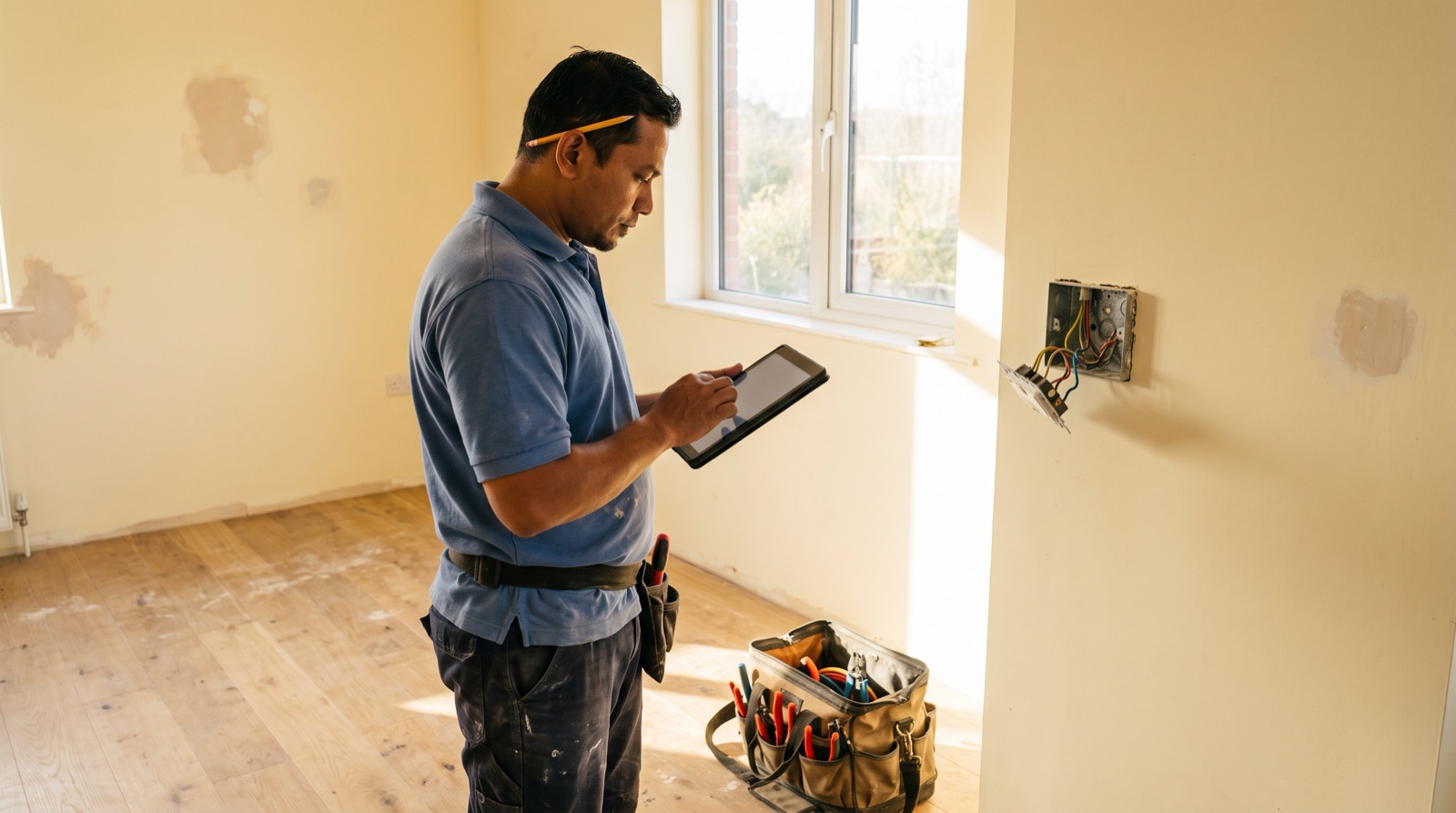
A smart home site survey Malaysia checklist: how to record neutral presence, back box depth and circuit ID at every switch position, before you quote.
From the official Aqara Malaysia distributor: the current range, which products need a neutral, back box and gang needs, aircon loads and local support.
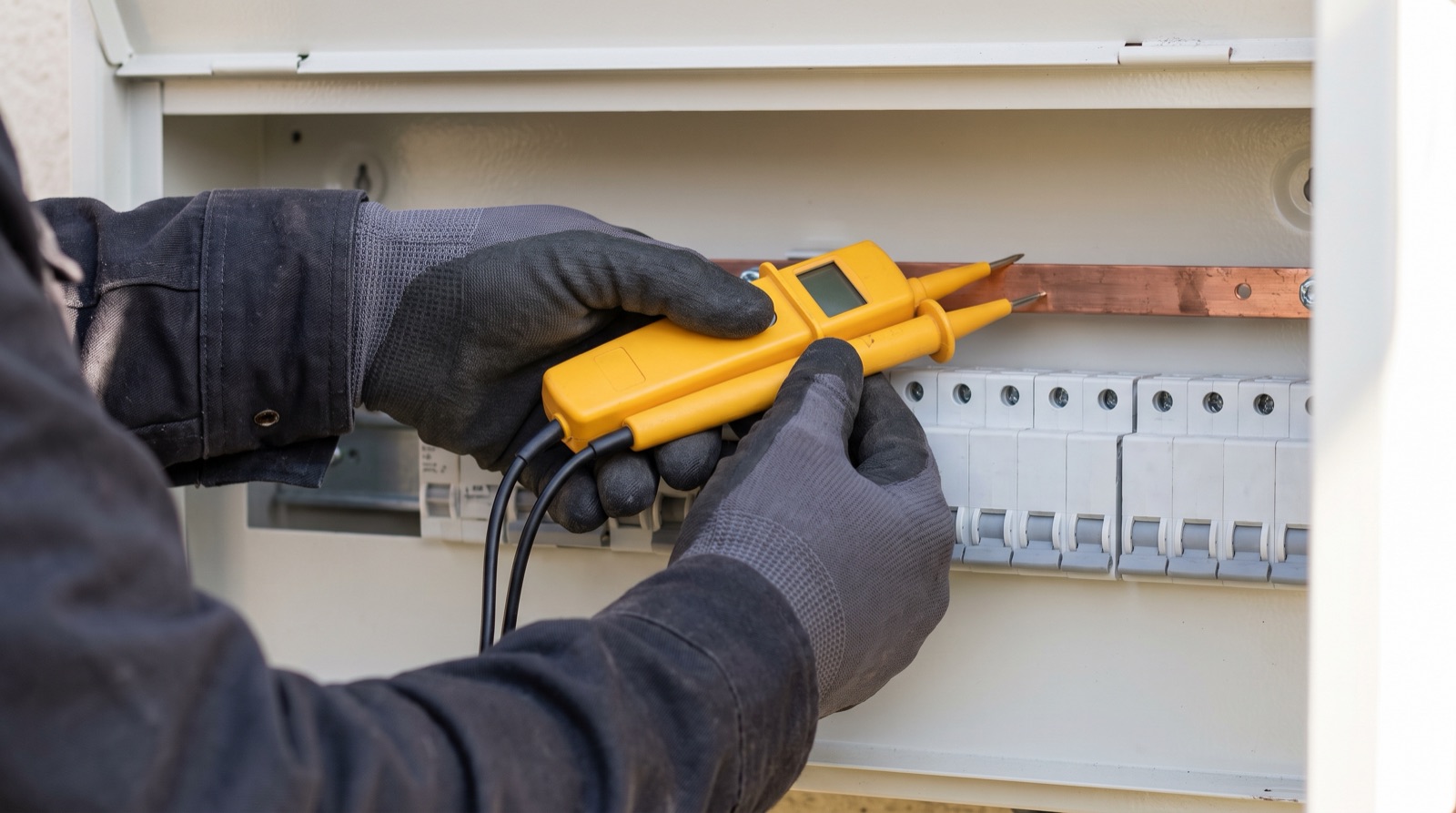
A sirim smart switch malaysia compliance guide — what to check before buying mains-powered gear, who may do the wiring under Act 447, and where PDPA applies.
Tell us about your space. Our B2B team will reply within one business day with a recommended setup and quotation.
WhatsApp us →
[email protected]
+603-5880 5486