







Do you actually need a smart lock in Malaysia? Doors and gates
Smart lock Malaysia buying guide covering the Aqara D200i, U400 and U200 Lite, plus door thickness, battery failure and what your condo management allows.
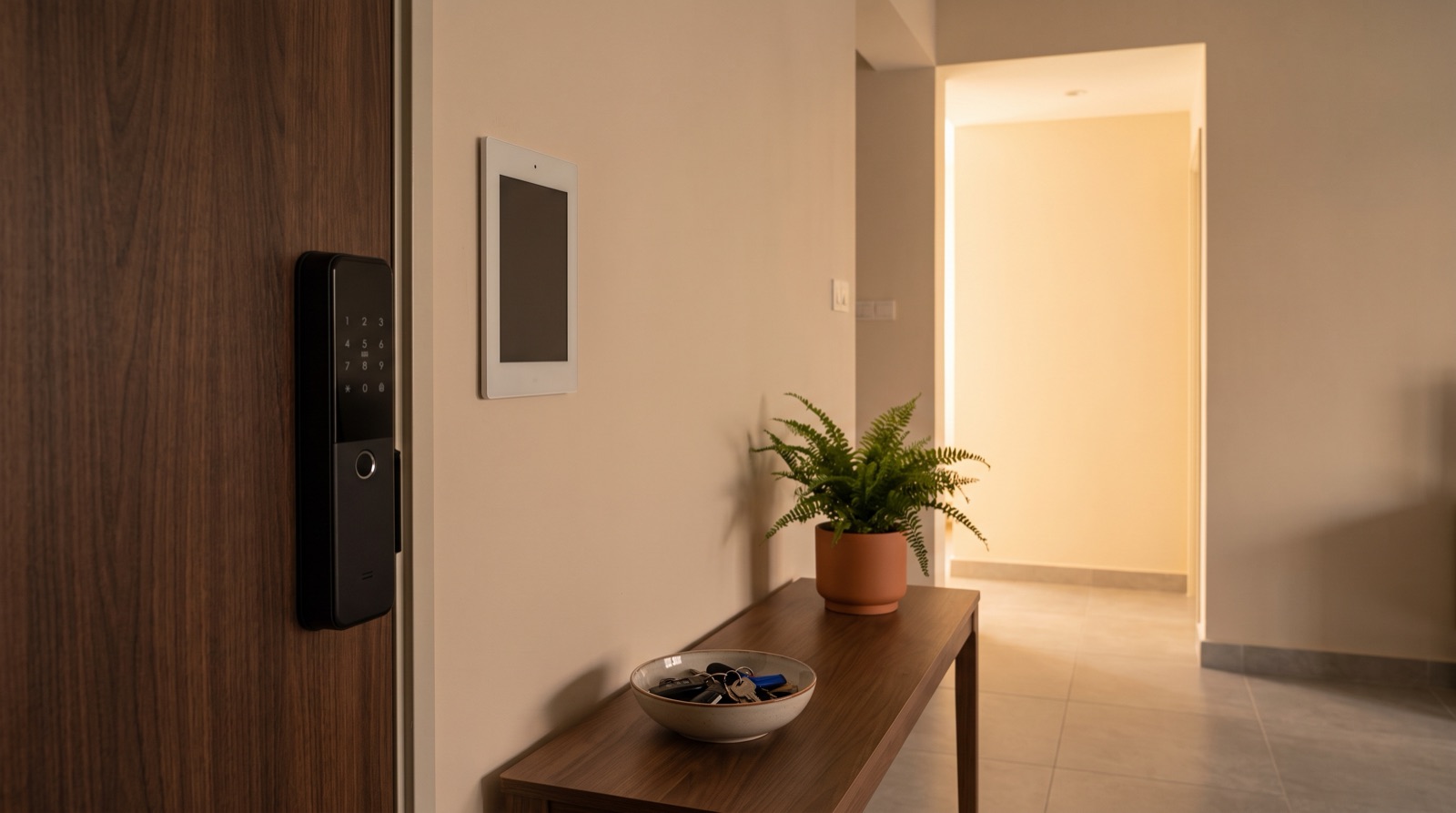
Answer up front — A smart lock lets you hand someone a temporary credential instead of your front door key, and revoke it in one step when they leave. That is the honest benefit. What it does not do is make you comfortable about the conversation: someone with valid access can still walk in, and a code you forget to delete is a permanent key in someone else's pocket. The right lock depends on your door and on who needs to get in, so start with the door, not the feature list.
You have a cat sitter for two weeks. Or a contractor coming to repaint the bedroom four days a week for a month. Or a relative looking after your mum's house. Or a cleaner on a fixed day.
With a physical key, the only options are: hand over your own key (and hope), hand over a spare (and lose track of it), or be home for every visit. With a smart lock, the third option disappears and the first becomes a code you delete on a date. That is the whole value proposition, and it is worth having more clearly than most smart home marketing suggests.
| Situation | What you actually need | Where it fits |
|---|---|---|
| Someone who visits on a schedule you control | A separate code or credential you can delete | Aqara Smart Lock U200 Lite — retrofits an existing deadbolt |
| You arrive and leave often and want no fumbling | Hands-free unlock as you approach | Aqara Smart Lock U400 — unlocks on approach, with fingerprint and passcode as well |
| You want the door to know who it opened for, day and night | Camera-based identification | Aqara Smart Lock D200i — face recognition |
The U400 unlocks as you approach with your phone, so there is nothing to press. It is the right answer for people who find fingerprint readers unreliable with wet hands, motorcycle gloves, or a child reaching up — and it still has fingerprint and passcode for everyone else.
The U200 Lite is the one to look at if you have an ordinary door with a deadbolt and you are not chasing a feature list. It retrofits the lock you already have.
The D200i is the significant one: face recognition, an infrared camera that works at night, and 8 documented unlock modes. It is also the most involved install of the three, and the one with the most to think about before you buy.
For current pricing on any of the three, ask us. The install is quoted separately from the device, because it depends on the door.
The design question is simple and most people skip it: does the person you are admitting get their own access, or a shared one?
Give each person or each job its own credential. Not because the app is complicated, but because revocation only works if you know exactly what to delete. A sitter, a contractor and your mother-in-law should never share one code, because the day you need to cut off the contractor you will not be able to tell which of the three just used the door.
A workable sequence, in order:
Family members who live with you are a different case: they should be added to the home in the app rather than given guest codes. Aqara Home app basics: pairing and sharing covers how that works.
This is the honest part, and it deserves more space than the marketing gives it.
If a credential is not deleted, the person still has access. Not an "almost" access — access. And you will not get an alert saying "someone who is not you has let themselves in". You get a log, if you look at the log.
So the risk is not a dramatic one. It is quiet and cumulative: a leftover code from a two-week sitter three months ago, still valid, in the hands of someone whose number you have since changed. Two things reduce it:
Skip both, and you have built a lock with better security than a normal door and worse access hygiene than the key you gave your brother.
Neither is magic, and both have a failure mode worth knowing.
A PIN pad is the most flexible: no app on the guest's phone, no pairing, nothing to charge. It can be changed on the spot, which makes it the right answer for a cleaner or a contractor. The failure mode is a code written on the back of a note, watched over a shoulder, or shared to a WhatsApp group.
A fingerprint reader is the most convenient for a household — no codes, no phones, works when you come home in the rain. The failure modes are worn fingertips, a cut, a very small child's finger, and the person who has to lean awkwardly. It also means the lock is storing a biometric, which is a different category of thing from storing a number.
Face recognition goes one step further: the door identifies the person. It removes the "which finger" problem entirely, and it is why the D200i's infrared camera matters — it has to work at night, at a door, at the angle a visitor actually stands. The cost of that convenience is that the device is performing face recognition at your home entrance.
Where a device records video or performs face recognition, the Personal Data Protection Act 2010 (Act 709) is the law to be aware of, and the PDPA Amendment Act 2024 (Act A1727) amends it on gazetted dates. We are not going to interpret what that means for your household — read the compliance post, and take your own advice if you are deploying cameras in a shared area. Cameras and doorbells: placement and privacy covers the camera side.
Plenty of people do not buy a smart lock because of the lock. They do not buy it because of the conversation.
Handing someone your front door — even a code, even a smart one — is a statement about trust. Some people are comfortable making that statement to a contractor they have used before and not to a relative. That is normal, and no product fixes it. What a smart lock does is make the boundary adjustable: full trust today, none on Friday, without a phone call. The mistake is buying the lock to avoid the conversation, then never having it, and feeling worse.
Every electronic lock will eventually be a lock you cannot open because the battery is flat. This is not a defect; it is what happens when a device runs on a battery. The D200i, for example, runs on a replaceable Li-ion battery, which means keeping it charged is part of owning it.
Before you buy, get straight answers to three questions:
Put the override key somewhere you can reach it without the door, and tell whoever else lives there that it is there. A key locked inside the house has not improved your morning.
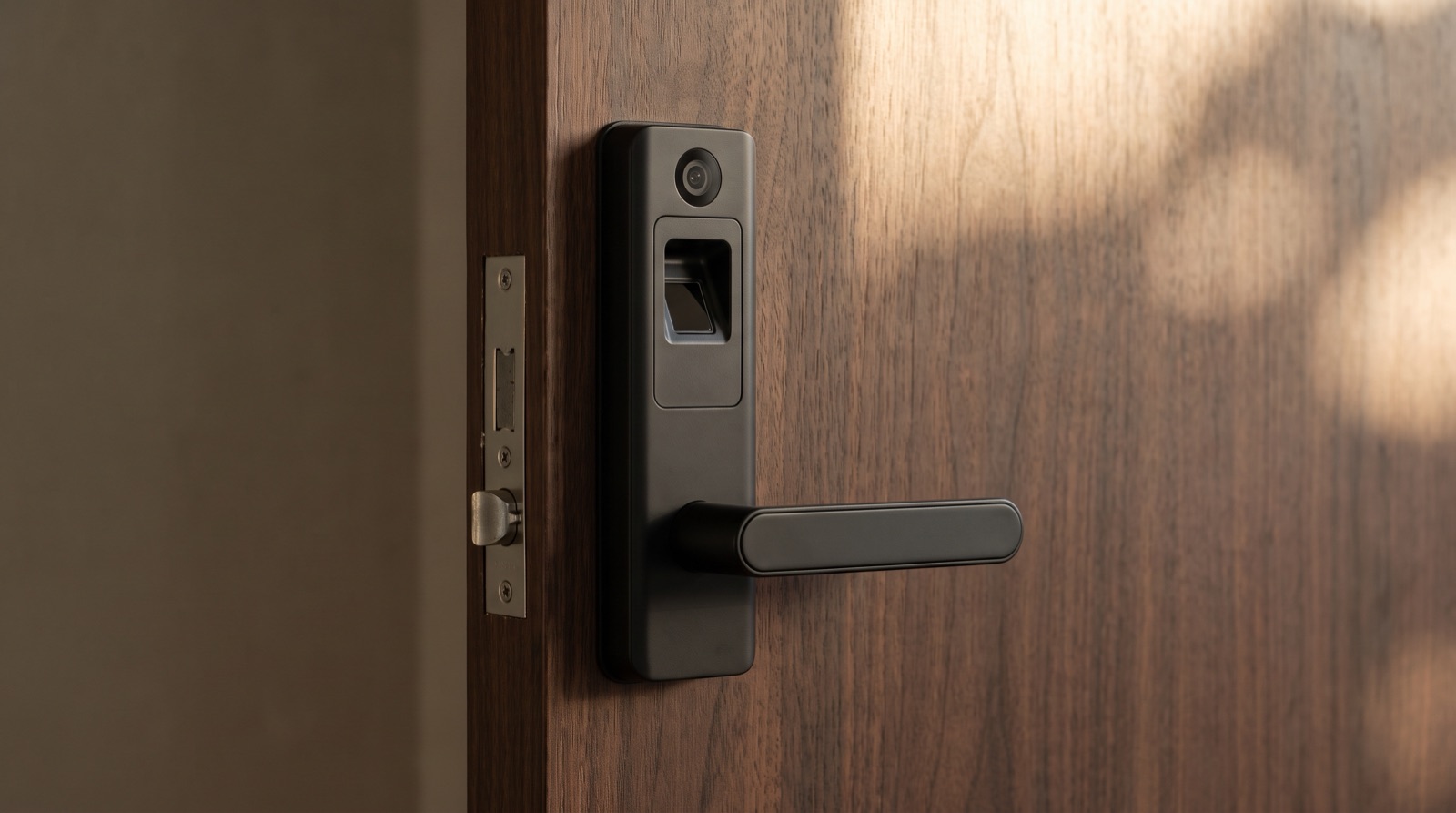
Smart lock Malaysia buying guide covering the Aqara D200i, U400 and U200 Lite, plus door thickness, battery failure and what your condo management allows.
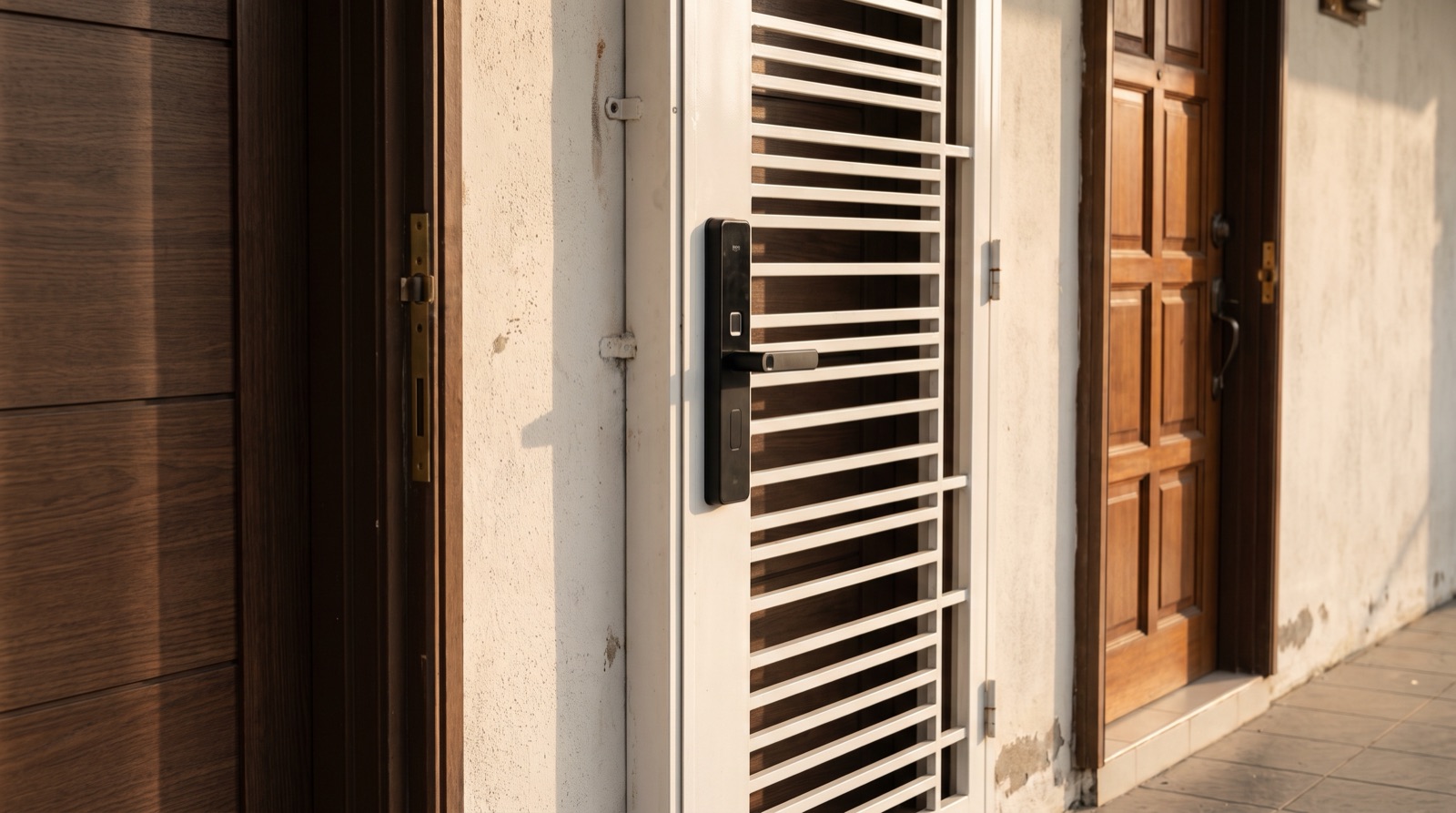
Smart lock installation across Malaysian door types: solid wood, metal security door and panelled door, frame clearance, mortise vs retrofit, and handover.
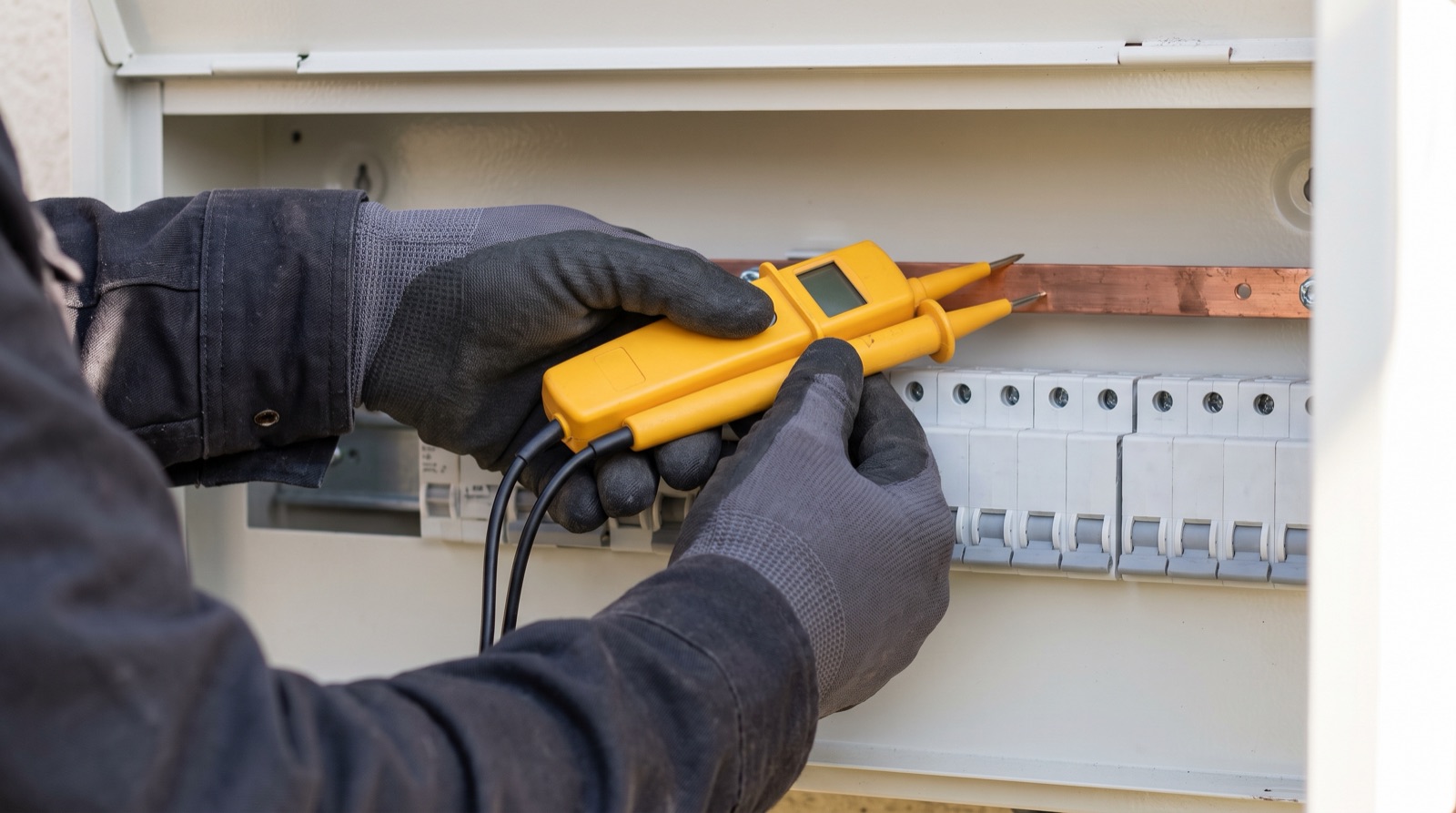
A sirim smart switch malaysia compliance guide — what to check before buying mains-powered gear, who may do the wiring under Act 447, and where PDPA applies.
Tell us about your space. Our B2B team will reply within one business day with a recommended setup and quotation.
WhatsApp us →
[email protected]
+603-5880 5486