






Presence Sensor vs Motion Sensor: What Actually Changes in Your Home
Presence sensor vs motion sensor explained: why PIR stops working when you sit still, what mmWave radar adds, and the Thread limits buyers are not told.
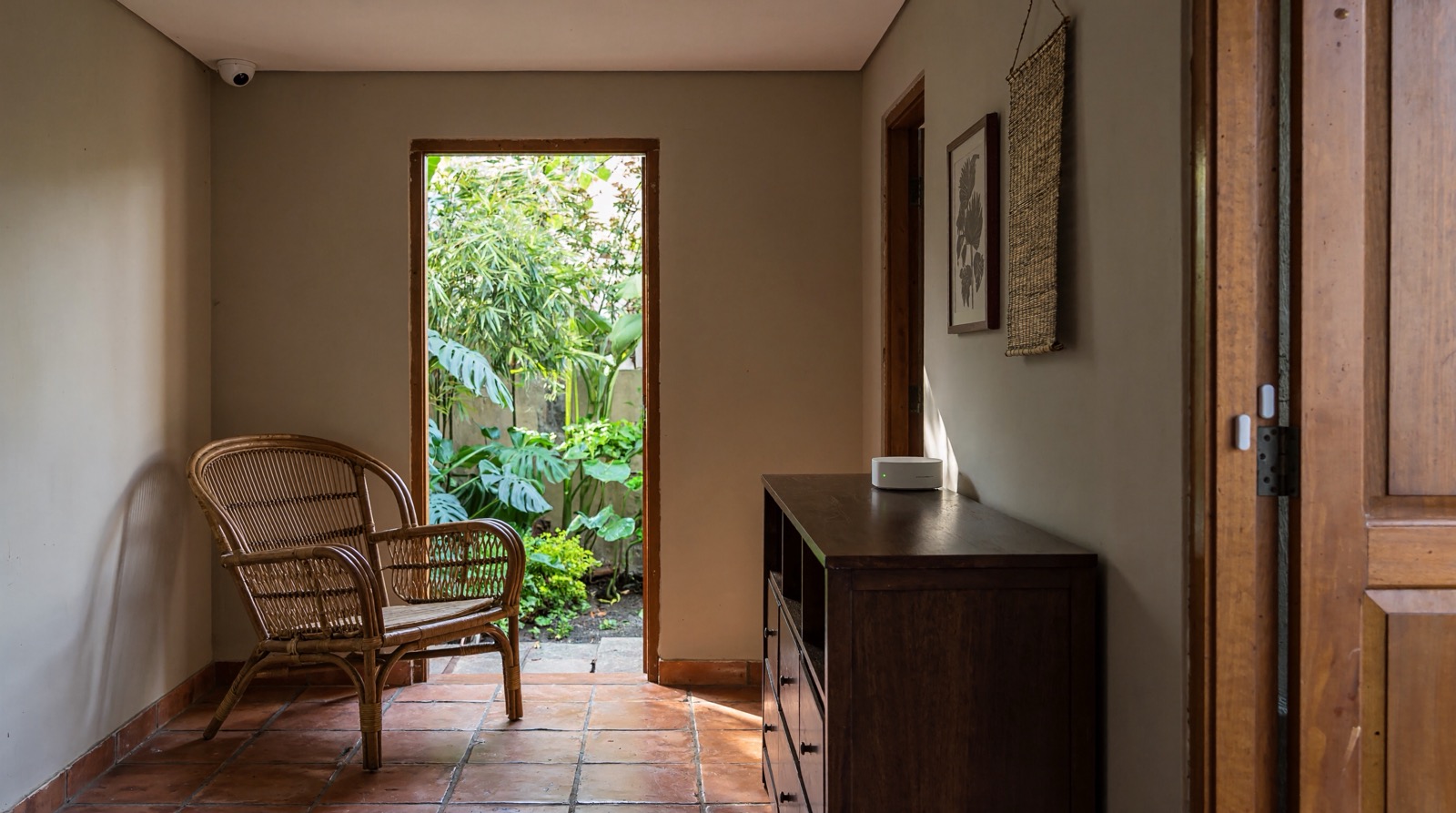
Answer up front — A sensor that keeps firing is usually not broken. Four things cause most of it: a ceiling fan or an air conditioner blowing on the sensor, a curtain or a plant moving in the breeze, a reflective surface such as a mirror or a glass wardrobe, and pets. Passive infrared sensors react to moving heat, so they are fooled by fans and by animals; millimetre-wave radar reacts to movement of any kind, so it reacts to curtains and plants. The fix is in this order: move or shield the sensor, shorten the detection range, reduce the sensitivity, lengthen the absence delay, and only then move the automation. Changing the automation first hides the problem and leaves the sensor reporting things that are not there.
This page is for anyone who has watched a light switch on by itself, or a fan that runs for an empty room. Almost every case is one of the four causes above, and almost every case can be fixed without changing the device you bought.
Moving air. A ceiling fan pointed at the sensor, or an air conditioner outlet in the same wall cavity, moves the air the sensor is watching. Passive infrared sensors read that as a body crossing the field.
Moving objects. A curtain next to an open window, a plant with large leaves, a washing line, a drying rack, a ceiling fan blade itself. Millimetre-wave radar detects the movement of these objects as readily as it detects a person.
Reflective and metal surfaces. A mirrored wardrobe, a glass partition, a metal wardrobe rail, a stainless steel kitchen surface, a window frame. Radar waves bounce off these and return in a pattern that can look like movement.
Animals. A cat on the sofa at 2 m, a dog that walks past the sensor on the way out. Passive infrared sensors detect animals because they read heat, not because they identify species.
Everything below is about separating these from a genuine detection.
This distinction decides which of the four causes you are dealing with, so it is worth being precise.
A passive infrared motion sensor does not look at a person. It looks at changes in infrared radiation across a field of view, which in practice means it detects a moving heat source. Aqara's own motion sensor documentation describes it as detecting human motion through a moving heat source, using a Fresnel lens to divide the field into zones.
That is why passive infrared sensors trigger on a cat and on a dog, and why the recommended mounting height is 1.2 m to 2.1 m — high enough that a pet on the floor is below the field, and low enough that a person walking past fills enough of it. Aqara's manual is explicit that the detection area reduces below 1.2 m and that blind spots appear above 2.1 m.
Millimetre-wave radar does not care about heat at all. It detects movement of reflective objects in its field, whatever they are. This is why it can tell that a person is sitting still — and also why a curtain moving in the afternoon breeze reads as a person in the room.
So: if your triggers correlate with heat sources, animals or fans, you are looking at a passive infrared sensor. If they correlate with anything that moves, including curtains and plants, you are looking at a radar sensor.
Every Aqara motion and presence sensor family gives you a set of adjustment controls. The order in which you use them matters, because each one narrows the problem rather than hiding it.
Detection range. The first and most effective control. Reducing the range of a radar sensor, or reducing its detection angle, removes the part of the room where the interference is. A sensor watching a corridor does not need to see the far end of the hall.
Sensitivity. Aqara's newer radar sensors publish adjustable sensitivity levels. On the FP400, Aqara describes three levels, with high sensitivity for quiet rooms such as a study where micro-movements matter, and lower sensitivity for high-traffic areas where environmental noise would otherwise cause false triggers. The FP310 uses the same three-tier idea, with its low level aimed at filtering plant movement and curtain drift.
Absence delay. How long the sensor waits before it declares the room empty. Lengthening it stops the light flickering off while somebody is still and reading. Shortening it stops the light staying on long after the last person left. This is the control people reach for first, and it is the wrong one to reach for first — it changes the symptom rather than the cause.
Interference and exclusion zones. The FP2 allows you to define interference areas in the app and exclude objects such as plants, curtains and pets, with a filter height for ignoring fan movement or crawling pets. This is the most surgical fix available, because it tells the sensor exactly which part of the room to distrust.
Detection timeout, on the passive infrared models with a configurable timeout such as the Motion and Light Sensor P2, sets how long the sensor reports movement for after it is triggered. It is useful for a short trigger that a light needs, and useless for a trigger caused by a fan.
Before touching any setting, check where the sensor physically is. Most false triggers are a placement problem that a settings change then papers over.
Aqara's newer radar sensors describe an AI spatial learning step that scans the space and learns its background interference, identifying reflective materials such as metal and glass as sources of false reports.
The learning is a first-run behaviour, and the honest expectation is that a newly installed radar sensor will report things for a few days before it settles. The mistake people make is deciding on day one that the sensor is faulty and replacing it. Give it time in the room, and spend a commissioning session watching the app while you walk through the space and deliberately provoke the failures you have seen.
Aqara publishes no learning period and no false-positive rate for any of these models. We will not invent one.
Some triggers are real, and they are worth identifying before you spend an evening changing settings.
The diagnostic that separates these is simple and it is worth doing before anything else: check the app's activity log and see whether the trigger correlates with something you can see in the room. If you can reproduce it on purpose, you can fix it deliberately. If you cannot reproduce it at all, the sensor is probably seeing something outside its stated field, which is a placement problem.
Most cases end at step three or four. Steps five and six are the ones that make a sensor stable.
Presence sensor vs motion sensor explained: why PIR stops working when you sit still, what mmWave radar adds, and the Thread limits buyers are not told.
Aqara Motion Sensor P1 versus P2 compared for Malaysian homes: the same passive infrared sensor on two radio protocols, and when to use a presence sensor.
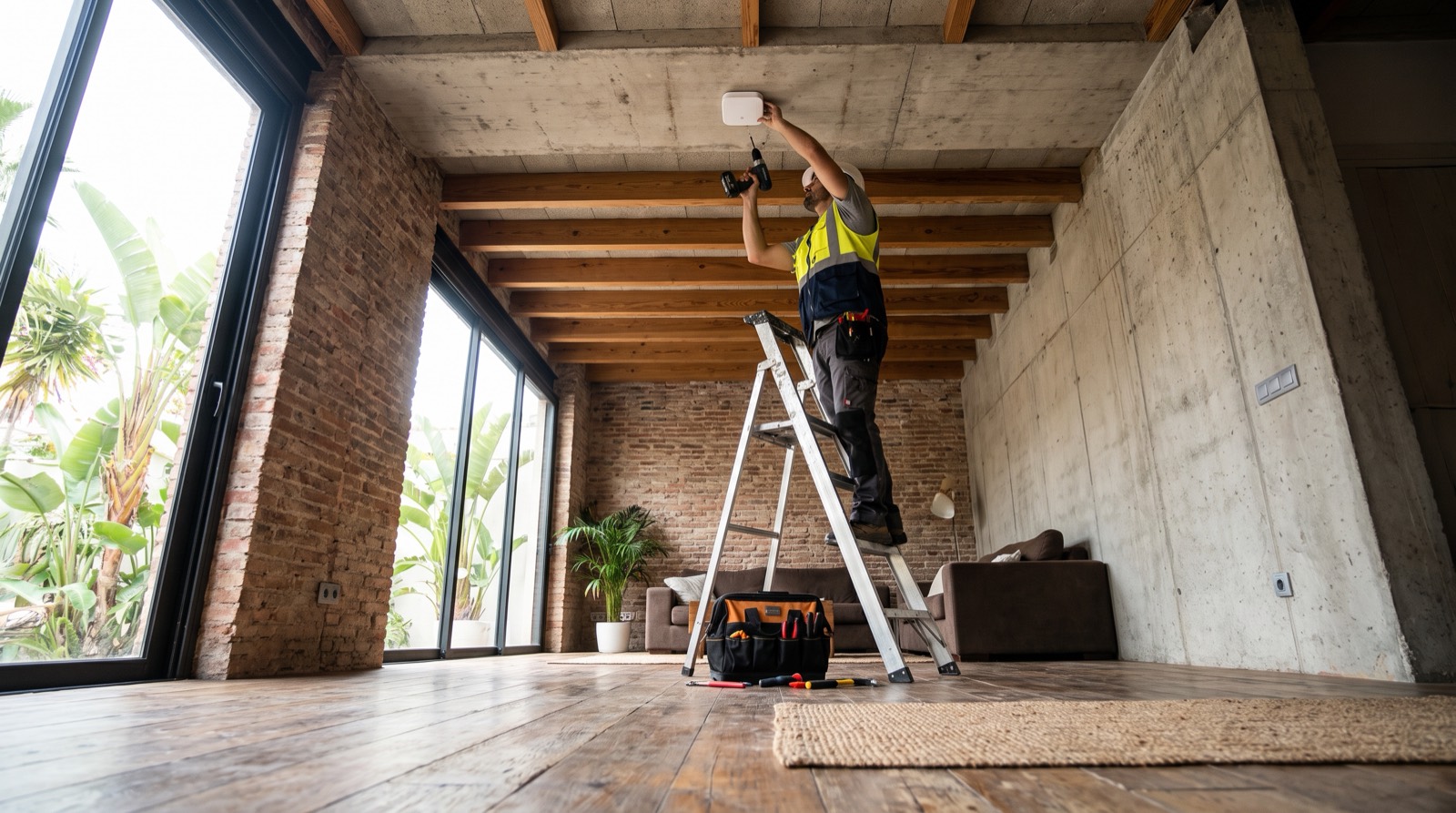
Install presence sensor Malaysia guide for trade: the 3-4 m mounting height, 5 x 6 m coverage, IPX5 limits, and why a 2.7 m condo ceiling fails the maths.
Tell us about your space. Our B2B team will reply within one business day with a recommended setup and quotation.
WhatsApp us →
[email protected]
+603-5880 5486