




Presence Sensor vs Motion Sensor: What Actually Changes in Your Home
Presence sensor vs motion sensor explained: why PIR stops working when you sit still, what mmWave radar adds, and the Thread limits buyers are not told.
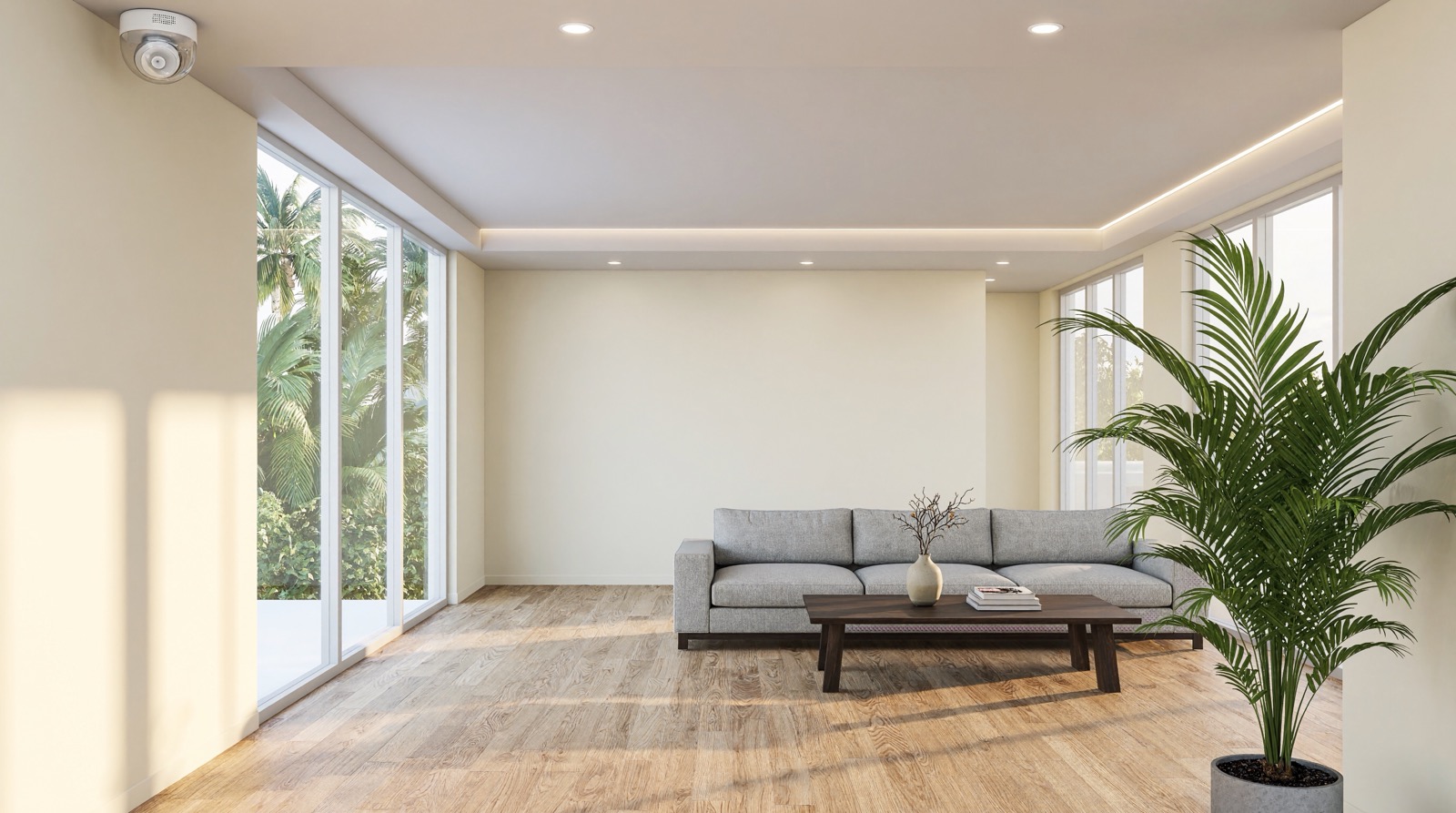
Answer up front — The P1 and the P2 are the same size, run on the same two CR2450 cells and detect movement with the same passive infrared method, so the choice is not about detection. It is about the network. The P1 speaks Zigbee 3.0 and needs an Aqara hub; the P2 speaks native Matter over Thread and needs no Aqara hub, provided something on your network provides a Thread border router. If you already run an Aqara hub, the P1 is the shorter path. Both sensors publish the same detection figures — up to 7 m, around 170° horizontally — and both publish adjustable sensitivity and a configurable timeout. The difference is where the tuning happens: the P1 is tuned through the hub it needs anyway, while the P2 only exposes its controls once it is in the Aqara Home app on an Aqara Thread-enabled Matter controller. Neither is a presence sensor: a P2 will switch your light off when you stop moving at a desk.
This is for a homeowner adding movement detection to a room, a hallway or a landing. The wrong choice here is rarely expensive, but it is usually disappointing, because the reason people buy a second sensor is that the first one switched a light off while somebody was still sitting in the room.
Both models publish the same physical characteristics: 33.1 × 33.1 × 41.6 mm, two CR2450 cells, and an operating range of −10 °C to +55 °C. Both publish a built-in light sensor, so an automation can react only when it is dark. Both detect movement with passive infrared — a change in heat across a lens divided into zones, not a person.
Neither is mains-powered. Aqara's own specification for the P2 lists CR2450 × 2 cells, so both run on batteries and neither needs a cable run. The decision between them is not about cutting a cable.
What differs is the radio, and the radio decides what you already own and what you have to add.
| P1 | P2 | |
|---|---|---|
| Published protocol | Zigbee 3.0 | Thread, with native Matter |
| Hub required | Yes — an Aqara hub in the chain | No Aqara hub, but a Thread border router is needed |
| Power | 2 × CR2450 | 2 × CR2450 |
| Published battery interval | Up to five years | Described as long, with no figure published |
| Light sensor | Yes | Yes |
| Adjustable sensitivity | Three levels | Yes — medium by default, adjustable in Aqara Home |
| Detection timeout | 1 to 200 s | 30 s by default, adjustable in Aqara Home |
| Detection range and angle | ≈7 m, ≈170° | Up to 7 m, up to 170° horizontal, 45° vertical |
| Mounting | Not published | Adjustable stand |
| Size | 33.1 × 33.1 × 41.6 mm | 33.1 × 33.1 × 41.6 mm |
| Operating range | −10 °C to +55 °C | −10 °C to +55 °C |
| Works with | Matter, Apple Home, Google Home, Alexa | Matter, Apple Home, Google Home, Alexa, SmartThings, Home Assistant |
Read the detection rows together, because the surprise is that the two sensors see the same way. Aqara publishes the same physics for both: passive infrared across a lens divided into zones, up to 7 metres, around 170° horizontally. What differs is where the tuning lives. The P1 is a Zigbee device, so its three sensitivity levels and its 1 to 200 second timeout are set in the Aqara Home app through the hub it needs anyway. The P2's sensitivity and timeout are Aqara Home exclusive features — connect it to the Aqara Home app on an Aqara Thread-enabled Matter controller such as the Hub M3 and you get them; on plain Matter the sensor runs at its defaults, medium sensitivity and a 30-second timeout, with no tuning exposed.
So the question is not which sensor has better figures. It is where you want to do the tuning, and how many boxes you are willing to have in the house to get it.
The P1 is a Zigbee 3.0 device and Aqara's own data marks it as requiring a hub. Its Matter, Apple Home, Google Home and Alexa compatibility depends on an Aqara hub bridging it, because that is how a Zigbee device reaches a Matter platform. It also rides the hub's own Zigbee mesh: that network is what carries the message.
The P2 is different in kind. It speaks native Matter over Thread, so it can join Apple Home, Google Home, Alexa, SmartThings or Home Assistant without an Aqara hub in the middle — provided a Thread border router is present. Aqara lists the M3, the M100 and the M200 as providing one. The M2 does not: it is a Bridge with no Thread radio, so it cannot carry a Thread device at all.
Here is the part that is easy to skim past: "no Aqara hub required" does not mean nothing is required. A Thread border router is another mains-powered box, and in most homes the thing providing it is a hub. If you already run an Aqara hub on Zigbee, adding the P2 does not remove a box from the house.
The practical cases:
The P1's published five-year battery interval is the other argument for it, with the usual caveat: it is an "up to" figure, and heat shortens it. Why your smart device keeps dropping off covers the mesh and range causes behind the most common complaints about sensors like this.
One point on the mesh: Aqara's published material lists certain other products as Zigbee repeaters, but the P1 is not among them. Do not plan on a P1 to extend your coverage.
This is the comparison that matters more than P1 versus P2, and it is confused constantly.
A P2 detects movement. Its passive infrared element watches for a change in the heat pattern across a lens divided into zones. Something warm crossing a boundary triggers it. Stand still and the pattern stops changing, so after its timeout it decides the room is empty. Read the mechanism in presence sensor versus motion sensor.
The consequence in a real home: you sit at the desk for twenty minutes without moving enough, and the light over the desk goes off. Or you lie down on the sofa at 9 pm and the hallway light switches off. This is not a fault and it is not a settings problem. It is what passive infrared does.
The Aqara Presence Sensor FP2 is a different instrument. It covers a room of up to about 40 m², divides it into zones that trigger separate automations, detects up to five people at once, reports light levels and runs on USB-C power over Wi-Fi 2.4 GHz, with no hub needed. Its fall detection mode is not medical monitoring.
So the decision table for motion versus presence is short: use a PIR sensor where passing through is the event — a hallway, a staircase, a car porch approach, an entrance. Use a presence sensor where sitting still is the event — a living room, a home office, a bedroom, a study. Cover the second kind of room with a P2 and you will spend your time adjusting timeouts to hide a behaviour the sensor was never going to avoid.
Our FP2 versus FP1E, FP300 and FP400 comparison sets the presence range out, and installing Aqara presence sensors covers the placement a presence sensor needs.
Because both devices are battery-powered, the new-build versus retrofit framing is not about wiring. It is about what infrastructure is already in place.
In a retrofit with an existing Aqara hub, the P1 is the shortest route. It joins the mesh you already have, needs no new mains point, and its sensitivity and timeout are tuned in the app you already use. If the hub is a Zigbee hub, that is the whole decision.
In a new build where the hub is still being chosen, the P2 earns its place if the project runs on native Matter, because you can then run sensors without an Aqara hub in the chain. That is a real saving, but only if the whole system is designed that way.
In a building with an existing network and no Aqara anything, the P2 fits a Matter-first design; the P1 needs an Aqara hub introduced before it will do anything.
Either way, hub placement decides whether the sensor works on day one. A sensor on the far side of the house from the hub, behind a tile roof and a metal door, is a range problem, not a product problem. Hub placement, Wi-Fi coverage and power backup covers where to put the hub, and Aqara hub M3 versus M2, M100 and M200 covers which one to choose.
Placement decides the detection pattern, and no sensitivity setting fixes a bad position. The P1's published coverage is a ≈170° angle out to ≈7 m, a wide and shallow cone. Point it across a doorway and it covers the doorway well. Point it down a corridor with passing traffic and it triggers on everyone who walks past — the classic false trigger, and the reason corridors need a narrowed angle of view or a timeout that suits the traffic. Designing smart lighting scenes covers how to write the automation so that a corridor light does not become an irritant.
The timeout is a fixed window, not occupancy. The P1's 1 to 200 second setting extends how long the sensor keeps reporting movement after it last saw any. Extend it enough to cover a desk session and you have also extended it enough to cover a room that is genuinely empty.
Aqara publishes no IP rating for either model. That means neither should be mounted in an exposed porch or an outdoor car park position on the strength of this page. Confirm with us before you fit one outdoors.
The P2's tuning controls are not available on plain Matter. Aqara publishes the sensitivity levels and the timeout, but they only appear once the P2 is in the Aqara Home app on an Aqara Thread-enabled Matter controller. If you plan to run it in Apple Home or Home Assistant and want to tune a corridor, check what your platform exposes first.
Neither model can see you sitting still. That remains the boundary of this category, and it is why the FP2 exists.
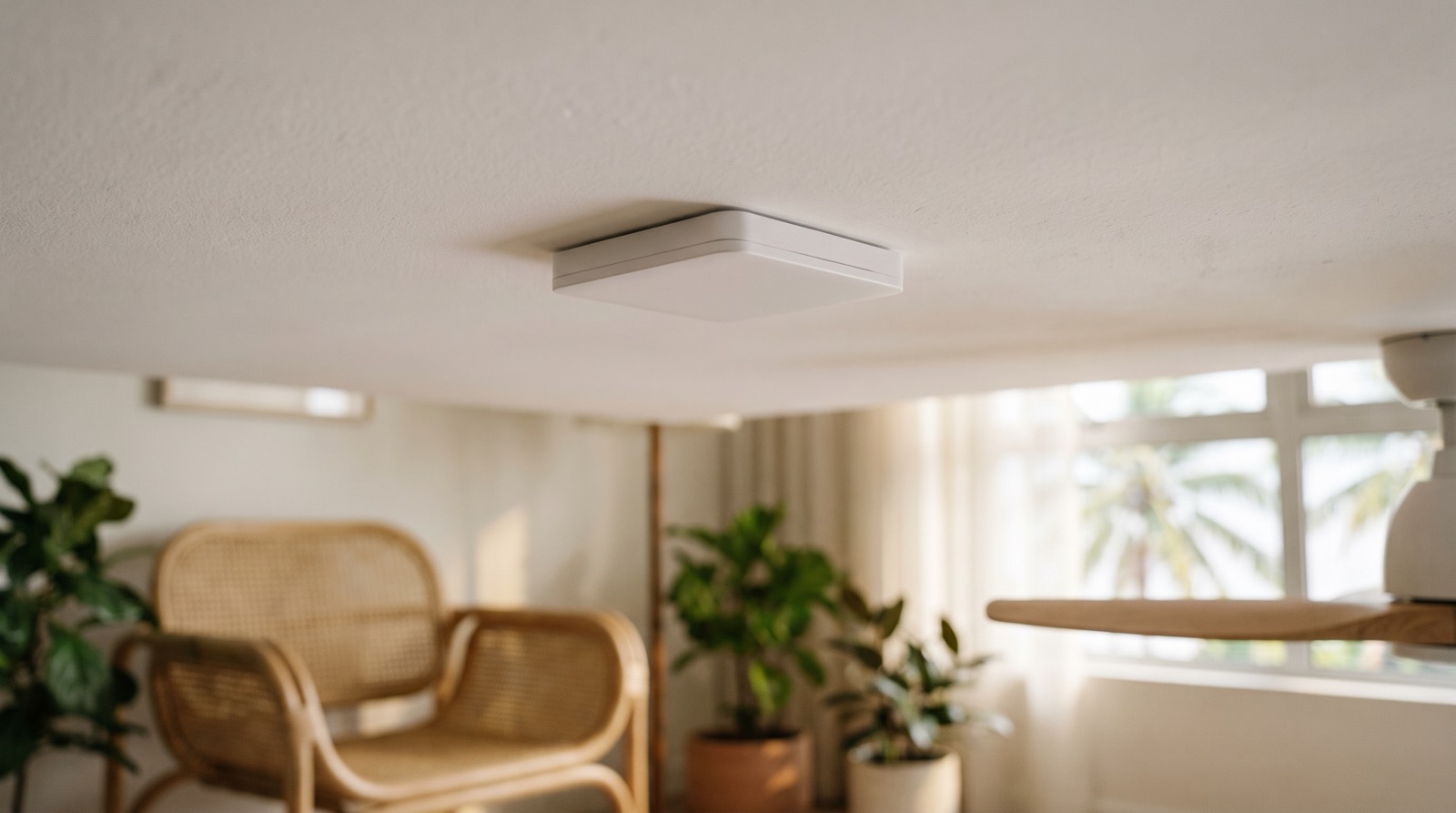
Presence sensor vs motion sensor explained: why PIR stops working when you sit still, what mmWave radar adds, and the Thread limits buyers are not told.
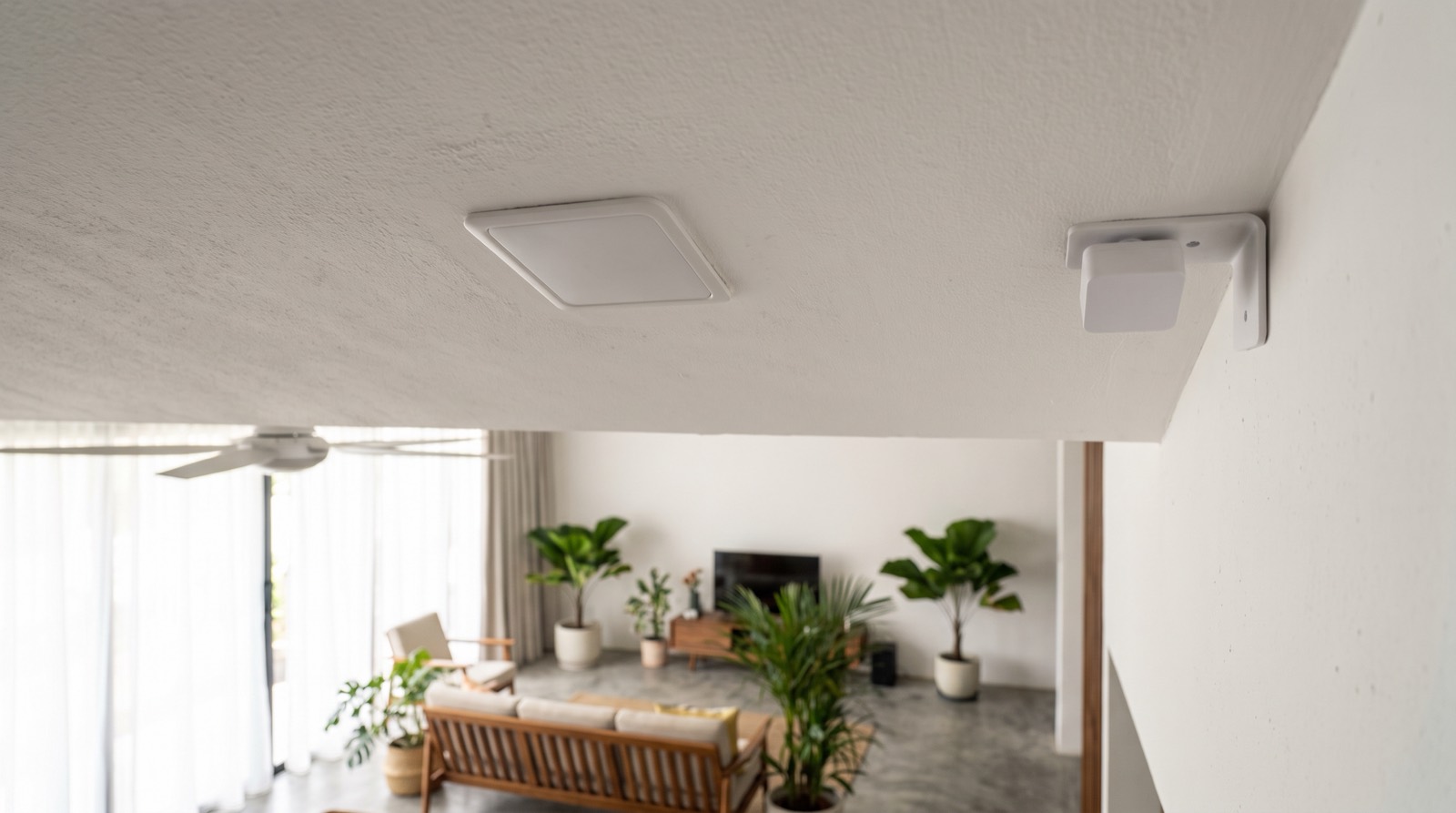
Aqara FP2 vs FP400, FP1E and FP300 compared: Wi-Fi, Zigbee or Thread, power, coverage, IP rating and what each one disables, as at September 2026.
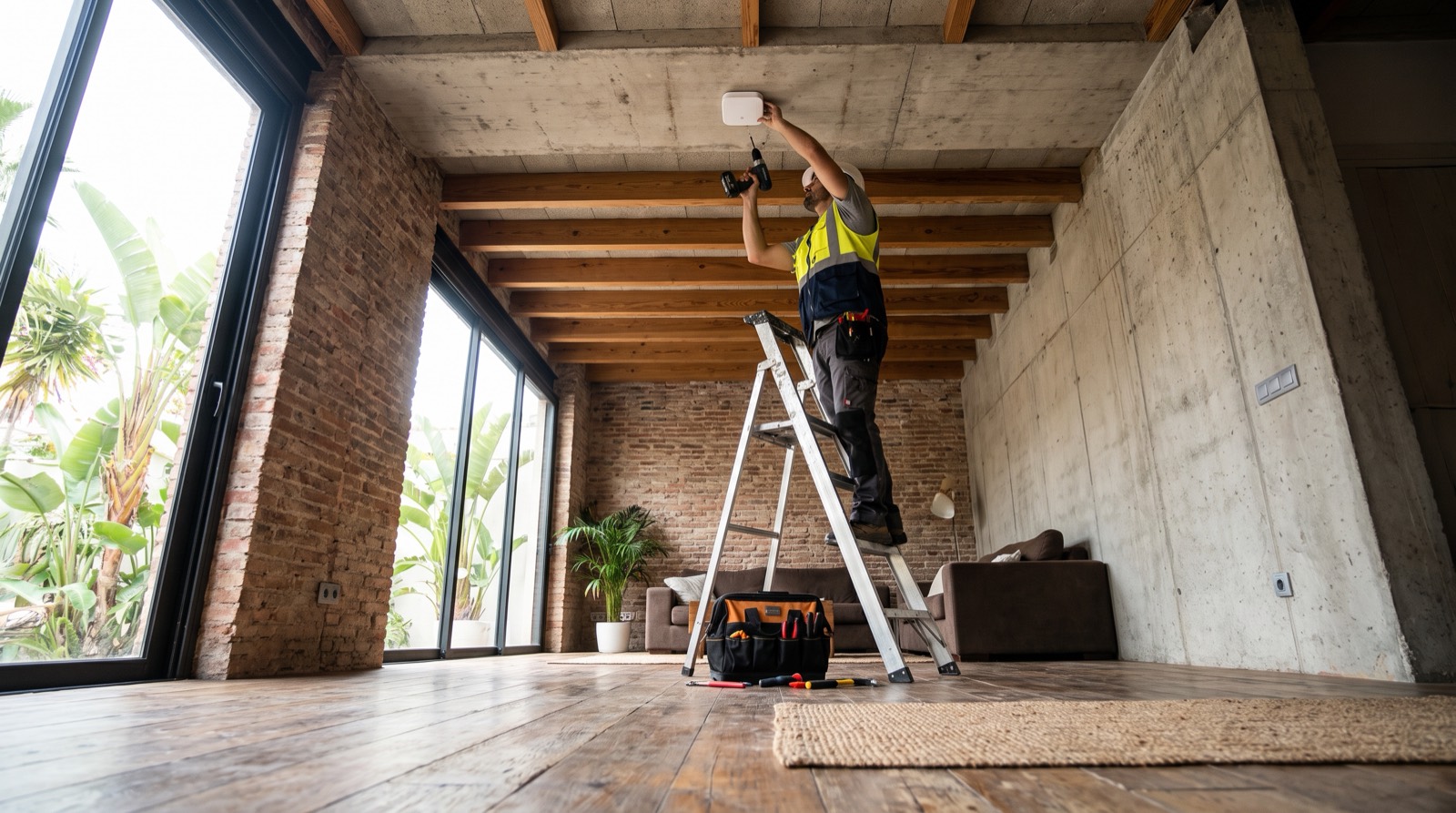
Install presence sensor Malaysia guide for trade: the 3-4 m mounting height, 5 x 6 m coverage, IPX5 limits, and why a 2.7 m condo ceiling fails the maths.
Tell us about your space. Our B2B team will reply within one business day with a recommended setup and quotation.
WhatsApp us →
[email protected]
+603-5880 5486