







Zigbee vs Wi-Fi vs Matter smart home in Malaysia: choosing a hub
Zigbee vs Wi-Fi vs Matter smart home in Malaysia compared. Learn why local control matters, what a hub does, and what actually happens when the Wi-Fi drops.
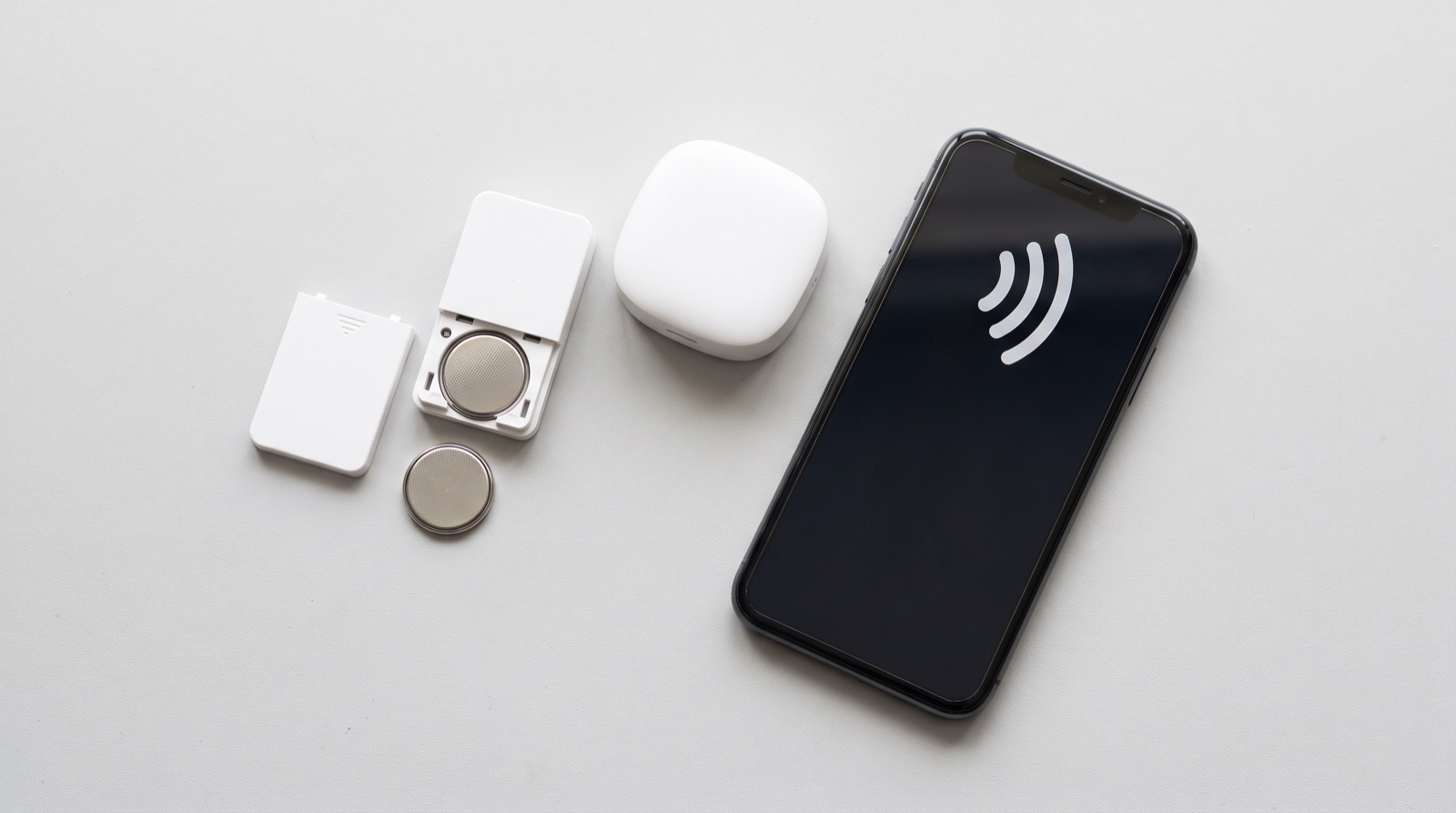
Answer up front — Work through it in this order: battery, distance from the hub, is the hub online, is your Wi-Fi actually up, is this a mains device that has lost power, is the app logged out. The mistake that costs people the most money is assuming a Zigbee device went offline because the internet is slow. Your Zigbee devices do not use your Wi-Fi at all — they talk to the hub, and the hub only needs your internet for the notification to reach your phone. Fixing a broadband plan will not fix a dead battery.
Most of the wasted money in this problem comes from treating every offline device the same way. Work out which of these you have, because the diagnostic path is completely different:
| Device type | Talks to | Goes offline when | Internet needed? |
|---|---|---|---|
| Battery sensor (motion, door, window, leak, temperature) | Zigbee, to the hub | Battery is flat, or it has lost the mesh route to the hub | No |
| Mains-powered device (switch, 20A module, plug) | Zigbee or Wi-Fi, usually to the hub | It has lost mains power, or the relay has tripped | Only for notifications |
| Wi-Fi device (camera, doorbell, video doorbell) | Your router, directly | Router, broadband, or the device's own Wi-Fi drops | Yes |
| The hub itself | Your router, by Wi-Fi | Router, broadband, hub power, or hub placement | Yes |
| A mains device behind a relay (a light, aircon, water heater) | Indirect | The upstream device or its circuit is off | Only for notifications |
Once you know which row you are in, stop reading the other rows. The rest of this article is that order.
This is the most common cause by a wide margin, and it is the one to rule out first because it takes ten seconds.
How to check, without guessing: open the Aqara Home app and look at the device. Aqara reports battery level for its battery-powered sensors, and it flags low battery before the device goes offline entirely. If the level is low, or the device has already dropped off, the battery is the first thing to change. Change it and see what happens.
Two things that catch people out:
Do not open a device, do not re-pair the whole system, and do not buy a new sensor before you have tried a battery. That is the sequence that saves the money.
Zigbee devices do not talk to the hub directly across the whole house. They relay. A device two rooms away may be reaching the hub through another device. This is normal and it is the design.
What causes a device to lose its route:
Check where the hub actually is and how far the device is from it. If the device sits at the back of a landed house and the hub is at the front, that is a coverage problem, not a device problem — and the fix is more mesh nodes, not new sensors. Repeaters and dead zones are covered in Zigbee mesh, repeaters and dead zones.
Before you touch the individual device, look at the hub. This is the step people skip, and it is the one that explains the case where three different devices all went offline on the same afternoon.
If the hub is offline, every Zigbee device may still be working perfectly — they keep talking to each other — but the app will show them all as unreachable, and you will get no notifications. That is a hub problem, and no amount of new sensors will fix it.
Now check the internet, because this is the step that is often blamed on the wrong thing.
A broadband problem will make a Wi-Fi device — camera, doorbell, anything that talks to your router directly — drop or go unresponsive. A broadband problem will not make a Zigbee device drop. That distinction is the whole point: your Zigbee sensors and switches are on their own network, inside your house, and the only thing your internet does is carry the notification to your phone.
So the test is simple. If your Wi-Fi and phones are working fine on the same network, and a Zigbee device is showing offline in the app, your internet is not the cause. People upgrade their broadband plan on the strength of this misdiagnosis and it changes nothing. If a Wi-Fi device is offline and everything else on the network is fine, then the device's own Wi-Fi connection is the suspect — distance, interference, or a router that changed its network.
For anything plugged in or hard-wired: a wall switch, a 20A module for the aircon or water heater, a smart plug, a relay.
Check three things, in this order:
If your mains device is fine and the hub is fine, the remaining explanation is the mesh route, which is step 2 again.
Rare, and it presents exactly like a whole-house failure, which is why it is on the list.
If the app has been signed out — because you changed your Aqara account, reset your phone, or the session expired — the app will show your devices as unreachable even though they are working perfectly. The house did not break. Open the app, and if it asks you to sign in again, that is the answer.
If you are signed in and it still shows offline, and you have access to more than one phone, sign in on a second device with the same account. If it works there, it is an app or phone problem. If it does not, it is a real device or hub problem and you are back at steps 1 to 5.
Two things about Malaysian houses specifically, and both change the answer.
Concrete and thick walls. A landed or terrace has a lot of masonry between the front and the back of the house, and a Zigbee signal does not enjoy it. But note carefully: this is a distance and mesh problem, not an internet problem. A device in the back bedroom behind two concrete walls is not going to be fixed by a faster broadband line.
Multi-floor layouts. On a three-storey house, a device on the top floor is not automatically the problem. Check where the hub actually is. If the hub is on the ground floor and there are no Zigbee mains-powered devices in between, the top floor is thin, and the fix is a mains-powered repeater on a middle floor — a device that is always powered and always listening, so it can hold the route open. If there are already mains devices on the middle floor acting as repeaters, the top floor is covered and something else is wrong.
This is the most common misdiagnosis in a landed house: blaming the top floor when the hub is the problem, or the battery is the problem, and spending money on repeaters. Rule out steps 1 to 4 first.
In order:
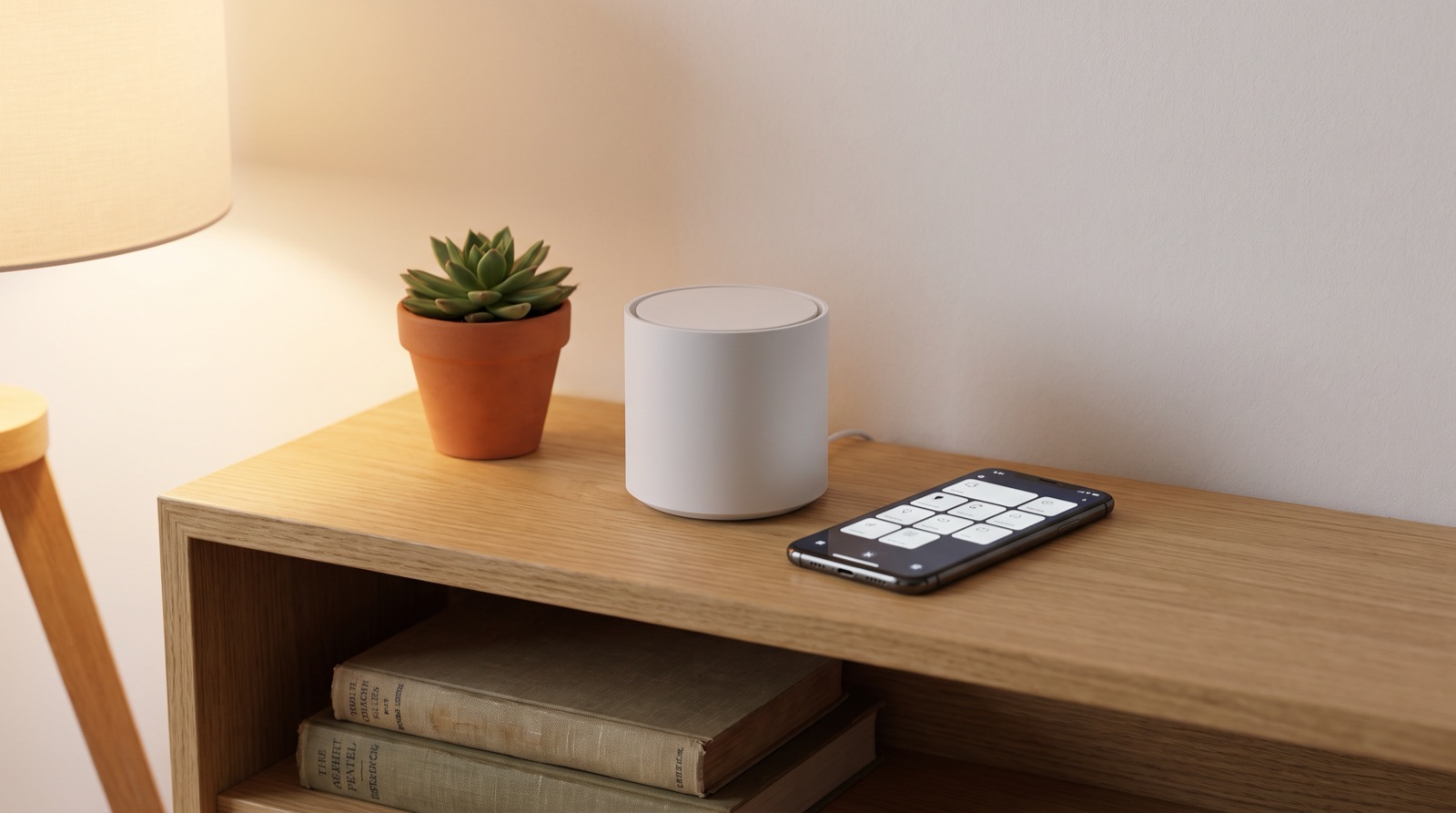
Zigbee vs Wi-Fi vs Matter smart home in Malaysia compared. Learn why local control matters, what a hub does, and what actually happens when the Wi-Fi drops.

From the official Aqara Malaysia distributor: the current range, which products need a neutral, back box and gang needs, aircon loads and local support.
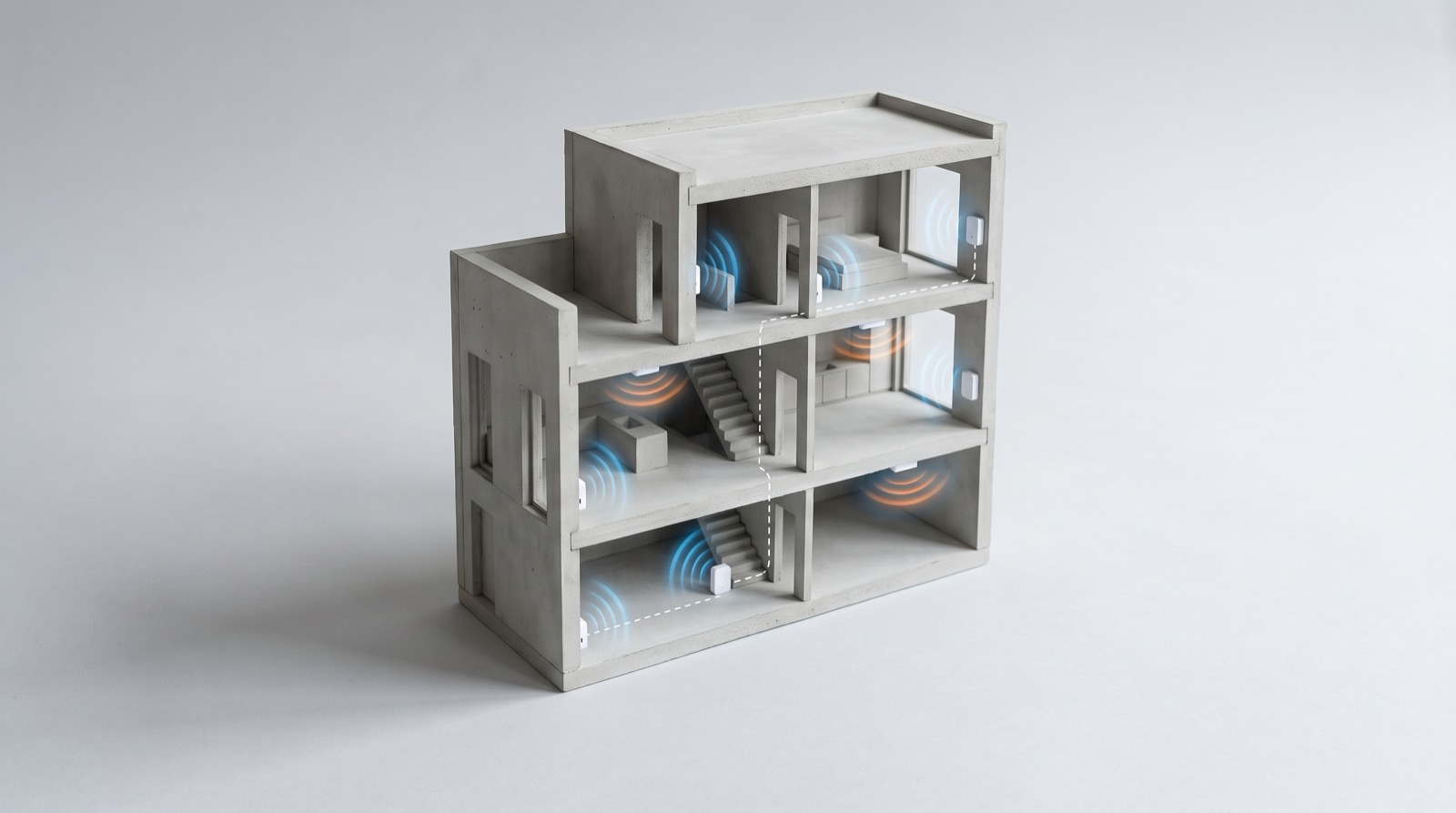
Zigbee mesh repeaters in a smart home Malaysia: why devices drop out in a landed house, how mains-powered devices extend the mesh, and how to survey RF.
Tell us about your space. Our B2B team will reply within one business day with a recommended setup and quotation.
WhatsApp us →
[email protected]
+603-5880 5486