







Smart Home Hub Placement, Wi-Fi Coverage and Power Backup in Malaysia
Smart home hub placement and Wi-Fi coverage in Malaysia: where the hub goes, telling a Wi-Fi fault from a Zigbee fault, and why power backup is part of the plan.
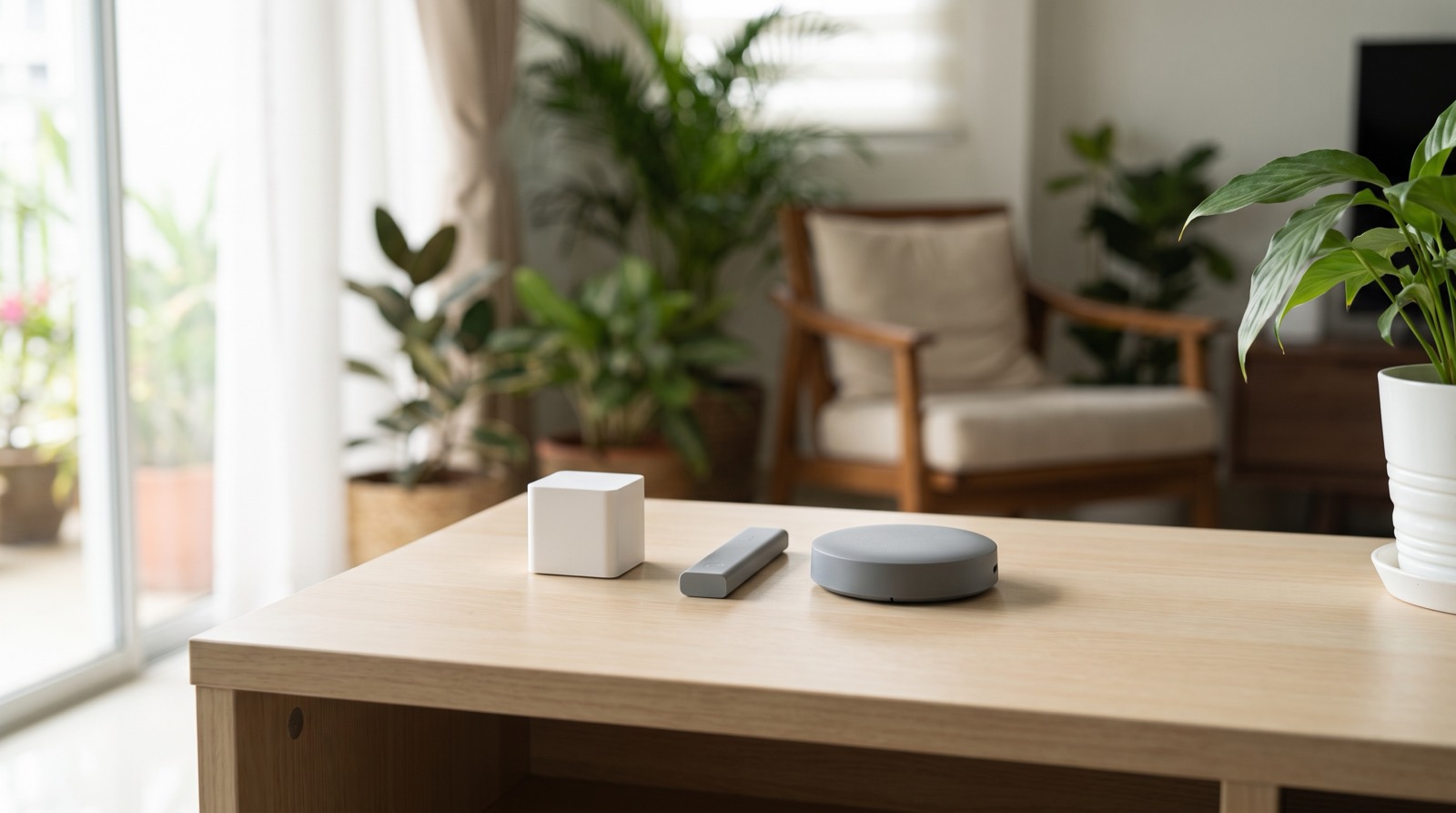
Answer up front — There is no single winner here, and hub capacity is not a straight line. The M100 carries 20 Zigbee + 20 Thread devices, the M200 carries 40 + 40, and the M3 carries 127 + 127 — roughly three times the device count of the M200. Use the M100 for a small flat or a single room, the M200 if you need infrared and PoE, and the M3 if you are building past 40 devices or want dual-band Wi-Fi. The M2 is not a smaller M3: it is a Matter Bridge with no Thread radio at all, so it is the wrong hub for any Matter-over-Thread plan.
Aqara currently sells four hubs. From a shelf they look like the same idea in four different shapes. They are not the same product, and the differences that matter are not the ones printed on the box.
Three of the four — the M3, the M200 and the M100 — are Matter Controllers with Thread Border Routers. The fourth, the M2, is a Matter Bridge with no Thread radio whatsoever. Capacity also does not scale in a straight line. Getting this wrong is costly in a specific way, because the two mistakes buyers actually make are buying the wrong hub for their ecosystem and assuming a power adapter is in the box.
| Hub M3 (HM-G01D) | Hub M2 (HM2-G01) | Hub M100 (HM-G02E) | Hub M200 | |
|---|---|---|---|---|
| Radios | Zigbee + Thread 802.15.4, BT 5.1 | Zigbee 3.0, BT 5.0, RJ45 | Zigbee/Thread 802.15.4, BT 5.2 | Zigbee/Thread 802.15.4, BT |
| Matter role | Controller + Thread Border Router + Bridge + IR | Bridge only — no controller role | Controller + Thread Border Router + Bridge | Controller + Thread Border Router + mesh extender + Bridge + IR |
| Thread radio | Yes | No Thread radio at all | Yes | Yes |
| Wi-Fi bands | a/b/g/n/ac — 2.4 and 5 GHz | b/g/n — 2.4 GHz only | b/g/n/ax — 2.4 GHz only | a/b/g/n/ac/ax — 2.4 and 5 GHz |
| Power | 5V⎓2A USB-C or PoE 48V⎓0.27A | 5V-1A or 5V-2A, micro-USB | 5V 0.5A via USB-A male plug | 5V⎓2A USB-C or PoE 48V⎓0.25A |
| Adapter in box | Not stated by Aqara | Not stated by Aqara | Not stated by Aqara | Stated: not included |
| Capacity | 127 Zigbee + 127 Thread | No device count published | 20 Zigbee + 20 Thread | 40 Zigbee + 40 Thread |
| Dimensions | 105 × 105 × 36.5 mm | 100.5 × 30.75 mm, round | 108 × 30 × 8 mm, 40 g | ⌀100.5 × 30.75 mm |
| Operating temp | −10~50 °C | 5~50 °C | −10~+40 °C | −10~50 °C |
| IR blaster | Yes | No | No | Yes |
| Speaker | 95 dB | Not stated by Aqara | None | 90 dB |
| Mounting | Not stated by Aqara | Not stated by Aqara | Not stated by Aqara | 1/4″ thread, wall or ceiling |
| IP rating | Not stated by Aqara | Not stated by Aqara | Not stated by Aqara | Not stated by Aqara |
Every figure above is Aqara's own published specification. Capacities are manufacturer-stated device limits, not measured throughput, and "not stated by Aqara" means the figure is absent from the published spec table — not that the feature is missing.
Read the capacity row on its own and the shape of this range becomes clear. The ladder is not evenly spaced.
So the step from the M100 to the M200 doubles your capacity. The step from the M200 to the M3 more than triples it. That widening gap is the real finding in this comparison, and it is visible from the specifications alone.
What none of these hubs do is grow with your house. A hub chosen for twenty devices does not become a forty-device hub later, and that is a live problem in a three-bedroom where every room ends up with sensors, switches and a lock. Count what you have, then count what you expect to add over two years, and choose against the second number.
Aqara marks the M3 as an Edge Hub and publishes no IP rating for it, so do not assume it is weather-rated.
This is the part most comparison articles get wrong. The Hub M2 is a Zigbee hub with a Matter Bridge role. It is not a Matter Controller and it has no Thread radio at all.
Aqara's firmware 4.0.0 (beta) for the M2 exposes Zigbee devices to Matter apps over Wi-Fi, but Aqara's own wording is that it "will NOT upgrade Zigbee devices to Thread". It requires Aqara Home 3.0.8 or later. So the M2 can show your Zigbee devices inside a Matter app. It cannot run a Matter-over-Thread system, because there is no Thread hardware behind it.
If your plan is Thread — and several of Aqara's newer devices, including the FP300 and FP400 presence sensors, are Thread devices — the M2 is a mis-sell in waiting. Choose the M100, M200 or M3 instead.
The M2 also has its own place: it is 2.4 GHz only, has a wired RJ45 port alongside USB-A and micro-USB, and for someone with an existing Zigbee setup who wants visibility in a Matter app it does a specific job well. It is not a rung on the ladder from the M100 to the M3.
M100 — the small flat. Twenty Zigbee plus twenty Thread devices. 2.4 GHz only, which matters in a congested 2.4 GHz band. No speaker, no IR. It runs from a USB-A male plug, so it goes straight into a USB port or a wall adapter without a cable hunt. Two honest notes: the 5V/0.5A supply is marginal if you plug anything demanding into its USB port alongside it, and the −10~+40 °C range is the narrowest of the four. Some U400 bundles include an M100.
M200 — infrared and PoE. This is the hub for anyone with an air-conditioner or a legacy IR appliance. It is a Matter Controller with a Thread Border Router, a mesh extender, a bridge and an IR controller, with dual-band Wi-Fi and PoE at 48V⎓0.25A. Three things to know before you commit to it:
M3 — scale and dual-band. 127 plus 127, PoE or USB-C, dual-band a/b/g/n/ac, Bluetooth 5.1, IR blaster and a 95 dB speaker, in the largest enclosure of the four. Pick this if you are building toward more than 40 devices, if your 2.4 GHz band is crowded enough that you want the 5 GHz fallback, or if you would rather run PoE than find a power point.
| If your situation is… | The hub that fits | Why | What you give up |
|---|---|---|---|
| A studio, a single room, or a flat you expect to keep at about twenty devices | M100 | 20 Zigbee + 20 Thread covers a room's worth of sensors, switches and one lock | 2.4 GHz only, no IR blaster, no speaker, the narrowest temperature range of the four |
| A three-bedroom with sensors, switches and locks in every room, plus aircons or legacy IR appliances | M200 | 40 + 40 devices, dual-band Wi-Fi, an IR controller, a mesh extender and PoE | Less than half the M3's capacity, and you source your own power adapter |
| More than 40 devices, several floors, or a plan that keeps growing for years | M3 | 127 + 127 devices, dual-band a/b/g/n/ac, BT 5.1, IR, 95 dB speaker, PoE or USB-C | The largest enclosure of the four, and the most hardware to place and power |
| An existing Zigbee setup you want visible inside a Matter app | M2 | Zigbee 3.0, a wired RJ45 port, Aqara Home 3.0.8 or later | No controller role and no Thread radio at all |
Buying an M2 into a Thread project. Covered above. If your devices are Thread, you need a Matter Controller and a Thread Border Router in the same box. The M2 is neither.
Assuming a power adapter is included. Only the M200 has a stated "not included". For the M3, M100 and M2, Aqara simply does not state what ships in the box. That is not the same as inclusion — confirm what you receive before you commit to a hub.
Ignoring Wi-Fi band and placement. The M100 and the M2 are 2.4 GHz only. Where the hub sits matters more than most buyers expect, especially in a double-storey landed house or a unit with thick walls. Our guide to hub placement, Wi-Fi coverage and power backup covers this, and why your smart device keeps dropping off covers the symptoms.
Aqara publishes no Malaysia or Southeast Asia regional site — its regions are de, en, eu, jp, ru and us — so a product page on Aqara's own site tells you a product exists, not whether it can be bought and supported here. Model numbers do more of that work than the website does: Hub M3 Global is HM-G01D.
Availability of the M100, M200 and M3 in Malaysia, and of any newer hub, is best confirmed with us before you order. The Edge Hub M300 has not been listed as a Malaysian-channel product: confirm with us.
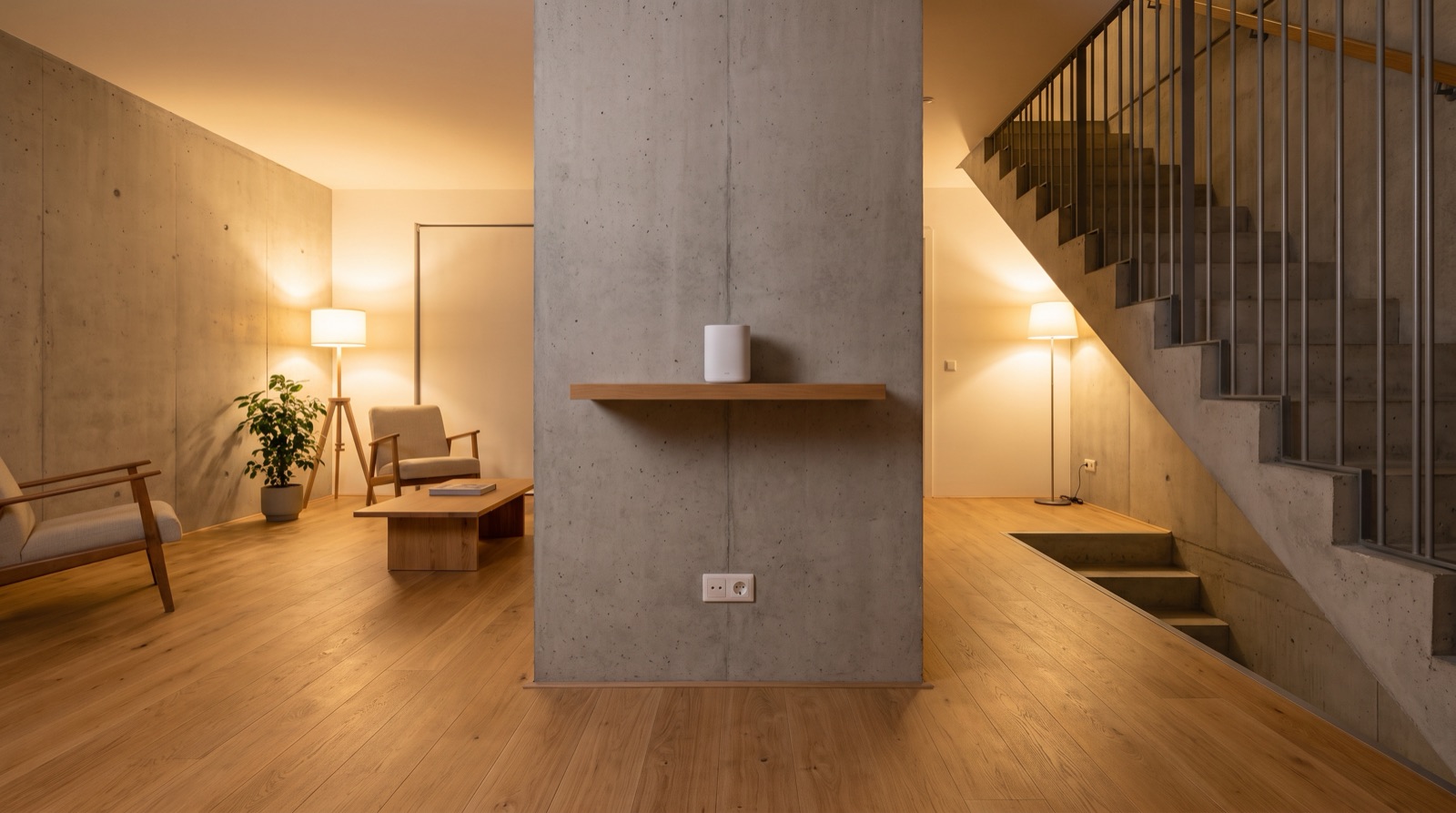
Smart home hub placement and Wi-Fi coverage in Malaysia: where the hub goes, telling a Wi-Fi fault from a Zigbee fault, and why power backup is part of the plan.
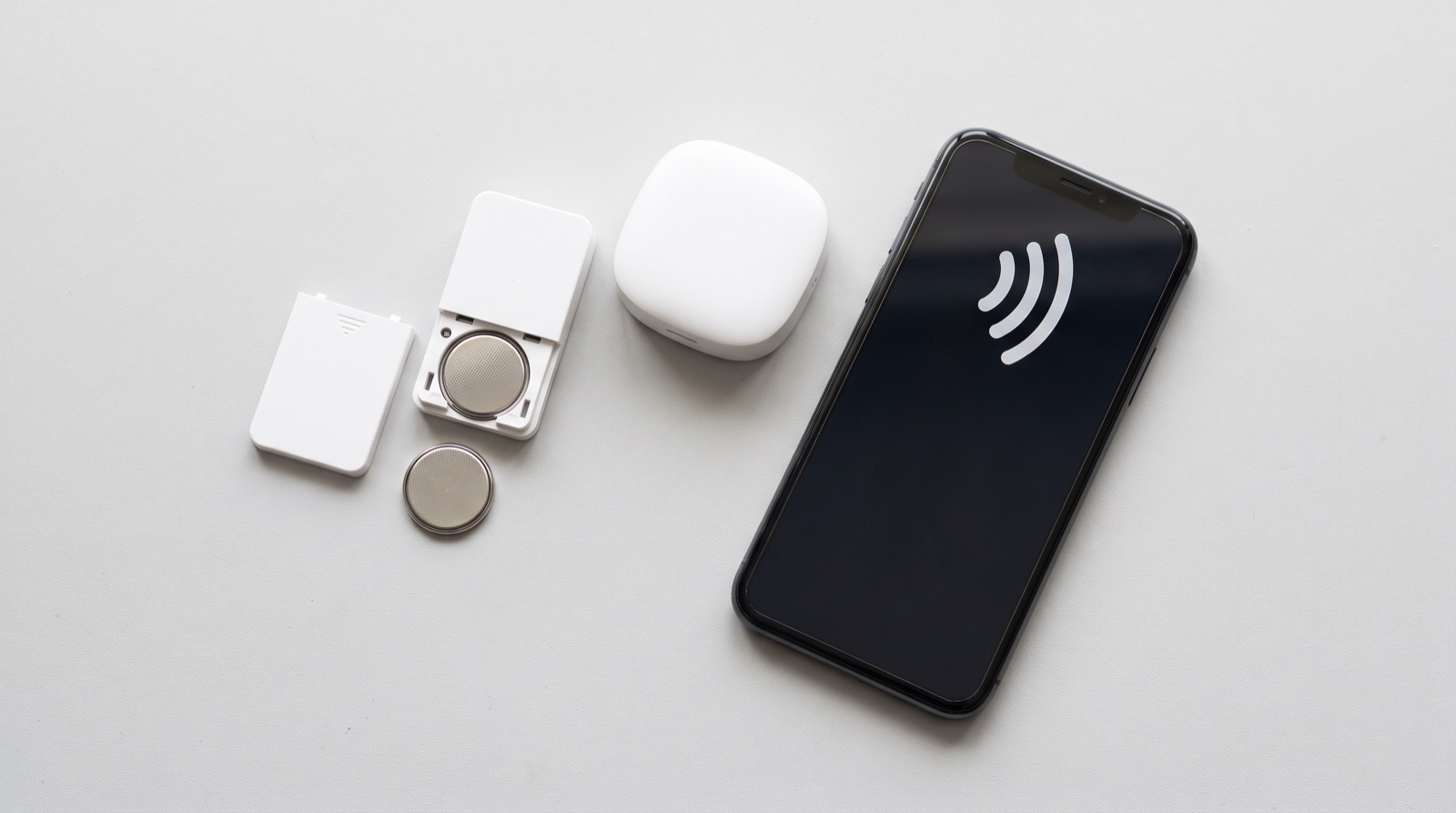
Smart home device keeps going offline in Malaysia? A six-step checklist from battery to hub to Wi-Fi, and the Zigbee versus internet mistake that costs people money.
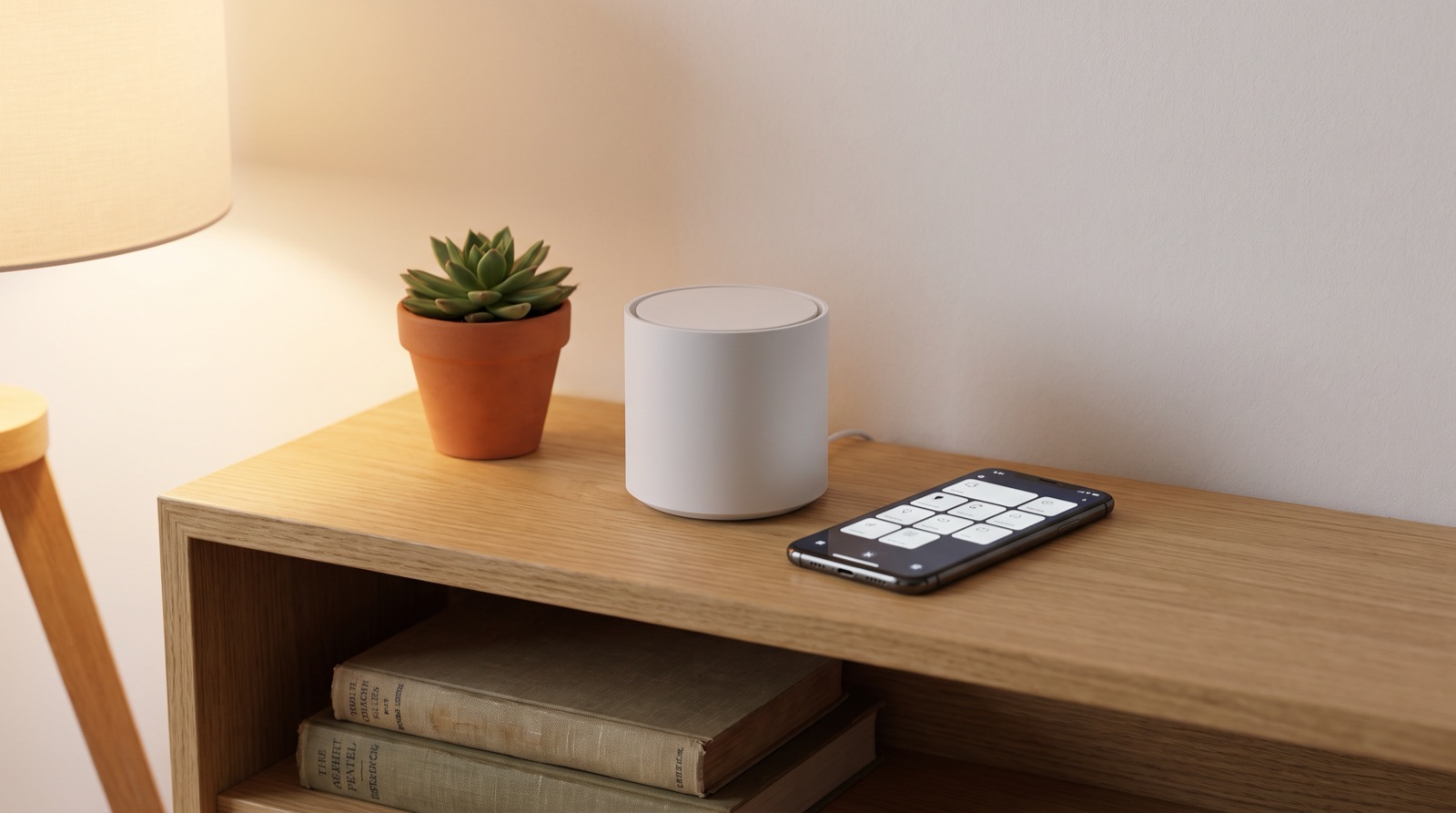
Zigbee vs Wi-Fi vs Matter smart home in Malaysia compared. Learn why local control matters, what a hub does, and what actually happens when the Wi-Fi drops.
Tell us about your space. Our B2B team will reply within one business day with a recommended setup and quotation.
WhatsApp us →
[email protected]
+603-5880 5486