







Aqara Installer Resource Hub: Spec Sheets and Product Selection
From the official Aqara Malaysia distributor: the current range, which products need a neutral, back box and gang needs, aircon loads and local support.
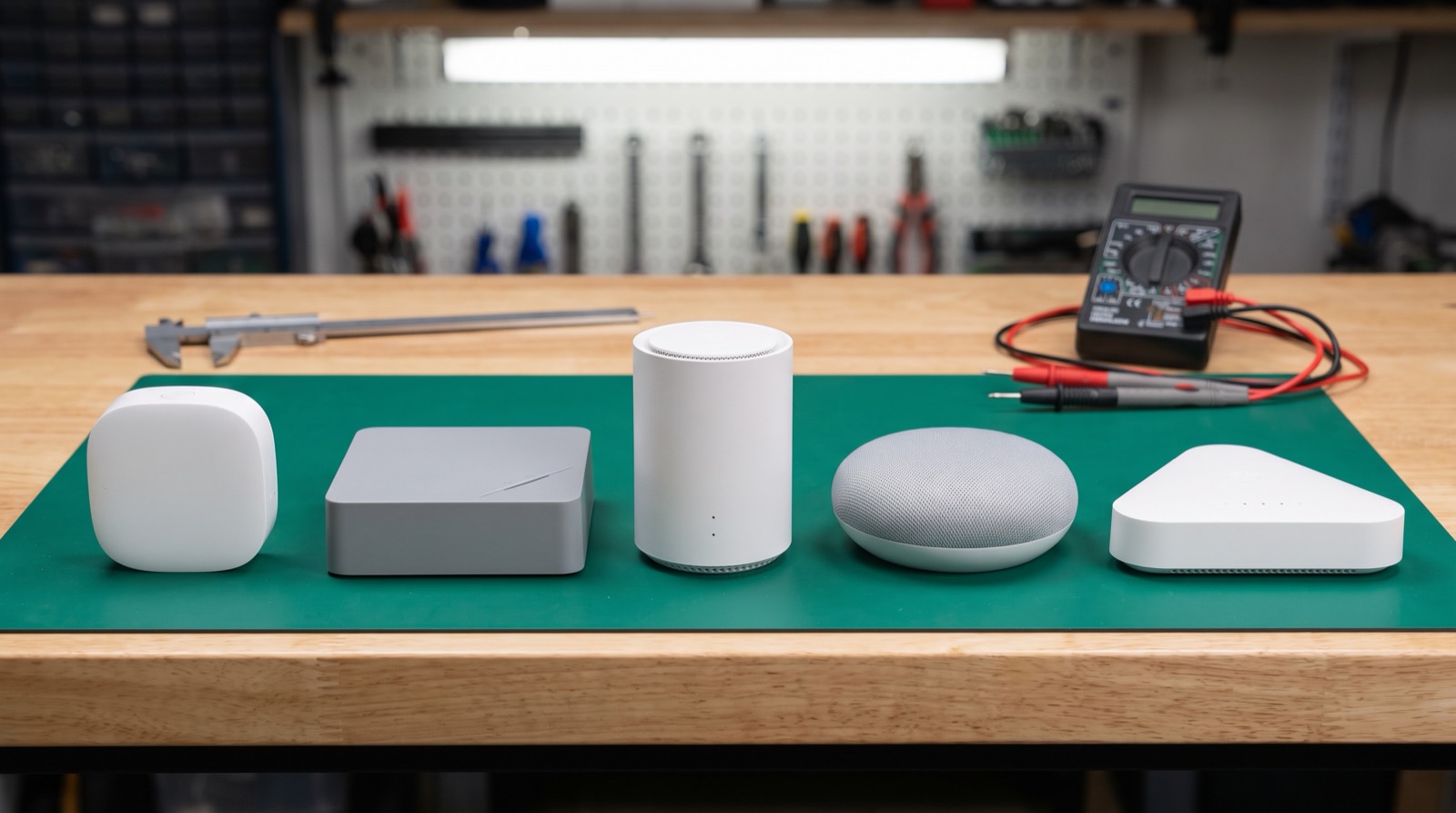
Answer up front — Aqara publishes per-device hub compatibility, not one universal matrix. For the Spatial Multi-Sensor FP400, currently supported hubs are Hub M3, Hub M100, Hub M200, Doorbell Camera Hub G410 and Camera Hub G5 Pro; support is listed as coming later in 2026 for Thermostat Hub W200, MagicPad S1, Panel Hub S1 Plus and Camera Hub G350; and Hub M2, Hub M1S, Hub M1S Gen 2, Hub E1, Camera Hub G3, Smart Video Doorbell G4 and Camera Hub G2H Pro are not supported. You also need an M3, M100 or M200 running firmware 4.5.70 or above for the full feature set. An installer who quotes an FP400 to a customer holding a Hub M2 has quoted a product that will not work.
Compatibility is the cheapest thing to get right and the most expensive thing to get wrong. A wrong hub choice costs a device return, a site revisit and a client who no longer believes the specification. It costs nothing to check before you order. This post is the check.
One framing note before the tables: Aqara does not publish a single matrix covering every sensor. Compatibility is published per device. The matrix below is the FP400's matrix. Do not generalise it to other sensors, and do not assume a device that works on your client's hub works on a newer one — check the specific product page for the specific device.
Reproduced from Aqara's own FP400 product page.
| Hub status | Hubs |
|---|---|
| Currently supported | Hub M3, Hub M100, Hub M200, Doorbell Camera Hub G410, Camera Hub G5 Pro |
| Support soon in 2026 | Thermostat Hub W200, MagicPad S1, Panel Hub S1 Plus, Camera Hub G350 |
| NOT supported | Hub M2, Hub M1S, Hub M1S Gen 2, Hub E1, Camera Hub G3, Smart Video Doorbell G4, Camera Hub G2H Pro |
Aqara adds the qualifier that compatibility varies by model, region and firmware.
The "not supported" row is the one that matters commercially. Seven hub models are excluded, and one of them — the Hub M2 — is a very common device in Malaysian homes.
| Status | What you do |
|---|---|
| Currently supported | Quote the sensor. Confirm the firmware floor is met before commissioning. |
| Support soon in 2026 | Do not rely on it for a job with a handover date. Treat it as a future option and plan for the currently supported set. |
| Not supported | Do not quote this sensor for this hub at all. Either change the sensor, change the hub, or drop the line. |
The middle row deserves a word. "Support soon in 2026" is not a date. If a client is in handover next month and you have designed on the assumption that Panel Hub S1 Plus will pick up the sensor, you have designed on a press statement. Specify from the currently supported set, and treat the forthcoming ones as an upgrade path in your client conversation rather than a line in your bill of quantities.
This is the failure mode that looks like a compatibility problem and is not.
| Requirement | Detail |
|---|---|
| Hubs | M3, M100 or M200 |
| Minimum firmware | 4.5.70 |
| Why it matters | To experience the FP400's features, not merely to pair it |
Pairing successfully and getting the full feature set are two different things. A supported hub on old firmware will connect, and the client will then report that zones or posture detection are missing. Check the firmware version during commissioning, not at handover when it is too late to matter.
These bite specifically when a client wants to use Apple Home, Google Home or another third-party platform.
| Rule | What it means on site |
|---|---|
| Matter over Thread accessories | Require a Matter controller such as Hub M3, set up in Aqara Home first |
| S1 Plus | Is itself an Aqara Zigbee hub, so Zigbee devices can be added to Aqara Home through it |
| FP400 on third-party Matter in Zigbee mode | An Aqara hub is essential |
| FP400 over Thread | Exposes only one overall presence sensor and one illuminance sensor — per-person and zone data is lost |
| Third-party Thread integration | Requires a pre-configured third-party Thread Border Router |
That third-party rule deserves emphasis because it is the one most often missed. If a client's design brief says "we run everything in Home Assistant" and the sensor is in Thread mode, they will not get the per-person tracking or the zones. The same hardware delivered a different way exposes a fraction of the data. Establish which platform the design depends on before you specify, not after the client reports missing zones.
We cover the general Matter controller question in Matter with Aqara: what needs a Matter controller, and the wider hub decision in Zigbee, Wi-Fi or Matter.
Most homes that ask for an FP400 already have an Aqara hub from an earlier purchase, and the hub decides whether the new sensor works. Using Aqara's published list, the common ones look like this.
| Hub a client may already own | FP400 status |
|---|---|
| Hub M2 | NOT supported |
| Hub M100 | Currently supported |
| Camera Hub G5 Pro | Currently supported |
| Doorbell Camera Hub G410 | Currently supported |
| Camera Hub G3 | NOT supported |
| Other Aqara hubs and camera hubs | Check the specific product page |
The Hub M2 and Camera Hub G3 are established devices that Malaysian customers genuinely own. That makes an FP400 mis-quote a live problem, not a theoretical one. Availability of the FP400 and the other 2026 products in Malaysia is not confirmed. Confirm with us before you design around them.
Spec sheets and downloadable resources are in our installer resource hub, and placement detail is in hub placement, Wi-Fi coverage and power backup.
From the official Aqara Malaysia distributor: the current range, which products need a neutral, back box and gang needs, aircon loads and local support.
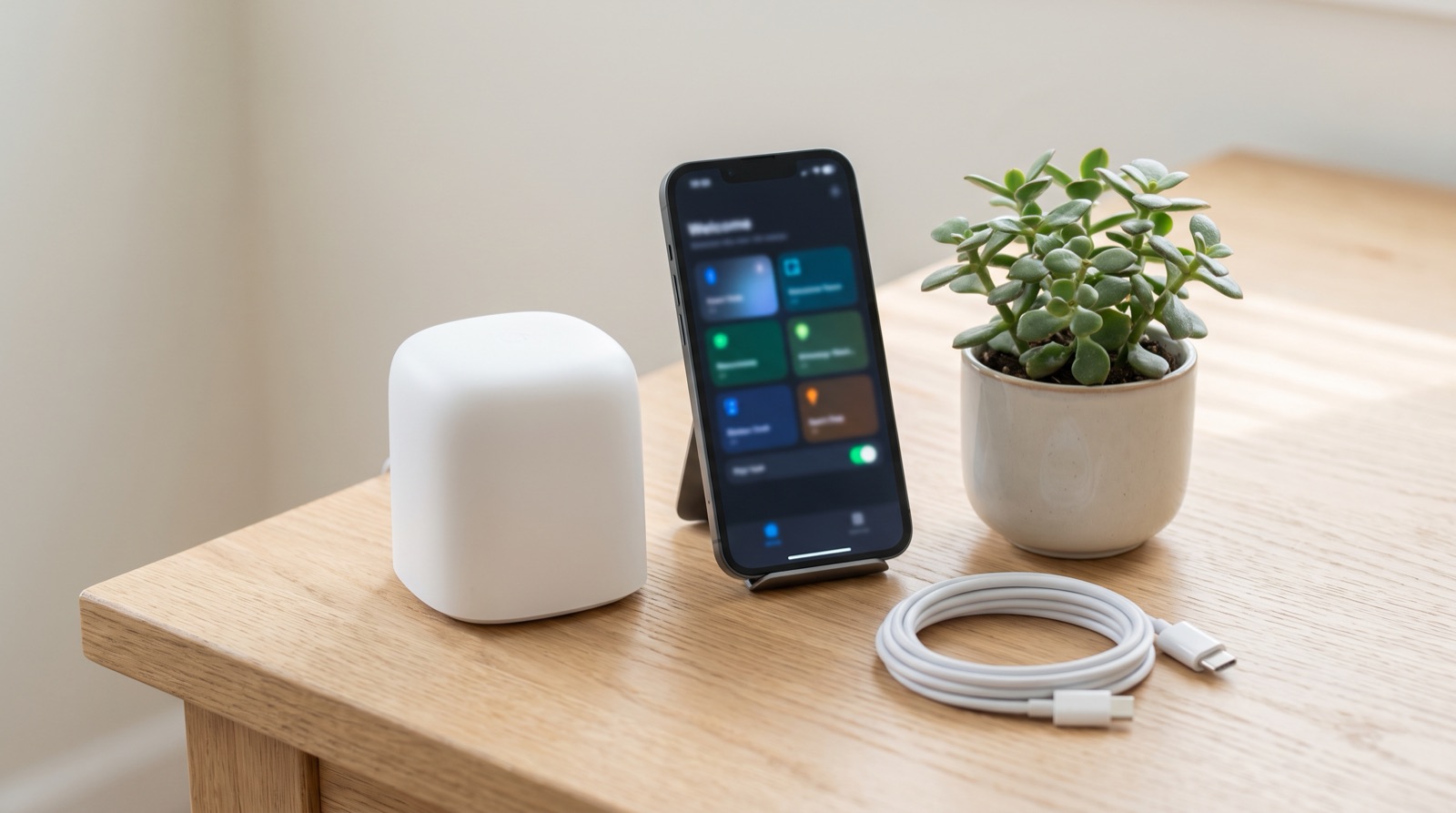
Matter controller smart home Malaysia explained — why Hub M3 is needed first, what Matter adds over Zigbee, and what still works when the ISP is down.
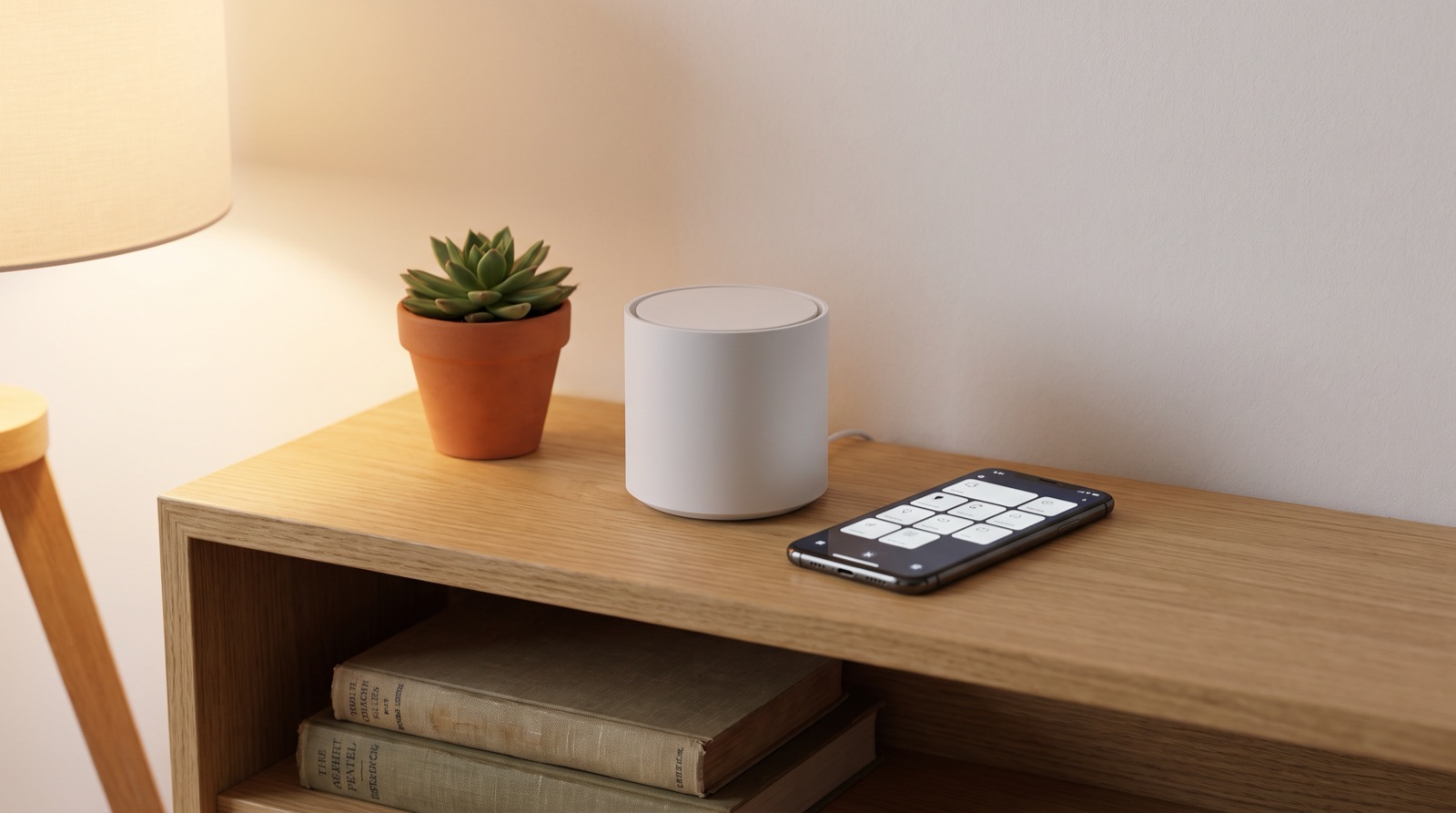
Zigbee vs Wi-Fi vs Matter smart home in Malaysia compared. Learn why local control matters, what a hub does, and what actually happens when the Wi-Fi drops.
Tell us about your space. Our B2B team will reply within one business day with a recommended setup and quotation.
WhatsApp us →
[email protected]
+603-5880 5486