







Which Smart Home Retrofit Is Realistic in Malaysia? By House Type
Smart home retrofit Malaysia house type: what is easy, what is painful, and what it costs to start - terrace, shop lot, walk-up and new high-rise unit.
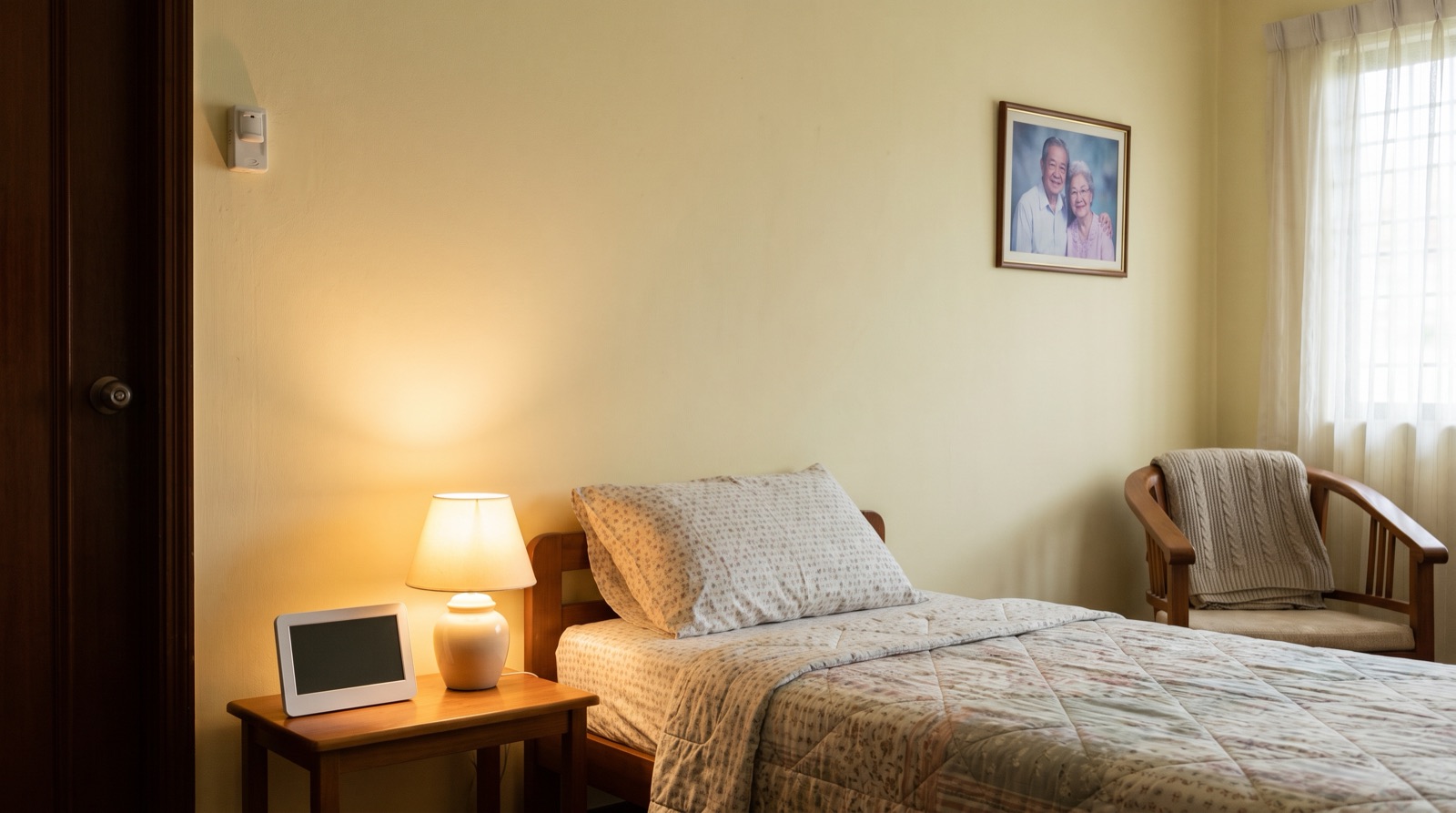
Answer up front — Monitoring a parent's home is worth doing; monitoring their bedroom is surveillance, and it damages trust faster than it helps. A motion sensor in the corridor or bathroom tells you something happened, not that someone fell — it is not a medical alert system and it is not certified as one. If nobody in the family owns the notifications, the whole setup is decoration.
Smart home elderly parents safety comes up in Malaysia because of how we live. Three generations in one house, or one house — a landed house in Klang, a condo in PJ, a village house — a few minutes from the mum who lives alone. There are two homes, and the second one is the problem.
Ages and needs vary, so the first job is to be honest about which situation you are in, because the right answer is completely different:
| Situation | The real need | The right tool |
|---|---|---|
| Parent still independent, house is fine, you want peace of mind | To know if something is wrong | Contact and motion sensors, smart lighting |
| Parent living alone, mobility declining | To reduce the number of times they have to struggle | Smart lock, motion-activated night light, leak and gas protection |
| Parent has already fallen, or you are worried about falls | Immediate help when something happens | A medical alert device or a call service. Not a smart home sensor. |
That last row matters. If someone in your family has fallen, the honest answer is a medical alert device or a personal response service, not a Zigbee sensor. A motion sensor is a comfort measure. It is not a safety system and it has no medical certification of any kind.
Put a camera in your mother's bedroom and you have changed the relationship. She will know. She may not say anything — Malaysians rarely confront directly — but she will stop closing the door, stop undressing, stop being relaxed in her own house, and she will not tell you why.
The same sensors, somewhere else, are not surveillance at all:
That list is monitoring. It answers "is anything happening" without answering "what is she doing". The difference is the whole subject of this article.
Tell them before you install it. Not after. Say what it does, what it does not record, and that you will not put a camera in the bedroom. If they say no to something, that is the correct outcome and you should respect it — a parent who feels watched will behave less safely, not more.
People search "fall detection" and they mean one of two very different things.
What a motion sensor does: it detects movement in a defined area and reports it. If a parent has genuinely fallen and is lying still, a motion sensor is the wrong instrument — no movement, no trigger. If they get up and move normally afterwards, you get a notification about a non-event and you get it at the wrong time of night.
What a dedicated fall alert does: it is designed specifically to detect a fall and summon help, and it is a different class of product with its own requirements. Some presence sensors, including the Aqara Presence Sensor FP2, offer a fall detection mode — treat that as an extra notification to a family member, not as a certified medical alert device, and check the datasheet for what it can and cannot detect. Be suspicious of any smart home product that implies more.
What it is not: a medical alert system. Nobody hears the notification except you, and you may be asleep, in a meeting, or on a plane. If the real requirement is "someone will come if there is a fall," buy the thing designed for that requirement.
Ranked by usefulness, not by how impressive they sound.
Water leak and gas protection. The highest-value, least intrusive thing you can put in a parent's house. A tap left running in an upstairs bathroom when nobody is home is the failure that actually damages a house, and a motorised shut-off valve on an accessible water line can close it automatically, with an Aqara leak sensor as the trigger. This is worth more than any camera. The mechanics are covered in water leak, gas, smoke and valve protection.
A light that comes on by itself. A motion sensor in the corridor or the landing triggering a smart light at low level at night. It removes the trip hazard, it removes the "can you come and switch on the light" phone call, and it takes nothing away from anybody's dignity.
A smart lock that removes the need to reach for keys. For an arthritic hand on a heavy padlock, or a parent who has to leave a key under a mat, this is a real independence gain. It is also the most invasive thing you install in someone else's home, because you are changing how they get in. Agree it with them first, and make sure they can always get in even if the app, the hub or the phone is not working — a lock that can lock a person out is worse than the padlock it replaced. Whether the door is even a candidate is covered in do you actually need a smart lock.
Door and window sensors. The Aqara Door and Window Sensor P2, paired with a Motion Sensor P1. The door sensor tells you the front door is open. The motion sensor tells you there was movement. Neither tells you anything about a person's condition.
Sharing is the part that turns this from a nice idea into a working arrangement. In the Aqara Home app you can give another family member access to the same home — how sharing works is in the Aqara Home app guide.
Before you do, answer three questions out loud:
And the honest bit: someone has to own the notifications. If one sibling set it up and the other two are not interested, then that one sibling is on call for the next several years, every time. Say this out loud before you start, because it is the part that makes these systems fail quietly. A system nobody owns is decoration.
Before any of it, it is worth checking what your home can physically take — the neutral wire and back box questions are covered in which smart home retrofit is realistic in Malaysia.
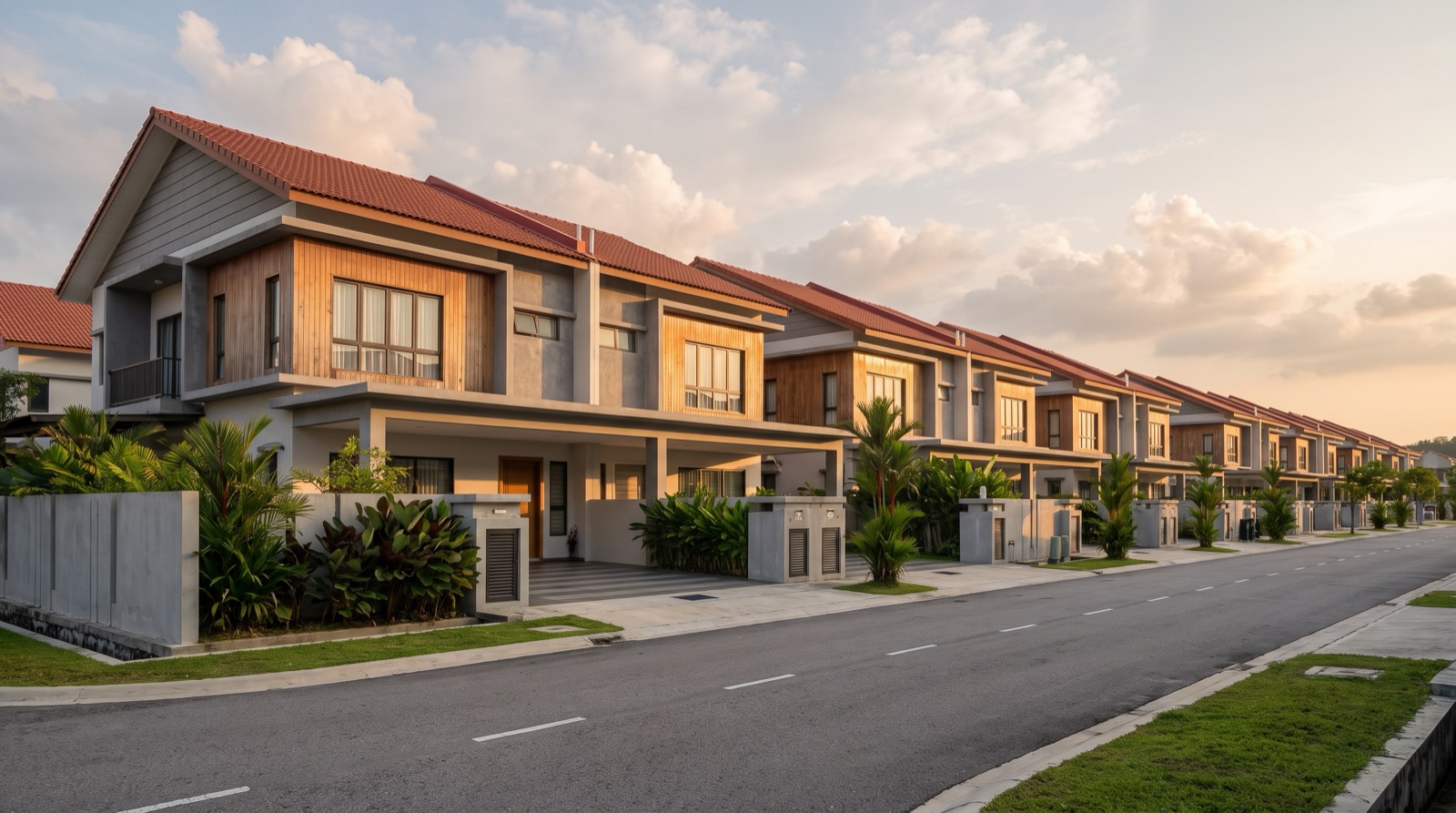
Smart home retrofit Malaysia house type: what is easy, what is painful, and what it costs to start - terrace, shop lot, walk-up and new high-rise unit.
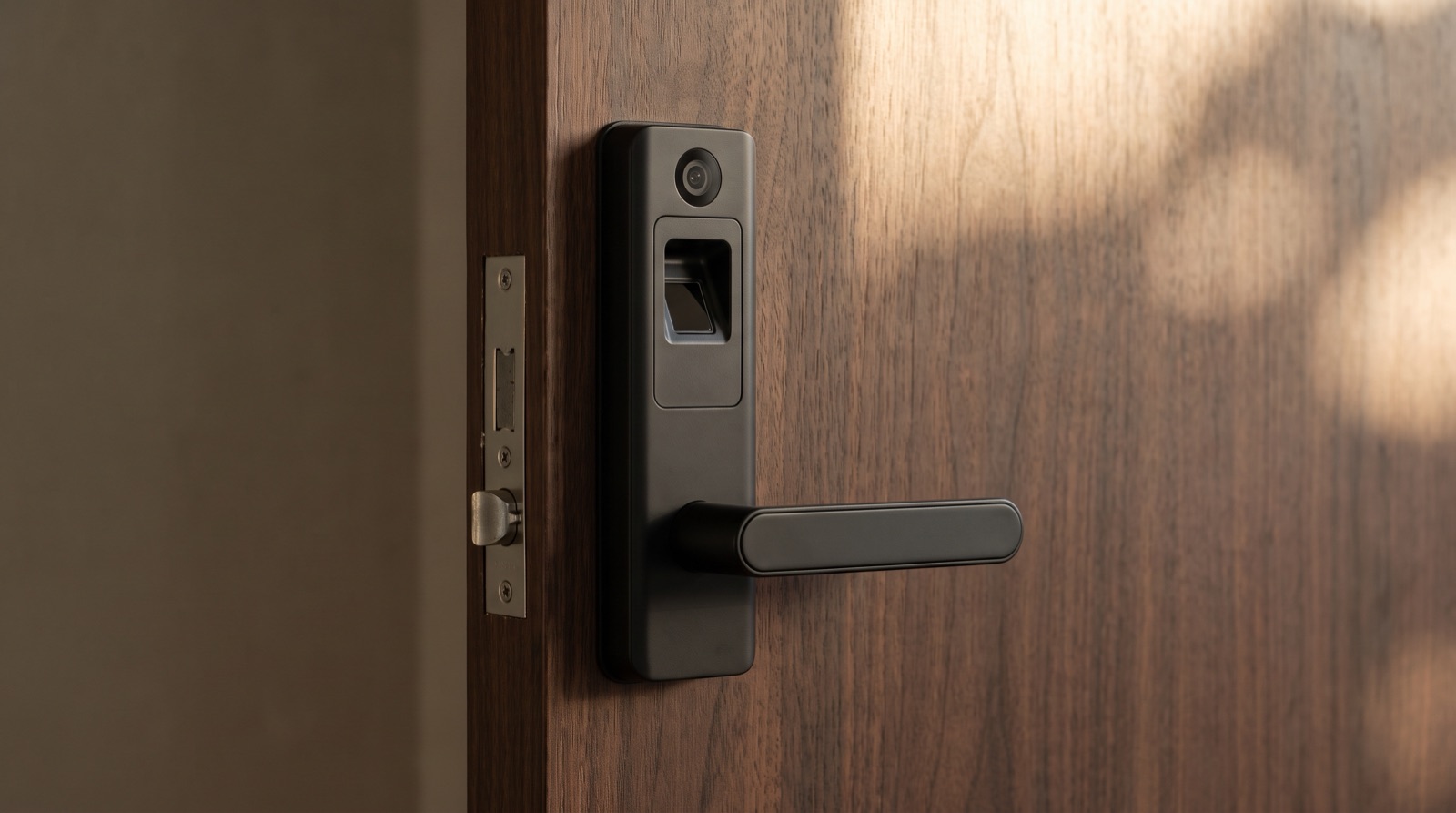
Smart lock Malaysia buying guide covering the Aqara D200i, U400 and U200 Lite, plus door thickness, battery failure and what your condo management allows.
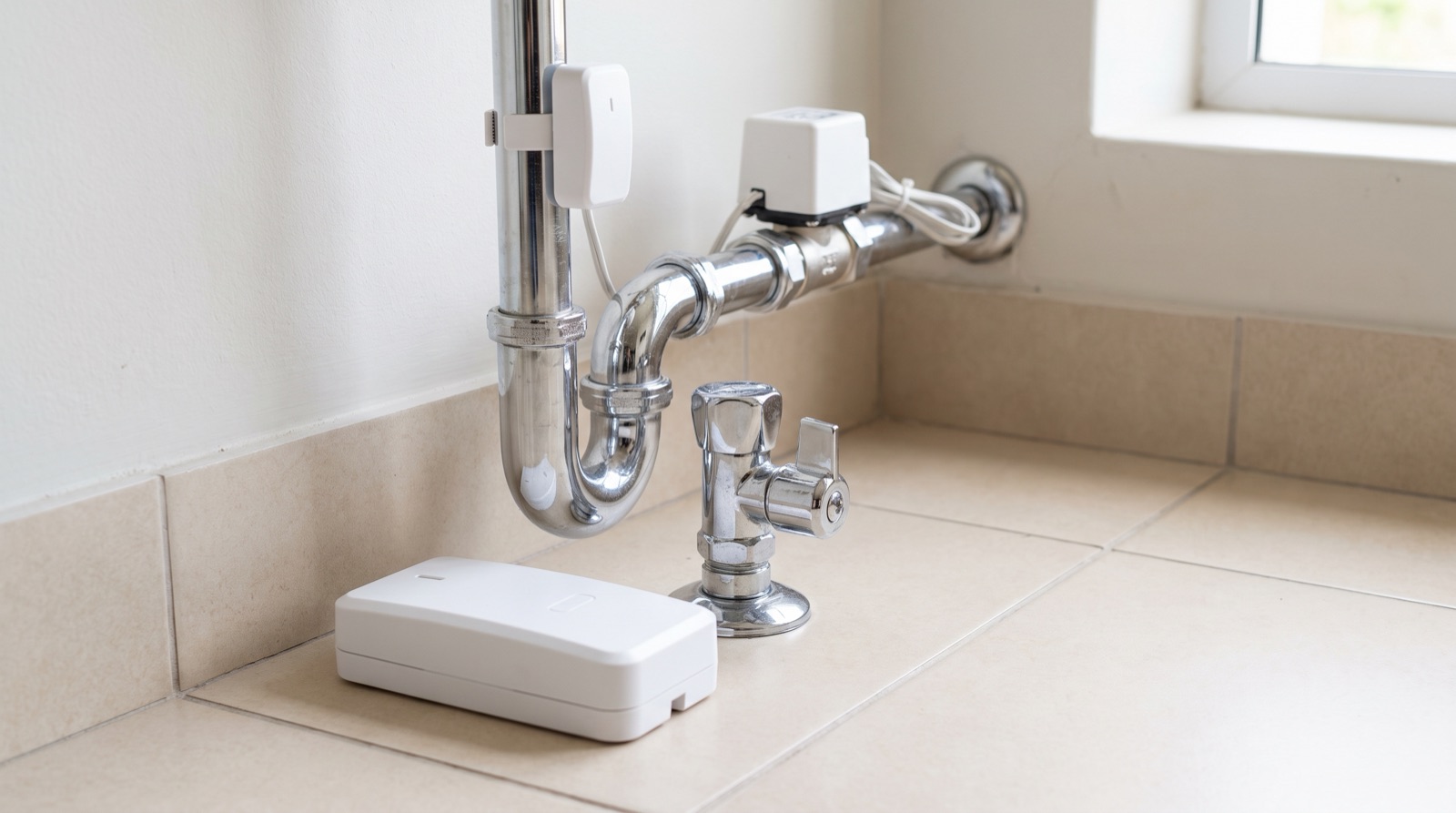
Water leak sensor placement for Malaysian homes: where leak, gas and smoke sensors belong, how to plan an automatic water shut-off, and what sensors honestly do not do.
Tell us about your space. Our B2B team will reply within one business day with a recommended setup and quotation.
WhatsApp us →
[email protected]
+603-5880 5486