







Smart Building for Factories and Industrial Sites in Malaysia
Smart building systems for Malaysian factories: what Aqara covers in an industrial site, what it does not, and where the site-level layer begins.
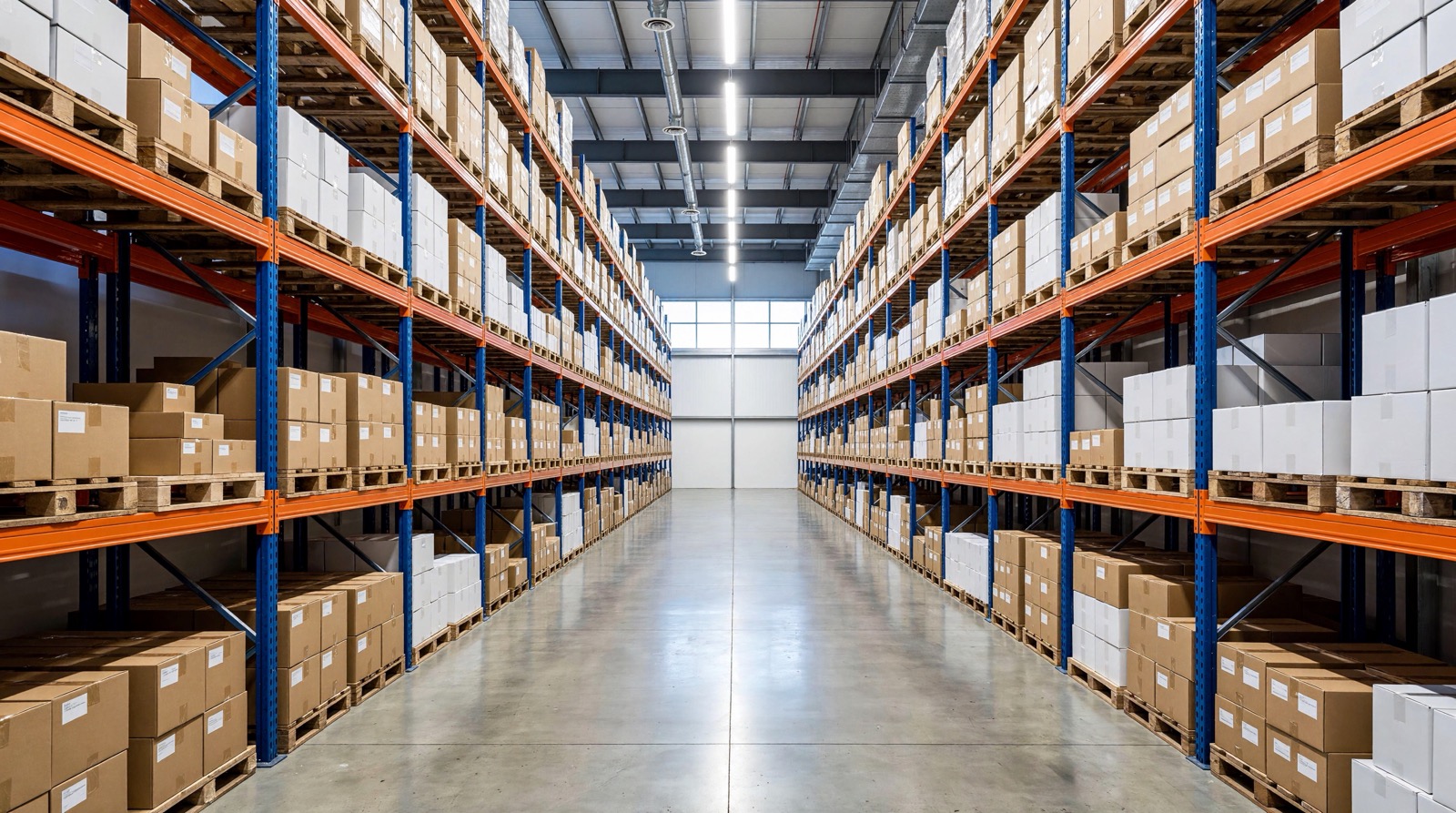
Answer up front — A warehouse project fails when the layers are confused. Aqara is the building layer: racking-area presence and lighting, loading-bay doors and shutters, cold-room temperature and humidity with water-leak detection, aisle lighting driven by movement, and staff access. The WMS and ERP own picking accuracy, slotting, labour planning and stock accuracy, and no sensor on the wall changes those. Omaya sits between them as the operations layer — Bluetooth gateways, temperature and door sensors, leak sensors, staff tags and GPS vehicle trackers, with the yard drawn as a geofence. Tracking accuracy depends mostly on gateway placement, which is why every project starts with a site survey.
This is for a warehouse operator, logistics manager or facilities lead deciding what to instrument, and — more importantly — what to leave alone. It is written so that the boundaries are clear before anyone signs, because buying the wrong layer is the expensive mistake.
A warehouse is three systems wearing similar clothes.
The building layer is the fabric of the building: lights, doors, shutters, temperature, leaks, access. This is Aqara's layer. It answers "is the aisle lit where somebody is working", "is the cold store within temperature", "was the shutter opened out of hours".
The operations layer is the movement of people and assets through that building: where the staff tags are, where the forklifts and trucks are, which fridges are out of band, what happened overnight. This is Omaya's layer, and it aggregates signals from many gateways into one operational picture.
The warehouse system layer is the stock itself: what is in which location, what to pick next, how many hands are needed, and how accurate the count is. This is the WMS or ERP's job, and it is not replaceable by sensors.
The sentence to hold onto: sensors tell you what the building and the people in it are doing; the warehouse system decides what that means for stock. BMS and smart building IoT in Malaysia sets out the same room-level against site-level logic for buildings, and Aqara presence versus Omaya occupancy covers it for one space.
Synchroweb's own platform sits above the device layer and carries the warehouse application. Its published warehouse capability covers:
The yard is drawn as a geofence, so vehicles arriving and leaving are visible as events rather than as a report you reconstruct. Around that core, Omaya's published platform capability adds device health, firmware, last-seen, battery and location, environment monitoring with evidence-ready logs, dwell time and peak hours, roll call and lone-worker check-in, panic buttons and fall or man-down alerts, after-hours intrusion detection, if-this-then-that automation, and 30 report types for the daily and periodic output.
What Omaya does not do is run your warehouse. It observes the site and reports on it; the decisions about stock stay in the warehouse system.
This is the part worth being blunt about, because a building sensor cannot do any of it.
| Requirement | Owns it |
|---|---|
| Picking accuracy and pick-path optimisation | WMS / ERP |
| Slotting decisions and location master data | WMS / ERP |
| Labour planning, shift rosters and productivity | WMS / ERP |
| Stock accuracy, cycle counts and shrinkage | WMS / ERP |
| Occupancy, door events and fridge temperature | Building and operations layers |
| Staff and asset whereabouts, yard vehicles | Operations layer |
The realistic outcome of a good project is that the WMS receives better inputs — a chilled store that is provably in temperature, a loading bay that reports a door open out of hours, a yard where vehicles are counted. The WMS still owns the answer to "what did we ship and did we get it right".
Here is the honest part about tracking, and it is the thing most often oversold.
Tracking accuracy depends mostly on gateway placement. A staff tag or a vehicle tracker is a lightweight radio tag; what the platform can say about its position is bounded by where the gateways are, how they overlap, and what the site fabric does to radio propagation. Steel racking, chilled-store walls and plant rooms all change the answer. A gateway on a convenient wall can leave the far end of the warehouse as a dead zone.
That is why every project starts with a site survey — walking the yard, the racking, the chilled stores and the loading bays, and working out where the gateways have to go before anybody counts devices. The guide to deployment models for spatial intelligence covers where the data sits and who operates it, and commissioning and handover testing covers what the acceptance evidence should look like.
Two corollaries worth stating: coverage will not be uniform, and a business that expects metre-accurate positioning will be disappointed. If the requirement is genuinely asset-level precision, say so at the survey stage, because it may need a different radio technology rather than a different gateway layout.
Staff tracking is the part of this that needs a policy decision before it needs a device.
The tags are anonymous. They carry an identifier, not a person; associating a tag with a named individual is a management decision made by the operator, and it is the operator's decision to make. Where an operator does choose to link tags to people, that is a personal-data question governed by the Personal Data Protection Act 2010 (Act 709) — purpose, notice, retention and access all matter. Write the policy down before the tags go live, and take your own advice on the compliance position if you are linking tags to named individuals.
The practical position is that anonymous tags still produce behavioural data in aggregate. Dwell time and peak-hour reporting tells you which aisles are busy and when — useful, and much less intrusive than individual productivity monitoring. If a project is drifting towards the second, that is a governance conversation, not a technical one. SIRIM, Suruhanjaya Tenaga and PDPA compliance sets out the wider regulatory frame.
It does not fix picking accuracy. If your error rate comes from a slotting problem, a mis-labelled location or a layout that forces operators to walk, sensors will report the walking beautifully and fix none of it. That work belongs to the warehouse system.
It does not make a cold chain compliant. A temperature sensor with ±0.3 °C accuracy and a retrievable log is good evidence of what the air did. It is not a calibrated pharmaceutical monitoring system, and it does not satisfy a regulatory validation requirement on its own.
It does not work when the wireless is not there. A warehouse full of steel racking, chiller plant and deep aisles is a hostile radio environment, and the last 20 % of coverage is the expensive part. Budget for the survey and for a realistic coverage plan, not for a tag count.
It does not replace the site's own systems. Gate access, CCTV, the fire alarm and the WMS all stay exactly where they are. A smart layer that duplicates them adds maintenance, not capability.
Tell us about your warehouse and we will propose a site survey and a layered scope, including the parts that belong to your warehouse system and should stay there.
Smart building systems for Malaysian factories: what Aqara covers in an industrial site, what it does not, and where the site-level layer begins.

BMS Malaysia and smart building IoT explained: Aqara is room-level, Omaya is site-level. Where each one ends, and why a building needs neither everywhere.

Aqara presence vs occupancy analytics: room sensors answer is anyone in this room, site-level platforms answer how a site is used. Neither replaces the other.
Tell us about your space. Our B2B team will reply within one business day with a recommended setup and quotation.
WhatsApp us →
[email protected]
+603-5880 5486