







Aqara FP2 vs FP1E vs FP300 vs FP400: Which Presence Sensor?
aqara fp2 vs fp400 compared with the FP1E and FP300: Wi-Fi or Zigbee or Thread, power, coverage, IP rating and what each one disables, as at Sept 2026.
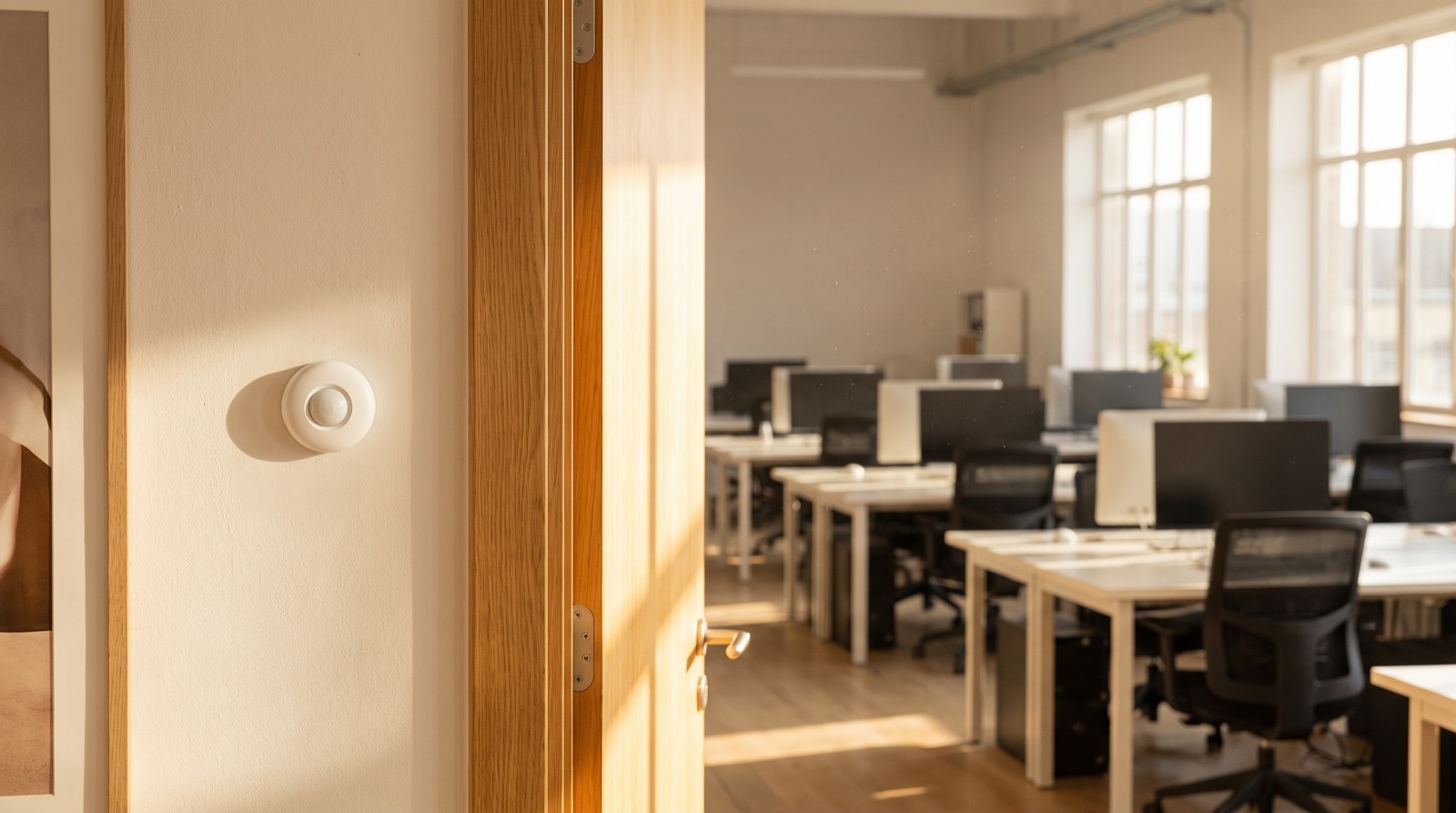
Answer up front — Aqara presence sensors are room-level, inexpensive, local, and answer one question well: is someone in this room right now. Omaya is site-level, more expensive, and answers a different set — how the whole site is being used, who is in it, which devices are unhealthy and what needs attention. Neither replaces the other. A building does not need two hundred room sensors to know it is empty after hours; it needs a handful, and something that aggregates them.
Most occupancy arguments are really arguments about scope. Someone hears "presence sensing" and assumes a people counter; someone else hears "occupancy analytics" and assumes a surveillance system. Both assumptions are wrong, and they cost money when they reach a tender document.
There are two genuinely different tools here. They operate at different scales, and the useful sentence is short: Aqara is room-level, Omaya is site-level.
| Aqara presence sensing | Omaya (site-level platform) | |
|---|---|---|
| Unit of measurement | One room, or one defined zone inside a room | The whole site — a floor, a building, a group of buildings |
| The question it answers | Is anyone here right now | How is this site being used, who is in it, and what needs attention |
| Cost shape | Device-level and low | Platform-level and higher |
| Data path | Local — automations keep running on the hub or over local Wi-Fi | Aggregated into a site view across gateways |
| Breadth of data | Presence, and on some devices light, temperature and humidity | Four streams: People, Devices, Environment, Space |
| When a device dies | You find out when somebody says so | Device inventory showing health, firmware, last-seen, battery and location |
| Reporting | Rules, scenes and automations | Dwell time, traffic patterns, peak hours and underused rooms; described as twenty-eight built-in report types |
| Vendor spread | One ecosystem | Described as twelve gateway vendors on one screen |
| Works when the internet drops | Local automation continues | Depends on the gateway and the connection — ask us rather than assume |
Read the "when a device dies" row twice. It decides whether a presence sensor deployment is an operating detail or an ongoing expense.
It answers one question well, locally and cheaply: is there a person in this space at this moment. Because the answer stays on the hub or the local network, it is also the version that keeps working when the fibre drops, and the version that raises the fewest questions about data leaving the building.
The devices differ in ways that matter to that question, and none of them is interchangeable:
The full comparison, including which can actually be bought in Malaysia, is in our FP2 vs FP1E vs FP300 vs FP400 post.
The honest summary of the room-level side: excellent at occupied or unoccupied, local, cheap, private — and silent about everything else.
The moment the question stops being about one room, the room-level answer stops being useful. "Is Meeting Room 3 occupied" is a device question. "Which of our eleven sites needs attention tonight, and what has been broken since Tuesday" is an operating question, and it is answered on a different layer.
Synchroweb's Omaya platform runs on four streams — People, Devices, Environment and Space — and two of them most often change a budget decision:
There is also a Visitor Management System with automated registration, geofencing and a blacklist, and if-this-then-that automation across the whole site rather than within one room. More of this is set out in where Aqara ends and Omaya begins.
They overlap in exactly one place: a room-level sensor is an input to a site-level view. That is the correct relationship, and it is also where the confusion starts — because the input is cheap and the platform is not. It is very easy to buy a hundred room sensors and then discover that nobody can aggregate them, that battery levels are invisible, and that "which sensor is dead" is still a phone call.
The mirror-image mistake is worse: buying a site-level platform and then expecting it to tell you whether Meeting Room 3 is occupied right now, with the reliability and response time of a local device. It is a different instrument. Nobody should ask it to be the other thing.
| If the requirement is | Use |
|---|---|
| Turn the lights and aircon off in a room when people leave | Aqara room-level presence sensing |
| Count how often each meeting room is used across a year | Site-level space analytics |
| Know which of eleven sites needs attention tonight | Site-level device inventory |
| Know whether a specific room is occupied at 3 a.m. | A few room sensors plus a site-level view |
| Prove when a threshold was breached, for an audit | Site-level environment logs |
| Detect a fall in a home | FP2, ceiling-mounted — with the documented feature trade-off |
Here is the argument, stated plainly, because it is the most common specification mistake we see.
A building does not need a room sensor in every room to know it is empty after hours. Occupancy is a sum, and a sum does not need every term. You need enough terms to know the answer is zero — which means circulation points, the main doors, and the spaces that are plausibly still occupied.
Two hundred room sensors would tell you what you already know, more slowly, at a per-device battery maintenance cost, with two hundred opportunities for a device to fail unnoticed. That is a worse system, not a better one.
A workable method:
A room-level sensor answering a local question produces little that leaves the building, and mmWave sensing produces no image and identifies nobody. That is a genuine advantage, and it is why room-level presence sensing is straightforward to justify where privacy matters.
Aggregation is what changes the analysis. Once presence across many rooms is collected, correlated over time and made browsable by an operator, you have moved from a building signal to a behavioural record — and the questions about consent, purpose, retention and access become real questions about identifiable people. That is true whether the aggregation is done by a site-level platform, a spreadsheet, or a well-meaning person with a dashboard.
The distinction to hold onto: a room sensor answers "is this room in use", which is a property of the building. A site-level record of room usage over months is a record about people. Neither is automatically a problem. Both deserve a decision rather than an assumption.
In a healthcare environment this needs care in a specific way, written out in our clinic automation post. In an office it is covered in choosing an occupancy sensor for a Malaysian office floor, including the coverage maths at 2.7 m against a 3.6 m ceiling.
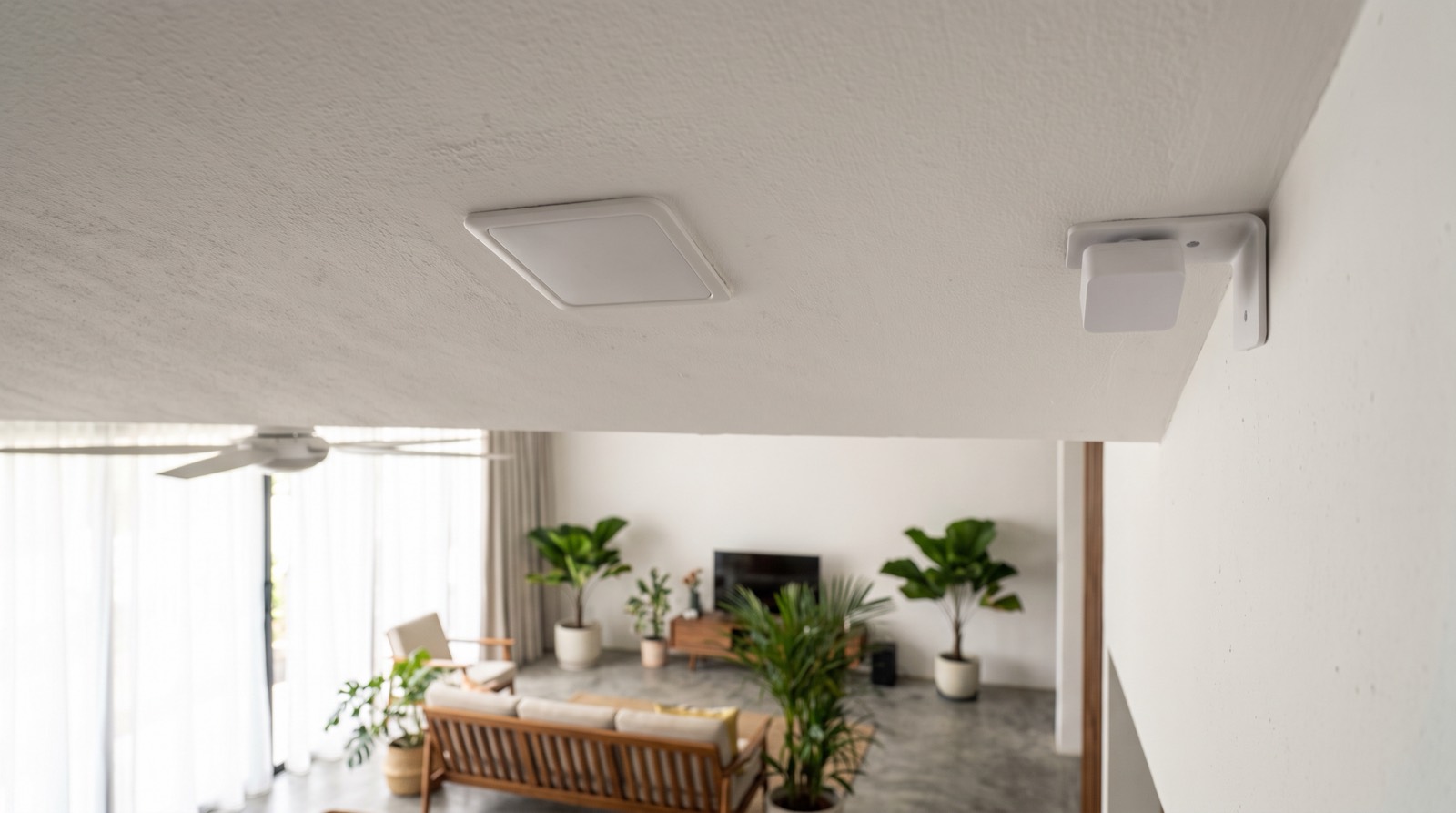
aqara fp2 vs fp400 compared with the FP1E and FP300: Wi-Fi or Zigbee or Thread, power, coverage, IP rating and what each one disables, as at Sept 2026.
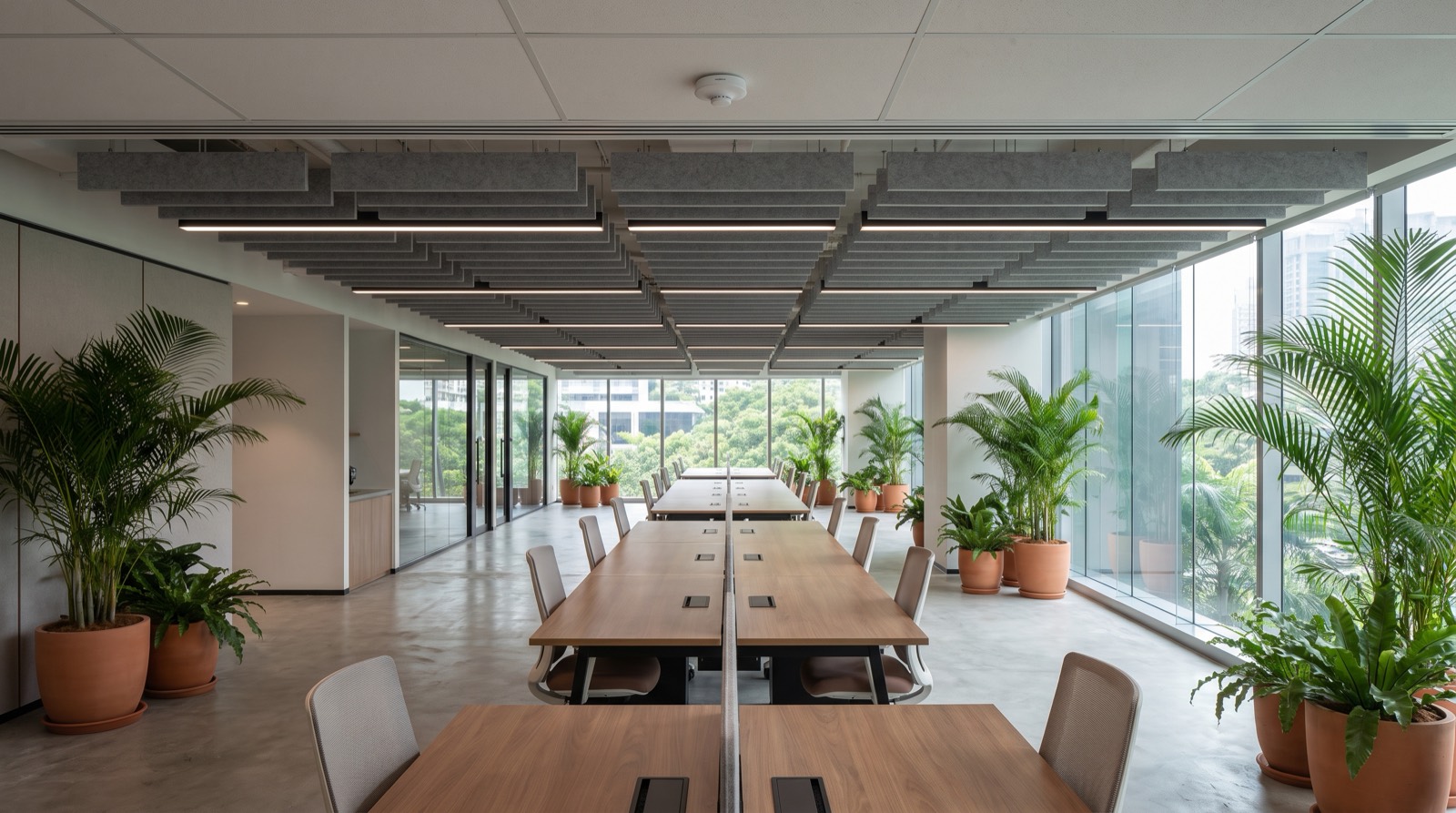
Office occupancy sensor Malaysia: a buyer's guide comparing PIR and mmWave, coverage maths at 2.7 m and 3.6 m ceilings, and the PDPA questions to ask.

BMS Malaysia and smart building IoT explained: Aqara is room-level, Omaya is site-level. Where each one ends, and why a building needs neither everywhere.
Tell us about your space. Our B2B team will reply within one business day with a recommended setup and quotation.
WhatsApp us →
[email protected]
+603-5880 5486