







Aqara FP2 vs FP1E vs FP300 vs FP400: Which Presence Sensor?
aqara fp2 vs fp400 compared with the FP1E and FP300: Wi-Fi or Zigbee or Thread, power, coverage, IP rating and what each one disables, as at Sept 2026.
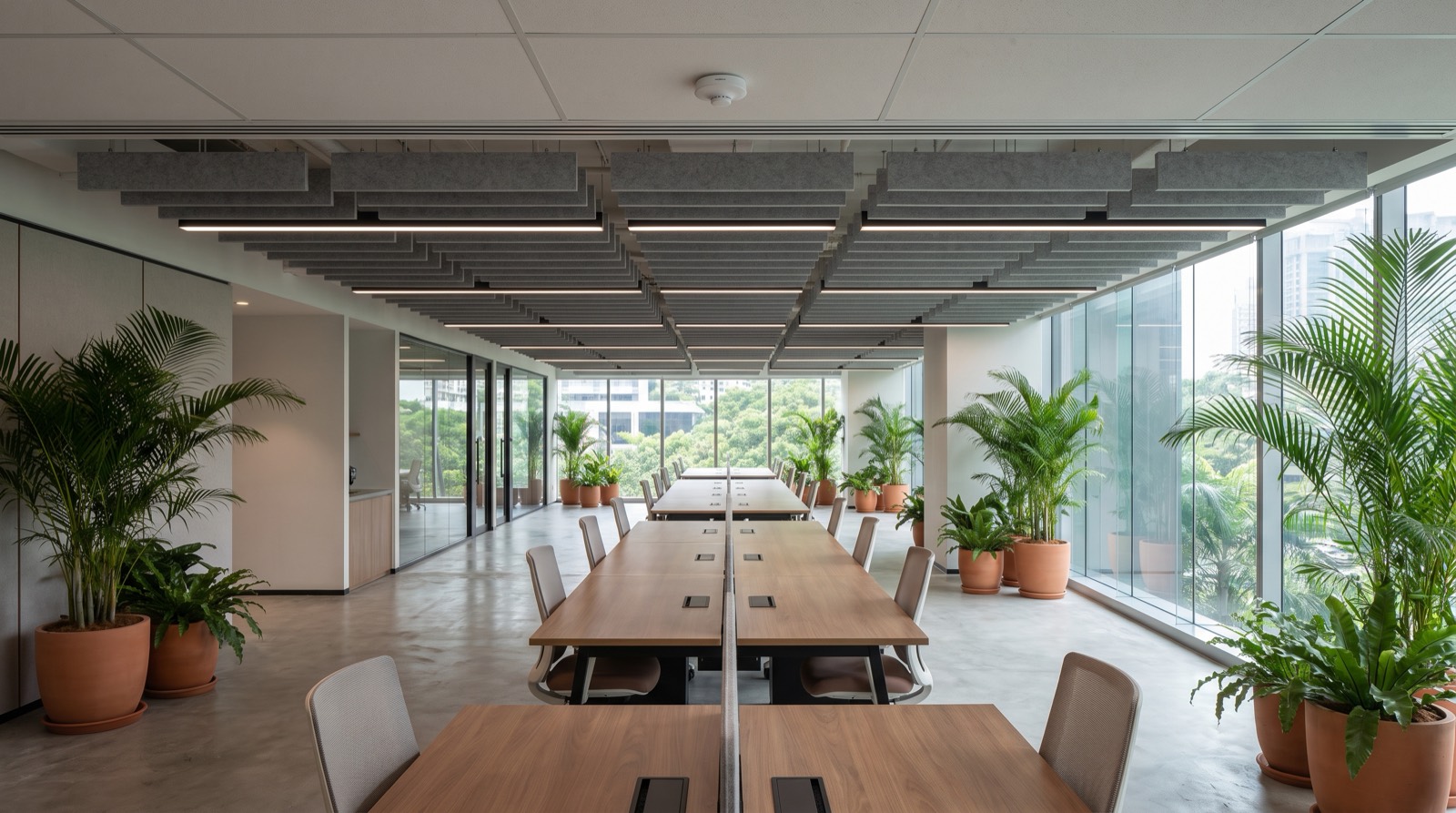
Answer up front — For an open-plan Malaysian office floor, choose mmWave over PIR. A PIR reports change, so a person sitting still reading behind a desk screen is invisible to it and a person walking past triggers it — on an open floor with partitions and ceiling air movement, that is the wrong signal for occupancy. Two procurement facts settle most shortlists: the Aqara FP2 is Wi-Fi 2.4 GHz and Bluetooth only, with no Zigbee and no Thread, and its zone positioning and multi-person detection only work when it is wall-mounted. Check your mounting height against the published coverage before you count units — those figures are given at 3 m, not at 3.6 m, and they do not scale linearly.
This is a procurement document. It assumes you are comparing sensors against a written requirement, not learning what occupancy sensing is for the first time.
Most failed occupancy sensor purchases are a requirement problem, not a hardware problem. Three questions, producing three different products:
| The requirement | What it actually needs | What it does not need |
|---|---|---|
| "Is anyone in this space right now?" | Presence sensing — must detect a still person | Counting, identity, historical analytics |
| "How many people are in the room?" | A sensor that publishes a headcount with a stated ceiling | Binary presence sensors marketed as "people counting" |
| "Which desks and zones are used, over weeks?" | Multi-person tracking with defined zones | A single room-level sensor |
If the requirement on your purchase order says "occupancy sensor" and nothing else, the project will fail at acceptance. Fix the wording first.
A PIR detects changes in infrared radiation across a field — in practice, movement. A 60 GHz mmWave radar detects the physical presence of a body regardless of whether it moves.
| PIR | 60 GHz mmWave | |
|---|---|---|
| Detects a still, seated person | No | Yes |
| Detects presence behind a desk screen | Poor | Yes |
| Output | Motion event | Occupancy state with a dwell concept |
| Behaviour in an air-conditioned open floor | Can be triggered by air movement | Unaffected by draughts |
| Typical use | Corridors, toilets, storerooms, unoccupied-by-day | Desks, meeting rooms, open-plan floors, quiet rooms |
| Cost and power | Cheaper, often battery | Higher, usually mains |
An open-plan floor combines four conditions that are individually survivable and jointly fatal for a PIR:
The result is a sensor that reports the room as occupied when it is a corridor and empty when it is a full floor. That is not a tuning problem; it is a technology mismatch. This is the single most common reason office occupancy sensor projects disappoint.
This is where procurement quietly goes wrong, because published coverage figures are stated at one specific height and people extrapolate them.
What Aqara publishes, as verified:
| Sensor | Published coverage |
|---|---|
| FP400 | Side mount 10 m × 8 m · corner 7 × 7 m · ceiling 3–4 m height, and at 3 m: 5 × 6 m motion, 4 × 5 m presence directly below · 120° field of view |
| FP2 | Up to 40 m² · ceiling or wall mount. No published field-of-view figure we can verify — do the coverage check against the area and the mounting method |
| FP300 | 120° field of view, 6 m maximum range · 45° corner mounting recommended |
Now the two heights that actually come up in Malaysian offices:
At a 2.7 m suspended ceiling. 2.7 m is below the FP400's published ceiling bracket of 3–4 m — outside the range the manufacturer states. Your options are the corner mount (7 × 7 m) or the side mount. Record in your commissioning note that the ceiling specification was not used because the height fell outside it. Aqara recommends corner mounting for full coverage, and that mount may need third-party accessories.
At a 3.6 m ceiling. 3.6 m is inside the 3–4 m bracket — but the coverage figures are published at 3 m, and no figure is published at 3.6 m. Do not scale 5 × 6 m by 3.6 ÷ 3 and write the answer into a tender. Wider coverage at greater height is directionally plausible and commercially irrelevant without a measured test. Ask for a mock-up on your actual floor.
Worked example, using only published numbers: an open-plan bay of 8 m × 6 m is 48 m². The FP400 corner mount covers 7 × 7 m = 49 m². That is close enough to plan with — but the FP400 is not confirmed as a Malaysian-channel product and is missing from Aqara's own sitemap, so confirm availability with us before it goes on a schedule of works.
These are the specifications most often got wrong — especially the first.
1. The FP2 is not Zigbee. It is Wi-Fi 2.4 GHz + Bluetooth 4.2 only. No Zigbee, no Thread. It does not need an Aqara hub. If your building standard is Zigbee mesh, the FP2 is outside it — either accept a Wi-Fi dependency per room, or choose a Zigbee device such as the FP1E (Zigbee only, no Thread, no Matter, no third-party ecosystem) or the FP300 / FP400 (Thread + Zigbee).
2. Zone positioning and multi-person detection require wall mounting. If your design has the FP2 on the ceiling, you do not have zones. Decide the mounting method from the requirement, not the other way round.
3. Fall detection requires a ceiling mount, and it disables zone positioning and presence detection. Stated plainly because it is the most consequential trade-off in the range. You cannot have both.
Other verified FP2 detail: IPX5, −10~40 °C, USB-C 5V 1A, up to 5 people, not a medical device, and some features require an Aqara subscription.
FP400 (Spatial Multi-Sensor PS-S05E/D) — 60 GHz mmWave, multi-person tracking on a 0.5 m zone grid, tracks up to 10 people, 120° field of view, headcount plus ambient light, Thread + Zigbee, USB-C 5V 1A, IPX5, −10~50 °C. The coverage table above is its. It is the strongest candidate for a large open floor on paper — confirm availability with us, because it is not confirmed as a Malaysian-channel product.
FP300 (Presence Multi-Sensor PS-S04E/D) — the only battery-powered presence sensor in this range: PIR + 60 GHz mmWave + light + temperature + humidity, CR2450 ×2, up to 3 years on Zigbee and 2 years on Thread, Thread + Zigbee + Bluetooth (switchable), 42 × 42 × 50 mm, 120° field of view, 6 m maximum range, rotatable base, 45° corner mounting recommended. No IP rating is published, which matters if you are mounting near a façade or in a humid service area.
One specification detail that catches integrators: the FP300's radar sensitivity, absence period and sensor sampling controls are available in Aqara Home / Home Assistant only in Zigbee mode. In Thread mode you need a third-party Matter controller. Budget for that in the design, not after go-live.
Our full four-way comparison is in Aqara FP2 vs FP1E vs FP300 vs FP400.
Three boundaries that stop projects being sold on capabilities the hardware does not have.
It is not a people counter. A radar sensor in a ceiling zone reports whether that zone is occupied. Turning that into a number of people means a counting algorithm that has to be assumed rather than verified, and it will drift. If the requirement is headcount, buy or build for headcount; do not let a presence sensor be sold into it.
It is not a security system. Occupancy data tells you a zone changed state. It does not identify who, does not carry an alarm, and does not reach a response. Security is detection plus verification plus a call chain, and a presence sensor is the first of those three at best.
It is not an access-control record. The badge system already holds who-was-where-when, better and with an audit trail. Overlaying a sensor onto it adds inference without adding record.
It is not a substitute for a BMS. It is one input to building management. It does not sequence plant and should not be wired into a controls bus as though it were a thermostat.
Occupancy data is personal data under Malaysia's PDPA the moment it can be attributed to an identified person. Three questions decide your compliance posture, and all three should be answered in writing before procurement:
One — is anyone being identified individually? A radar sensor reporting "Desk 4B: occupied" identifies a seat, not a person. The moment you bind that seat to an employee ID, a badge record or a booking calendar, you have personal data. If the business case does not need that binding, do not build it.
Two — what is the retention period? Live state is operationally useful and creates modest exposure. A year of per-zone movement history is a real liability with very little business value. Define it in the specification and enforce it in the platform, not as a policy someone is asked to follow.
Three — who inside the business can see it, and for what? If floor-level occupancy is visible to line managers, it is a monitoring system and will be understood as one. That has consequences well beyond the PDPA question, and it is a conversation to have before go-live.
Practical measures:
Our post on SIRIM, Suruhanjaya Tenaga and PDPA compliance sets out the wider regulatory framing.
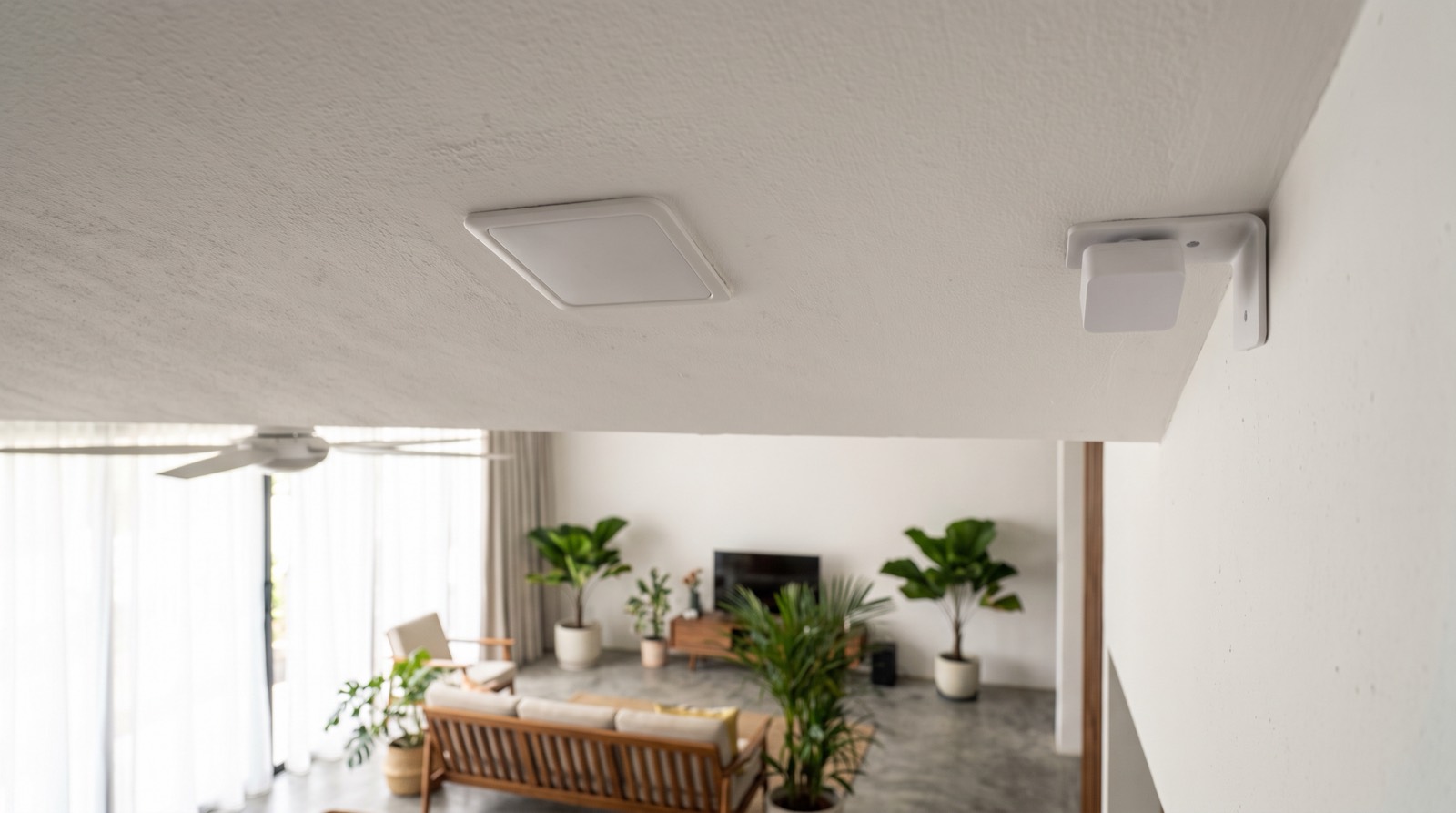
aqara fp2 vs fp400 compared with the FP1E and FP300: Wi-Fi or Zigbee or Thread, power, coverage, IP rating and what each one disables, as at Sept 2026.
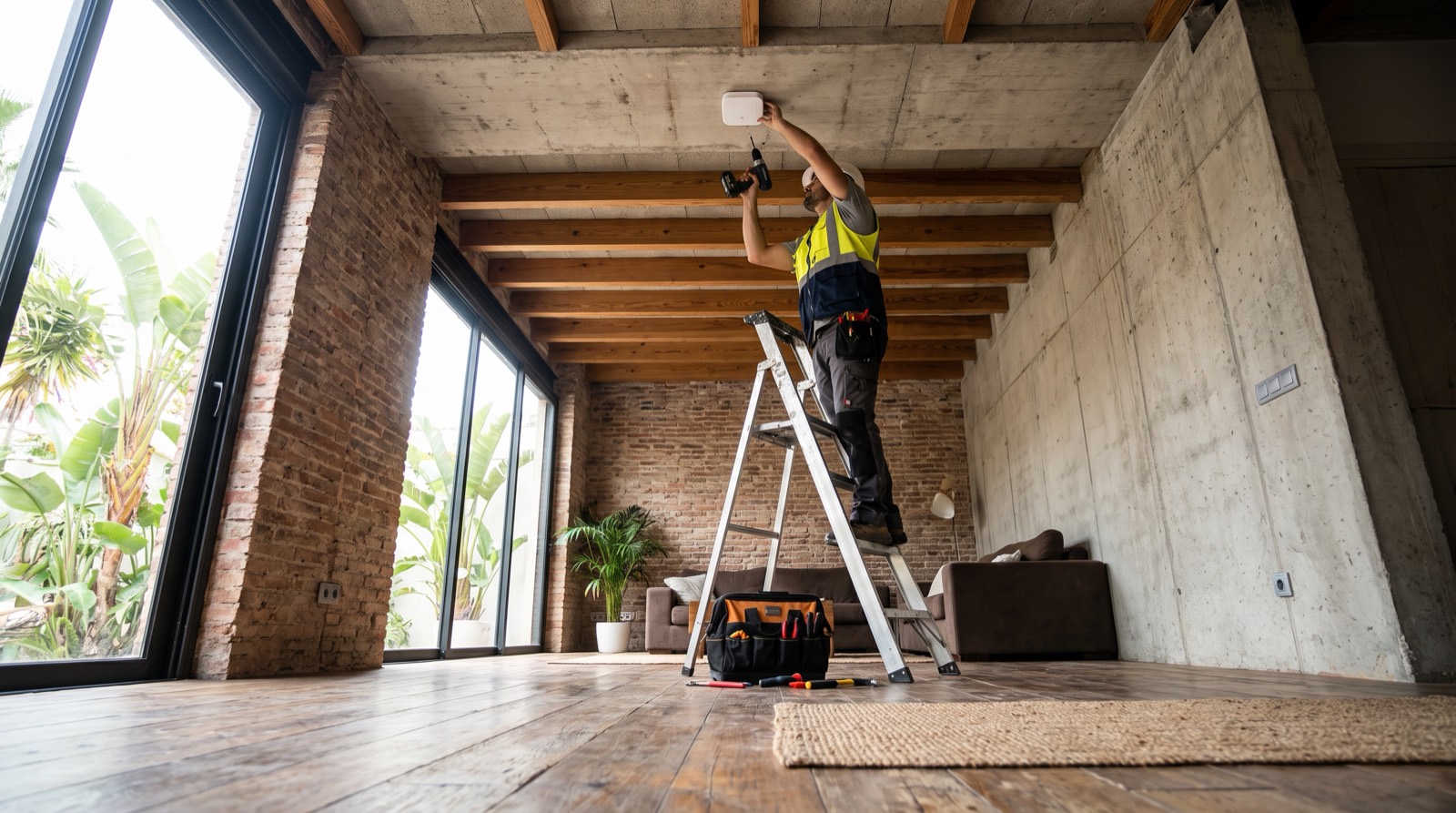
Install presence sensor Malaysia guide for trade: the 3-4 m mounting height, 5 x 6 m coverage, IPX5 limits, and why a 2.7 m condo ceiling fails the maths.
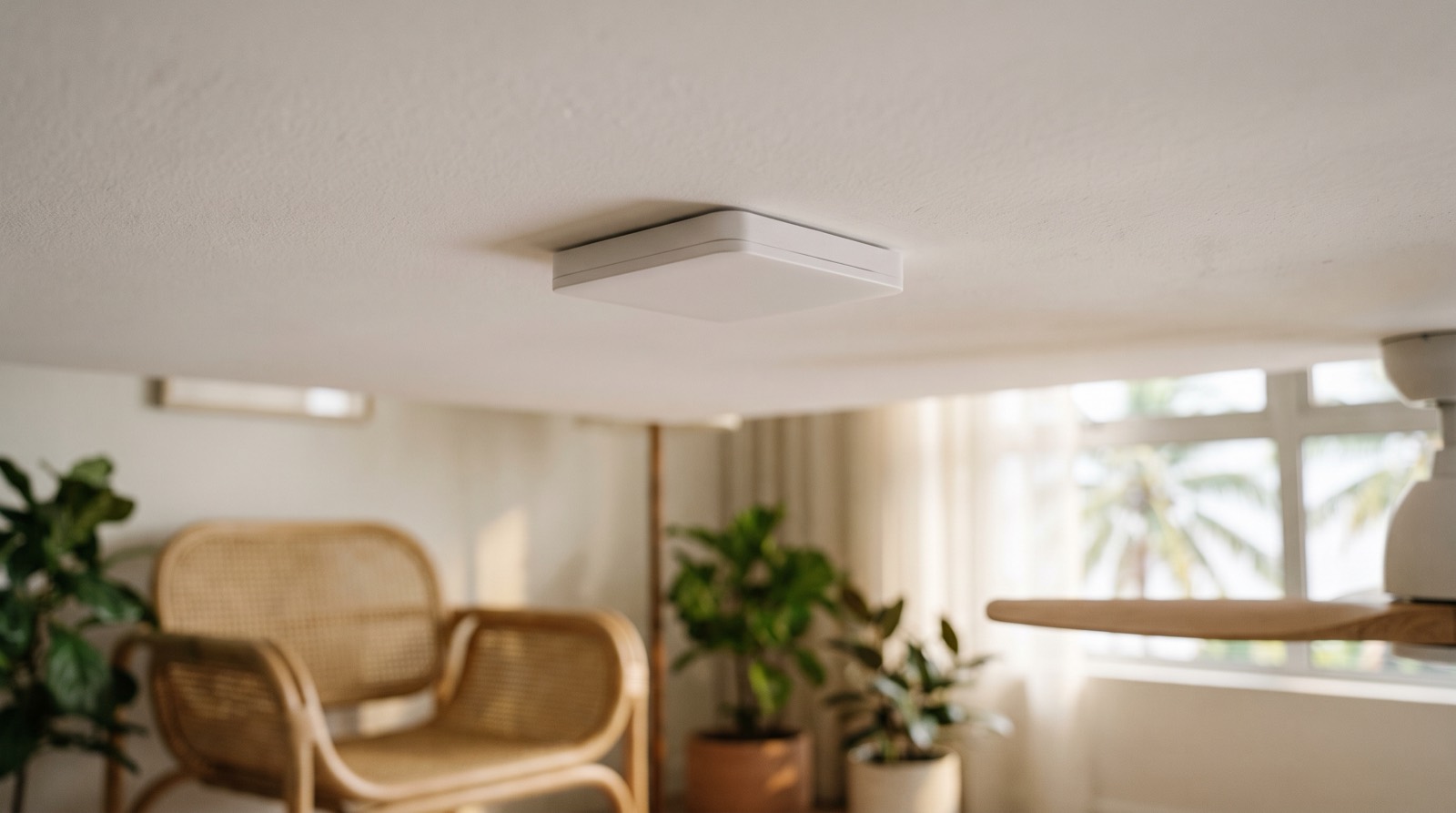
Presence sensor vs motion sensor explained: why PIR stops working when you sit still, what mmWave radar adds, and the Thread limits buyers are not told.
Tell us about your space. Our B2B team will reply within one business day with a recommended setup and quotation.
WhatsApp us →
[email protected]
+603-5880 5486