







Smart Home Site Survey Malaysia: A Room-by-Room Checklist
A smart home site survey Malaysia checklist: how to record neutral presence, back box depth and circuit ID at every switch position, before you quote.
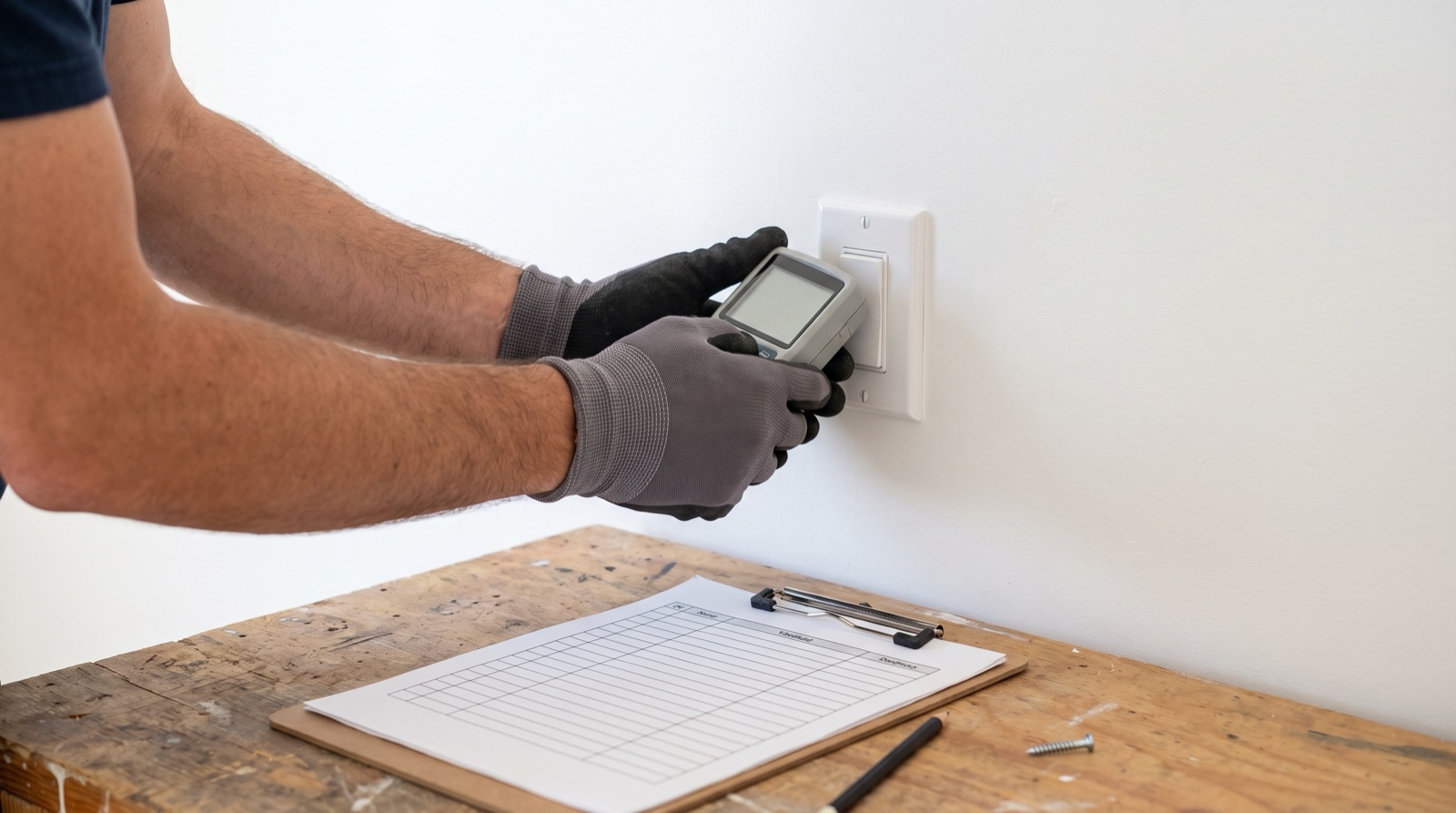
Answer up front — Commissioning is a separate, paid step from installation, and it is where most Malaysian smart home projects actually fail. You are not testing whether a device turns on — you are testing that every point performs, every automation fires from a cold start, every converted circuit holds its load, the system survives Wi-Fi loss, and the board is labelled so the next electrician can work from it. A job is not finished at the last screw. It is finished when the client has walked the house with a signed test sheet and a handover pack.
Installation is mechanical. The plate is either on the wall or it is not. Commissioning is behavioural. A device that powers up proves almost nothing — it proves you have live and neutral at the box. It does not prove the module is reporting to the hub, that the automation fires when the system is cold, that the load holds when the aircon kicks in alongside the downlights, that the client can pair the app without phoning you, or that the board schedule matches reality.
The pattern is always the same. Install runs over two days. You leave. The client tries the hallway scene at 9pm, the motion sensor does not trigger first time, and they conclude the system is unreliable. More often than not the fault is a device left in pairing mode, or a room never actually exercised from a cold start — fixable in four minutes, but you are now doing a call-out, and they remember the call-out, not the fix. Budget commissioning as a line item with its own duration. If the job is twenty switch positions, commissioning is not a squeezed last hour.
One row per device, not one per room. A three-gang plate is three rows. Print it, fill it in physically, and leave a copy with the client.
| # | Room / point | Device + position | Power on | Reports to hub | Manual override | App control | Automation fires (cold) | Pass / fail + action |
|---|---|---|---|---|---|---|---|---|
| 1 | Living room — main | Switch, 1-gang | Y / N | Y / N | Y / N | Y / N | Y / N | |
| 2 | Living room — fan | Switch, 1-gang | Y / N | Y / N | Y / N | Y / N | Y / N | |
| 3 | Kitchen — downlights | Switch, 2-gang | Y / N | Y / N | Y / N | Y / N | Y / N | |
| 4 | Master bedroom | Switch + curtain | Y / N | Y / N | Y / N | Y / N | Y / N | |
| 5 | Bedroom 2 | Switch | Y / N | Y / N | Y / N | Y / N | Y / N | |
| 6 | Bathroom | Extractor fan switch | Y / N | Y / N | Y / N | Y / N | Y / N | |
| 7 | Staircase | Motion sensor P1 | Y / N | Y / N | Y / N | Y / N | Y / N | |
| 8 | Front door | Door sensor P2 + lock | Y / N | Y / N | Y / N | Y / N | Y / N | |
| 9 | Car porch | Flood / presence | Y / N | Y / N | Y / N | Y / N | Y / N | |
| 10 | Utility | Water heater 20A | Y / N | Y / N | Y / N | Y / N | Y / N | |
| 11 | Utility | Aircon 20A | Y / N | Y / N | Y / N | Y / N | Y / N |
A blank cell reads as "not tested". Leave nothing blank.
Walk each device in the sheet by hand. Confirm the load responds at the wall, not just in the app. A relay that operates in the app but not at the switch is a failed point, and it is the most common single fault — an incorrect line/neutral termination on a rewire position, or a switched live that is still energised upstream.
Also confirm the load goes properly off. On converted lighting, that means a genuine dark, not an indicator LED and a faint glow. If the client will see a ghost glow, it fails here — see fixing LED flicker and ghost glow for the causes.
This is the step that separates a commissioned job from a finished-looking one. With the hub live, turn on every load the circuit actually serves, then cycle the worst case three to four times: aircon compressor start, water heater, washing machine, all downlights, TV. Watch for three things.
Circuit sizing, breaker rating and conductor type remain the wireman's call under the current Malaysian wiring standard. Your job at commissioning is to prove the finished circuit survives the load it was converted to carry.
Every automation, run from a genuinely cold start: power the hub down, let it settle, bring it back, and wait until the whole mesh has rejoined before you trigger anything. Testing while devices are still joining one by one means you pass a system that fails that evening when the client actually uses it. If an automation depends on a scene, test the scene — from the client's point of view a scene is all-or-nothing.
| Automation type | Cold-start test | Fails when |
|---|---|---|
| Motion → light | Walk into the room after full reboot | Sensor not yet reporting, or the "hold" duration outruns the join |
| Door → hallway light | Open the door from cold | Event queued but scene not armed post-reboot |
| Presence → aircon off | Leave the room after reboot | Vacancy timeout shorter than rejoin time |
| Time-based scene | Set the trigger 3 min out, cold | Schedule not re-armed after hub restart |
| All-off at bedtime | Run the full scene cold | One device off the mesh blocks the whole scene |
| Curtain open/close | Run from cold, both directions | Limit calibration not persisted |
Do this on the client's phone, with the client holding it, before you leave. If you set the Aqara Home account up on your own device, you own that install for the next five years.
Confirm the client's phone can reach the hub directly, confirm it works on mobile data with Wi-Fi off, and confirm the share/ownership arrangement is theirs. Add the client as the account owner, not as a shared guest — it matters when they change phones or sell the house.
Pull the router, or turn off Wi-Fi, and watch what happens. The correct behaviour for a Zigbee mesh system is that local control and local automations keep working, because the devices talk to the hub, not the router. Test it anyway.
Then restore Wi-Fi and confirm everything recovers without manual intervention. If the client has to reboot the hub every time the router reboots, that is a finding to fix, not to explain away.
Check the hub is on mains with a correct supply, gets a clean network path, and is not buried in a metal consumer unit or behind a TV. Aqara's Zigbee hubs are the routing backbone for the whole installation; a hub that can reach only one floor is a hub that will generate callbacks — see Zigbee mesh, repeaters and dead zones. Confirm the device count in the app against the number you installed: a device that shows as "available" but never reporting is a dead point that surfaces in three months.
The board is the one thing that outlives you, and it is the one thing almost nobody labels. By the time the hub is fitted, the board is behind a door nobody opens again.
Mark, durably and legibly, the MCB or RCBO number for every converted circuit, and for every circuit feeding a smart device of any kind. Confirm by isolation, not by the labels that were already there — consumer unit labels in Malaysian homes are frequently wrong or left over from a previous owner. Produce a printed schedule and stick it inside the board door. A house with a documented board and a house without are two different assets at resale.
Do it in the house, standing, room by room, on the client's own phone. Not a video call from the van. Show them every switch, every scene and every automation, one at a time; what happens when Wi-Fi is off; how to check the board; how to add or remove a phone; what the manual override does on every device that has one; and what to do if the mechanical key for the lock goes missing, and where the key is.
Then get the sheet signed. The signature is the record that the client has seen the system work, which is what decides whether a callback is a fault or a misunderstanding.
Hand over in one document, in the client's language, with local stock and local support stated plainly: as a partner of Synchroweb, the official Aqara distributor in Malaysia, that is a real advantage over grey imports.
Minimum contents:
Every fixed electrical change in that job belongs to a Suruhanjaya Tenaga-registered wireman under the Electricity Supply Act 1990 (Act 447). The walkthrough and the pack are yours; the electrical sign-off is the wireman's. If any device records video or does face recognition, note the privacy point in the pack and get the client to acknowledge it — Act 709 applies, and the detail is in SIRIM, Suruhanjaya Tenaga and PDPA compliance.
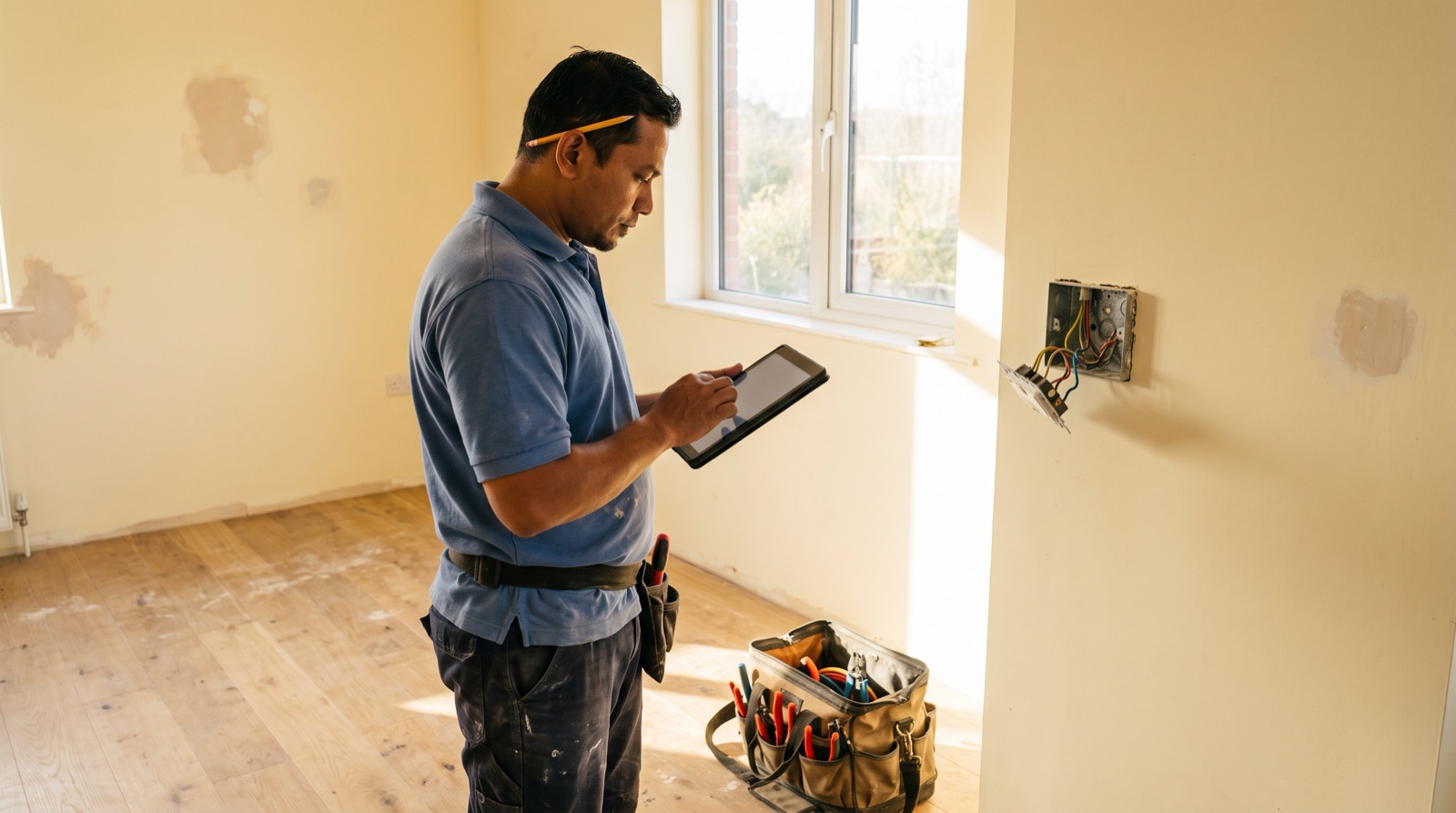
A smart home site survey Malaysia checklist: how to record neutral presence, back box depth and circuit ID at every switch position, before you quote.
From the official Aqara Malaysia distributor: the current range, which products need a neutral, back box and gang needs, aircon loads and local support.
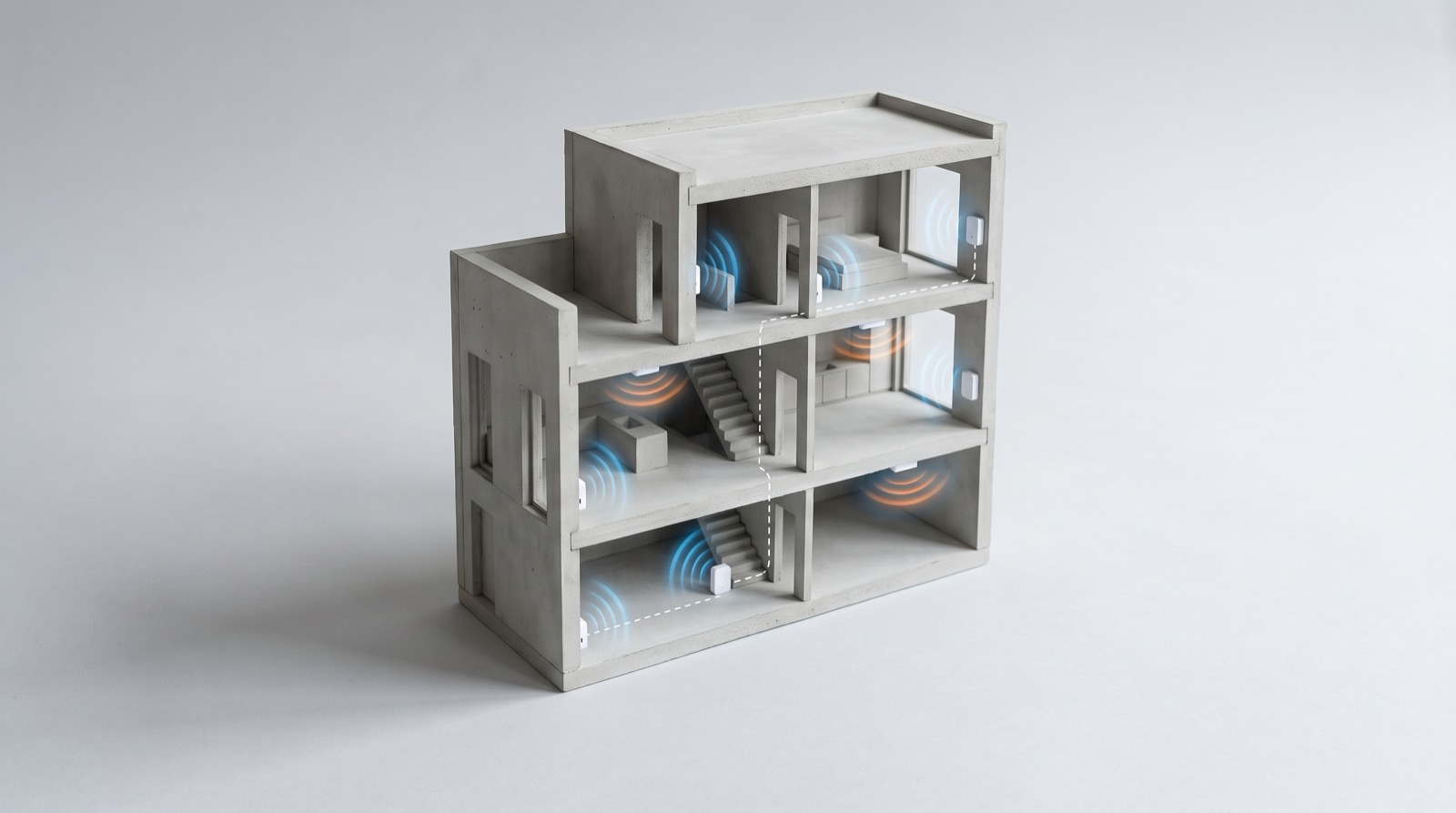
Zigbee mesh repeaters in a smart home Malaysia: why devices drop out in a landed house, how mains-powered devices extend the mesh, and how to survey RF.
Tell us about your space. Our B2B team will reply within one business day with a recommended setup and quotation.
WhatsApp us →
[email protected]
+603-5880 5486