







Aqara With Apple HomeKit, Google Home and Alexa in Malaysia
Aqara Apple HomeKit Google Home Alexa Malaysia guide: what each voice assistant does, why local automations survive an outage, and which hub to buy for voice.
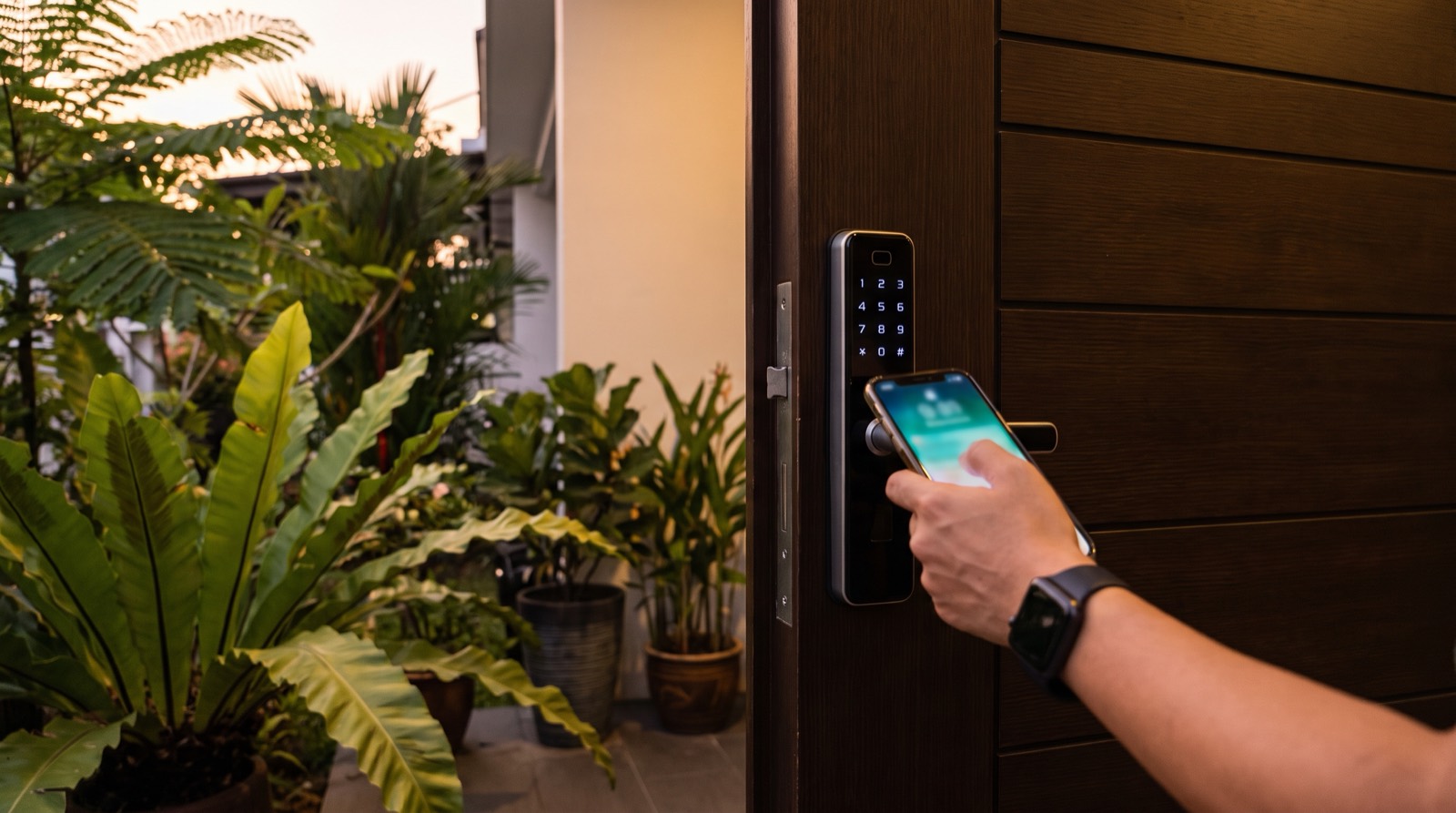
Answer up front — Aqara states on its own website that over 340 products across 15 categories are Apple Home-compatible; that is Aqara's number, not ours, and it moves between announcements. For a Malaysian household the useful parts are Home Key on iPhone and Apple Watch, Siri control and Adaptive Temperature. Two things catch people out: controlling your home while you are away needs a HomePod, HomePod mini or Apple TV as the home hub, and Aqara Home still provides firmware updates and advanced settings that Apple Home does not.
For a growing number of Malaysian households, Apple Home is not a secondary interface. It is the one they actually touch, because it is already on the phone in their pocket and the watch on their wrist.
That makes Aqara's Apple Home compatibility one of the most commercially important facts about the brand in this market — and also the one most often quoted badly. The headline number circulates without attribution. The home hub requirement is skipped, and then the buyer buys a HomePod for the wrong reason. Aqara Home gets quietly replaced in people's minds by Apple Home, and then a firmware update becomes impossible to run.
Here is what is actually verifiable, and what it means for a house in Malaysia.
Aqara's own Apple Home page states over 340 products spanning 15 categories that are Apple Home-compatible.
Two honest qualifications on that figure:
We use the 340 figure because it is Aqara's current published number, and we date it for you because a number that changes every few months should always arrive with a date attached.
| Capability | What it does | What you need | Status |
|---|---|---|---|
| Home Key on iPhone and Apple Watch | Your front door joins your Apple Wallet, so the lock is part of your digital keys | An Aqara Apple Home-compatible lock, and your existing Apple devices | Supported on compatible models — confirm which locks are in the Malaysian channel with us |
| Siri voice control | "Hey Siri, unlock the front door", or control lights, blinds and scenes by voice | An Apple device with Siri | Supported on Aqara's Apple Home-compatible range |
| Adaptive Temperature | Uses your iPhone to adjust the thermostat based on your activity states — home, sleep, away and extended away | Thermostat Hub W200 and an iPhone | Announced CES 2026, 6 January 2026. No confirmed Malaysian price or availability — confirm with us |
| UWB auto-unlock | The door unlocks as you approach, at about six feet, with no tap | Smart Lock U400 with Apple Wallet Home Key on iPhone or Apple Watch | Announced CES 2026. No confirmed Malaysian price or availability — confirm with us |
| Control while you are away | Run automations, check sensors and control devices from outside the home | A HomePod, HomePod mini or Apple TV acting as the home hub | Requirement, not a product gap |
Home Key is the feature that converts a smart lock from a keypad into something a family actually uses without thinking. The key lives in Apple Wallet on the iPhone and Apple Watch. For parents carrying a toddler, or for anyone whose hands are full, removing the tap-and-enter-a-code step is a genuine daily improvement.
Home Key is also the mechanism behind the U400's UWB unlock — the wallet credential is the same, the proximity detection is what is new.
Aqara's Smart Lock U400, announced at CES 2026, uses UWB for hands-free unlocking with Apple Wallet Home Key on iPhone or Apple Watch. The door unlocks as you come within about six feet.
UWB — ultra-wideband — is a different measurement method from Bluetooth. Where Bluetooth proximity is a rough signal-strength estimate, UWB is a distance measurement, which is why it can be tuned to a specific range rather than "close by". In a Malaysian terrace where the gate, the porch and the front door are all within a few metres of each other, precision of that kind matters: the lock can be set to open at the door and not at the gate.
Be clear about what we do not know. The U400 has no confirmed Malaysian price, and a September 2026 scan of the local channel does not show it stocked. Treat it as announced, not as available.
Adaptive Temperature is Apple's model of thinking about a house rather than a room. Aqara describes it as using your iPhone to adjust the thermostat automatically based on activity states like home, sleep, away and extended away.
It is the digital equivalent of "we always turn the aircon down before we go out" — except it accounts for the difference between left for ten minutes and left for three days. For a Malaysian household where the aircon is the largest running cost, that distinction is worth having. We have covered the tropical-climate argument in more depth on the smart thermostat page.
Adaptive Temperature is tied to Thermostat Hub W200, announced CES 2026 on 6 January 2026, which Aqara describes as a centre for spatial intelligence that analyses environmental data to manage devices and automation. No Malaysian price is confirmed.
Apple Home requires a HomePod, HomePod mini or Apple TV acting as the home hub if you want to control your home while you are away, and to run automations.
This is not an Aqara limitation. It is how Apple Home works, and it catches out people who set everything up in the house, confirm it works, and only discover the gap on a work trip.
So: a HomePod is not a speaker upgrade you need for Aqara. It is infrastructure for the away-from-home half of the system. If you already have one, Apple Home is a strong fit. If you do not, factor it into the budget before you commit — not after.
This is the part most vendor copy leaves out, and Aqara's own website is unusually straight about it:
"While you can control all core functions through the Apple Home app, our native Aqara Home app may offer additional features like firmware updates and advanced settings."
Read that again. Firmware updates and advanced settings live in Aqara Home. If you set up a house entirely through Apple Home and never open Aqara Home, you have a system you can operate but not fully maintain.
There is a second structural point. Aqara Home is not a separate app you use for some devices — it is where Aqara devices are set up in the first place. Matter accessories, including Matter over Thread, require a Matter controller such as Hub M3, set up in Aqara Home first. Zigbee accessories are added in Aqara Home as well. The Apple Home layer sits on top of that setup.
So the practical arrangement is not Apple Home or Aqara Home. It is Aqara Home for setup and maintenance, Apple Home for daily operation.
If you are setting this up fresh, this sequence saves the afternoon:
If you already have an Aqara setup and someone tells you to move to a different Aqara app this year, read our Aqara app basics: pairing and sharing notes first, and do not migrate a working house on the strength of a conversation about Apple.
If everyone in the house is on iPhone and you already own a HomePod or Apple TV — Apple Home is close to ideal for Aqara. Home Key alone justifies the lock.
If your household is mixed Android and iPhone — do not design the front door around Apple Home. NFC cards and PINs are the platform-neutral methods, and they work regardless of whose phone is in whose hand.
If you are starting from nothing — the hub and the wiring come first. A front door that needs a cable run or a new back-box is a different project from a lock that sits on an existing door. Our smart lock installation across door types page covers the door-side reality.
If you are away often — the home hub is not optional, and it should be on the first page of your budget.
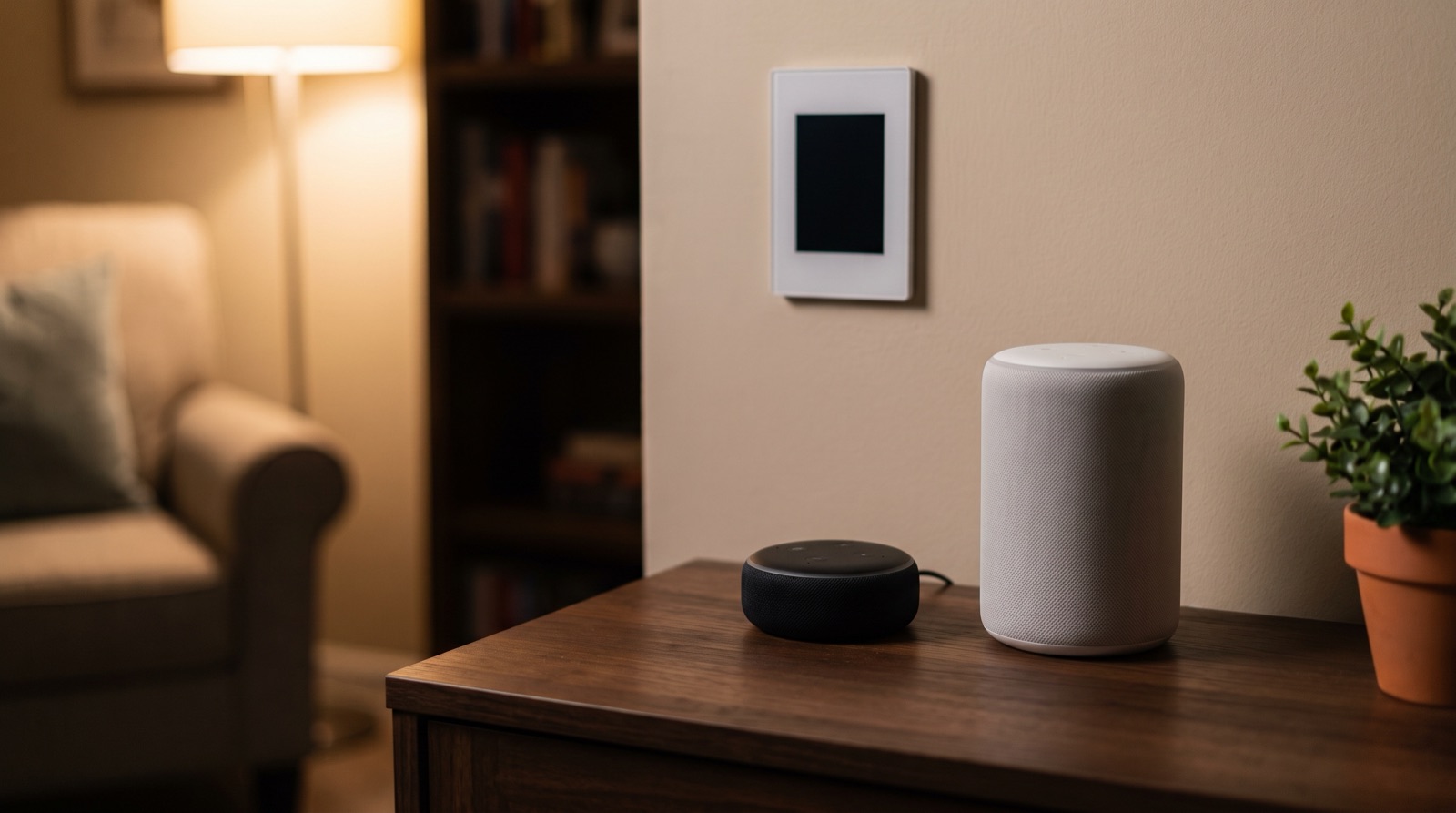
Aqara Apple HomeKit Google Home Alexa Malaysia guide: what each voice assistant does, why local automations survive an outage, and which hub to buy for voice.
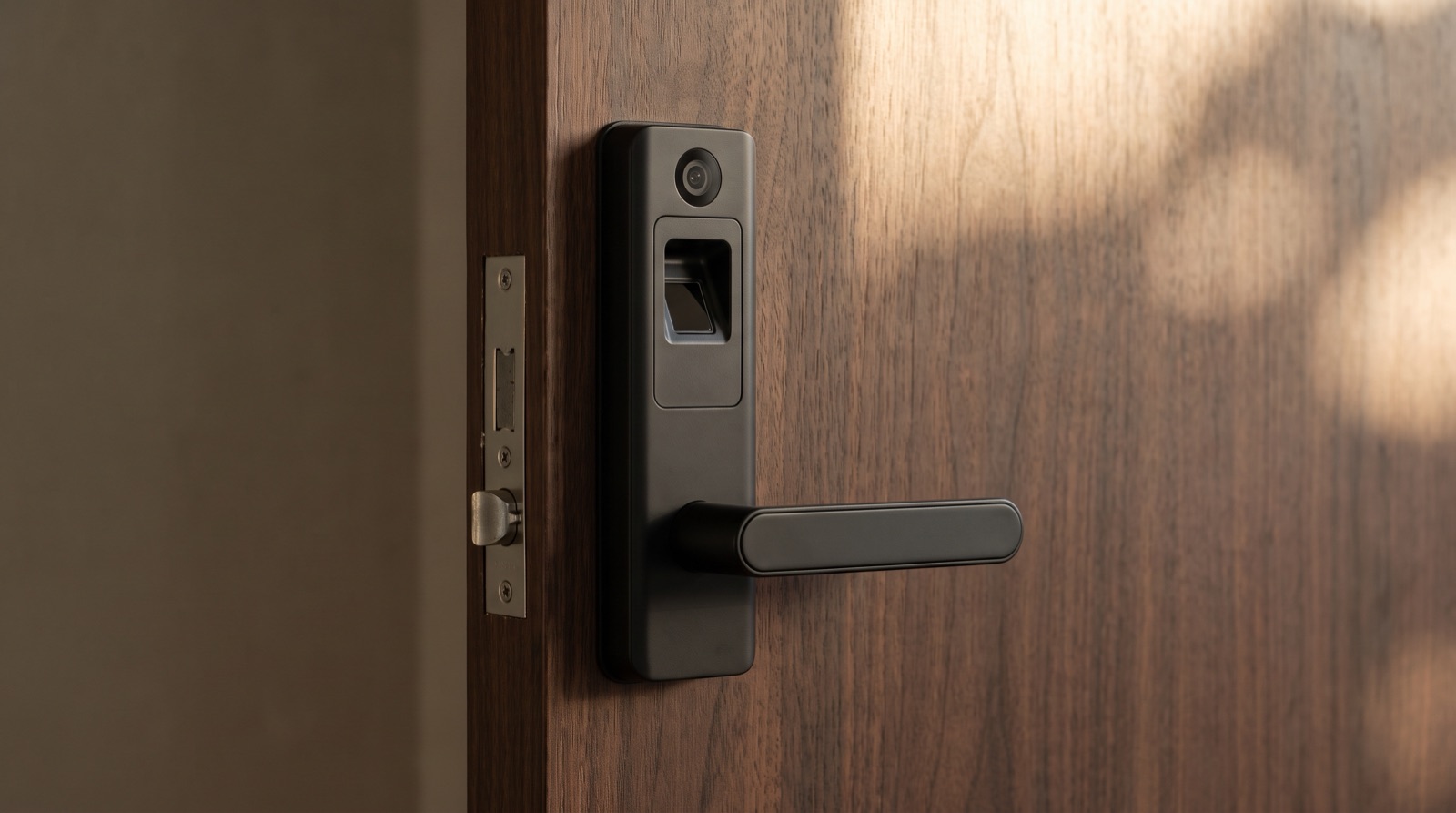
Smart lock Malaysia buying guide covering the Aqara D200i, U400 and U200 Lite, plus door thickness, battery failure and what your condo management allows.
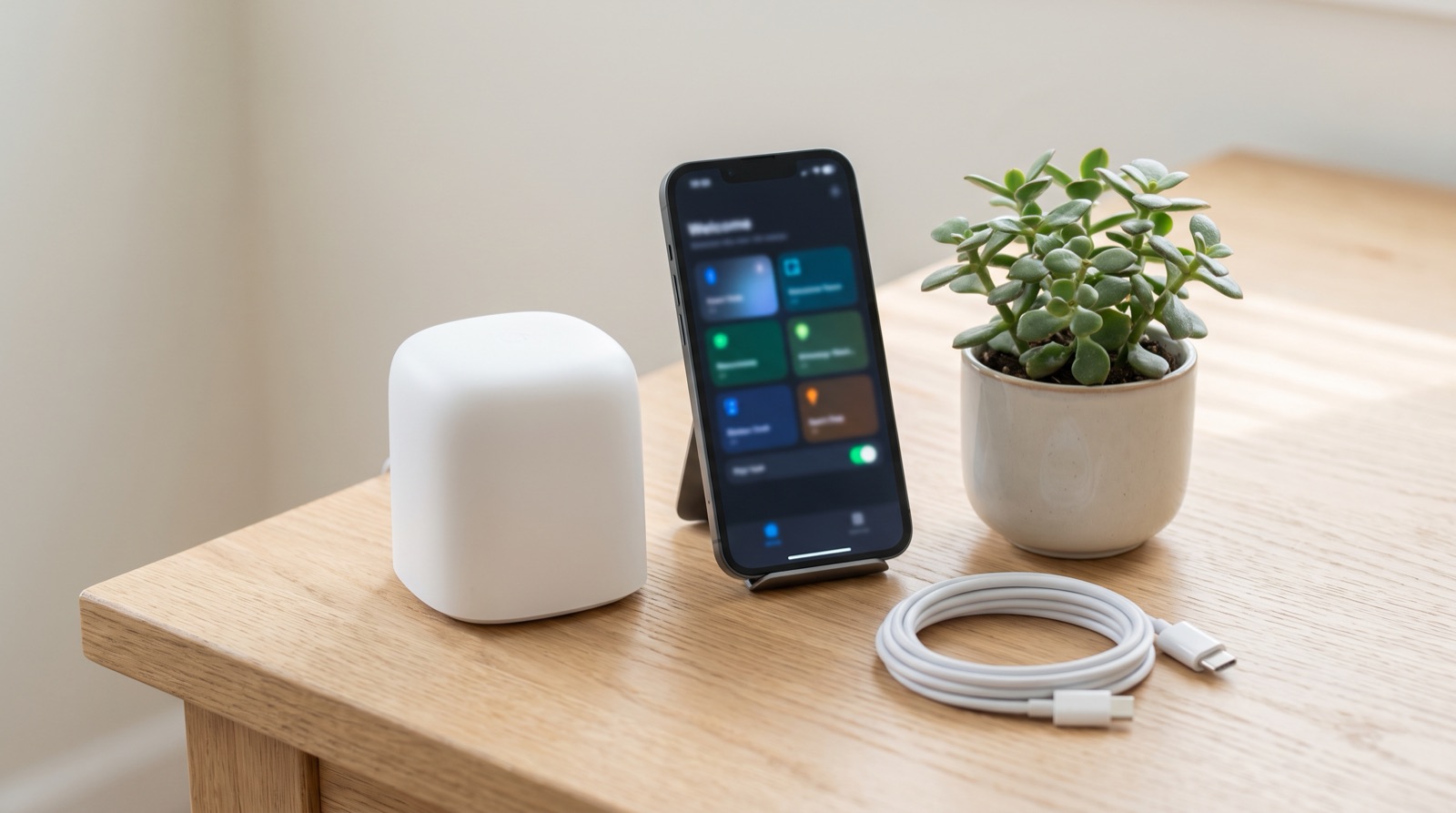
Matter controller smart home Malaysia explained — why Hub M3 is needed first, what Matter adds over Zigbee, and what still works when the ISP is down.
Tell us about your space. Our B2B team will reply within one business day with a recommended setup and quotation.
WhatsApp us →
[email protected]
+603-5880 5486