







Zigbee vs Wi-Fi vs Matter smart home in Malaysia: choosing a hub
Zigbee vs Wi-Fi vs Matter smart home in Malaysia compared. Learn why local control matters, what a hub does, and what actually happens when the Wi-Fi drops.
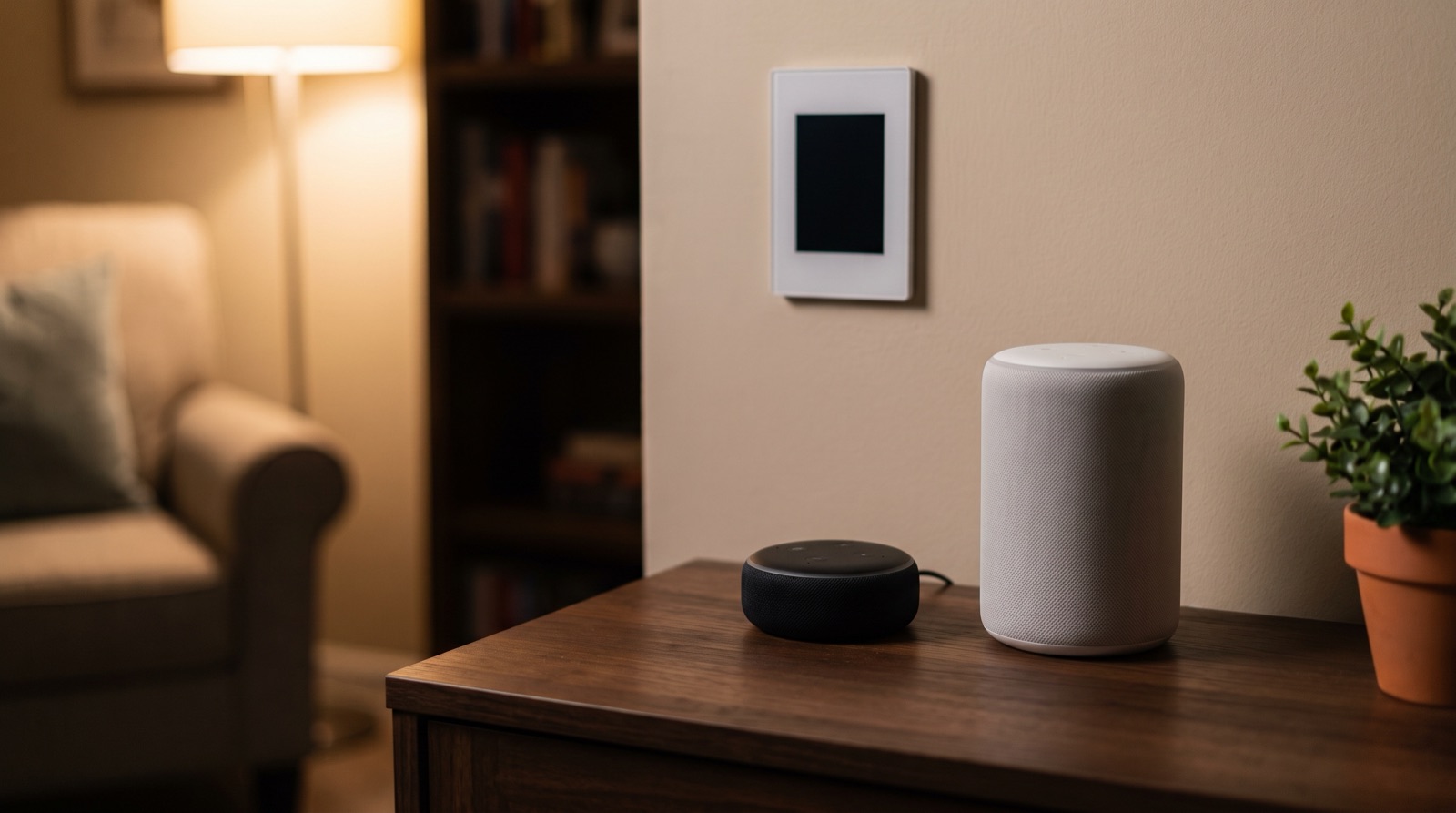
Answer up front — The Aqara ecosystem works with Apple HomeKit, Amazon Alexa and Google Assistant, and a voice assistant is a control surface added on top of the Aqara Home app — not a replacement for it. You still pair devices and set up the hub in Aqara Home; the assistant is what you talk to afterwards. The important thing to understand before you buy: automations that run locally on the hub keep working when your fibre drops, while a voice command needs the internet and the assistant's service, so it is the part that goes quiet.
| Route | What you add | What it is good for | What to know before you commit |
|---|---|---|---|
| Apple HomeKit / Siri | An Apple device with the Home app, plus your Aqara hub | People already in the Apple ecosystem, and a voice assistant that works well in a noisy house | Not every Aqara device exposes every feature — check the current compatibility list |
| Amazon Alexa | An Alexa device, plus your Aqara hub | A speaker in the kitchen or living room and a broad device range | Command wording, exposed features and naming conventions all differ by region and app version |
| Google Assistant | A Google device, plus your Aqara hub | Android households and Google Home users | Same caution: check what the current version actually exposes |
The Aqara side is the same in all three cases. Aqara is Zigbee-first: devices join a mesh through the hub, and the hub runs the automations. The assistant talks to the same devices; it does not run them. The hub decision underneath all of this is in Zigbee, Wi-Fi or Matter: choosing a hub.
Be realistic about this, because the gap between expectation and reality is where people get disappointed.
Voice is good at the blunt end of the job. Turning lights on and off, adjusting a blind halfway, asking whether the front door is locked, starting a scene you have already set up. These are one command, one result, no ambiguity — the cases a voice assistant handles comfortably.
Voice is poor at the fiddly end. A device that has dropped off the mesh, a sensor that reports the wrong room, an automation that fires at the wrong hour, a light that is off in the app and on at the wall switch. For all of those, the phone and the app are faster and more honest, and the assistant will usually just tell you it cannot find the device.
There is one naming consequence worth acting on: the assistant uses the room and device names it has been given, so name your rooms the way your household actually says them out loud. If the children call the corridor the "koridor", a name written as "Hallway" will cost you a retry every single evening. Renaming in Aqara Home is easier than convincing a six-year-old to use the English word.
You can connect more than one, and some households do, because one person owns an iPhone and another owns an Android phone. That is a legitimate reason.
The reason to be more careful is that each assistant is a separate surface to keep up with, and features do not appear in all of them at the same time, or at all. If your household is genuinely split, connect the two that people actually use and leave the third alone. If the household is not split, connect one, learn it properly, and get on with the automation work — the hub does not care which assistant you picked, and neither does anything you build in the app.
Whichever you choose, check the current compatibility position before you buy a specific device for a specific purpose. Not every Aqara device exposes every feature to every assistant, and that list changes as the apps update. Ask us, or check the current documentation, rather than assuming from a product page.
The most common misunderstanding is that a smart home with voice control is built in the assistant. It is not. The build order is:
If you skip step 1, you are trying to automate a house that does not exist yet. And if you want sharing, permissions and history, those live in Aqara Home — see the Aqara Home app guide.
One practical warning about the wording of voice commands: the exact phrasing each assistant accepts varies by device, language, region and app version, and Aqara does not own those command grammars. Rather than print a list of phrases that will be wrong in a few months, check the current documentation for your assistant and for Aqara, and test with one device before you build a house around it.
This is the real reason to care about a local hub, and it is the part most vendors bury.
| When the internet is down | What happens |
|---|---|
| An automation that runs locally on the hub | Keeps working — triggers, conditions and actions run on the hub itself |
| A device being controlled from your phone on the same network | Works, because it is not going out to the internet |
| A voice command | Depends on the assistant's service reaching the internet. Treat it as unavailable during an outage |
| Remote control from outside the home, and cloud notifications | Unavailable until the connection comes back |
That table is the honest version of "works when the internet drops". Local automations keep running. Voice generally does not. A hub that executes rules on itself is in choosing a hub, and the failure mode of a badly placed hub is in hub placement, Wi-Fi coverage and power backup.
This is worth getting exactly right, because getting it in the wrong order wastes a weekend.
The full treatment is in Matter with Aqara: what needs a Matter controller, and the engineering view of when to use which route is in Matter vs Zigbee vs vendor API.
| What you want | What to buy first |
|---|---|
| A screen, relay control and a Zigbee hub in one, staying inside Aqara | Panel Hub S1 Plus — an in-wall touchscreen panel with a built-in Zigbee hub, dual-band Wi-Fi and wired relay channels. Add a Matter controller alongside it if you want Matter accessories |
| To add Matter accessories from Aqara or other brands later | A Matter controller such as Hub M3 or Hub M200, set up in Aqara Home before you pair anything |
| A small unit or one room only | A compact hub such as Hub M100, or start with the wireless devices and decide on the hub once you know how many rooms you are covering |
Hub M3, Hub M200, Hub M100 and the Panel Hub S1 Plus are the current hubs in the Malaysian range. Ask us for current pricing and stock rather than assuming a figure.
A last piece of advice, and it is the one people skip: buy the hub before you buy the devices. Everything you pair afterwards has to reach it, and the hub is the one component that cannot be retrofitted cheaply into a finished home.
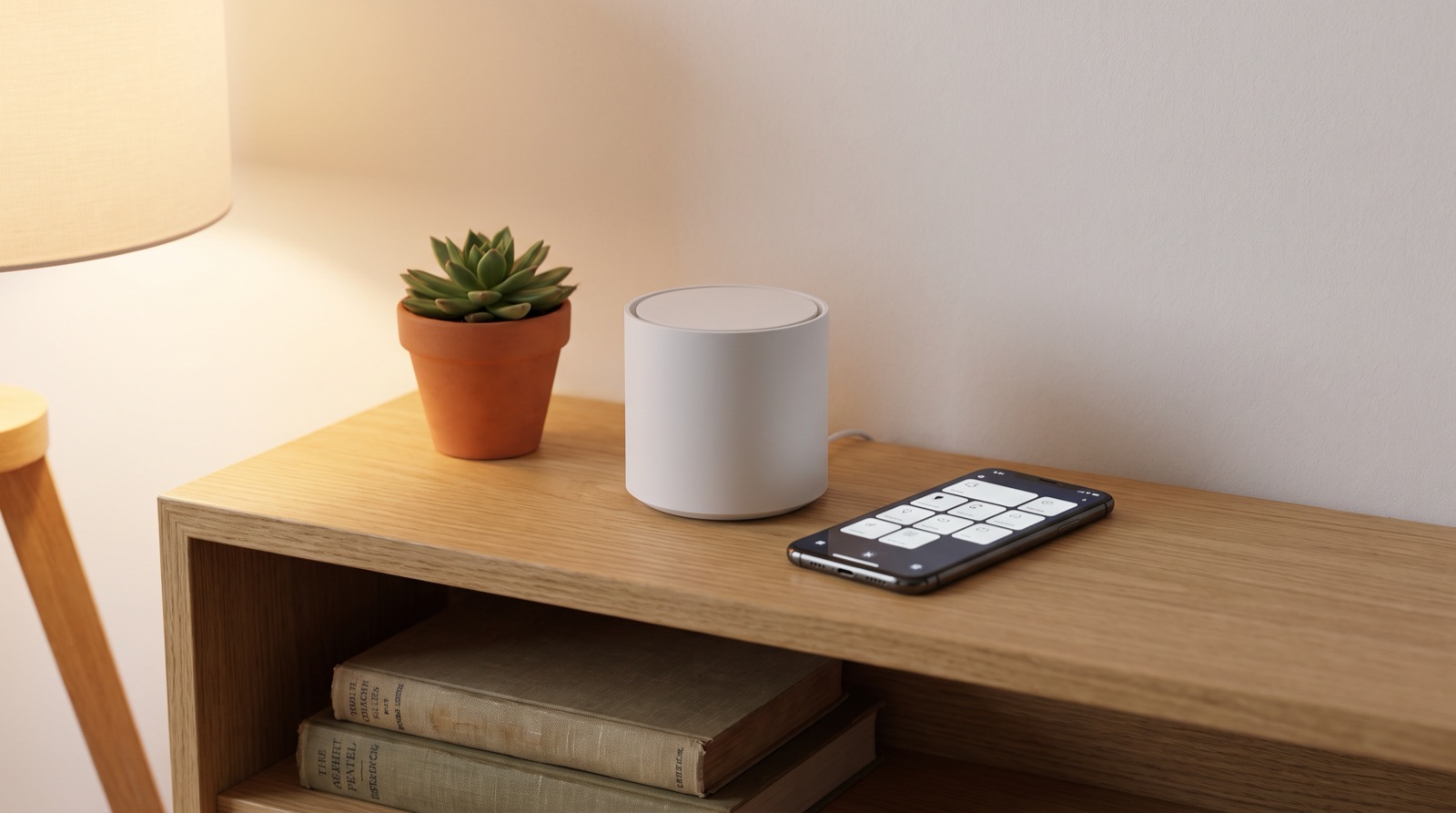
Zigbee vs Wi-Fi vs Matter smart home in Malaysia compared. Learn why local control matters, what a hub does, and what actually happens when the Wi-Fi drops.
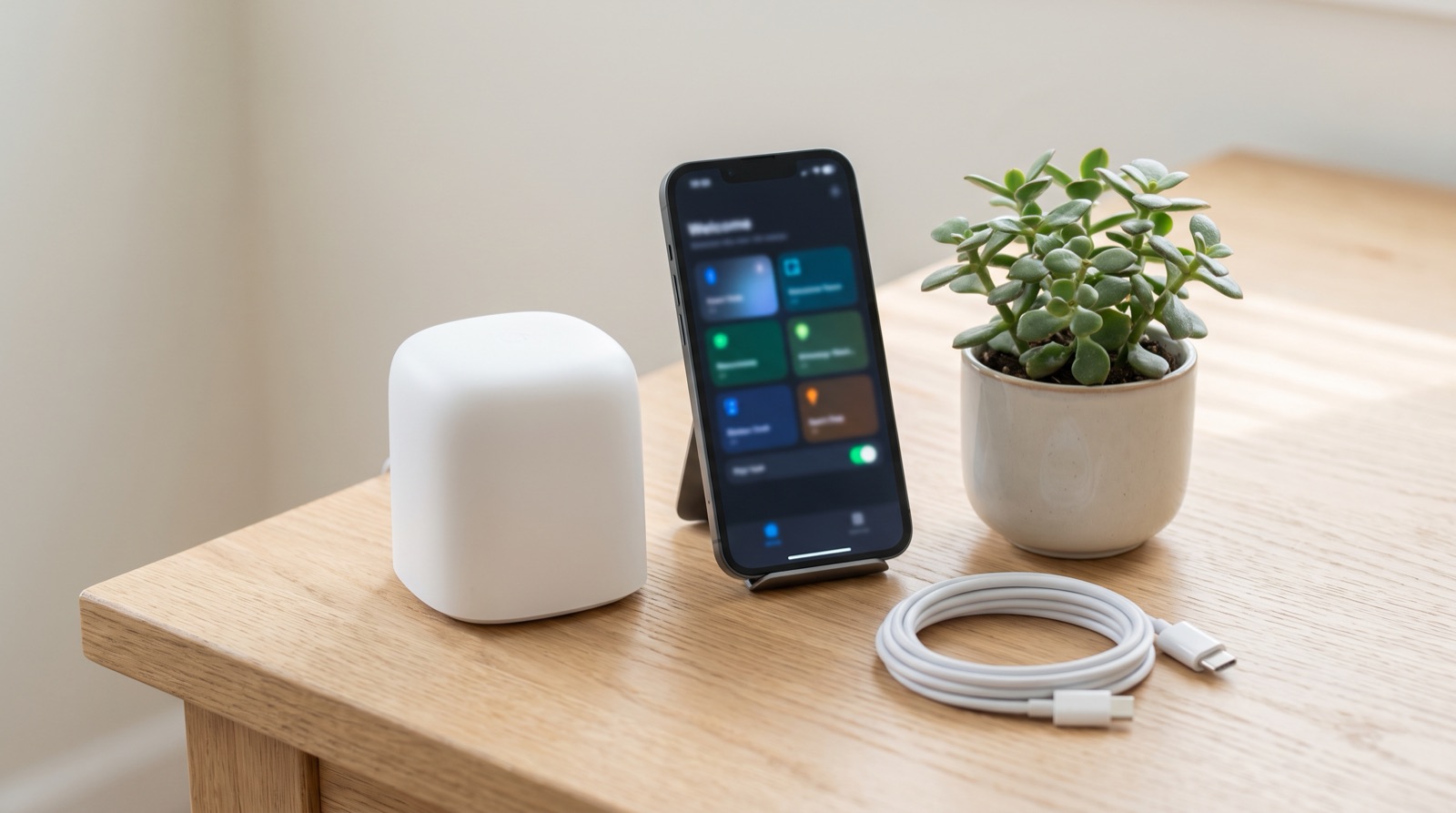
Matter controller smart home Malaysia explained — why Hub M3 is needed first, what Matter adds over Zigbee, and what still works when the ISP is down.
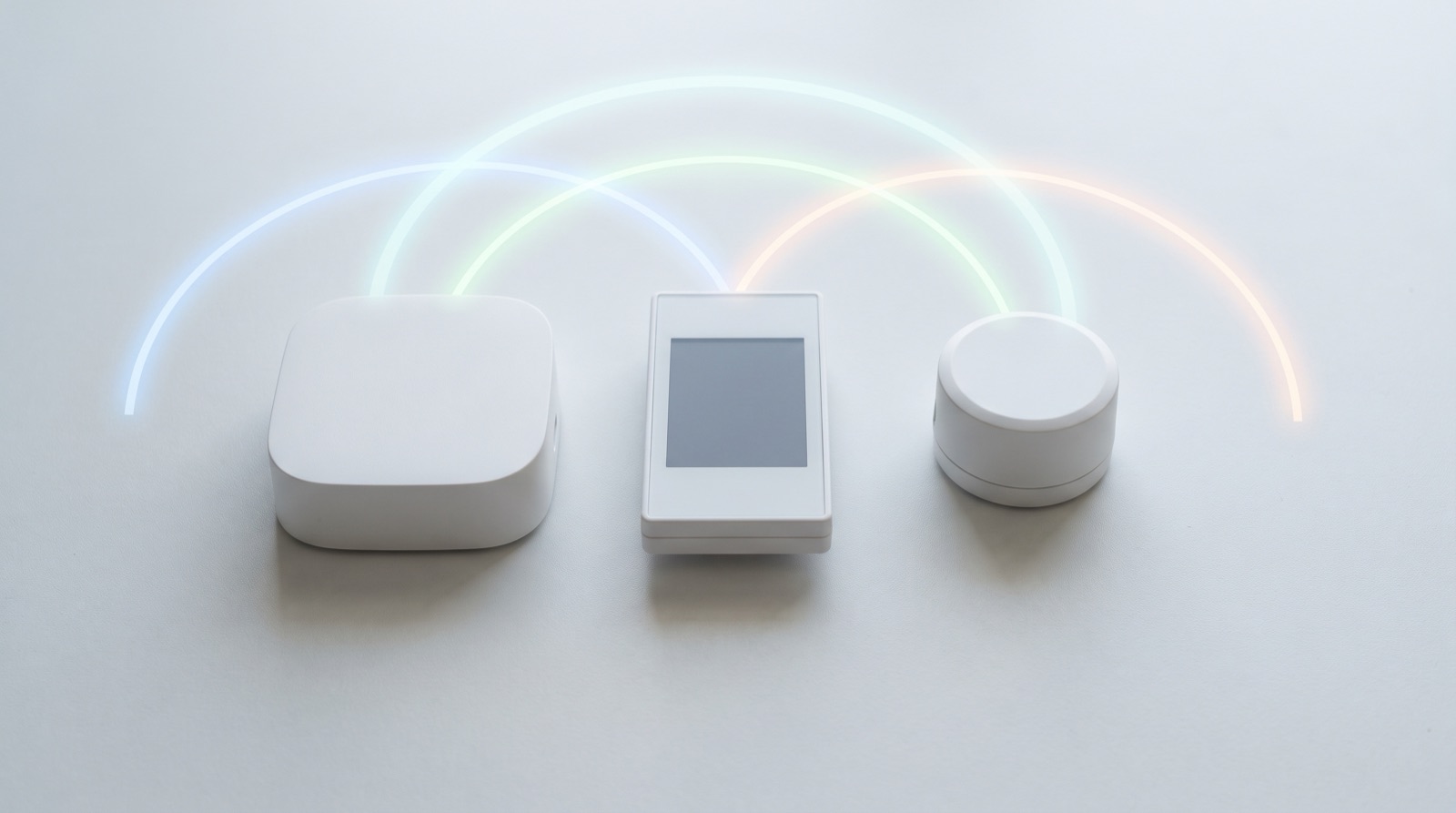
Matter vs Zigbee vs vendor API smart home integration compared on engineering effort, local execution, ecosystem breadth and vendor lock-in for your build.
Tell us about your space. Our B2B team will reply within one business day with a recommended setup and quotation.
WhatsApp us →
[email protected]
+603-5880 5486