





Aqara G5 Pro vs G100: Which Camera for a Malaysian Home?
Aqara G5 Pro vs G100 compared: one is a camera that is also a hub, the other is Wi-Fi only. Resolution, field of view and the costs hidden in the box.
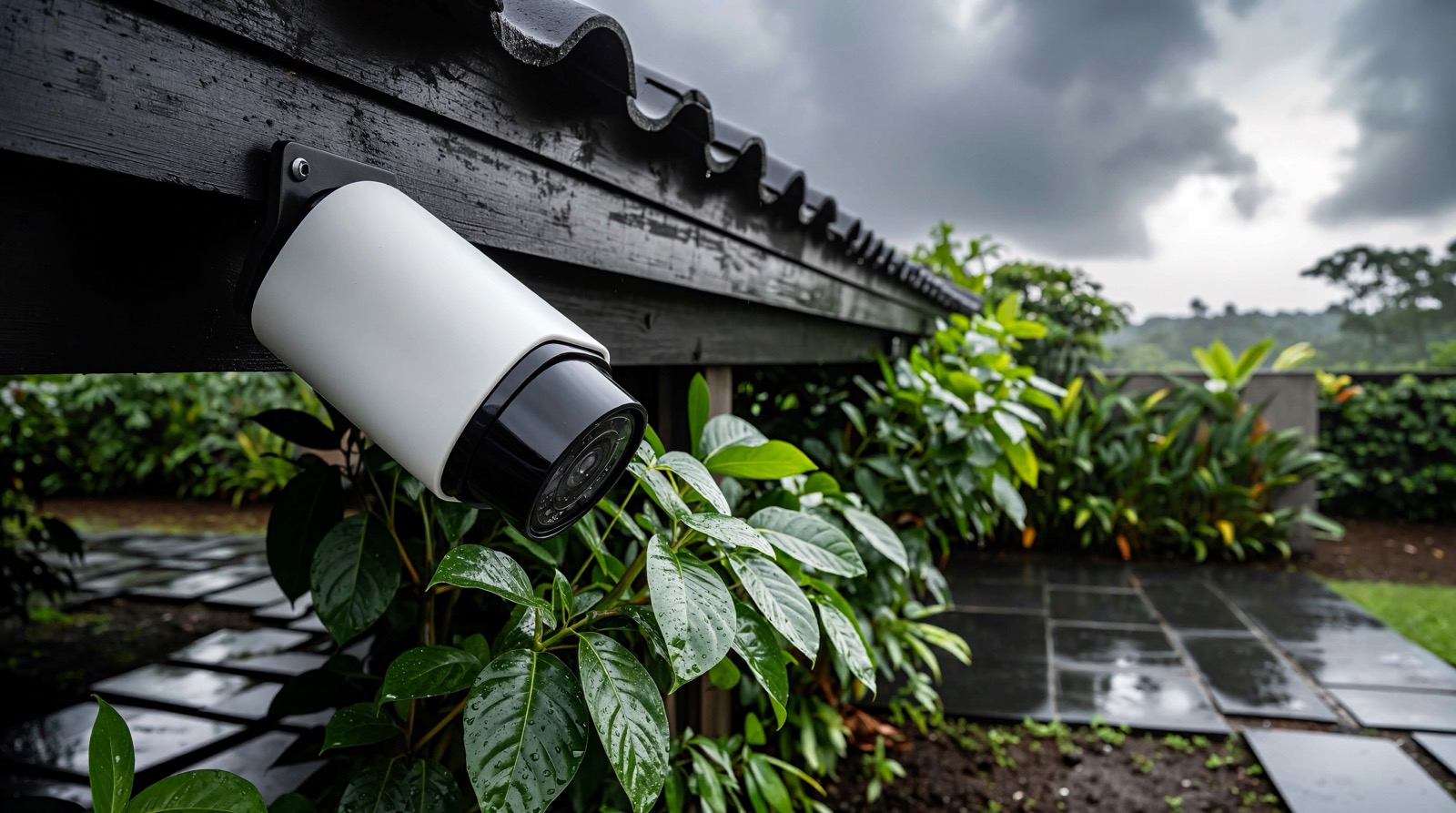
Answer up front — Indoor and outdoor cameras fail in different ways, and the difference is not resolution. An indoor camera lives in a warm, dusty room with the hub within reach; an outdoor camera lives in sun and monsoon rain and has to survive it. For indoors, the Camera Hub G3 also runs your Zigbee sensors, with 2K video, local face recognition and 340° of pan; the Camera E1 is the simpler pan-tilt camera. For outdoors, the Camera Hub G5 Pro is built for exposure, with an f/1.0 lens, a spotlight, PIR detection, a −30~+50 °C range and a built-in hub; the Camera G100 is the affordable 2K unit, and Aqara publishes no IP rating for it. Whichever you choose, position decides whether you get a face or a hat.
This is for a Malaysian homeowner or installer choosing between two indoor cameras and two outdoor ones. The comparison that matters is not the pixel count on the box. It is where the device will live, what the weather does to it, and whether it needs to be a hub as well.
An indoor camera fails through heat, dust and Wi-Fi distance: usually it is on the wrong shelf or blocked by a cabinet door. An outdoor camera fails through exposure — ultraviolet, rain, heat inside a dark housing, and the monsoon afternoon where water comes in from a direction nobody modelled. Its most common fault is not a dead camera but one that survived three years and produced footage of a hat, because it was mounted four metres up.
| Indoor camera | Outdoor camera | |
|---|---|---|
| Environment | Warm, dusty, sheltered | Sun, rain, humidity, insects |
| Main failure | Blocked view, poor Wi-Fi, dust | Heat, water ingress, glare, mis-aimed view |
| Temperature range | Typically narrower | Wider on the models designed for exposure |
| Placement rule | Angle down from above head height | Angle down from about 2 to 2.5 m, not from a ceiling |
Temperature separates the two families: −10~+40 °C (G3) and −10~+45 °C (E1) indoors, −30~+50 °C for the G5 Pro. A covered car porch in Kuala Lumpur is well past +40 °C in the middle of the afternoon.
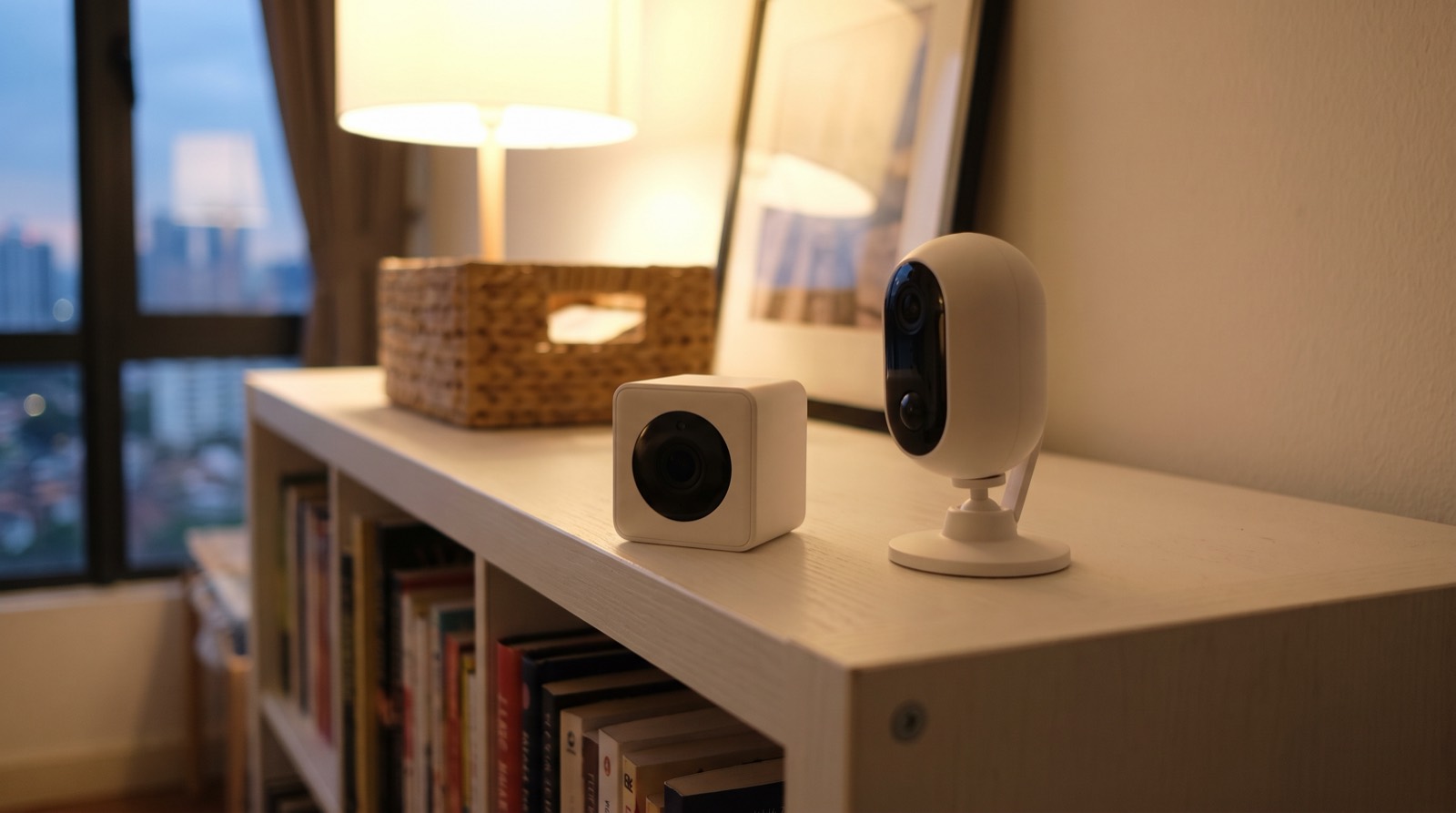
Both are pan-tilt cameras for indoor rooms, and they differ in one way that matters more than their numbers: the G3 is also a hub, and the E1 is not.
| Camera Hub G3 | Camera E1 | |
|---|---|---|
| Resolution | 2K, 2304 × 1296 | 2K, 1296p |
| Field of view | 110° | 101° diagonal |
| Pan and tilt | 340° horizontal, 45° vertical | Angles not published |
| On-device AI | Local face, gesture and pet recognition | Not stated by Aqara |
| Also a hub | Yes — built-in Zigbee 3.0 hub, up to 128 devices | No |
| Local storage | microSD, Class 4 or above, up to 128 GB | microSD, Class 4 or above, up to 512 GB |
| Dimensions | 123.4 × 85.1 × 67.8 mm | 69 × 69 × 104 mm |
| Operating temperature | −10 ~ +40 °C | −10 ~ +45 °C |
Choose the G3 when the camera is doing more than watching. It pairs your Aqara sensors, recognises faces, gestures and pets on the device rather than in a cloud, and carries an infrared blaster. The trade-off is size: 123.4 × 85.1 × 67.8 mm is a substantial object for a shelf.
Choose the E1 when you want a camera and nothing else. It is more compact, takes a larger memory card and publishes a wider operating range, but it is not a hub and will not pair a single sensor. Neither includes a memory card, which is the entire storage layer if you record locally.
This is where honesty matters most: the marketing is ahead of the specification.
| Camera Hub G5 Pro | Camera G100 | |
|---|---|---|
| Resolution | Quad HD, 2688 × 1520 | 2K, 2304 × 1296 |
| Field of view | 133° diagonal — see section 4 | 140° diagonal |
| Lens | f/1.0 aperture | Not stated by Aqara |
| Illumination | Built-in spotlight, plus PIR motion detection | Spotlight colour night vision and infrared night vision |
| Also a hub | Yes — built-in Zigbee and Thread hub | No |
| Wired option | PoE or Wi-Fi versions | No Ethernet |
| Local storage | Not stated by Aqara for this model | microSD, Class 10 or above, up to 512 GB |
| Operating temperature | −30 ~ +50 °C | −10 ~ +40 °C |
On IP ratings, be precise. Aqara's published specification describes the G5 Pro as a weather-resistant outdoor camera and gives a −30~+50 °C operating range, but our source carries no IP rating figure for it. For the G100, whose own description says indoor/outdoor, there is no IP rating either. We will not supply an ingress figure from memory for a device you are about to mount under a car porch.
Three things separate the two without relying on an ingress figure. The temperature range is the biggest practical difference for a Malaysian outdoor position. The illuminator differs too: the G5 Pro has a built-in spotlight, PIR detection and an f/1.0 aperture, the G100 has spotlight colour night vision and infrared night vision — and Aqara publishes no spotlight power or colour temperature figure for the G5 Pro in our source. The hub role and the wired option matter as well: the G5 Pro can carry your Zigbee and Thread devices and run over PoE, removing the Wi-Fi dependency where Wi-Fi is weakest.
The Camera Hub G350 is a fourth option: a dual-lens camera with a 4K wide lens at 3840 × 2160 and a 2.5K telephoto lens at 2560 × 1440, up to 9x hybrid zoom, 360° pan and tilt, Matter-certified, with a built-in hub and microSD up to 512 GB. It is a recent model and Aqara publishes no ingress rating for it either — confirm availability in Malaysia with us.
Aqara's own specification table for the Camera Hub G5 Pro has a row labelled "Image Sensor Size", and the value in that row is 133°. That is an angle, not a sensor dimension. The table is mislabelled.
The 133° figure is the diagonal field of view, and that is how it is quoted here. We do not repeat Aqara's label, because writing "image sensor size: 133 degrees" is meaningless. A diagonal field of view is the angle across the widest diagonal of the frame, not a measure of how much you can see usefully. What decides whether you can identify a face is the angle at the subject, which depends on where the camera is.
This is the placement reality, worth more than any resolution figure.
Monsoon and outdoor sensor placement covers the outdoor environment more broadly, and cameras and doorbells: placement and privacy covers the shot and the boundaries. Read both before drilling.
Two of the four cameras above are also Zigbee hubs, which changes what you buy and where you put it.
| Camera | Hub role | Consequence |
|---|---|---|
| Camera Hub G3 | Built-in Zigbee 3.0 hub, up to 128 devices | Can pair your sensors, so it must be within radio range of them |
| Camera Hub G5 Pro | Built-in Zigbee and Thread hub | Can pair devices and act as a Thread border router for its ecosystem |
| Camera Hub G350 | Built-in hub, and a Matter-certified camera | Recent — confirm availability in Malaysia with us |
| Camera E1 | Not a hub | Needs a separate controller if your system has sensors |
| Camera G100 | Not a hub | Needs a separate controller if your system has sensors |
A camera that is also a hub should not be perched where the Wi-Fi and the radio range are both poor — you have tied two jobs to one position. In a whole system, the hub count and the camera count are the same decision. Hub placement, Wi-Fi coverage and power backup covers the placement maths.
If the camera is watching your own living room, this section is less urgent. If it is watching a reception, a corridor, a workshop, a shared lobby or any part of a business, it matters.
PDPA 2010 (Act 709) regulates the collection, use and safeguarding of personal data in Malaysia in the context of commercial activities, and it has been amended by the Personal Data Protection (Amendment) Act 2024 (Act A1727), which comes into operation on dates appointed by gazette notification. A householder's own camera inside their own home is a different situation from a landlord, an operator or a management corporation running cameras across a property. Where your work touches a common area, take advice on the current obligations before you install.
The commencement dates, transitional arrangements and penalty levels sit in the gazetted notification and the subsidiary instruments. Confirm the current position with the Personal Data Protection Department, or with your own adviser, before you rely on it.
The practical steps are free and reduce the problem at the design stage: point cameras away from neighbouring doors and windows; keep them out of bathrooms and bedrooms; and tell everyone in the building that recording happens. The full compliance picture is in SIRIM, Suruhanjaya Tenaga and PDPA compliance.
Aqara G5 Pro vs G100 compared: one is a camera that is also a hub, the other is Wi-Fi only. Resolution, field of view and the costs hidden in the box.
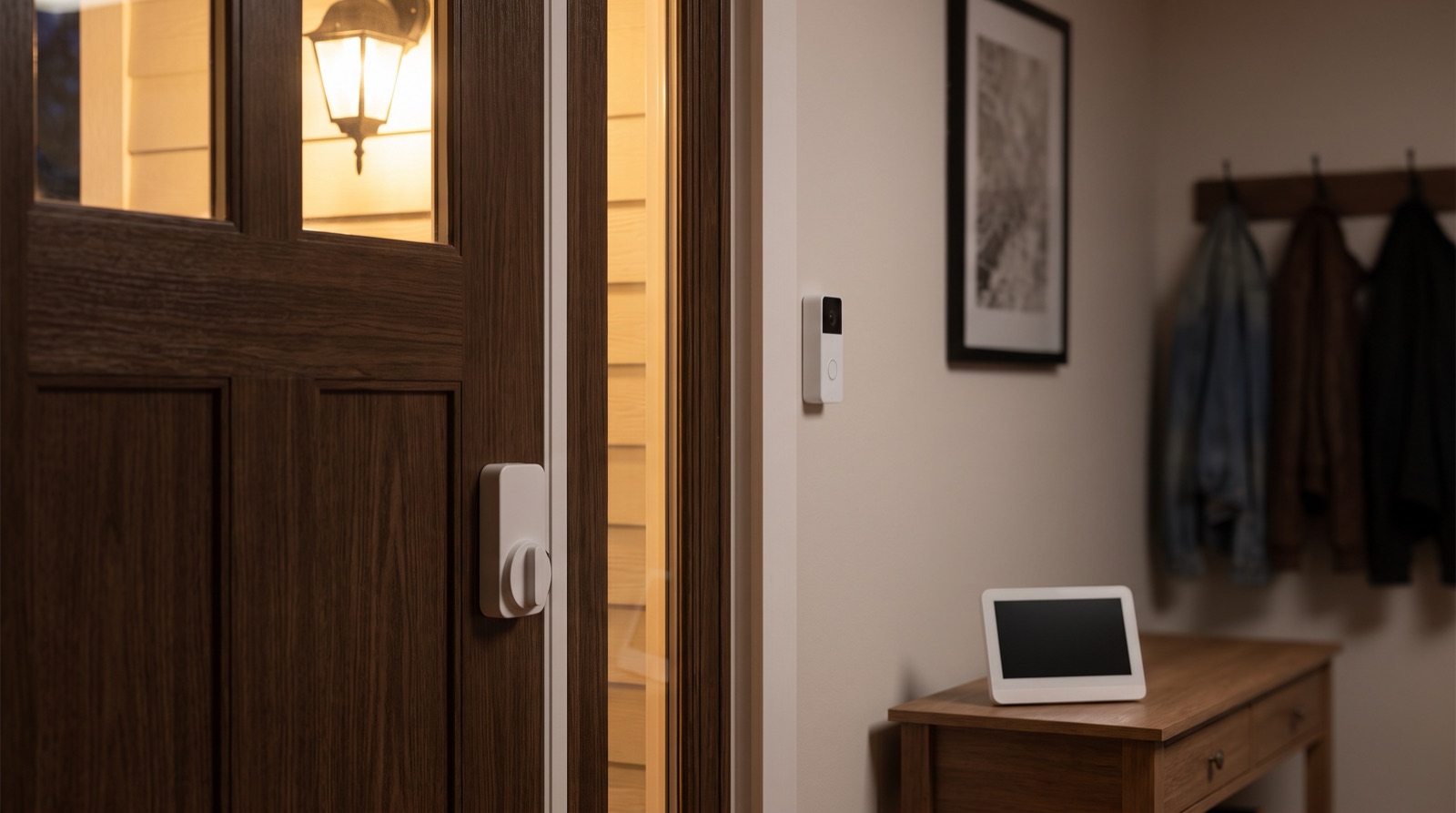
Smart doorbell camera Malaysia placement, field of view and PDPA privacy, with Aqara doorbells and camera hubs explained for homeowners.
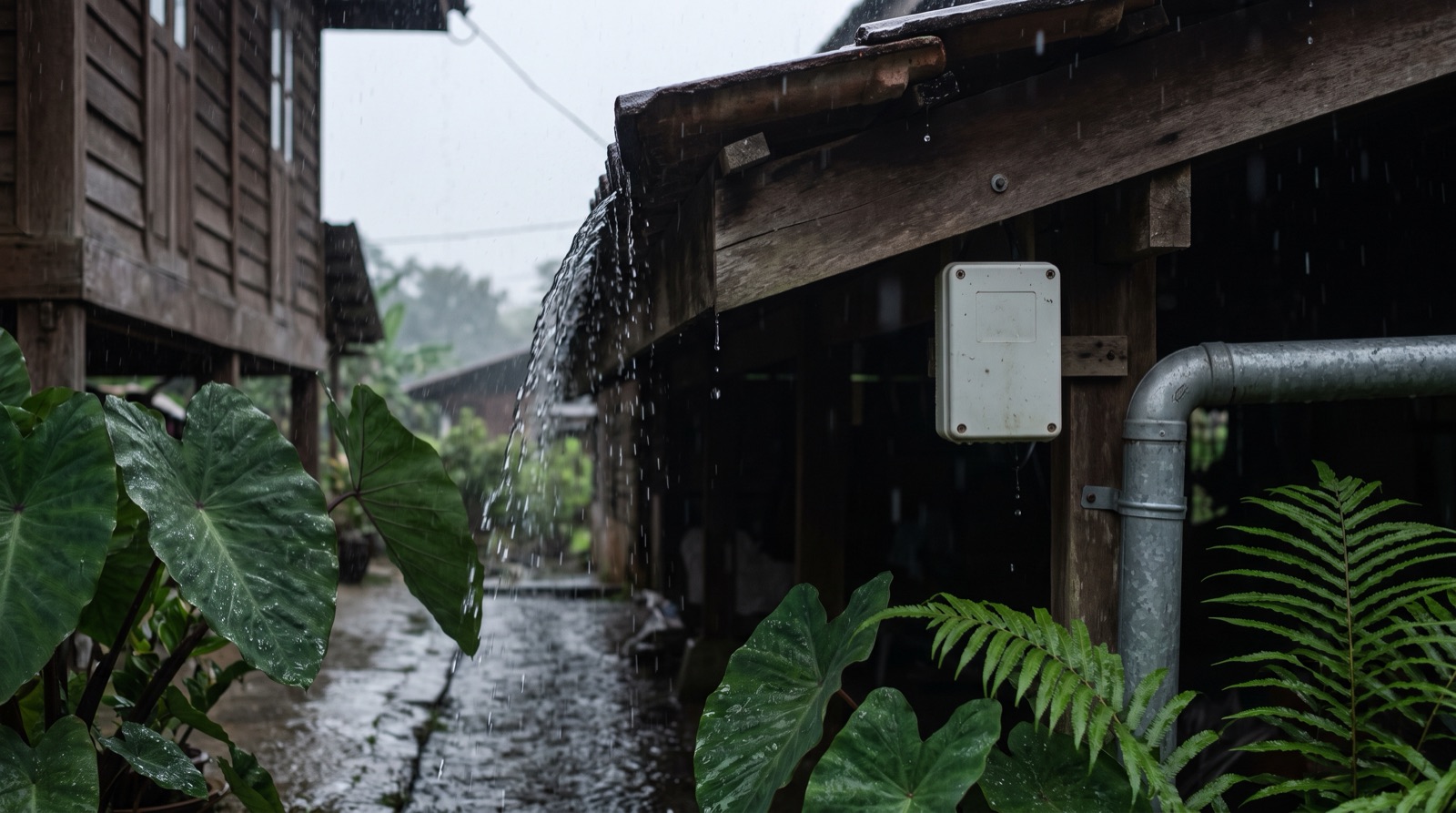
Smart home outdoor sensor Malaysia guide: monsoon sun, rain and humidity, what an IP rating means, why a car porch is not a sheltered spot, and flood advice.
Tell us about your space. Our B2B team will reply within one business day with a recommended setup and quotation.
WhatsApp us →
[email protected]
+603-5880 5486