







Smart Doorbell Camera Malaysia: Where to Put It, and Privacy
Smart doorbell camera Malaysia placement, field of view and PDPA privacy, with Aqara doorbells and camera hubs explained for homeowners.
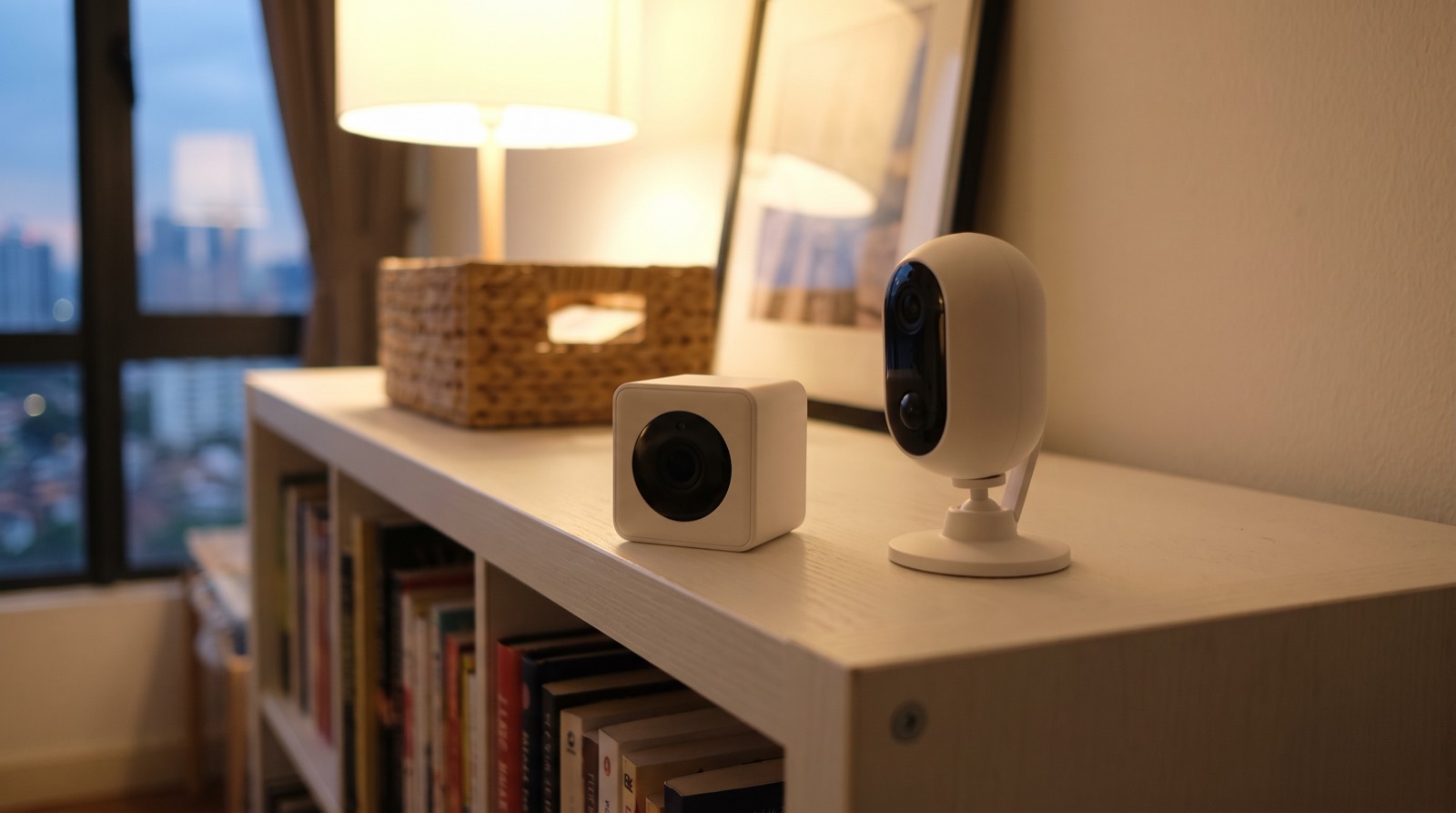
Answer up front — They are not really two cameras, they are two different products that share a shape. The G5 Pro is a camera that is also a hub — Zigbee, Thread and Bluetooth, with Ethernet and PoE on the CH-C03E/D variant — while the G100 is Wi-Fi and Bluetooth only, is not a hub, has no Thread and has no Matter. If you already run an Aqara hub or plan to, choose the G5 Pro and save buying a hub separately. If you want one indoor camera to look at a room and nothing else, the G100 is the smaller, cheaper object — but it ships without a MicroSD card and it is H.264 only, with no H.265/HEVC.
Aqara sells these two under the same product family and they look, to a buyer, like a cheaper and a more expensive version of the same thing. They are not. One of them is a camera plus a whole network node. The other is a camera. Choosing between them is really choosing between two different plans for the rest of your house, and the field-of-view and resolution numbers will send you down the wrong path entirely.
| Camera Hub G5 Pro | Camera G100 | |
|---|---|---|
| What it is | A camera that is also a hub | A standalone indoor camera |
| Models | CH-C03E / CH-C03D (PoE), CH-C07E / CH-C07D (Wi-Fi) | CH-C08E, G100 Select CH-C08D |
| Radios | Zigbee + Thread + Bluetooth | Wi-Fi 802.11 b/g/n/ax 2.4 GHz + Bluetooth only |
| Wired | PoE variant: Ethernet 802.3af | No Ethernet |
| Hub? | Yes | No. No Thread. No Matter. |
| Resolution | 2688 × 1520 | 2304 × 1296 |
| Field of view | 133° diagonal | 140° diagonal |
| Lens | f/1.0, 4.2 mm | — |
| Size (mm) | 70.5 × 70.5 × 89 | 58.16 × 58.16 × 72.25 |
| Power | USB-C 5 V 2 A or PoE 48 V⎓0.27 A | 5 V⎓1 A |
| Temperature | −30~+50 °C | −10~40 °C, 0–95 %RH |
| Extras | PIR H 100° / V 65°, 3 W spotlight 120° 3000 K | No IP rating stated |
| In the box | Stand not included | No MicroSD card (Class 10+, up to 512 GB) |
| Video codec | — | H.264 only — no H.265/HEVC |
No Malaysian price is published for either. Pricing — confirm with us.
Before anything else, something you will not find in most Aqara comparisons.
Aqara's own G5 Pro spec table has a row labelled "Image Sensor Size", and the value in that row is 133°. That is an angle, not a sensor dimension. The table is mislabelled.
The 133° figure is the diagonal field of view. That is how we quote it here, and we have not repeated Aqara's label, because repeating it would mean writing "sensor size: 133 degrees", which is meaningless.
We mention it for a reason beyond tidiness: if you are going to compare cameras, you should know which published numbers to trust and which to re-check at source. Every figure in the table above comes from Aqara's own product pages, and where a page is wrong we say so.
Everything else in this comparison is secondary. Ask one question.
Do you already run, or are you going to run, an Aqara hub?
If yes — the G5 Pro. You get a 2688 × 1520 sensor, a wider temperature range, PIR detection with a spotlight for the dark, and the option of Ethernet and PoE so the camera is not dependent on Wi-Fi coverage in the room where it sits. And on the PoE variant it becomes part of your network itself: Zigbee and Thread 802.15.4 alongside Bluetooth. That is a hub. Several sensors, one box, one less thing on the shelf.
If no, and you are not planning to — the G100. It is 2.4 GHz Wi-Fi and Bluetooth, it does not pair sensors to anything, and it is not trying to.
Note the Wi-Fi asymmetry while you are comparing: the G5 Pro's Wi-Fi variant is dual-band, 2.4 and 5 GHz (b/g/n/ac). The G100 is 2.4 GHz only. In a Malaysian landed house with tiled walls, a metal gate and a couple of floors, 2.4 GHz only is the more reliable band — it propagates further — but it is also the crowded one. Both facts are true. It depends on your house.
Whether the G5 Pro is a full Matter Controller is not stated by Aqara.
It carries Zigbee and Thread, and it is called Camera Hub G5 Pro, and any reasonable person would assume Controller plus Thread Border Router like Aqara's other hubs. We are not going to assume it on your behalf, because "it should be a Controller" is exactly how a smart home ends up with a device that will not expose a Thread sensor to Apple Home for a year. If this matters to your plan, confirm it with us before you build around it. Our Aqara hub compatibility matrix sets out which hubs hold which roles.
The G100 has the wider view at 140° diagonal against the G5 Pro's 133°. The G5 Pro has the higher resolution at 2688 × 1520 against the G100's 2304 × 1296.
Those are the numbers, and the judgement is worth making explicitly because nobody makes it for you.
A wider angle on a small indoor sensor gives you more distortion at the edges and a smaller subject in the middle. For a room you want to know the general state of — a living room, a hallway — the G100's 140° is genuinely useful. For a doorway, a corridor, or anything where you want to identify who or what is moving, the extra resolution and the narrower, more rectified view of the G5 Pro is the one that helps.
Placement decides more than either figure. Our cameras and doorbells: placement and privacy article covers where a camera should and should not go in a Malaysian home, including the neighbours' windows that people forget about until they have already installed one.
This is where a camera purchase actually surprises people, and both of these models have one.
The G100 ships without a MicroSD card. Aqara publishes the requirement — Class 10 or above, up to 512 GB — but the card is yours to buy. Add it to your budget. If you are recording locally rather than to the cloud, that card is the entire storage layer, and the recording stops when it is full or fails.
The G100 is H.264 only, with no H.265/HEVC. H.265 roughly halves the bitrate at the same quality, so an H.264-only camera writes noticeably more data to the same card than an H.265 one would. On a 512 GB card that is a real difference in how far back you can go. It is not a dealbreaker. It is a fact you should have before you work out your retention window.
The G5 Pro's stand is not included. The camera is 70.5 × 70.5 × 89 mm and it needs somewhere to sit or something to mount it to. Budget for a mount.
The G5 Pro has a 30-day cloud trial, then a subscription-free tier. So local recording is not a compromise you are being pushed out of. It is the state after the trial ends.
The reverse also holds, and it is the honest way to frame "no monthly fee": owning the storage means owning the maintenance. A card fails, a firmware update changes where the file path is, and there is nobody to ring. That is not an argument against local recording — it is the argument for buying the card deliberately rather than discovering it missing after the camera is already on the wall. Our smart home buying mistakes in Malaysia article covers the other accessories people forget to add.
The G5 Pro PoE variant is rated −30~+50 °C. That matters in Malaysia more than it looks: a car porch, a covered porch or a corridor that is not air-conditioned can sit at the wrong end of a much narrower range by mid-afternoon.
Against that, be clear-eyed about the G100: Aqara publishes no IP rating for it. No figure means you should read it as an indoor camera. If you were considering it for a porch, an outdoor corridor or a car porch, the honest answer is that the published material does not support that use. For anything genuinely exposed to weather, our monsoon and outdoor sensor placement article covers the wider question.
The G5 Pro's own detection hardware is worth knowing: PIR with a horizontal field of 100° and vertical of 65°, and a 3 W spotlight rated 120° at 3000 K for when the ambient light fails. That is a meaningful difference from a camera with no illuminator at all, in a Malaysian driveway at 2am.
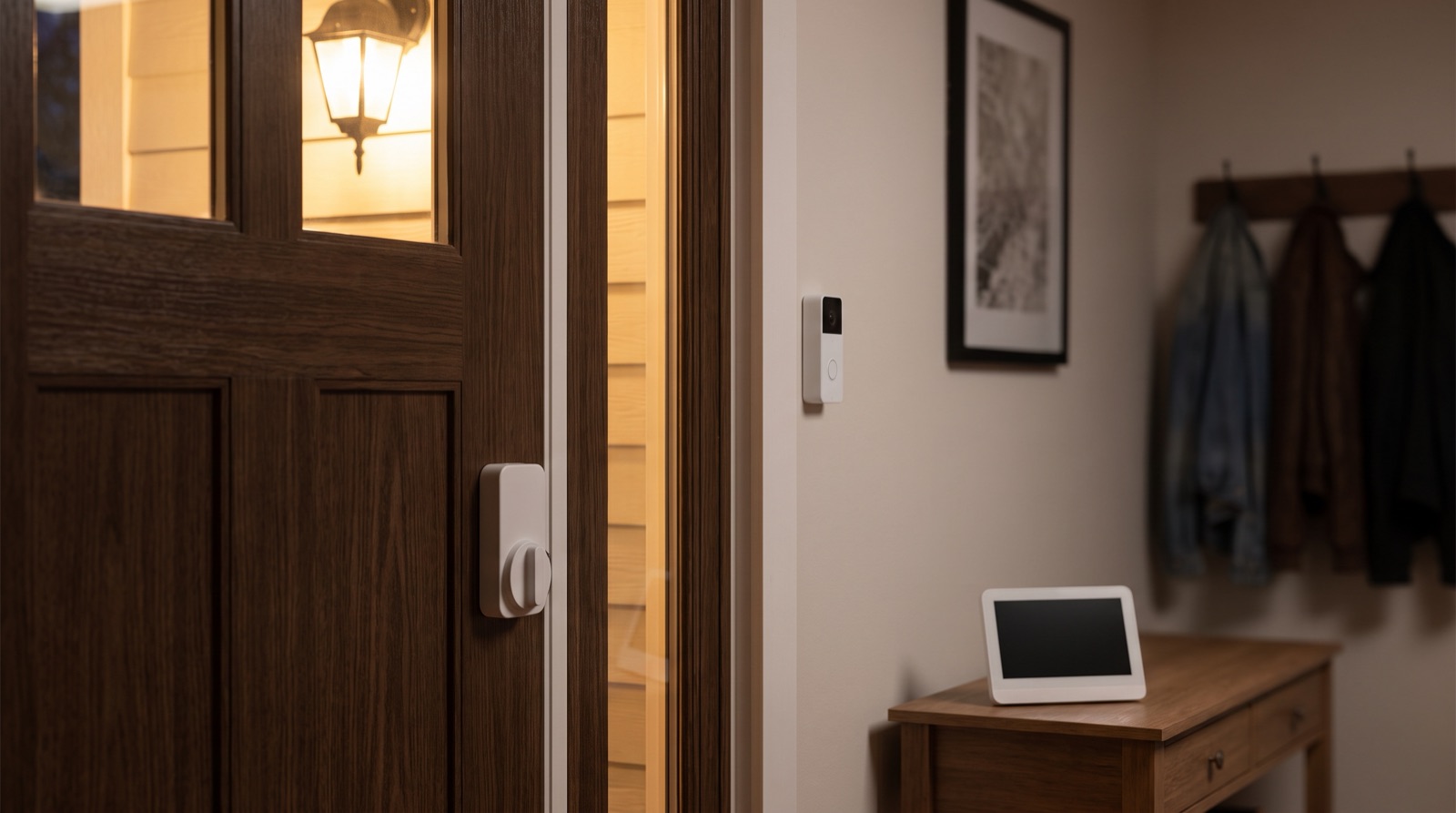
Smart doorbell camera Malaysia placement, field of view and PDPA privacy, with Aqara doorbells and camera hubs explained for homeowners.
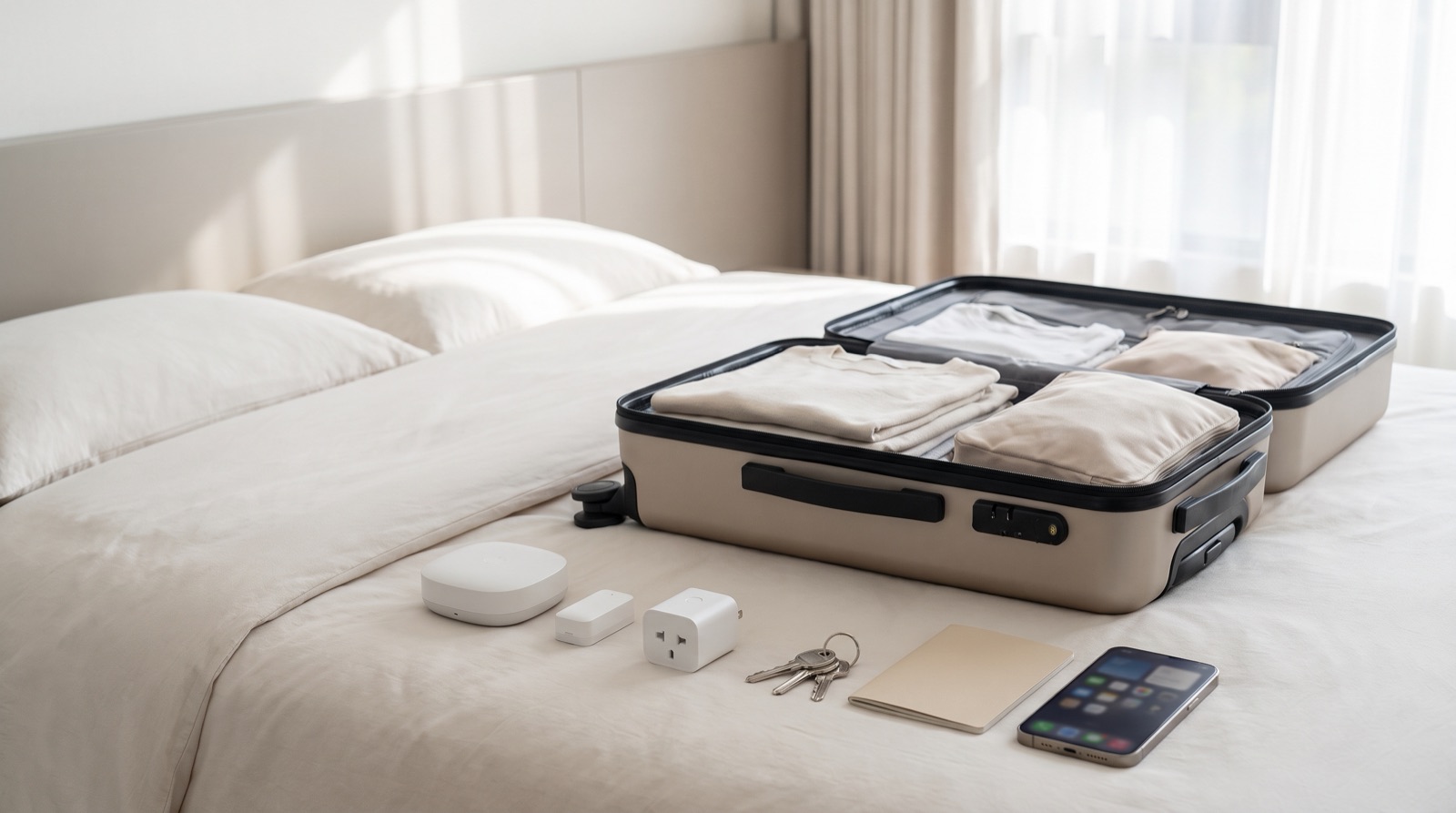
Home security while travelling Malaysia: what sensors tell you from another country, what they cannot, and what to set up before you fly out from KLIA.
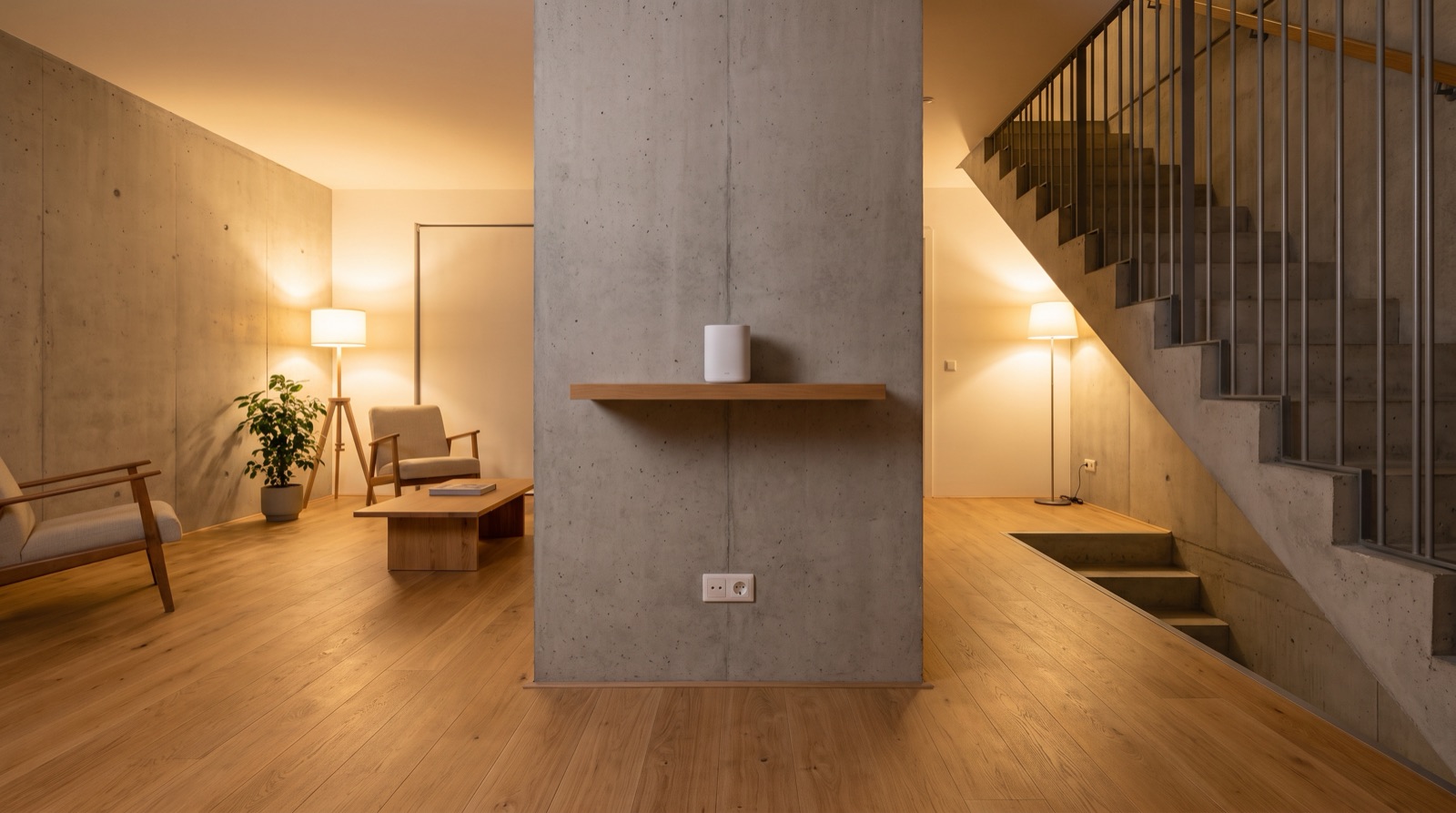
Smart home hub placement and Wi-Fi coverage in Malaysia: where the hub goes, telling a Wi-Fi fault from a Zigbee fault, and why power backup is part of the plan.
Tell us about your space. Our B2B team will reply within one business day with a recommended setup and quotation.
WhatsApp us →
[email protected]
+603-5880 5486