







Zigbee vs Wi-Fi vs Matter smart home in Malaysia: choosing a hub
Zigbee vs Wi-Fi vs Matter smart home in Malaysia compared. Learn why local control matters, what a hub does, and what actually happens when the Wi-Fi drops.
Answer up front — Home Assistant is worth the weekend if you want your automations to live on your own hardware and keep working when the internet does not. Before you buy a single sensor, understand one thing: the FP2 is Wi-Fi and Bluetooth only — it has no Zigbee and no Thread. The FP1E is Zigbee only. The FP300 and FP400 are Thread plus Zigbee. The protocol you want decides which presence sensors you can use, and getting this wrong is the mistake that costs people the whole weekend.
Three things, honestly stated:
Automations survive an internet outage. A rule that runs on your own hardware does not care that your fibre is down. In Malaysia, where the fibre drops for reasons that are nobody's fault, this is the single most practical reason people do it.
You get a control surface the vendor does not decide for you. Dashboards, templates, history retention, and the ability to write your own logic.
You take on the consequences. Every device you pull out of Aqara Home is a device whose behaviour you now own. Automations break during firmware updates, entity names change, integrations need re-pairing after a hub swap.
What you do not get is better hardware. The sensor in your ceiling is the same sensor. You are changing where the logic runs, not what the radar does.
If you have not yet chosen a hub, Zigbee, Wi-Fi or Matter: choosing a hub is the decision that has to come first, because the hub determines what you can later add.
Read this table before you order anything. FP2 is not a Zigbee device, and a lot of comparison writing gets this wrong because it assumes every Aqara presence sensor speaks Zigbee.
| Sensor | Protocols | What that means for Home Assistant |
|---|---|---|
| FP2 | Wi-Fi 2.4 GHz + Bluetooth 4.2 only — no Zigbee, no Thread | Connects to your network directly. No Aqara hub required. It will not join a Zigbee mesh and will not speak Matter over Thread. |
| FP1E | Zigbee only — no Thread, no Matter | Needs an Aqara Zigbee hub. No third-party ecosystem access. |
| FP300 | Thread + Zigbee + Bluetooth (switchable) | Usable either way — but see the catch below. |
| FP400 | Thread + Zigbee | See the two caveats below. |
Three consequences follow.
If you want everything on Zigbee, FP2 is not in the plan. The FP2 goes on Wi-Fi, on your network, whatever you run at the centre. That is a real design constraint: it works, but it is a different dependency than a mesh sensor.
If you want Zigbee-only and no IP address for the sensor, the FP1E is the budget option — with a caveat. The FP1E's own Aqara product page still contains unreplaced "Lorem ipsum" placeholder copy. Treat any FP1E claim that comes only from that page as unconfirmed, and confirm the specification with us before you commit.
The FP400 is not yet a safe bet for a Malaysian installation. Aqara's spec table says Thread plus Zigbee, USB-C 5 V 1 A, IPX5, up to 10 people tracked, 120° field of view — but the product is live on Aqara's site, missing from Aqara's own sitemap, has no specs subpage, and is not confirmed as a Malaysian-channel product. Treat it as not yet purchasable here until we say otherwise.
The FP300 is the only battery-powered presence sensor in the range: PIR plus 60 GHz mmWave plus light, temperature and humidity, on two CR2450 cells, rated up to about 3 years on Zigbee and 2 years on Thread. It is the natural choice for a room where running cable is not happening.
But its useful controls — radar sensitivity, absence period and sensor sampling — are available in Aqara Home or Home Assistant in Zigbee mode only. Run the FP300 on Thread and you need a third-party Matter controller, and those three controls are no longer where you expect them.
So the honest sequence is: decide Zigbee or Thread first, then buy the sensor, not the other way round. The hardware does not change. What changes is what you can tune.
Note also that the FP300 has no IP rating, which matters if you were thinking about anywhere damp — see monsoon and outdoor sensor placement.
If you enable fall detection on the FP2, it requires a ceiling mount and disables most features, including zone positioning and presence detection. That is not a minor setting. It trades away the thing people bought the sensor for.
Zone positioning and multi-person detection, by contrast, require wall mounting. So the FP2 is genuinely two products depending on where you put it, and the mount decides which one you get. Placement is covered properly in installing Aqara presence sensors and the ceiling-height maths matters in sensor selection and coverage.
The hub is your bridge between the sensor protocols and whatever you run centrally.
| Hub | Matter role | Thread | Zigbee / Thread capacity |
|---|---|---|---|
| M100 | Controller + Thread Border Router + Bridge | Yes | 20 + 20 |
| M200 | Controller + Thread BR + Bridge + IR | Yes | 40 + 40 |
| M3 | Controller + Thread Border Router + Bridge + IR | Yes | 127 + 127 |
| M2 | Bridge only — not a controller, no Thread radio at all | No | Legacy Zigbee hub |
The M2 is the trap. Its firmware exposes Zigbee devices to Matter apps over Wi-Fi, but it will not upgrade Zigbee devices to Thread, it needs Aqara Home 3.0.8 or later, and it is 2.4 GHz only. If your plan is Matter over Thread, selling yourself an M2 is a straightforward mis-buy.
The M200 also ships without a 5 V 2 A power adapter and has no built-in microphone — voice needs a Voice Mate H1 sold separately. Note also that only one IR air-conditioner can be bridged into Matter AC mode on it.
Not a click-by-click tutorial — those go out of date faster than this article will. A sequence:
Note that this assumes Aqara Home and Home Assistant can see each other; the exact pairing path and available entities vary by device and by integration version. Follow the current official documentation for the click path, and use this page for the decisions.
A Home Assistant setup is a weekend of your life plus a maintenance commitment that lasts as long as you live in the house.
You will spend that weekend on network configuration, naming, and finding out which of your devices expose what. And here is the part that is not really quantifiable: you give up the local support path. When something stops pairing at 9pm on a Sunday, there is no one to call. If you bought local-channel hardware from a Malaysian distributor, you had a person. If you have bridged everything yourself, you have a forum thread.
That trade is worth it for a lot of people and wrong for plenty of others. If you are technical but not a programmer, the realistic question is not "can I do this" — you probably can. It is "will I enjoy maintaining this in eighteen months", and whether you want to be your own first line of support for the door.
Talk to us before you commit to a self-hosted setup. Tell us what you want to automate and how much you want to run yourself versus have supported, and we will tell you which sensors and which hub actually get you there — including when the answer is "you do not need Home Assistant for that". Talk to the team
Zigbee vs Wi-Fi vs Matter smart home in Malaysia compared. Learn why local control matters, what a hub does, and what actually happens when the Wi-Fi drops.
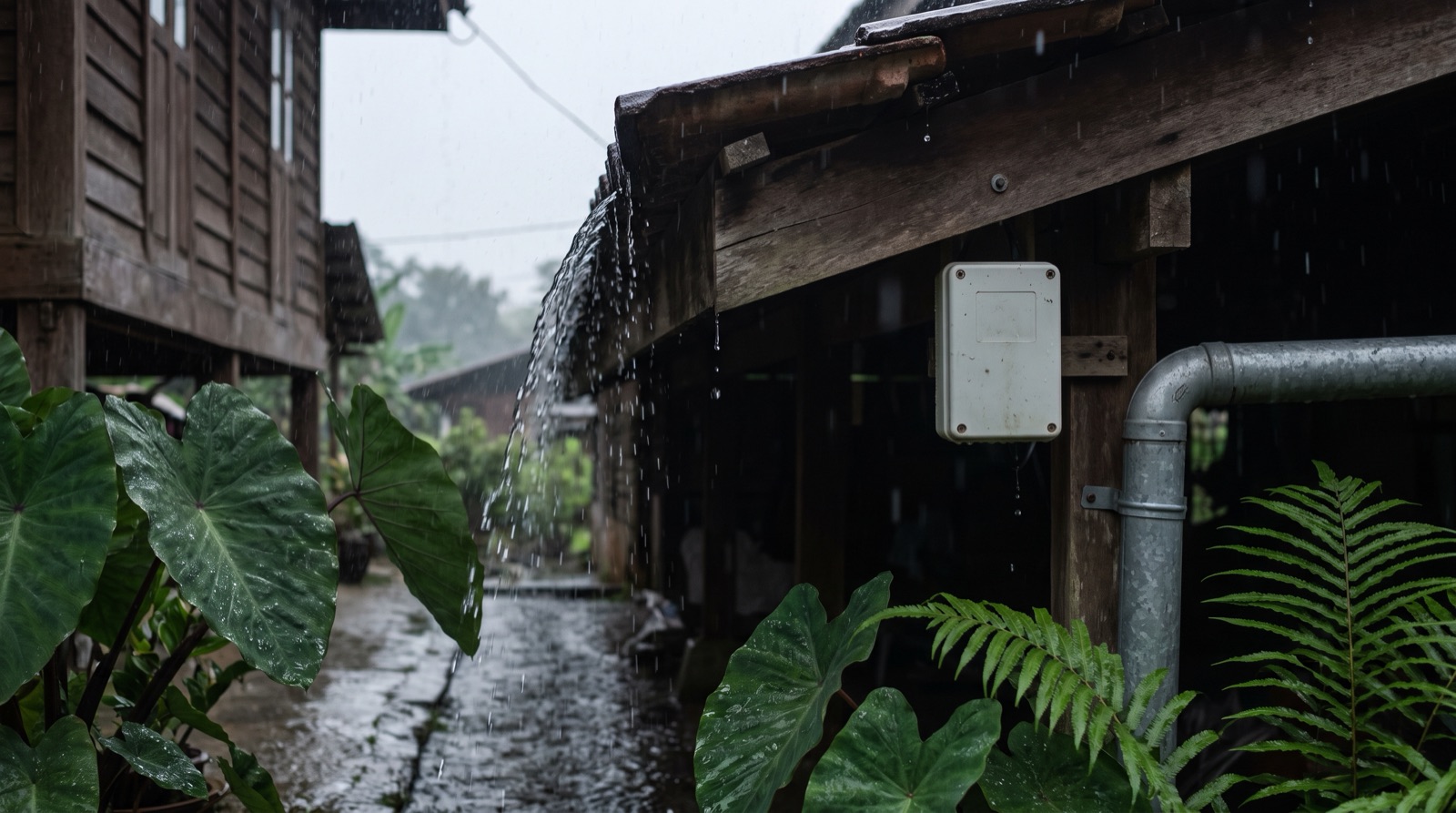
Smart home outdoor sensor Malaysia guide: monsoon sun, rain and humidity, what an IP rating means, why a car porch is not a sheltered spot, and flood advice.
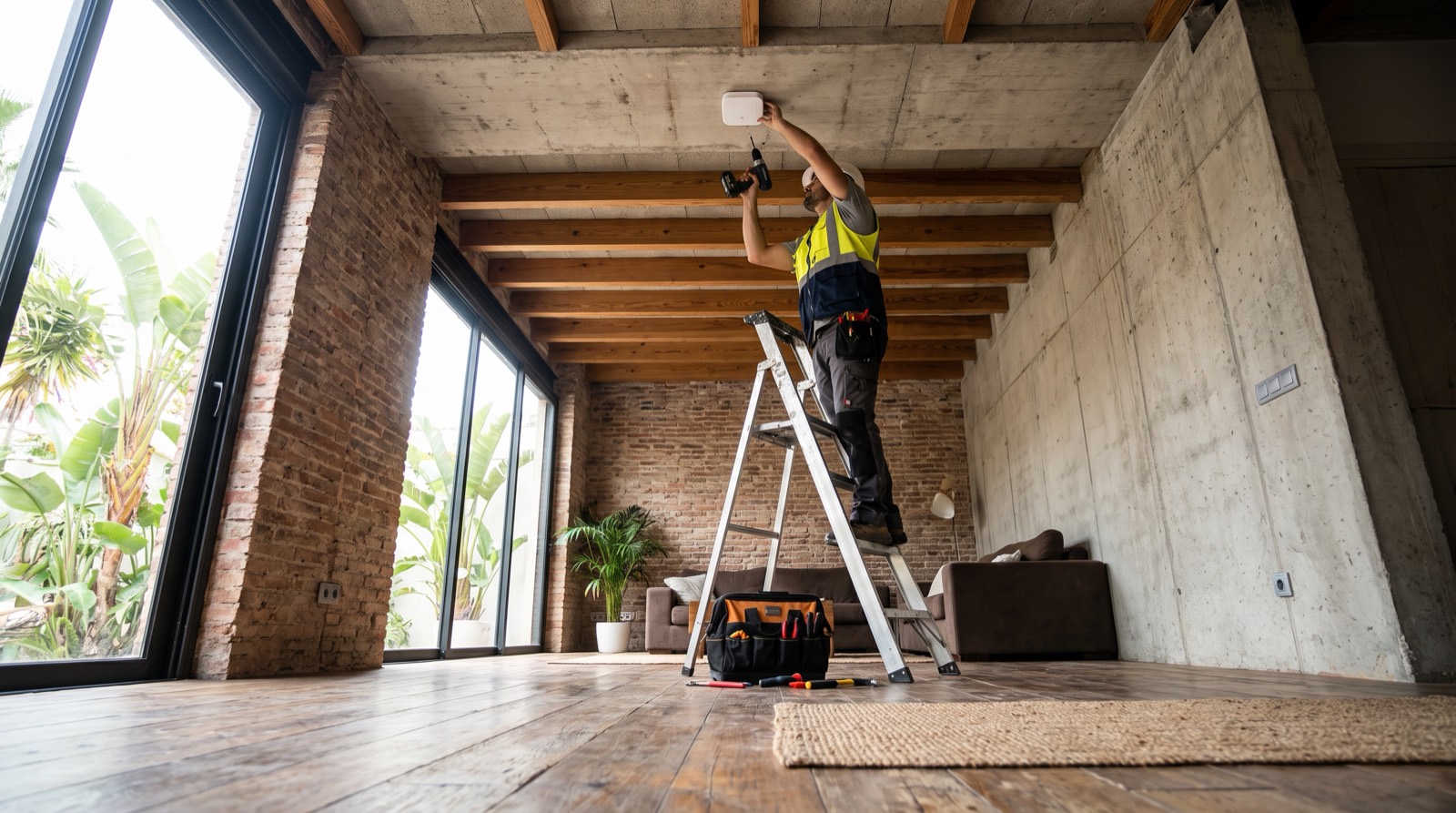
Install presence sensor Malaysia guide for trade: the 3-4 m mounting height, 5 x 6 m coverage, IPX5 limits, and why a 2.7 m condo ceiling fails the maths.
Tell us about your space. Our B2B team will reply within one business day with a recommended setup and quotation.
WhatsApp us →
[email protected]
+603-5880 5486