







Condo smart home handover spec Malaysia: what to write in
Condo smart home handover spec for Malaysian developers: the neutral, the network points, the back box depth and the panel position to write into the drawings.
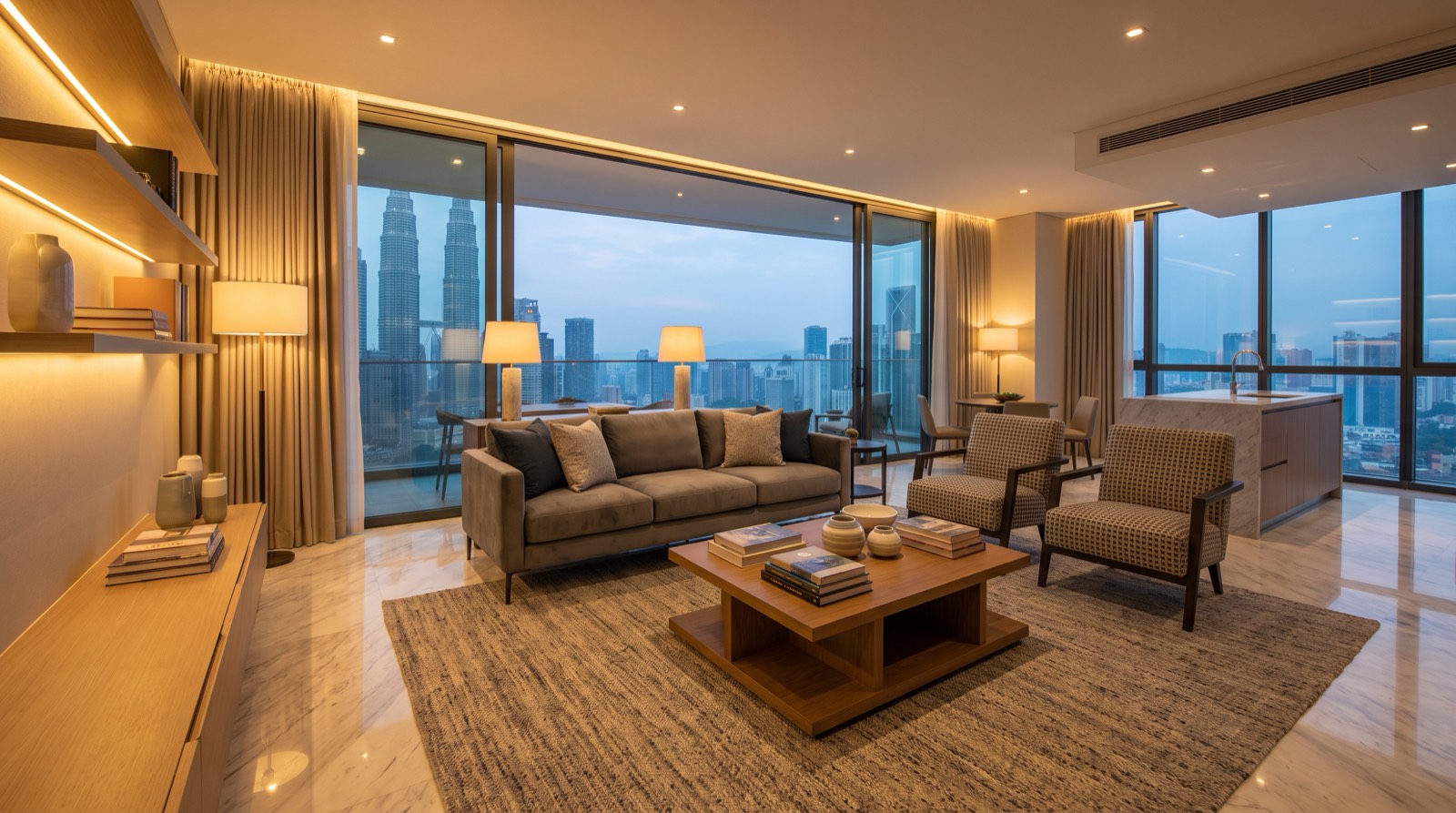
Answer up front — A show unit demo is usually a display, not a working system the buyer inherits. The devices in the sales gallery are chosen to fire a scene on demand in front of a sales team, while the buyer's actual unit is a different room with different wiring, a different network and different scheme rules. The commercial risk sits in three places: what the buyer believes he is getting, what the management corporation is left running at handover, and what keeps running when nobody resets the unit before the next viewing.
A show unit is a sales tool before it is a building. The buyer's question standing in front of you is not "how does this work" but "will this be like this in my unit". The honest answer is that a show unit is the easiest room in a development to make look automated, and among the hardest to make genuinely representative of what the buyer receives.
Three things make that true, and none of them are about the devices themselves.
First, a show unit is used by everyone and owned by no one. Sales agents demonstrate in it, contractors clean it at night, and a prospective buyer walks through it holding a child's hand. That is not how a home is used, and the difference shows up in the logs six months later.
Second, a show unit is optimised for the ninety seconds a buyer is standing there. A scene that fires perfectly from a wall panel and does nothing useful for the rest of the day is a demonstration, not a system.
Third, the show unit and the actual unit are rarely the same room. The show unit is normally the best-facing, best-lit, most generously proportioned corner unit on the floor. Its ceiling height, its back box depths, its neutral wire routing and its Wi-Fi coverage are not necessarily what anyone else will get.
| In the show unit | What the buyer's actual unit gets |
|---|---|
| A curated scene that fires from a wall panel or a sales tablet | Automation only if the buyer's unit has been wired and commissioned for it |
| Sensors positioned to cover the furniture layout currently on display | The same sensor has to cover a differently proportioned, differently furnished room |
| A hub positioned where the interior designer wanted it | A hub position chosen for radio coverage and power, which may be somewhere else entirely |
| Automations tuned for daylight at the time of a viewing appointment | Automations that must survive an empty unit, monsoon rain and a fortnight with no visitors |
| A lock fitted to a door of known thickness | A lock fitted to a door whose thickness Aqara does not publish |
| A person who resets the unit before every appointment | No such person after handover |
The last row is the one that decides whether a developer's smart home claim survives contact with the management corporation.
The account. Somebody's mobile number is attached to the hub. That account has to end up belonging to the management corporation, to the developer's facilities team, or to the buyer — and each of those answers has a different consequence. If it goes to the buyer, the buyer needs to be told plainly what they now own and how to remove the previous owner's access. If it stays with a sales executive who left eighteen months ago, the buyer has working hardware that nobody can administer.
The network. A hub sitting on the sales gallery's own access network will not work in the buyer's unit, and a hub paired to a network that the sales team controls cannot be handed over. This is the most common reason a supposedly commissioned system is dead on the day the buyer moves in.
The device list. A show unit accumulates. Someone adds a movie scene before a Saturday viewing, someone else renames a light so it reads better in a photograph, someone pairs a phone. Across a launch phase that runs a year and a half, the demo unit ends up with a device list that nobody fully understands and nobody is accountable for.
Somewhere in the schedule, a show unit becomes a facility. It may be kept as a sales suite, converted to a show apartment for the management office, handed to the management corporation as a common facility, or simply locked and left. Each outcome produces a different obligation, and the developer should decide which one it is before handover rather than discovering it during it.
The two obligations that get forgotten:
There is no device cost line here. The recurring cost of an unreset show unit is people time, batteries, and the slow degradation of the demonstration:
A named person with a written reset routine is the cheapest mitigation available, and it costs nothing but the decision to write it down.
| Hub | Verified capacity and features | The show unit issue |
|---|---|---|
| Hub M100 | 20 Zigbee + 20 Thread, 2.4 GHz only, no IR | The smallest capacity of the four, and its power is a 5V 0.5A USB-A plug, which is marginal for heavy USB load — if it shares a port with a phone charger in the sales gallery, expect dropouts |
| Hub M200 | 40 Zigbee + 40 Thread, IR and PoE, dual-band Wi-Fi | Aqara states the 5V 2A USB power adapter is not included, so something has to source it |
| Hub M3 | 127 Zigbee + 127 Thread, IR and PoE, dual-band Wi-Fi | Roughly three times the device capacity of the M200 — the argument for a demo unit that gets hammered through a launch phase |
| Hub M2 | Legacy Zigbee hub — confirm with us on current specification | Matter Bridge only — no Thread radio and no controller role. Selling it into a Matter-over-Thread demonstration would be a mis-sell |
The pattern that matters for a sales suite: the demo gets hammered in a way a home does not. Every visitor presses a panel, every agent re-triggers a scene, every phone tries to join. That is a load argument, and it argues for the hub with headroom rather than the cheapest one that fits today's device list.
Locks are the most over-promised part of a show unit, because they are the part a buyer most wants to imagine owning.
Condo smart home handover spec for Malaysian developers: the neutral, the network points, the back box depth and the panel position to write into the drawings.
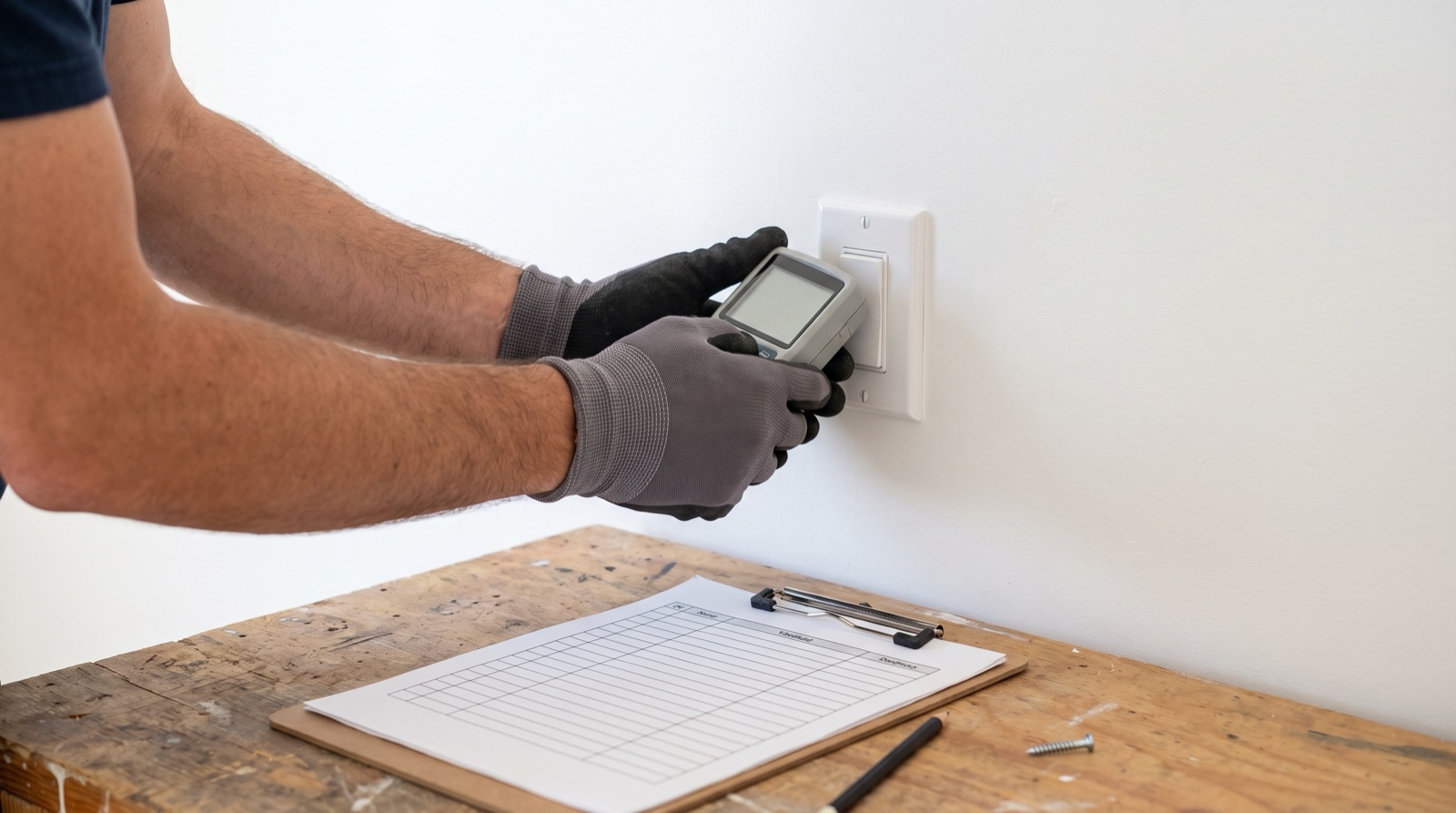
A smart home commissioning checklist Malaysia guide: a per-room test sheet, cold-start automation checks, load tests, board marking and handover pack.
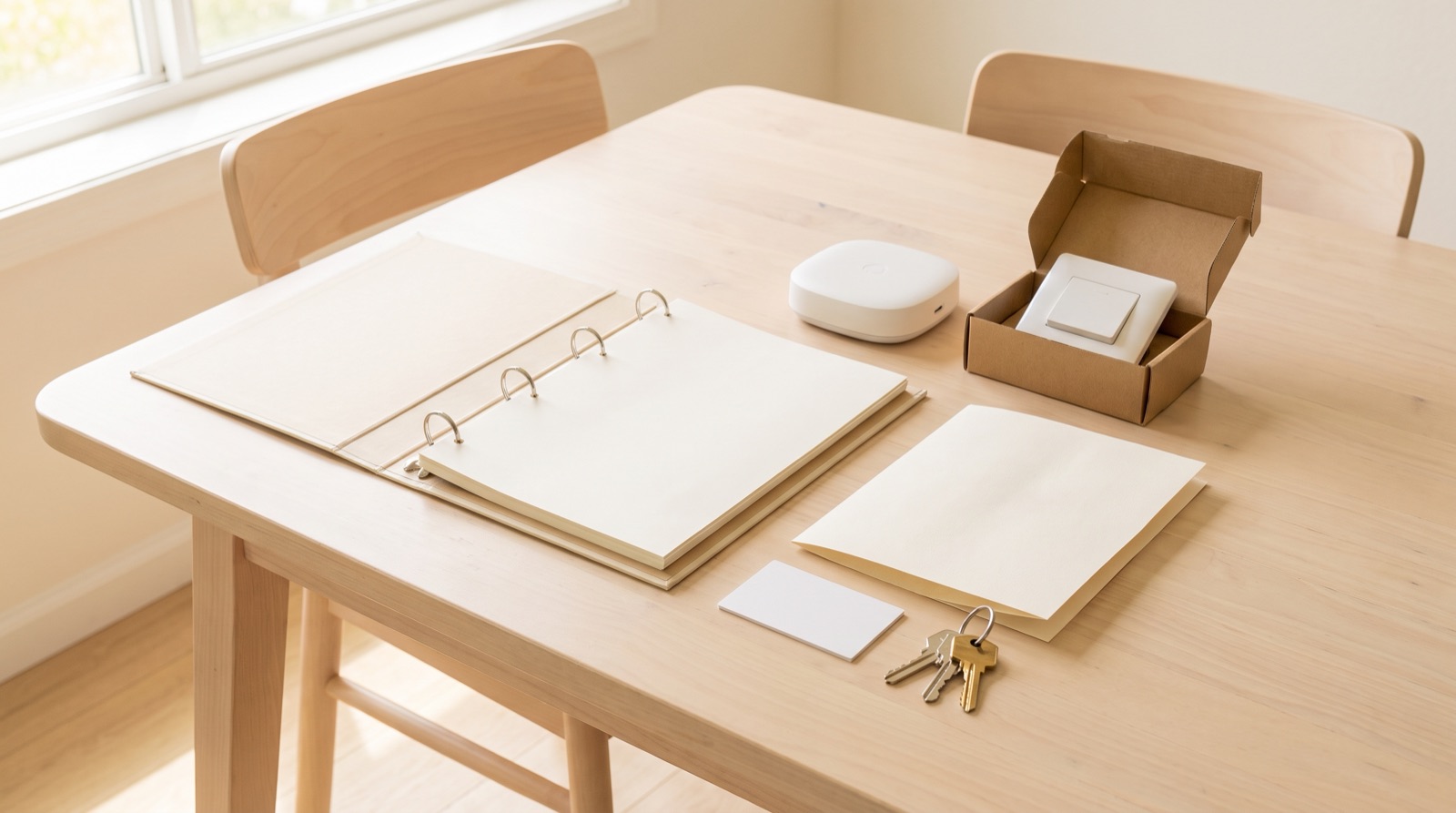
What belongs in smart home handover documentation in Malaysia: device list, hub account, plain-language automations, manual override, spares and warranty.
Tell us about your space. Our B2B team will reply within one business day with a recommended setup and quotation.
WhatsApp us →
[email protected]
+603-5880 5486