







Smart Home Commissioning Checklist Malaysia: An Installer's Guide
A smart home commissioning checklist Malaysia guide: a per-room test sheet, cold-start automation checks, load tests, board marking and handover pack.
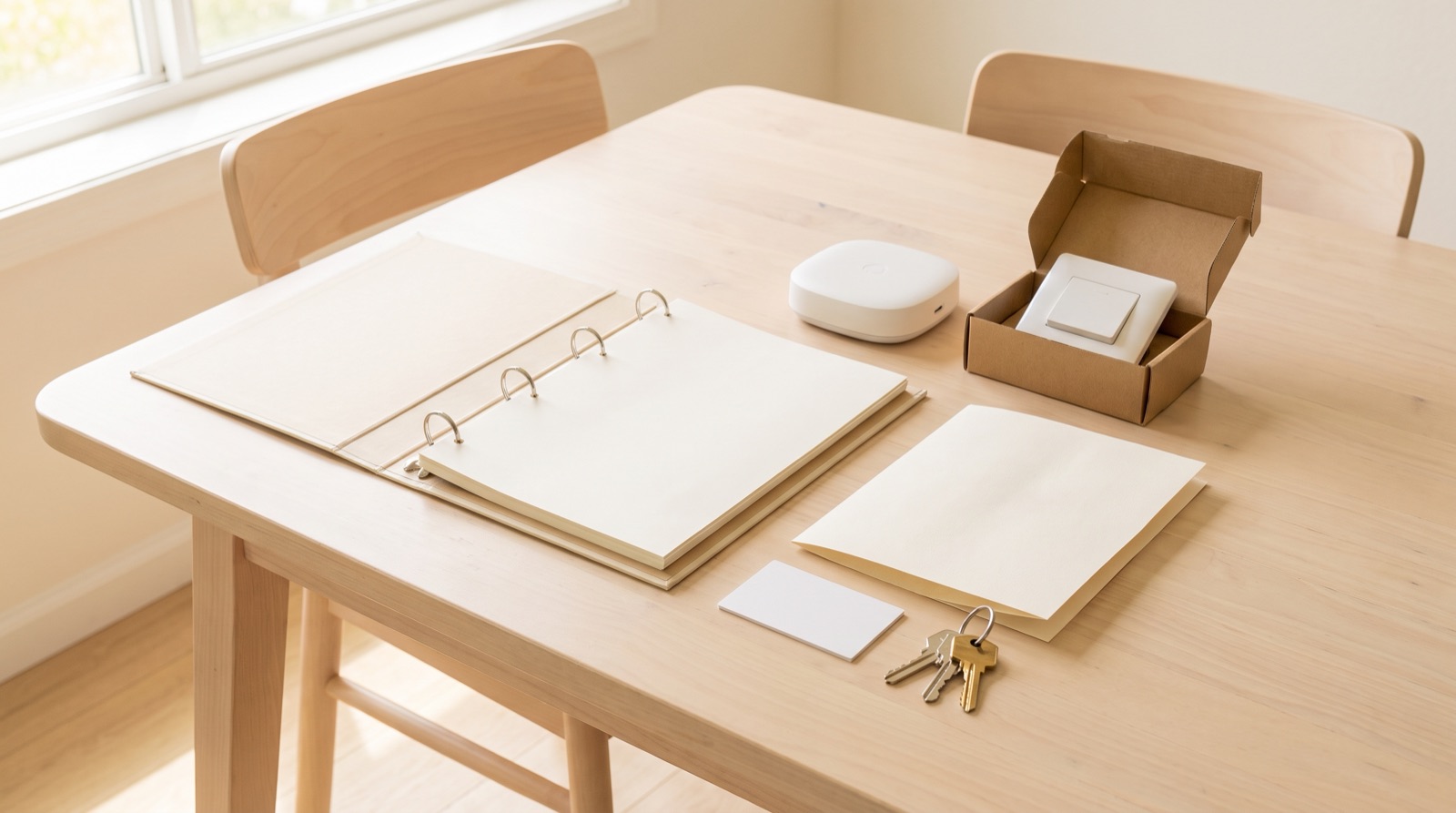
Answer up front — A handover pack is the single document you give the client when you leave, and it is the cheapest insurance in the whole job. It needs eight things: a device list with model and location, the hub details and which account owns it, every automation written in plain language instead of rule names, how to get back into the account if they lose access, the manual override — how to turn a light on at the wall when the app is down, the spares and the warranty position, who to call and when, and a written list of what you deliberately did not automate and why. The manual override is the section that prevents the callback.
There is a pre-install survey, which tells you what is in the wall. There is commissioning, which proves the system works. And then there is the handover pack, which is the thing the client actually keeps.
Most installers do the first two and treat the third as a formality — a receipt, maybe a printout of the device list from the app. That is the gap. A printout shows what exists. A handover pack explains what it does, how to operate it without you, and what happens when something stops working at 9pm.
Commissioning is a paid step on your site. The handover pack is the artefact that survives your site. When the client calls in two years because they are moving house and need to know which circuit feeds which switch, the pack is the only reason that call does not happen.
| Section | What it contains | Why it is there |
|---|---|---|
| Device list | Every device: model, room, position, quantity | So anything that fails can be identified without a visit |
| Hub details | Model, where it sits, what depends on it, what happens if it is replaced | The hub is the single point the whole system depends on |
| Account and access | Which Aqara Home account owns it, which phones are added, how to add or remove one | Stops you owning the install for the next ten years |
| Automations, in plain language | What each one does, with its delays and timeouts | "Automation 4" tells a client nothing |
| Access recovery | How to get back in if they lose the account or change phone | The most common lock-out, and the most avoidable |
| Manual override | How to physically operate each load when the app is not working | The support call this section prevents |
| Spares and warranty | What spare was left, what the local warranty covers, what it does not | Sets expectations before the first fault |
| What was not automated | Every deliberate omission, and the reason | Turns a perceived shortfall into a documented decision |
| Support route | Who to call, when, and what to have ready | Stops you being the default answer for everything |
Model, room, position, quantity. "Aqara smart switch, kitchen, left of the doorway, 1-gang" is a serviceable line. "Smart switch" is not.
Include the circuit reference against each converted point, tied to the board schedule. This is what turns a warranty conversation into a two-minute check instead of a site visit.
Say plainly which Aqara Home account the hub is registered to, and make sure it is the client's, not yours.
This is the single most consequential line in the document. If the hub sits on an account you created from your own phone during commissioning, you own that install. When the client changes phones in two years and cannot get in, you are the answer — and you should not be. Add the client as the account owner, not as a shared guest. It matters at resale and it matters when you are no longer the person they call.
Also state what the hub controls and where it is physically located, because the first thing a client does when something misbehaves is look for the box.
Every automation, written the way you would say it out loud.
"When the front door opens, the hallway light comes on for three minutes, then goes off by itself."
Not "Automation 4: trigger — door sensor P2, action — hallway light, delay 180s". The rule name is how it looks in the app. The sentence is how it behaves. Include the delays and the timeouts, because those are the parts a client is most likely to think are broken when they behave as designed.
Write it so it still makes sense in six months, to someone who is not you. A client who understands their own system does not call you to ask why the light did not come on.
Assume they will lose access at some point. New phone, forgotten password, someone in the family signed the account out.
Write the recovery route in the pack, in order, in plain language: which account the hub is on, how the password reset works, who the account holder is, and what happens if the account holder is no longer available. This is five minutes of work that prevents a job where the whole system appears dead because nobody can sign in.
Cover this properly. It is the most valuable page in the pack.
A client who cannot physically turn a light on considers the system broken. Not inconvenient — broken. And they are not being unreasonable. They bought a light switch. When the app is down, the internet is out, or the hub needs a reboot, the switch on the wall had better still switch the light. If it does not, the entire automation layer feels like a toy sitting on top of a house that used to work perfectly.
Go through it room by room, on site, on the client's phone:
Then write it down per device, not once at the top of the document. A single line saying "manual override available on most devices" is worse than nothing, because it teaches the client that the system works that way when for three specific loads it does not.
Aqara is Zigbee-first and local automations keep running on the hub rather than the router, so a lot of this genuinely does keep working when the internet drops. Test that during commissioning — pull the Wi-Fi, watch what still responds — and record the honest answer for each point. Commissioning and handover testing covers how to establish it rather than assume it.
Say what spare you left and where it is: a mechanical key for the lock, a spare sensor, a spare faceplate in the same finish as the one you fitted. Keys for smart locks get lost, and the client should know before the day they lose one.
Then state the warranty position plainly, using the terms that apply to the products you fitted, as confirmed with Synchroweb at the time of the job — not recalled from a document you wrote six months ago. Products supplied through Synchroweb, the official Aqara distributor in Malaysia, come with a local warranty route, which is a real advantage over grey imports. Say so factually, not as a sales line.
Name a person or a number. Give the hours. Say what to have ready before they call: the device model, the room, and what happens when they try the manual override.
Vague support instructions generate more calls than no instructions, because the client calls to find out what the instructions were.
This is the section integrators skip and clients value most.
Every deliberate omission belongs in writing:
Written down, this turns a perceived shortfall into a documented decision. Left unsaid, it becomes the first thing the client mentions when they ask someone else for a second opinion. The house is not consistent across rooms — a neutral at the kitchen switch and none at the bedroom switch in the same house is normal — and this section is where you show you checked rather than assumed.
This is the security point in the pack, and it is the part that gets skipped.
The general principle: hand over the means of access, not the access itself, unless the client is the account owner. If they are, they get the account — and nothing of yours stays behind in their house.
A printed pack, room by room, that matches how the house is actually laid out. Walk the client through it standing in the house, on their phone, pointing at each switch as you read the line. This is not a formality — the walkthrough is where they discover that the override on the kitchen downlights behaves differently from the hallway, and where you can fix the documentation while you are still there.
Then get it signed. The signature is your record that they have seen the system work and been shown how to use it, which is what decides whether a later call is a fault or a misunderstanding.
Every fixed electrical change in the job belongs to a Suruhanjaya Tenaga-registered wireman under the Electricity Supply Act 1990 (Act 447). The pack and the walkthrough are yours; the electrical sign-off is the wireman's.
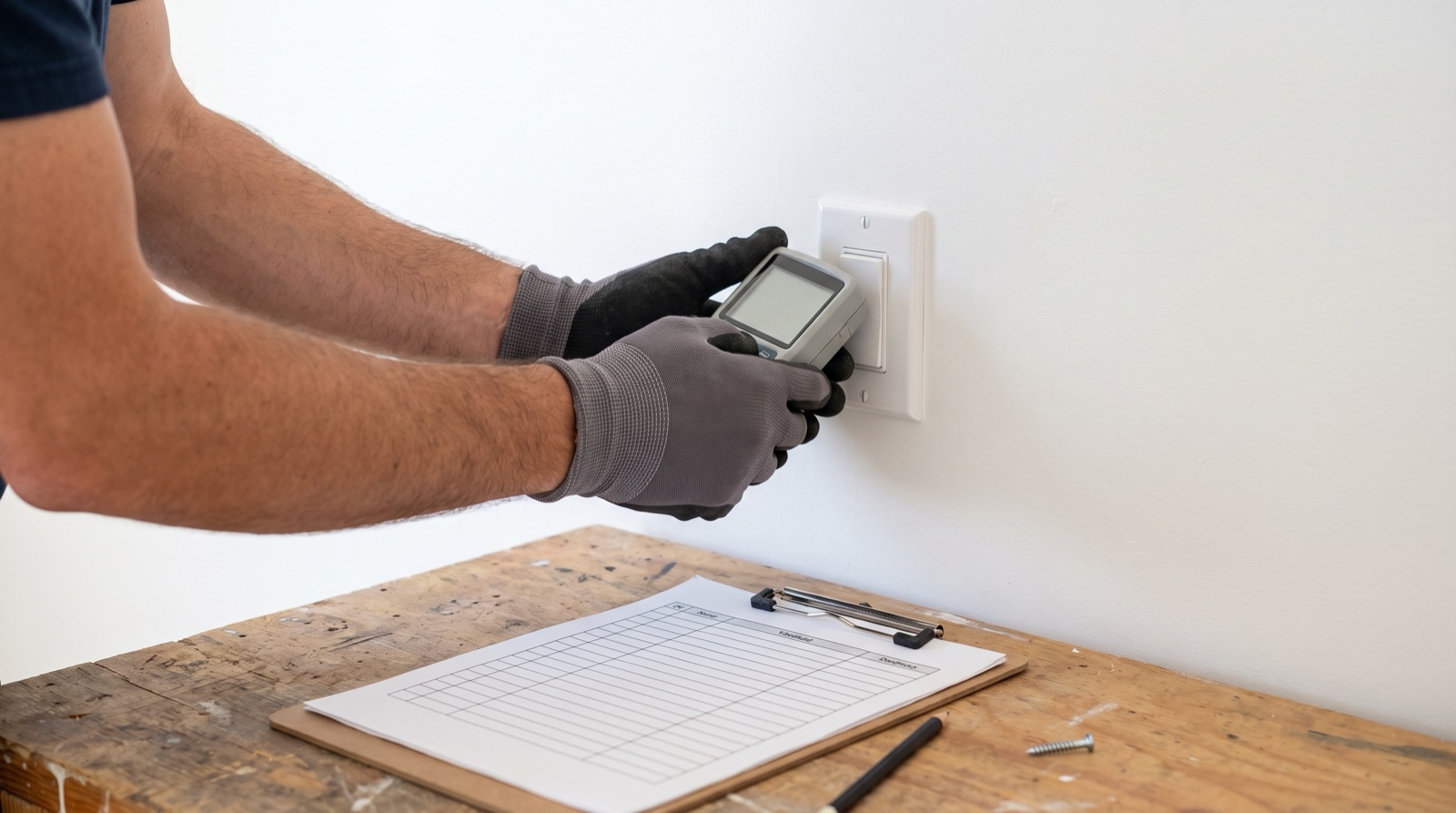
A smart home commissioning checklist Malaysia guide: a per-room test sheet, cold-start automation checks, load tests, board marking and handover pack.
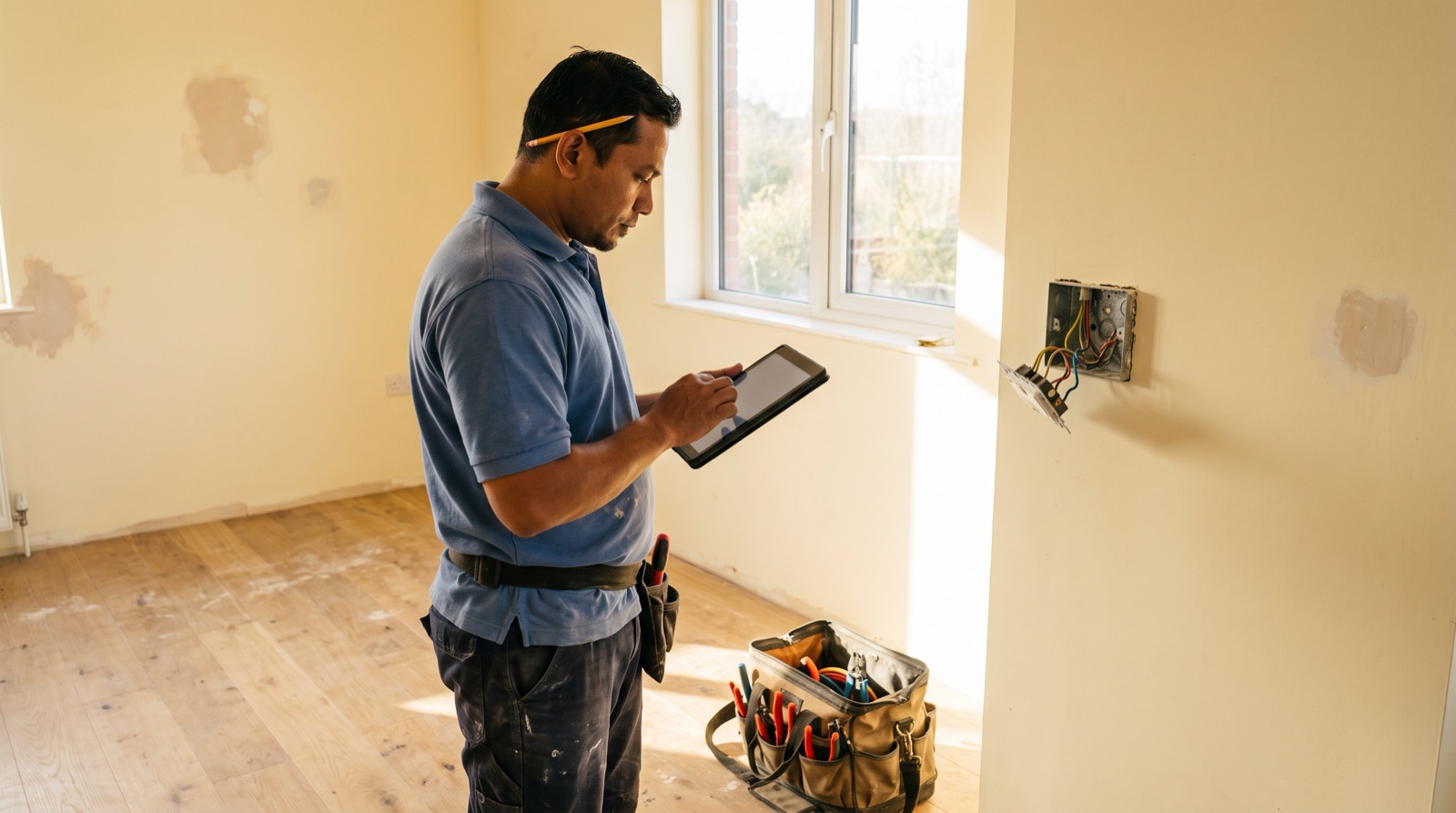
A smart home site survey Malaysia checklist: how to record neutral presence, back box depth and circuit ID at every switch position, before you quote.
From the official Aqara Malaysia distributor: the current range, which products need a neutral, back box and gang needs, aircon loads and local support.
Tell us about your space. Our B2B team will reply within one business day with a recommended setup and quotation.
WhatsApp us →
[email protected]
+603-5880 5486