







Aqara Thermostat and Aircon Control in Malaysia: A Humid Climate Guide
How Aqara's smart thermostat and aircon control work in Malaysia: what Adaptive Temperature does, why local-first matters when the fibre drops, and the W200.
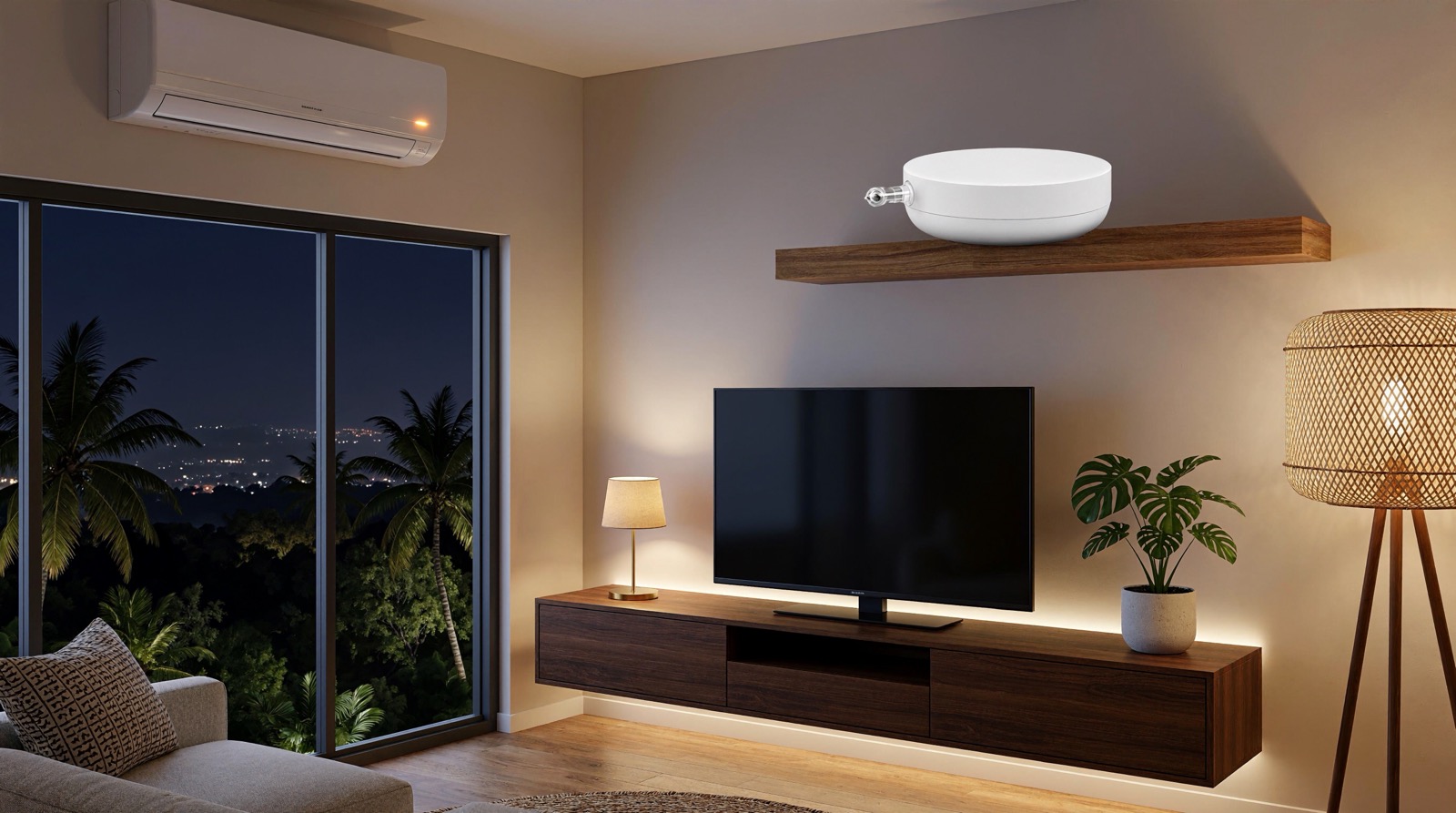
Answer up front — Infrared control is worth buying when the appliance came with the house and cannot sensibly be replaced: a split aircon with a working remote, an older television, a standing fan, a projector. Aqara puts the IR blaster inside the hub, so you get the whole remote — mode, temperature, fan speed — from your phone and inside automations. Three limits decide whether it works for you. The hub needs line of sight to the appliance's receiver. The device learns its codes from your original remote, so an unsupported unit may simply never learn. And IR is one-way: nothing comes back, so an automation cannot read the aircon's state. That last limit is why the useful pairing is a plug with energy monitoring or a climate sensor alongside the hub.
This is for someone in a Malaysian home with an aircon, a television and a fan that were never designed to be automated, which is most homes. The decision is not whether Aqara is a good platform. It is whether infrared, specifically, is the right tool for the appliance you already own.
The honest case for IR is narrow. It is for appliances that are already installed, that you are not replacing, and that have no other route into your system. In a typical Malaysian house that is the split aircon that came with the unit, a television that predates every smart platform, a standing fan, and occasionally a projector.
Infrared is not a smart-home feature. It is a way of pressing buttons on a remote that has been lost, from a phone.
For a split aircon, IR gives you the whole remote — mode, temperature, fan speed, swing. For a television, power, volume and input. For a fan with a remote, speed and power. What none of them give you is a state: no readback of what the unit is doing. That is not a gap in the product range, it is a property of the technology, and section 4 covers what it changes.
If the appliance can be switched at the socket instead, that is usually the better route — retrofitting existing appliances works through each type.
Infrared is light at wavelengths beyond red. An appliance's receiver window understands a set of coded light pulses, and each button on the original remote is one such code. A hub with an IR blaster emits the same codes.
Learning works like this:
Two consequences matter before you buy.
The hub learns from your remote, not from a brand list. If the original remote has been lost, or replaced with a phone app that only speaks Wi-Fi, there is nothing to learn from. Infrared codes differ between makes and models, and a hub that has never seen your remote has nothing to learn from. Bring us the make and model and we will check it.
Learning is per button. The hub records what the remote actually sends, so an aircon with no fan-speed button still teaches correctly. What it cannot do is invent a button the remote does not have — an aircon with a physical swing switch and no swing code will not get swing.
This is the rule that decides most IR installations, and it is the one people discover at 2am rather than at the planning stage.
Infrared needs a path from the blaster to the appliance's receiver. On a split unit the receiver is a narrow window on the front panel, usually near the bottom, often behind a flap:
Hub placement, mesh coverage and power are covered in hub placement, Wi-Fi coverage and power backup.
Infrared is a one-way street. The hub emits. The unit receives. Nothing comes back.
There is no published way to read an aircon's current state from Aqara's IR blaster. Not the setpoint, not the mode, not whether it is running. An automation cannot be written as "if the aircon is on, switch it off", because that is not a value the system holds. It can send "set 24 °C" — a command, not a state.
Nor should you read the hub's speaker as a receipt. The Hub M200 carries a 90 dB speaker for alarms, chimes and custom audio, and the Hub M3 has a 95 dB speaker. A sound tells you the hub is alive, not that the aircon received the command.
So the practical design is to sense the room or the supply, and let IR handle the settings:
| What you want to know | Device that actually knows it | What it reports |
|---|---|---|
| Is a socketable load drawing power | Power Plug H2 UK — Type G, switches up to 3,250 W, with energy monitoring | On, off and consumption |
| What is the room temperature | Climate Sensor W100 — temperature and humidity on an LCD, with buttons that act as a wireless controller | Room temperature and humidity, not the setpoint |
| Is the aircon circuit drawing | Smart 20A Switch H1 (SEA version) — 20 A rating with energy monitoring | Load on the circuit, not the unit's mode |
Note the boundary. The Power Plug H2 UK needs a plug-in appliance within its rating. The Smart 20A Switch H1 works on the aircon circuit, and that is fixed electrical work under the Electricity Supply Act 1990 (Act 447) — see aircon, water heater and 20A circuits. Neither gives you a setpoint; only IR does that, as a command.
If your goal is presence-based climate control — the aircon coming on when someone is in the room and off when the room empties — IR alone is the wrong tool; combine it with a presence or climate sensor. Aqara thermostat and aircon control in Malaysia sets out the three routes.
Three devices in the range have an IR emitter of their own, and two that people assume have one do not.
| Device | IR blaster | What it is for in this article |
|---|---|---|
| Hub M200 | Yes — 360° IR control for AC units and AV gear | The straightforward choice for a home with IR appliances |
| Hub M3 | Yes — IR blaster with a 95 dB speaker | Larger homes and projects: up to 127 Zigbee plus 127 Thread devices |
| Camera Hub G3 | Yes — infrared remote control built in | A 2K pan-tilt camera that also runs your sensors and also emits IR |
| Panel Hub S1 Plus | Not stated by Aqara | An in-wall touchscreen and Zigbee hub — a control surface, not an emitter |
| Cube T1 Pro | No | A gesture cube with six faces for six scenes; it triggers an automation |
The Cube T1 Pro is a trigger, not a transmitter. It rotates, shakes, flips and taps, and each face can run a different scene over Zigbee. If one of those scenes turns the aircon down, the infrared still leaves from the hub, so the hub still needs the line of sight.
The Panel Hub S1 Plus is worth knowing for a different reason. It is a wall-mounted touchscreen with wired relay channels, a 1440 × 720 screen and a 200–240 V AC supply rated to 8 A resistive. It acts as a Zigbee hub, and Aqara's published material for it lists no infrared blaster — confirm with us if you need one in the same box.
For the wider hub picture, read Aqara Hub M3 vs M2 vs M100 vs M200.
| Appliance | Does IR fit? | Route |
|---|---|---|
| Split aircon, original remote in hand | Yes, if the model is supported and the hub can see the receiver | IR through the Hub M200 or Hub M3 |
| Older television | Yes for power, volume and input | IR; check the receiver window is visible |
| Standing fan with a remote | Rarely worth IR | Power Plug H2 UK with a schedule |
| Window or portable aircon | No | Power Plug H2 UK, subject to the unit's rating |
| Aircon switched off by rule, not adjusted | IR cannot do this | Smart 20A Switch H1 (SEA version) on the circuit |
Here is the honest limit.
Infrared cannot tell you what the appliance is doing. Every automation over IR is open-loop. If the unit was already at 24 °C, or somebody changed the mode with the physical remote, or the receiver was blocked, your system will not know and will not correct it.
Learning depends on the original remote surviving. This is where IR projects fail: the appliance is fine, the hub is fine, and there is simply no remote to learn from.
Some appliances are not IR at all. A television with only Wi-Fi control and an aircon with a wired controller wall unit will not respond to infrared, and no configuration changes that.
Hub placement is a hard constraint, not a preference. An IR hub in a cupboard to keep it tidy is the most common way this fails.
One IR aircon can be exposed to Matter at a time. Aqara's published limitation on the Hub M200 is that only one IR air-conditioner can be bridged into Matter AC mode. If you have three aircons, decide before you buy.
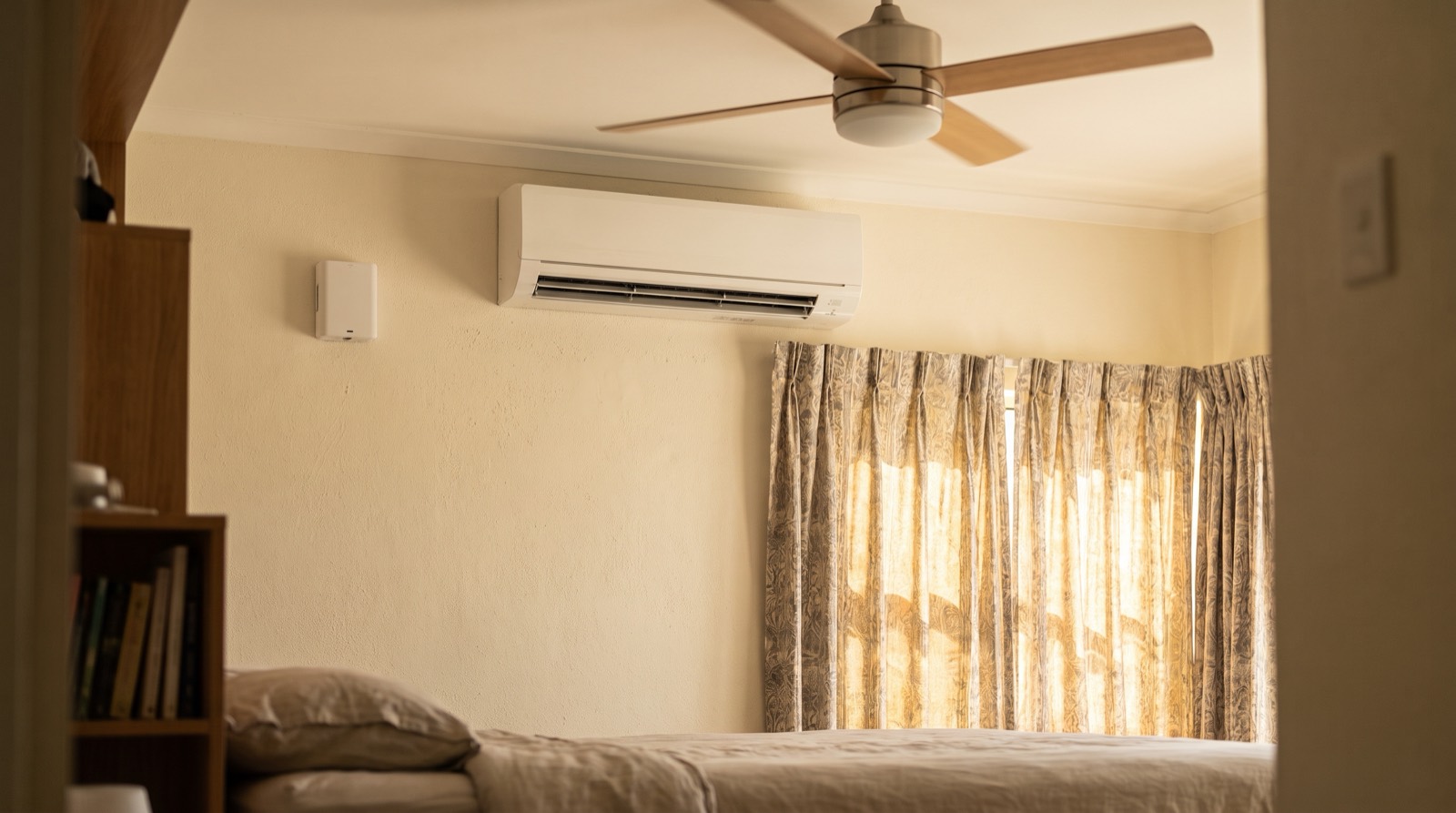
How Aqara's smart thermostat and aircon control work in Malaysia: what Adaptive Temperature does, why local-first matters when the fibre drops, and the W200.
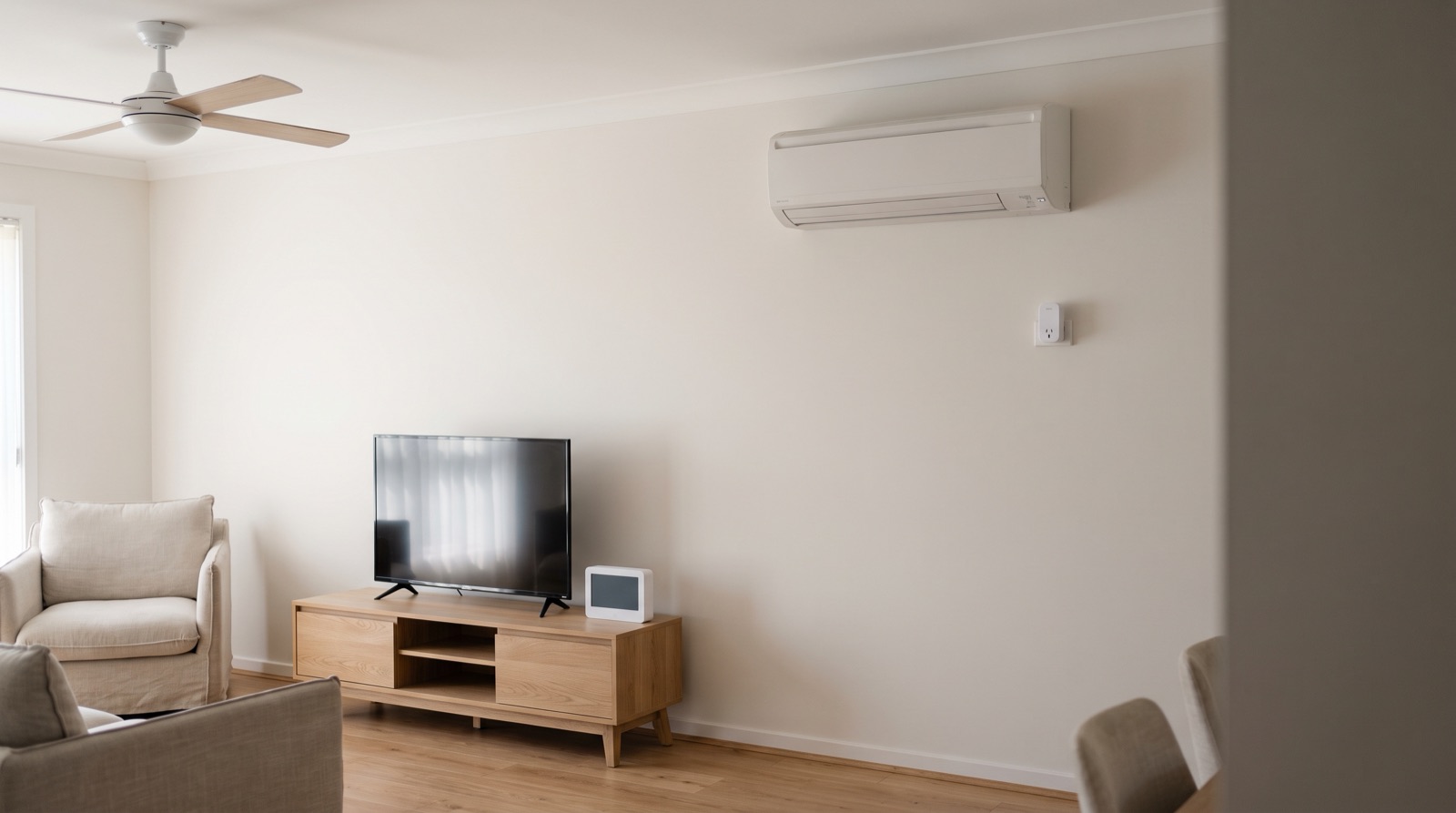
Smart home retrofit for the aircon, TV and washing machine in Malaysia: which appliances are worth automating, which to leave alone, and what to use.
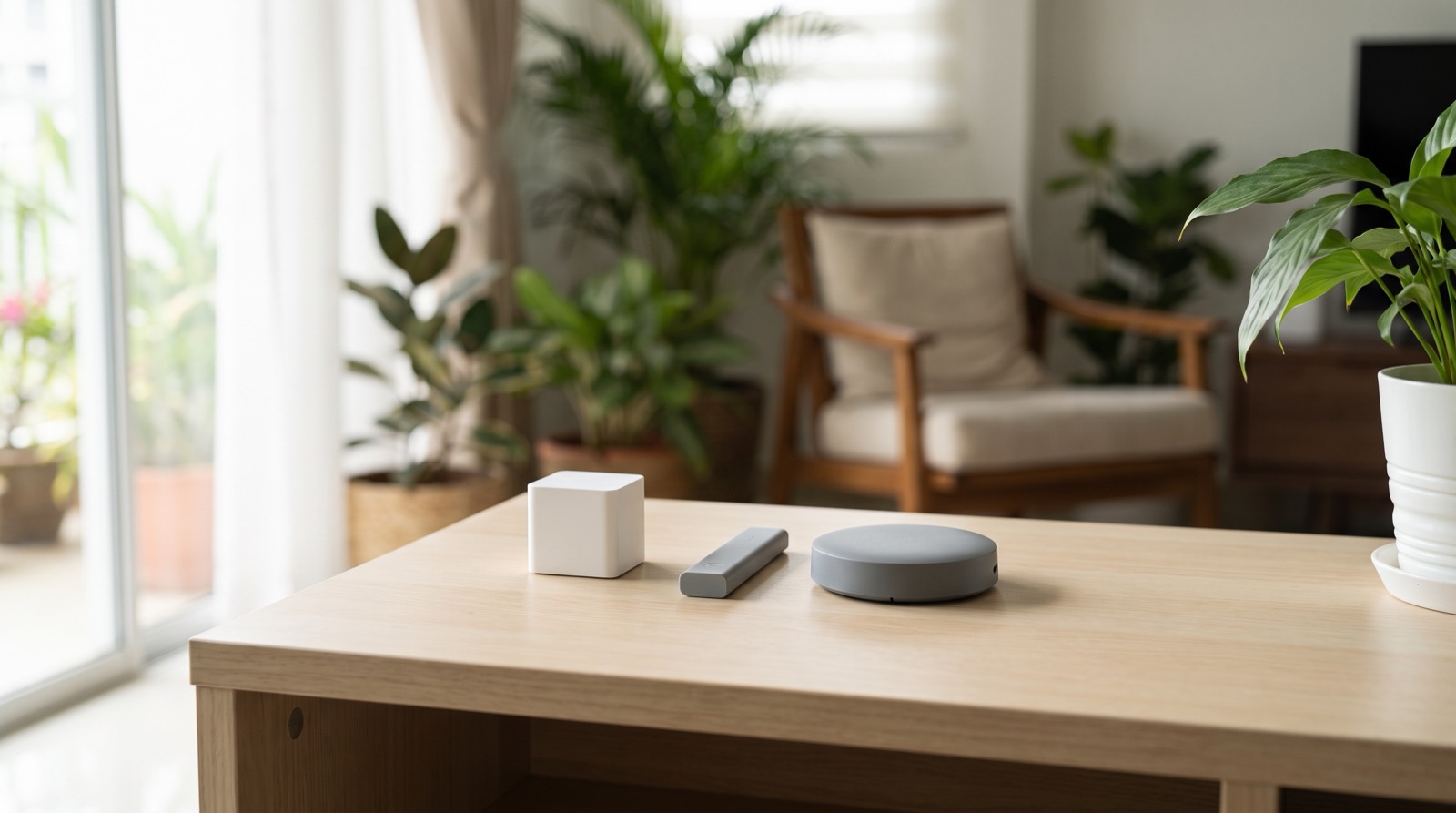
Aqara Hub M3 vs M2, M100 and M200 compared: device capacity, Matter roles, Thread, power options and the limits of each hub, from Aqara's own specs.
Tell us about your space. Our B2B team will reply within one business day with a recommended setup and quotation.
WhatsApp us →
[email protected]
+603-5880 5486