







Aqara Studio Platform Explained: Spatial Intelligence for Buildings
Aqara Studio platform explained for integrators: the three deployment models, protocol support, space management, visual automation and what stays on site.
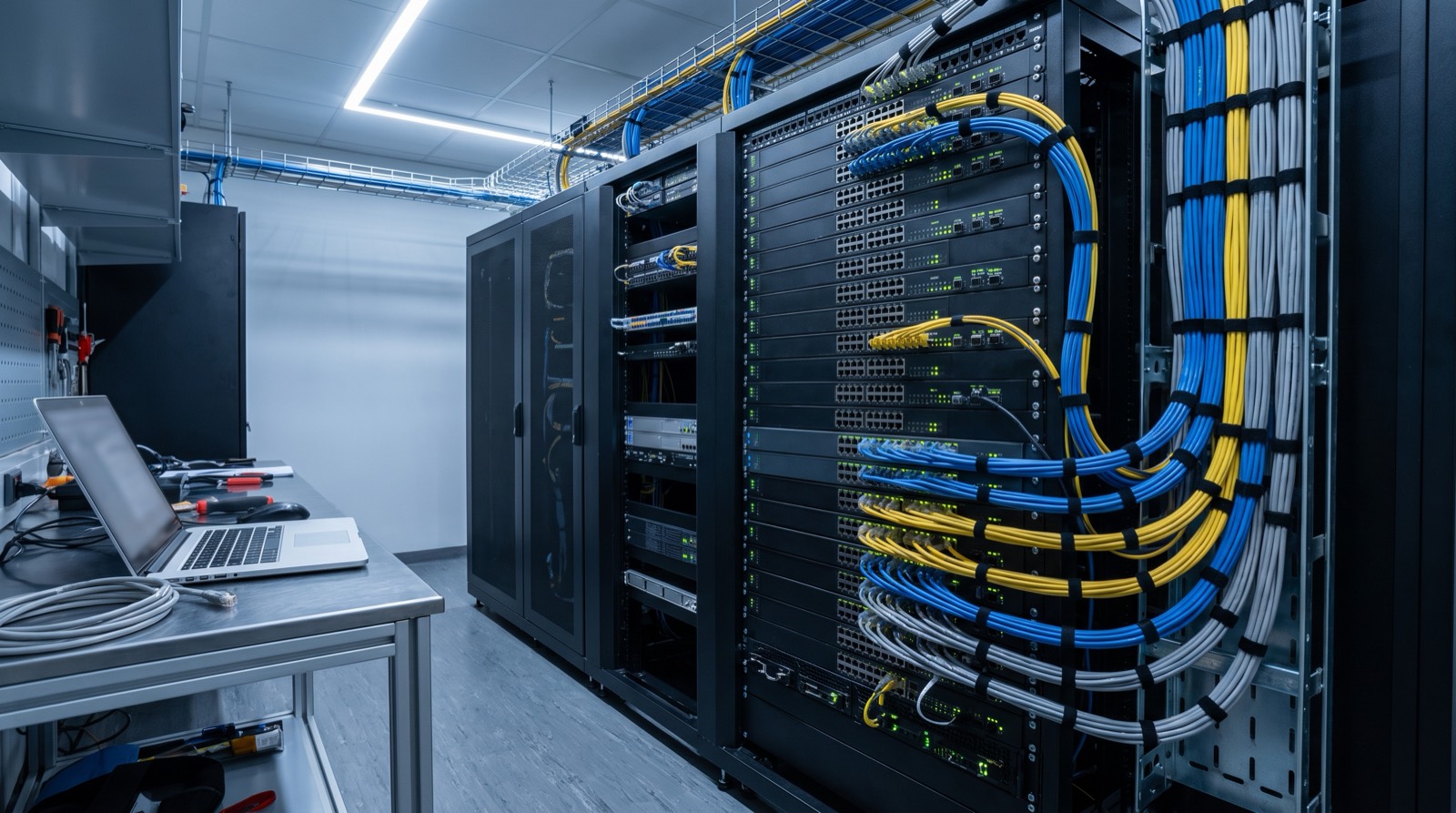
Answer up front — The Edge Hub M300 is Aqara's official hardware controller for the Aqara Studio spatial intelligence operating system, acting as a local edge hub and gateway, and Aqara Studio Connect is a lightweight version of Studio that runs only on it. It is managed through a web interface with no extra software to install, supports up to 500 connected devices, and speaks Zigbee 3.0, Thread, Wi-Fi, Ethernet, BACnet/IP, KNX/IP and Modbus. The part that matters before you plan a job: Aqara's own documentation lists the M300's sales regions as Chinese Mainland, North America, Europe and Russia. The M300 has not been listed as a Malaysian-channel product. Talk to us about availability and project fit.
Aqara announced the Edge Hub M300 at IFA 2025 in Denver on 3 September 2025, with a projected release in Q4 2025. For an installer, the interesting part is not the announcement. It is that Aqara built dedicated hardware for the Studio platform rather than expecting integrators to run Studio on their own servers, and then built a reduced edition of Studio that runs on that hardware alone. This post is about what that combination actually does on site, and about the sales-region limit you need to know before you write it into a quote.
Aqara's product documentation for the Edge Hub M300 states its sales regions as Chinese Mainland, North America, Europe and Russia. Malaysia is not on that list.
| Question | Position as documented |
|---|---|
| Is the M300 listed for Malaysia by Aqara? | No |
| Do we hold Malaysian stock of the M300? | We do not claim to |
| Can you write it into a quotation today? | Not as a Malaysian-channel line item |
| Can you plan a project around it? | Yes, as a capability conversation |
| Is it worth watching? | Yes — it is the shape Aqara is moving toward |
The M300 has not been listed as a Malaysian-channel product. Talk to us about availability and project fit.
What you can still do is brief a client honestly about where the platform is heading, and stage the project so that the M300 is a decision point rather than a sunk cost. The rest of this post assumes you are doing that.
Aqara describes Studio as "an ontology-native spatial intelligent operating system built on spatial ontology." The M300 is the hardware that runs it. It does two jobs at once: a local edge hub handling transport, multi-protocol parsing, configuration and automation orchestration, and a gateway for the systems around it.
| Item | Detail |
|---|---|
| Role | Official hardware controller for Aqara Studio; local edge hub and gateway |
| Model | HM-G04D (Global); ZHWG27LM is the Chinese variant |
| SKU | AG048GLB02 (Global) |
| Announcement | 4 September 2025; projected release Q4 2025 |
| Device capacity | Up to 500 connected devices |
| Ports | RJ-45 (Ethernet) and USB-C |
| Power | PoE or USB. Power adapter is not included in the box |
| Box contents | Edge Hub M300 ×1, manual, 1 m USB-A to USB-C cable, bracket, screws |
| Intended scale | Single-family homes, small multi-family properties, light commercial |
Two items in that table will decide whether your installation day goes well.
There is no power adapter in the box. You are supplying it. If the unit is going on a shelf in a utility area, a USB-C supply is fine. If you intend to run it on PoE, you need a PoE switch or PoE injector at the other end of the cable run, and that belongs in the materials list before you price the job — not after.
There is one 1 m USB-A to USB-C cable. That is a desk cable. Every realistic ceiling or comms-room install needs its own cable, and the RJ-45 run needs to be planned to the standard you already work to. See our guide to running cable in concrete walls before you commit to a route.
Aqara Studio Connect is a lightweight version of Aqara Studio that runs exclusively on the M300. It is not a separate product you buy alongside the hub; it is the software experience that hub is built to run.
Four properties matter on site:
It runs in a web interface. Integrators manage client systems without installing extra software. There is no per-site desktop application to license, install, keep in version alignment, or uninstall when a project ends.
It supports remote access. That is the operational difference for an installer running multiple projects: managing them and troubleshooting them without a site visit. On the hub-integrated model, transport, parsing, configuration and automation orchestration all happen on the hub, so control does not depend on a round trip to a cloud service. If you are weighing that against running Studio on your own edge hardware, the deployment-model comparison in Aqara Studio Explained covers the trade-off properly.
It has a Flow editor with no code required. Aqara Studio carries two visual logic tools, Classic and Flow, positioned as zero to minimal code. Flow covers triggers and conditions, actions and data processing, and service calls. You build the logic by drawing it, which is what makes a scene handable to a client's maintenance person afterwards.
It caps at 500 connected devices. That is a design brief as much as a limit. Aqara positioned the M300 for single-family homes, small multi-family properties and light commercial work. Above roughly 500 devices you are into territory where you want to make the deployment-model decision deliberately, not discover it on commissioning day.
From the M300 hub-integrated documentation, the supported set is Zigbee 3.0, Thread, Wi-Fi, Ethernet, BACnet/IP, KNX/IP and Modbus. Aqara's community forum adds BACnet IP, KNX IP and Modbus TCP for professional building systems.
| Protocol | What it connects |
|---|---|
| Zigbee 3.0 | Aqara's own device range and third-party Zigbee |
| Thread | Thread accessories, including Matter over Thread |
| Matter | Matter-enabled accessories, subject to the Matter controller rule |
| Wi-Fi and Ethernet | IP-connected devices, cameras, cloud services |
| BACnet/IP | BMS plant and building systems |
| KNX/IP | KNX installations |
| Modbus | Metering, inverters, HVAC and industrial equipment |
The last three are the commercially interesting line for anyone quoting a commercial fit-out. Aqara devices stop being a consumer island and become one control layer sitting on top of equipment that already exists in the building. That is the argument to have with a building owner, and it is the argument that makes a spatial-intelligence conversation worth having before the cabling is done.
If you have a live project where this platform is the right answer, work through it in this sequence:
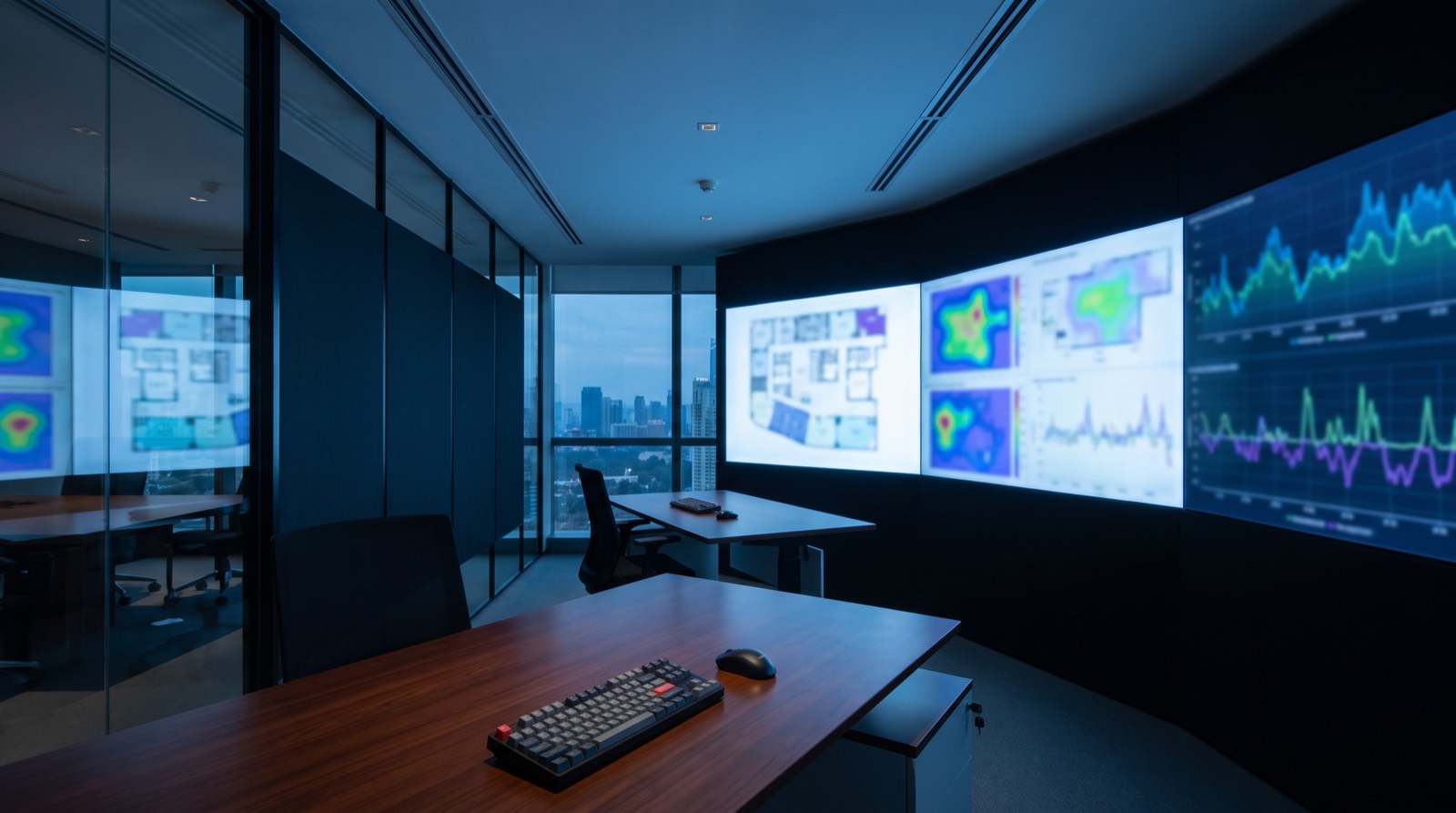
Aqara Studio platform explained for integrators: the three deployment models, protocol support, space management, visual automation and what stays on site.
Want to be an Aqara installer in Malaysia? Who the partner program suits, what the work involves day to day, and how to apply as a wireman or integrator.
Aqara installer training in Malaysia, broken down honestly: the six skill areas this work actually demands, and how to get properly trained before you sell.
Tell us about your space. Our B2B team will reply within one business day with a recommended setup and quotation.
WhatsApp us →
[email protected]
+603-5880 5486