




Buying Aqara in Malaysia: Authorised Resellers, Warranty and Fakes
How to buy Aqara in Malaysia safely: how Aqara's approved channel works, why region and server matter, and what a local support path is worth.
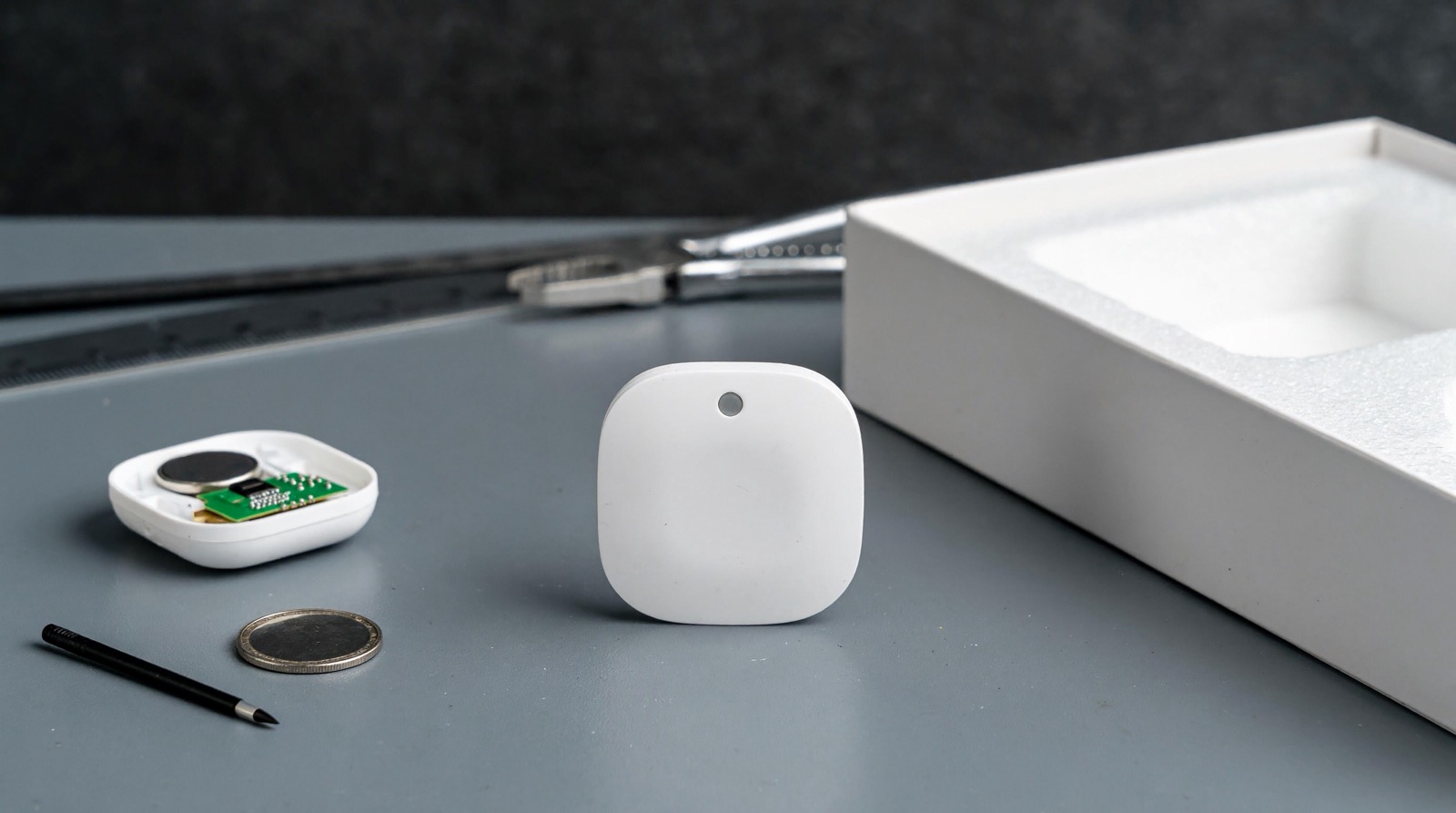
Answer up front — Warranty terms differ by model and by the channel you bought through, and a summary printed on a website goes stale. Get the current terms for the specific unit in writing before you buy. What this page does give you is the part that decides most cases: a triage table for working out whether a device that has stopped working needs replacing at all. Most units that appear dead are a battery, a lost mesh route or a hub problem. Diagnose first, replace second.
A device fails on a Tuesday evening and the question in your head is whether it is broken or whether something upstream is. In most cases it is not the device. This page is written for that moment: what a claim actually involves, what to gather before you contact anyone, and how to work out whether you have a channel problem, a configuration problem, or a genuinely failed unit.
Warranty terms are Aqara's to publish and ours to administer locally. We are the official Aqara distributor in Malaysia, and our role is to run the channel properly and to tell you the truth about it.
Three things follow from that, and they are worth separating because they are often run together:
A duration, a coverage promise, an exclusion list and a service response time all sit in the terms Aqara publishes for each model. Get those terms for your unit in writing and you have the answer a summary page could never give you.
This is the part that saves most people money. Work down the table in order — power and battery first, then the route to the hub, then the account, then the hardware. Each row states when a fault is genuinely the device.
| Symptom | Most likely cause | Check first | When it really is hardware |
|---|---|---|---|
| One sensor is offline, everything else is fine | Flat battery, or it has lost its route to the hub | The battery level the app reports; how far the device sits from the hub | A fresh cell of the specified type and a re-pair of that one device, and it still does not report |
| Several devices went offline together | The hub is offline, or the network changed | The hub's power light, then the router | The hub is confirmed healthy and the affected devices still fail |
| The device reports correctly but the automation never runs | The rule points at a device or scene that no longer exists, or the hub was reset | Read the rule and its device list; check whether the hub was reset | The rule names a device the app no longer lists |
| A Wi-Fi device is unreachable — camera, doorbell | The router, the network name, or the device's own Wi-Fi | Confirm it is on the expected network; check for recent router or broadband work | It is on the right network with signal, and still will not connect |
| A mains device does not respond | An upstream switch, a tripped breaker, or a power event | The socket or feed, then the distribution board | Supply is confirmed present at the device and the relay still does not act |
| A lock does not unlock | Flat battery, or the bolt is not meeting the strike | Battery level; try the PIN; check the door closes fully | The PIN works and the mechanism still fails, or the motor shows no response at all |
| A battery device dies again in the same place | Heat, humidity, or a cold spot against a metal frame | The ambient temperature of that spot; which cells are fitted | It fails again after a battery change in a cooler spot |
| Behaviour changed after a firmware update | An update that does not suit the rest of your system | The release notes and the app version | The fault persists when you roll back to the previous firmware |
The order is not arbitrary. A battery change is a minute of work and fixes a large share of cases. A reset and re-pair of one device is free and fixes the next share. Only when both have failed, and only when the failure follows the device rather than the room, are you looking at hardware. The full ordered checklist for a device that has dropped off is in why your smart device keeps dropping off.
These two look identical from the outside, and confusing them is what leads people to replace working devices.
A channel problem means the device is fine and the path to it is not. The tells: several devices affected at once; the device works when it is moved next to the hub; the app shows a low battery or a stale last-seen; the symptom appeared right after a network change. A device that only drops out in one room is a coverage question, not a device question — see Zigbee mesh repeaters and dead zones and hub placement, Wi-Fi coverage and power backup.
A hardware failure means the device fails in a way that power, battery and route cannot explain. The tells: physical damage, water ingress or corrosion; no response to a reset and re-pair; the same failure recurring at the same point; and a failure that follows the device between rooms rather than the room.
One practical rule: a reset is a diagnostic, not a cure. Reset and re-pair a single device, leave everything else alone, and watch it for a few days. If it comes back with the same fault, that is a hardware signal and you have evidence for a claim.
A case is handled by somebody who cannot see your house. What you send decides how quickly it moves, so send all of it the first time:
A written description in one paragraph helps too, because it forces the sequence into order. And if the property is run on Omaya, its device-health view — battery, firmware and last-seen across a site — is the same kind of evidence a case needs, captured in one place; Aqara presence sensing versus Omaya occupancy explains which layer answers which question.
Aqara publishes battery figures, and they are worth reading precisely rather than optimistically. The Motion Sensor P1 is stated at up to five years on 2 × CR2450. The Smoke Detector is stated at up to ten years on a sealed cell. Both assume ordinary conditions.
In a Malaysian interior those are upper bounds, not expectations. Heat accelerates discharge, humidity corrodes contacts, and a device on a car porch, an unroofed corridor or a metal window frame in the afternoon sun will reach its end earlier than the datasheet suggests. If a sensor sits in the one hot corner of the house, the fix may be where it sits rather than what it contains.
Two more practical points:
How to buy Aqara in Malaysia safely: how Aqara's approved channel works, why region and server matter, and what a local support path is worth.
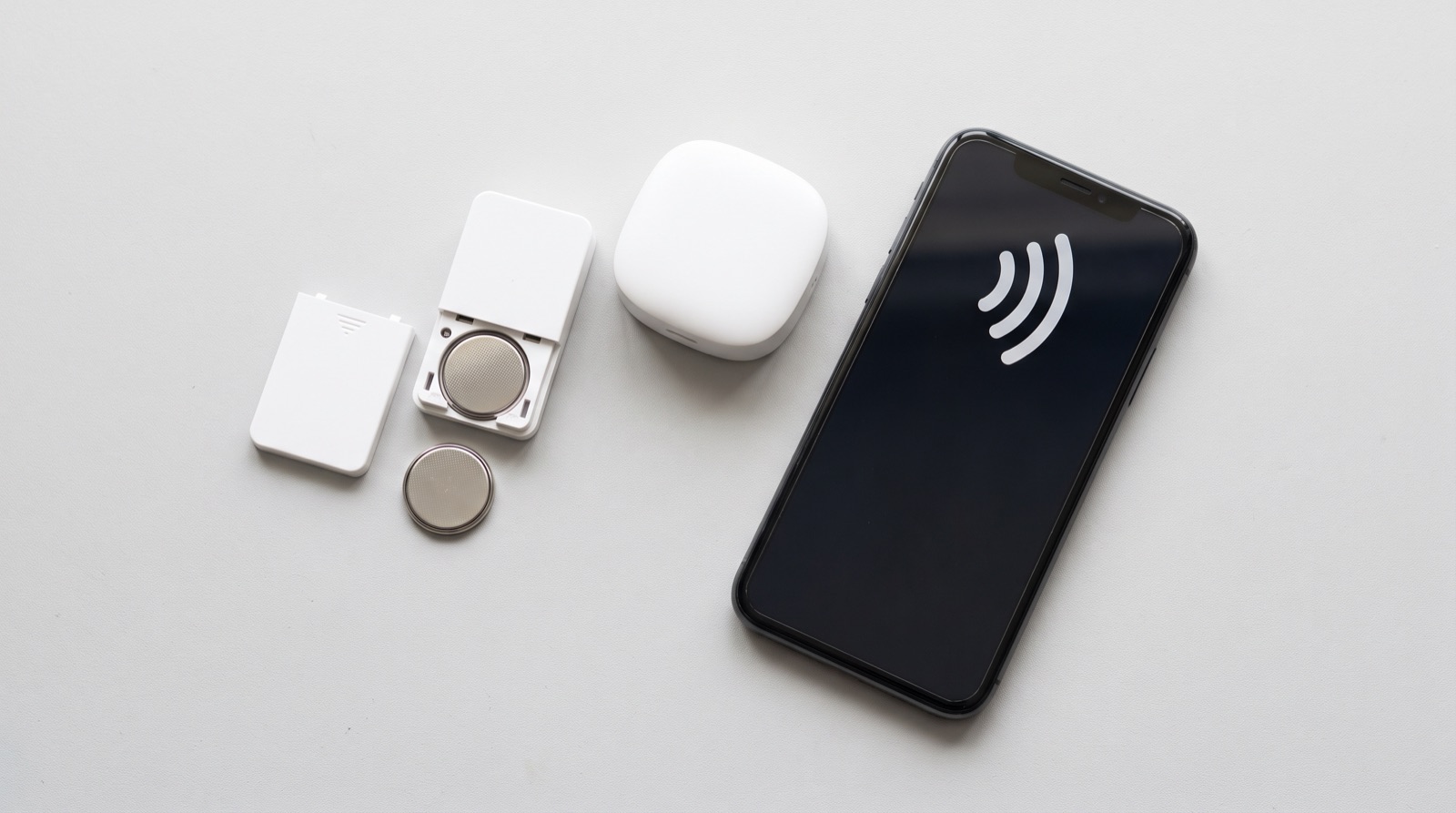
Smart home device keeps going offline in Malaysia? A six-step checklist from battery to hub to Wi-Fi, and the Zigbee versus internet mistake that costs people money.
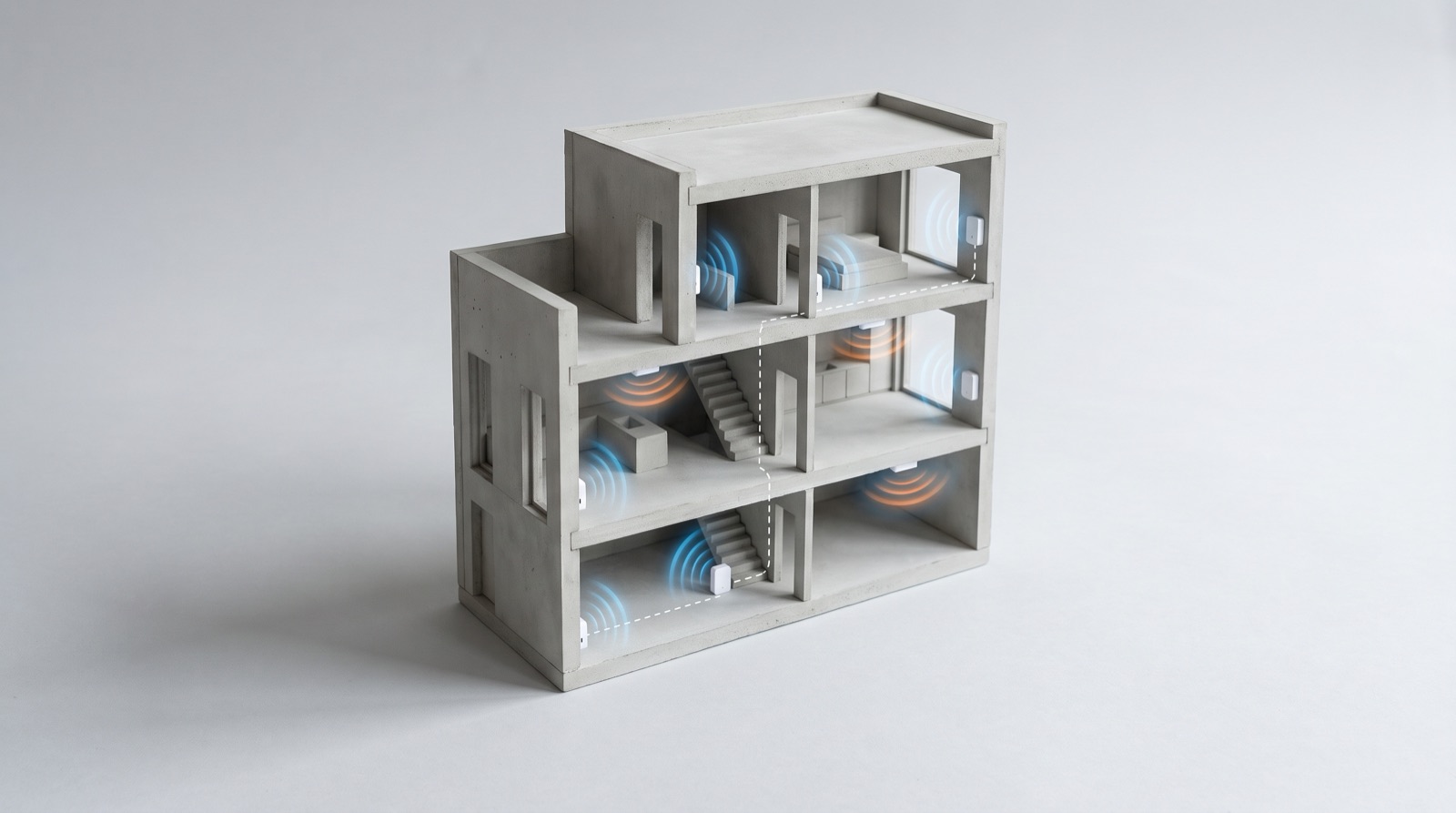
Zigbee mesh repeaters in a smart home Malaysia: why devices drop out in a landed house, how mains-powered devices extend the mesh, and how to survey RF.
Tell us about your space. Our B2B team will reply within one business day with a recommended setup and quotation.
WhatsApp us →
[email protected]
+603-5880 5486